On this page
- Free WordPress CRM plugins compared
- 1. DoubleScale Free: the most complete free WordPress CRM
- 2. HubSpot for WordPress: best free cloud CRM
- 3. FluentCRM: best free email marketing CRM
- 4. Jetpack CRM: best free CRM with invoicing
- 5. Groundhogg: best free CRM for funnels
- 6. FunnelKit Automations: best free CRM for WooCommerce
- 7. WP ERP: best free CRM with HR and accounting
- 8. WP-CRM System: best free CRM for simple client tracking
- Honourable mention: MailPoet for newsletters only
- Which free WordPress CRM should you choose?
- When free is no longer enough
- How to install a free WordPress CRM
- FAQs about free WordPress CRM plugins
- The bottom line
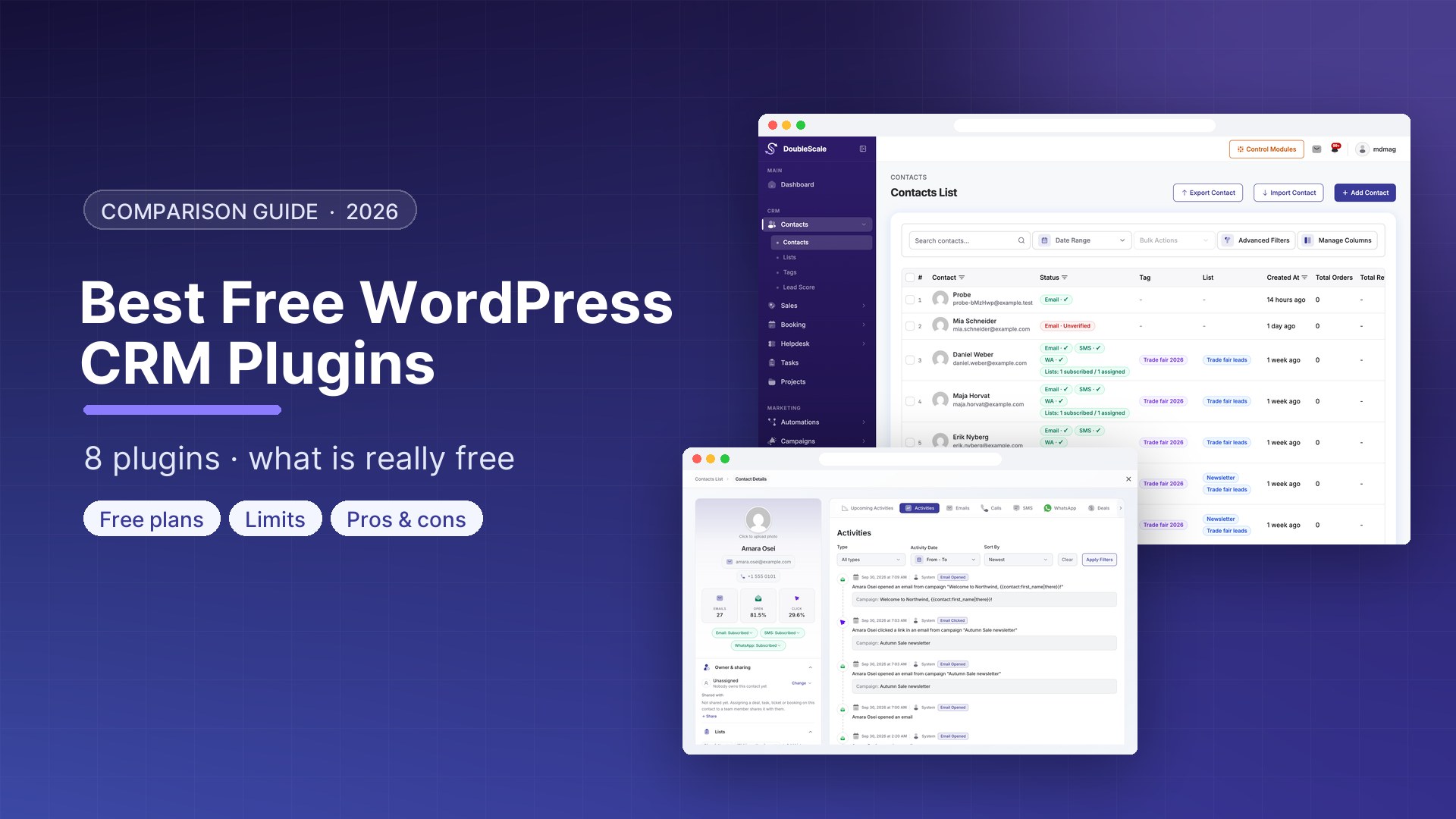
The best free WordPress CRM plugins in 2026 are DoubleScale Free (the most complete free CRM, with unlimited contacts, email campaigns, automations, booking and a helpdesk), HubSpot for WordPress (a free cloud CRM for up to two users), FluentCRM (free email marketing CRM), Jetpack CRM (free CRM with invoicing), Groundhogg, FunnelKit Automations, WP ERP and WP-CRM System.
“Free” means very different things across these plugins. Some give you unlimited contacts but no email sending, some include email but cap your users, and some keep your data in the cloud. This guide shows exactly what each free version includes, where the limits are, and when you would need to pay.
Disclosure: this guide is written by the DoubleScale team. Every install count, rating and limit below comes from WordPress.org or the vendor’s own pages, checked on October 10, 2026. For a comparison of paid features and pricing, see our guide to the best WordPress CRM plugins.
Free WordPress CRM plugins compared
| Plugin | Contacts on the free plan | Email campaigns | Automation | Data location | Active installs |
|---|---|---|---|---|---|
| DoubleScale Free | Unlimited | Yes | Yes, visual builder | Your WordPress database | 80+ (launched 2026) |
| HubSpot for WordPress | Generous free CRM, up to 2 users | Limited, with HubSpot branding | Paid plans | HubSpot’s servers | 200,000+ |
| FluentCRM | Unlimited | Yes | Basic | Your WordPress database | 80,000+ |
| Jetpack CRM | Unlimited | Extension | Extension | Your WordPress database | 30,000+ |
| Groundhogg | Unlimited | Yes | Yes, funnels | Your WordPress database | 2,000+ |
| FunnelKit Automations | Unlimited | Yes | Basic | Your WordPress database | 20,000+ |
| WP ERP | Unlimited | Basic | Paid plans | Your WordPress database | 5,000+ |
| WP-CRM System | Unlimited | No | No | Your WordPress database | 700+ |
A self-hosted free CRM still needs an email sending service for campaigns. Amazon SES, Brevo and SMTP2GO all have free or very low-cost tiers.
1. DoubleScale Free: the most complete free WordPress CRM
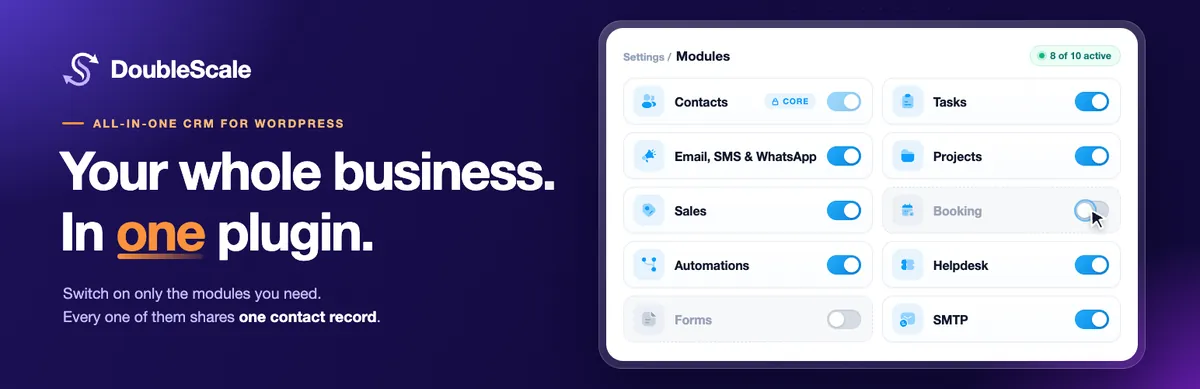
DoubleScale gives you more in its free version than any other plugin on this list. It is a full CRM plus email marketing, automation, booking and a helpdesk, all attached to one contact record in your own database.
What’s free
- Unlimited contacts with tags, lists, dynamic segments and a full activity timeline
- Contact import from CSV files and WordPress users
- Email campaigns and newsletters with a drag-and-drop builder, scheduling and open and click tracking
- Email sequences (drip campaigns) and a visual automation builder
- Forms, plus integrations with Contact Form 7, WPForms, Fluent Forms and Quill Forms
- Appointment booking with one-to-one and group events, availability rules, reminders and a booking page on your site
- A helpdesk with support tickets, a shared inbox and a customer support portal
- Proposals and a client portal
- Built-in SMTP routing through 20+ providers, so you don’t need a separate SMTP plugin
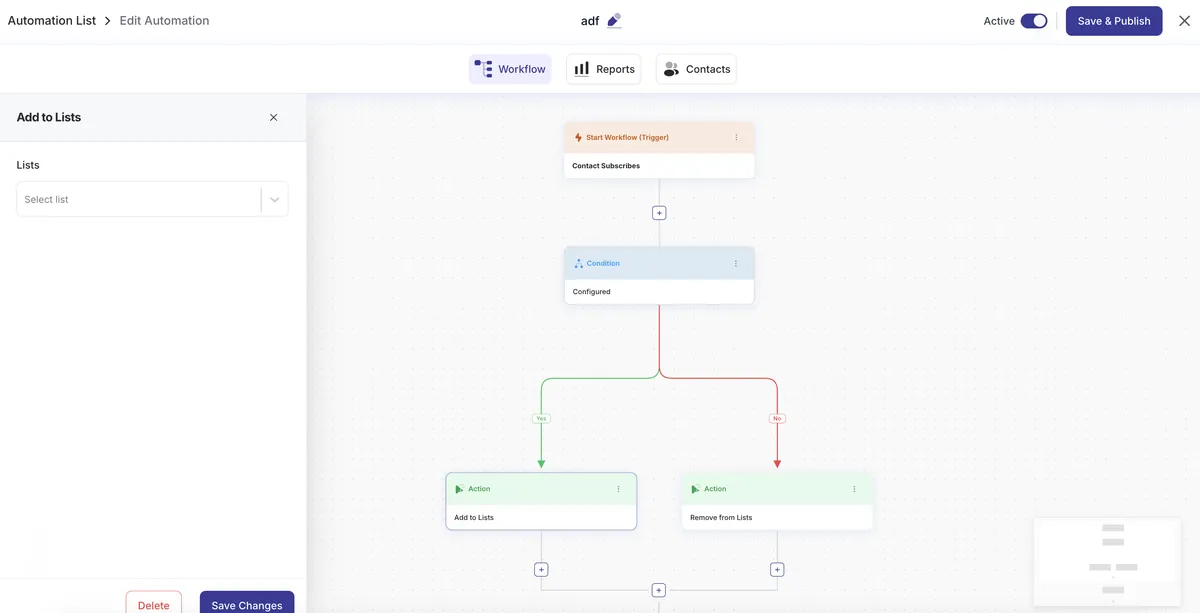
What needs Pro
- Deals and sales pipelines
- Invoices with online payments, contracts, credit notes and recurring billing
- SMS and WhatsApp campaigns
- Tasks and projects
- Lead scoring, website visitor tracking, analytics dashboards and the AI writing assistant
- Custom fields
- WooCommerce, Gravity Forms, Elementor Forms, Ninja Forms and other premium integrations
- Booking Pro: calendar sync, video meeting links, paid bookings and round-robin team scheduling
Limits to know: the free version has no contact cap and no user cap. You will upgrade when you need a sales pipeline, invoicing, SMS or WhatsApp, or deeper store integrations. Pro starts at $99/year for one site.
Best for: small businesses that want email marketing, booking and support in one free plugin, with a clear upgrade path.
2. HubSpot for WordPress: best free cloud CRM
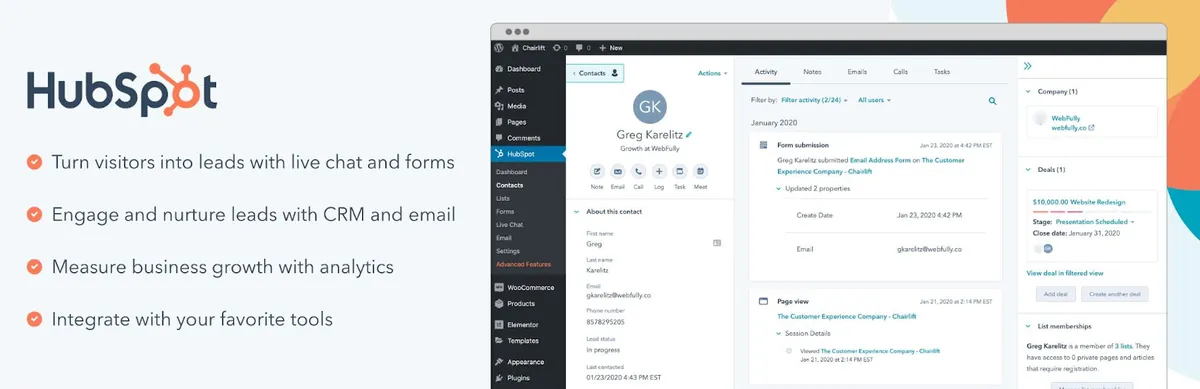
HubSpot’s plugin connects your site to HubSpot’s free CRM. You add HubSpot forms, pop-ups and live chat to WordPress, and contacts flow into your HubSpot account.
What’s free: contact, company and deal records, forms, pop-ups, live chat, meeting scheduling and basic marketing emails, for up to two users.
Limits to know: your data lives on HubSpot’s servers, free marketing emails carry HubSpot branding, and marketing automation needs a paid plan. Paid plans are priced per seat (about $15 per seat per month billed annually for Starter) and marketing costs grow with your contact list.
Best for: small teams that are happy with a cloud CRM and may grow into HubSpot’s paid tools.
3. FluentCRM: best free email marketing CRM

FluentCRM is the most widely used self-hosted email CRM for WordPress, with 80,000+ active installs and a 4.8/5 rating.
What’s free: unlimited contacts, lists, tags and segments, email campaigns and basic automations.
Limits to know: advanced automation actions and many integrations need FluentCRM Pro ($129/year list price for one site). There is no sales pipeline, and booking, helpdesk and project management are separate paid plugins.
Best for: bloggers, creators and course sellers who mainly need newsletters.
4. Jetpack CRM: best free CRM with invoicing
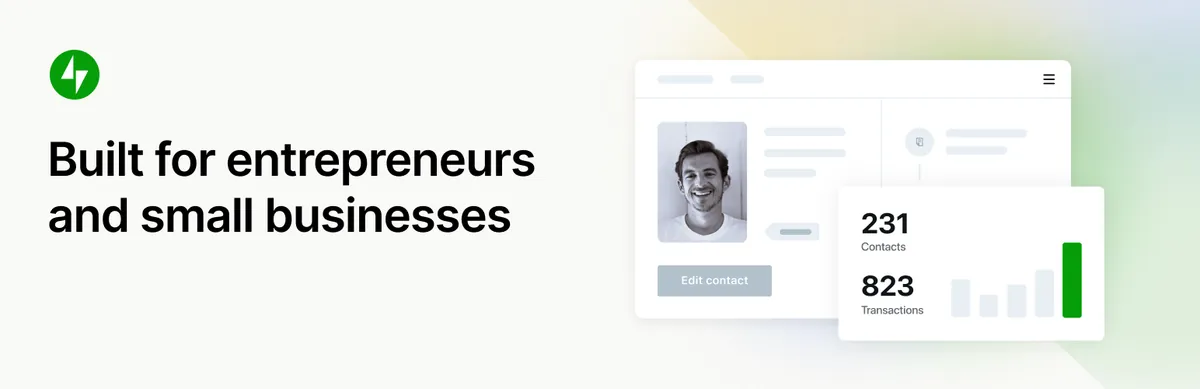
Jetpack CRM (formerly Zero BS CRM, by Automattic) is a simple CRM for freelancers and small businesses.
What’s free: contacts and companies, quotes, invoices, transactions, a client portal and API access.
Limits to know: email marketing, automations and payment integrations are extensions. Four extensions come with the Freelancer plan ($11/month billed yearly), and all 30+ need the Entrepreneur plan ($17/month billed yearly).
Best for: freelancers who mainly track clients and send invoices.
5. Groundhogg: best free CRM for funnels
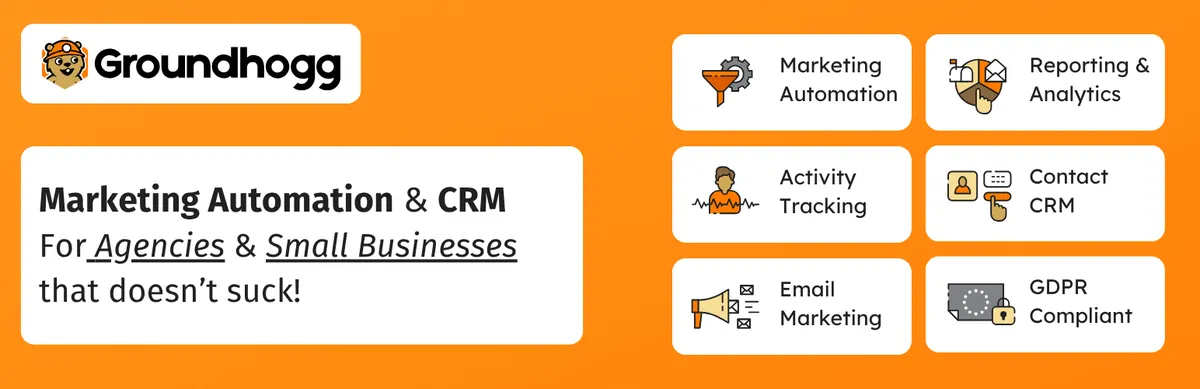
Groundhogg is a self-hosted CRM built around visual marketing funnels, with a 4.9/5 rating on WordPress.org.
What’s free: contact management, email broadcasts and the funnel automation builder.
Limits to know: form, SMTP, SMS, ecommerce and membership integrations are spread across paid plans, which start at $20/month billed annually.
Best for: marketers who think in funnels and want to start free.
6. FunnelKit Automations: best free CRM for WooCommerce
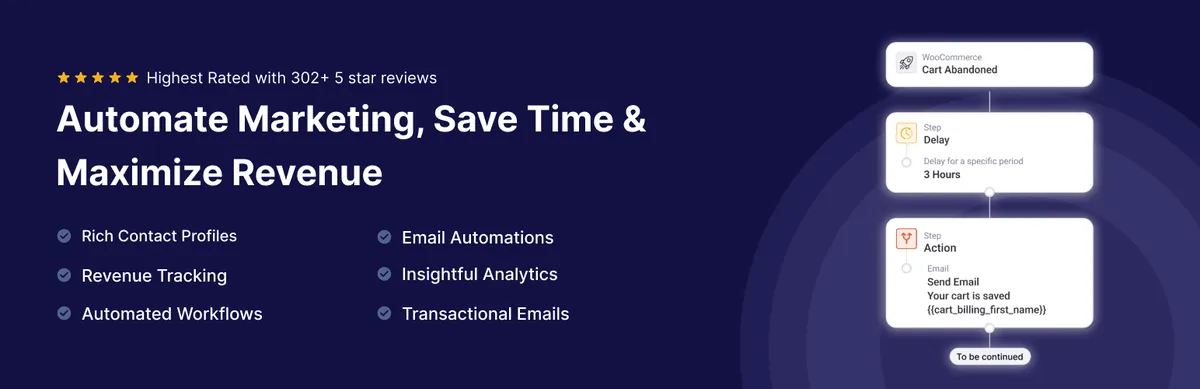
FunnelKit Automations is an email automation and CRM plugin built for WooCommerce stores, rated 5.0/5 from 346 reviews.
What’s free: a contact CRM built on WooCommerce data, email broadcasts and basic store automations.
Limits to know: many advanced automations and SMS require Pro, which lists at $149/year for one site. It suits WooCommerce stores much better than service businesses.
Best for: WooCommerce stores starting with email marketing.
7. WP ERP: best free CRM with HR and accounting
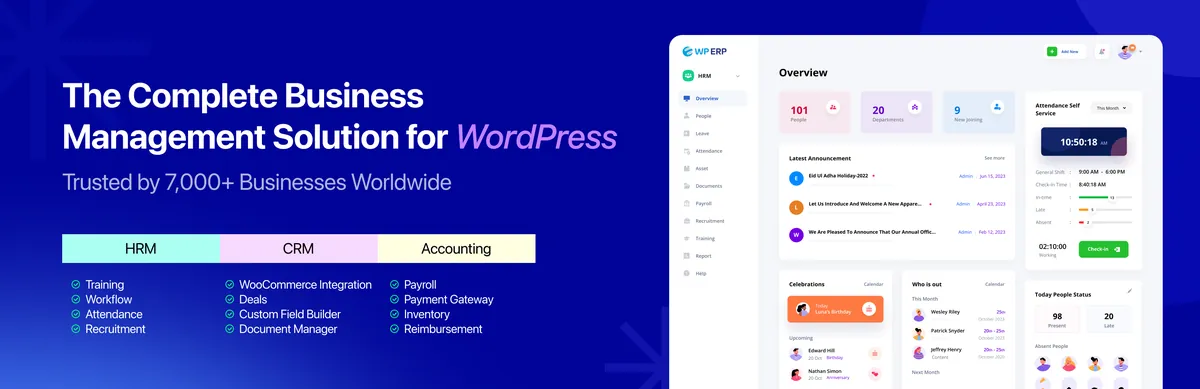
WP ERP is a business suite with free CRM, HR and accounting modules and unlimited users.
What’s free: CRM contacts, companies and activities, plus the HR and accounting core modules.
Limits to know: the deals pipeline, workflow automation and WooCommerce integration need the Growth plan ($468/year for 3 users).
Best for: small companies that want CRM, HR and bookkeeping in one dashboard.
8. WP-CRM System: best free CRM for simple client tracking

WP-CRM System is a lightweight CRM for contacts, organisations, opportunities, tasks and projects.
What’s free: the core records for contacts, organisations, opportunities, tasks and projects.
Limits to know: there is no email marketing or automation, and custom fields, a client area and invoicing are paid extensions (from $99/year).
Best for: solo consultants who only need a simple client list.
Honourable mention: MailPoet for newsletters only

MailPoet is not a CRM, but it is the most popular free newsletter plugin for WordPress (500,000+ active installs). Its free Starter plan covers up to 500 subscribers and 5,000 emails a month through MailPoet’s sending service. Choose it if a small newsletter is all you need, and a CRM above if you need to manage leads and customers.
Which free WordPress CRM should you choose?
- You want the most features for free: DoubleScale Free, which includes email campaigns, automations, booking and a helpdesk.
- You don’t mind your data in the cloud: HubSpot for WordPress.
- You only need newsletters and simple automations: FluentCRM, or MailPoet for a very small list.
- You mainly send invoices to clients: Jetpack CRM.
- You run a WooCommerce store: FunnelKit Automations or DoubleScale.
- You also need HR and accounting: WP ERP.
When free is no longer enough
Every free CRM eventually hits a ceiling. These are the signs it’s time to upgrade:
- You are tracking deals in a spreadsheet because your free CRM has no sales pipeline.
- You are paying for a separate scheduling app or helpdesk that could live in your CRM.
- You need SMS or WhatsApp to reach customers who ignore email.
- You are sending invoices from another tool and copying customer details between systems.
- Your free plan’s user or contact limit is blocking your team or your list.
When you reach that point, compare the total cost of the features you need, not only the entry price. Our guide to the best WordPress CRM plugins compares paid plans side by side.
How to install a free WordPress CRM
- Install the plugin from Plugins > Add New in your WordPress dashboard.
- Run the setup wizard and choose the modules you need.
- Import your contacts from a CSV file or your WordPress users.
- Connect an email sending service so your campaigns reach the inbox.
- Connect your forms so new leads arrive automatically.
- Send a test campaign to yourself before emailing your whole list.
For a full walkthrough, read how to set up a CRM in WordPress.
FAQs about free WordPress CRM plugins
What is the best free CRM for WordPress?
DoubleScale Free is the most complete free WordPress CRM: it includes unlimited contacts, email campaigns, automations, booking and a helpdesk with no contact limit. HubSpot’s free CRM is the best choice if you prefer a cloud CRM, and FluentCRM is a strong free option for email marketing.
Is DoubleScale Free really free with no contact limit?
Yes. The free version on WordPress.org has no contact limit and no user limit. You pay only if you need Pro features such as sales pipelines, invoicing, SMS, WhatsApp or premium integrations.
Do free WordPress CRMs include email sending?
Self-hosted CRMs let you write and send campaigns from WordPress, but the actual delivery goes through an email service such as Amazon SES, SendGrid or Brevo. DoubleScale includes built-in SMTP routing, so you only need an account with a provider.
Can I import my existing contacts into a free CRM?
Yes. All of the plugins above support CSV import. DoubleScale can also import contacts from WordPress users and from other CRMs such as FluentCRM, MailerLite, ActiveCampaign, Pipedrive and GoHighLevel.
Is a free WordPress CRM GDPR compliant?
A self-hosted CRM keeps personal data in your own WordPress database, which makes data residency easier to control. You are still responsible for consent, unsubscribe handling and data requests. Choose a CRM that records consent and includes unsubscribe and preference pages.
What happens to my data if I uninstall a free WordPress CRM?
With a self-hosted CRM, your data stays in your WordPress database until you delete it, and most plugins let you export contacts to CSV first. With a cloud CRM such as HubSpot, your data stays in your HubSpot account.
The bottom line
If you want the most capable free WordPress CRM, start with DoubleScale Free: unlimited contacts, email campaigns, automations, booking and a helpdesk in one plugin, with Pro available when you need sales and invoicing. Prefer to look around first? Explore the live demo.
Get our guides first on GoogleAdd DoubleScale as a preferred source and our articles show up more often in your Top Stories.

Mohamed Magdy, Founder & CEO, DoubleScale
Mohamed Magdy is the founder and CEO of DoubleScale, the all-in-one CRM for WordPress. He writes about CRM, email marketing and automation for WordPress businesses.
Practical CRM tips, once a month
Guides on growing with WordPress: lead capture, email marketing, automations and sales. No spam, unsubscribe anytime.