Black Friday Up to 50% off lifetime licenses · pay once, use DoubleScale for life · ends in 00d 00h 00m 00s See the dealGet deal
DoubleScale
Appointment booking for WordPress

Bookings that land in your CRM, not just your calendar

Clients pick a time that suits them on your own website, in their own time zone. Every booking is saved on the guest's contact, with confirmations, reminders and follow-ups sent for you.

✓ Booking pages free in DoubleScale ✓ Google, Outlook & Apple Calendar sync ✓ Meet, Teams & Zoom links ✓ Stripe payments
Event types

One calendar, every kind of meeting

From a quick discovery call to a workshop with twelve seats, or a kick-off your whole team needs to attend.

SMG

One-to-one FREE

One guest, one meeting: consultations, demos and discovery calls.

0/12 seats

Group FREE

One session many people book, like a class or workshop. Full sessions close; a waiting list takes over (Pro).

SDA

Round robin PRO

Each new booking goes to the next available team member, so work is shared evenly.

SDA

Collective PRO

A time is offered only when every member is free, and the whole team joins.

Availability

Your hours, your rules

Guests only ever see times that genuinely work for you, converted to their own time zone.

A day with buffers and minimum notice

A call at 10:00 with a 10-minute buffer before and 15 after: the next slot opens at 10:45.

Minimum notice
Call 10:00
Call 10:45
Open
8:009:0010:0011:0012:0013:0014:0015:00
MeetingBufferToo soon to book

Every rule you need

Set per schedule or per event.

Working hours and date-specific overridesSeveral time slots in one day
Buffers, minimum notice and slot intervalsStart every 30 minutes, or on the hour
Daily, weekly or monthly limitsBy number of bookings or total hours booked
Availability rangeNext 30 days, between two dates, or indefinitely
Time zones handledGuests see their own; lock it for in-person events
Guests choose the duration30, 45 or 60 minutes, with a default
Integrations PRO

In sync with the tools you already use

DoubleScale checks your calendars before offering a time, writes every booking straight into them, and creates a unique meeting link for each online booking.

Google Calendar
Google CalendarConflicts and new bookings
Outlook
Outlook & Microsoft 365Conflicts and new bookings
Apple CalendarConflicts and new bookings
S
StripeCard payments at booking
Google Meet
Google MeetLink per booking
Microsoft Teams
Microsoft TeamsLink per booking
Zoom
ZoomLink per booking
Twilio
TwilioSMS reminders
Paid sessions PRO

Get paid as they book, fill every seat

Price per duration

Charge for a meeting and let each length have its own price. Guests pay by card with Stripe as they book; unpaid bookings are released after the time you choose.

Strategy session · 30 min$49
Strategy session · 60 min$89
✓ Paid with card · booking confirmed

Waiting list

When every seat in a group session is taken, people join the queue and are invited as soon as a place opens up.

👤 Omar K.#1 in queue
👤 Felix B.#2 in queue
👤 Grace L.#3 in queue
Confirmations & reminders

Fewer no-shows, zero manual emails

Every moment of a booking sends the right message to your guest and to you. Edit every email; merge tags fill in the guest's name, their local time and the meeting link.

📅

Booked

Confirmation to the guest with a calendar invite; a new-booking alert to you.

⏰

24 hours before

Reminders to both of you, and add as many reminder times as you like.

📱

Text reminders

The same moments as SMS through your Twilio account (Pro).

🔄

Rescheduled or cancelled

You're told when a guest changes plans; guests are told, with the reason, when you do.

✓

Completed

Marked automatically after the meeting, ready to trigger your follow-up.

🔔 Bell alerts for hosts ✉ Email 💻 Browser notifications ⚙ Each person picks their alerts
Booking automations PRO

Every meeting gets its follow-up

Five booking triggers start workflows at each moment in a booking's life, alongside email, SMS, WhatsApp, deals and tasks.

Five booking triggers

From the guest's click to the meeting's end.

📅
Booking createdWhen a guest books, or once a paid booking is paid
✅
Booking confirmedWhen a booking waiting for approval is approved
🔄
Booking rescheduledWhen the time changes
❌
Booking cancelledWhen the booking is called off
🏁
Booking completedAn hour after it ends, or when you mark it complete

Example: meeting follow-up

Every completed meeting becomes an opportunity in your pipeline.

🏁
Trigger: Booking completedDiscovery Call
⏳
Wait 1 dayGive the client time to reflect
✉
Send thank-you emailRecap and next steps, with the client's first name
💰
Add a dealSales pipeline → Qualified
Built into your CRM

Every booking, on the client's record

Unlike a standalone scheduler, DoubleScale knows who your guests are and what happens next.

Contacts created for you

A new email becomes a new contact; an existing contact is updated. The Meetings tab lists every booking with that person.

One bookings dashboard

Filter by month, event or type; open a booking for the answers and timeline; reschedule, cancel, complete, or book manually after a call.

Your own questions

Name and email are always asked; add your own questions and mark them required (Pro). Answers are saved with the booking.

Share anywhere

A direct link, a shortcode on any page, an embed on another website, or a QR code. Each host also gets a landing page of their events.

Team roles

Booking Managers run every calendar; Booking Agents manage their own calendar and bookings (Pro).

In the client portal

Clients see upcoming and past bookings next to their tickets, projects and documents, and reschedule or cancel them themselves.

FAQ

Frequently asked questions

Everything you need to know about DoubleScale before you start.

What is DoubleScale?

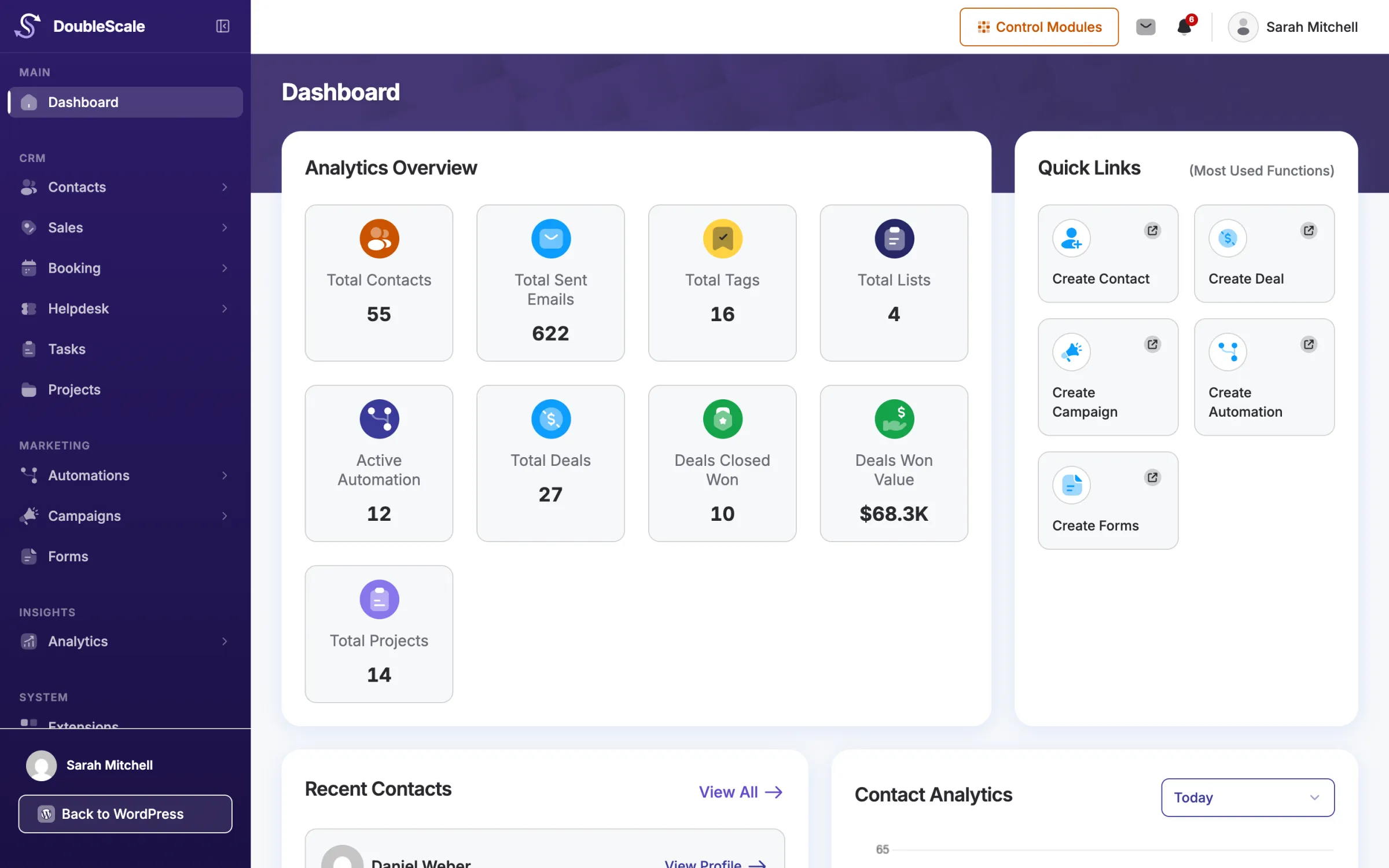
DoubleScale is a self-hosted CRM plugin for WordPress. It combines contact management, sales pipelines, email campaigns, SMS, WhatsApp, booking, invoices, and support tickets inside your WordPress dashboard, with data stored on your server.

Is DoubleScale self-hosted?

Yes, DoubleScale is 100% self-hosted. Your data never leaves your server. Unlike SaaS tools such as Mailchimp or ActiveCampaign, contacts, campaigns, and pipeline data stay in your WordPress database, so you keep ownership and control.

Does DoubleScale slow down my website?

DoubleScale stores CRM data in its own database tables, separate from your post content. The admin app is a single-page interface, so the public website is not loading the CRM UI on every visit.

Are there any limits on contacts or emails?

No. DoubleScale does not cap contacts, campaigns, or pipelines by plan. You can store unlimited contacts and send as many emails as your SMTP provider allows, without a per-contact fee.

Does DoubleScale work with WooCommerce?

Yes. DoubleScale syncs WooCommerce customers and orders into CRM contacts so you can segment, email, SMS, or automate from store activity without a separate ecommerce CRM.

Can I send WhatsApp messages from WordPress?

Yes. DoubleScale includes WhatsApp marketing through the Meta API, so you can message contacts and trigger automations from WordPress.

Is DoubleScale a Mailchimp alternative?

DoubleScale is a WordPress CRM with email campaigns, plus SMS, WhatsApp, pipelines, booking, and helpdesk, running on your own server. Mailchimp is hosted email marketing. If you want CRM and email inside WordPress, DoubleScale is the closer fit.

Does DoubleScale include a helpdesk?

Yes. DoubleScale includes support tickets and a customer portal so customers can open and reply to tickets on your site. Internal notes stay hidden from customers.

How much does DoubleScale cost?

Plans start at $99 per year for one website, with unlimited contacts and seats. Plus and Enterprise cover more sites. Lifetime licenses are listed on the pricing page.

Can I try DoubleScale before buying?

Yes. DoubleScale has a live demo on doublescale.io, and the plugin is listed on WordPress.org so you can review features before choosing a paid plan.

Get started today

Run your whole business from WordPress

Start with the free plugin and add Pro modules when you need them. Unlimited contacts on every plan, and your data stays on your own server.


  • Free forever plan
  • Unlimited contacts
  • 14-day money-back guarantee
Compare plans and pricing