



























Booking Created
A customer books with LatePoint.
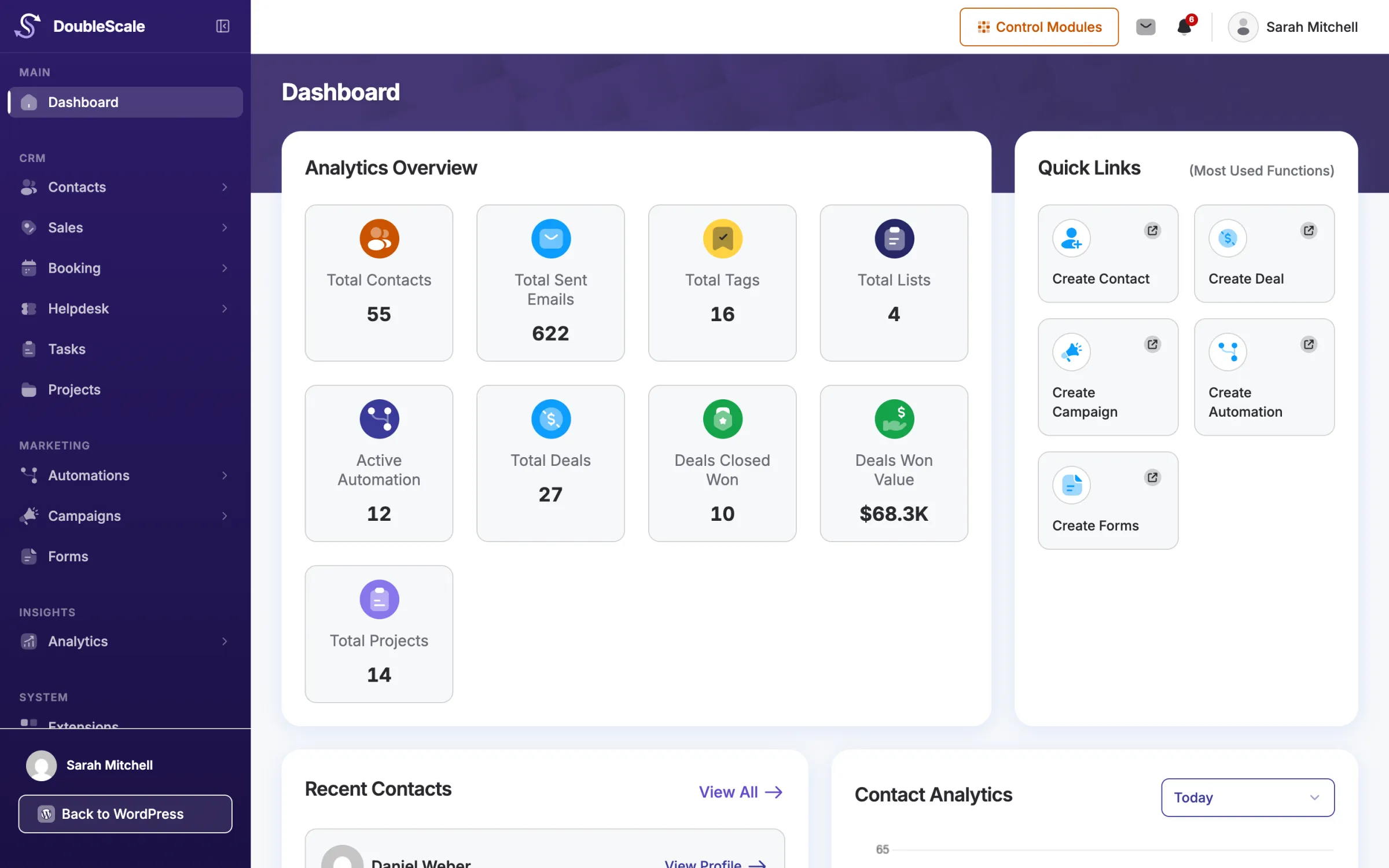
Connect LatePoint to DoubleScale and each booking adds the customer to your WordPress CRM and starts the automations you choose, from confirmation emails to review requests and rebooking reminders.
 New LatePoint bookingConsultation · Tue 14:30 with Omar
Illustration. Your services, agents and workflows appear here.
LatePoint and DoubleScale run on the same WordPress site, so there is nothing to connect: DoubleScale reads the bookings LatePoint saves.
Keep LatePoint for your booking forms and agents, and add DoubleScale with DoubleScale Pro.
In Automations, choose a LatePoint trigger and, if you like, limit it to some services or agents.
Each booking adds the customer as a contact, or finds the one you have, and runs the workflow.
Find them in the Booking Plugins group of the trigger picker.
A customer books with LatePoint.
Any change, or only from one status to another, including your own custom LatePoint statuses.
The booking is cancelled by your team or the customer.
The booking moves to a new date or time.
How DoubleScale works with LatePoint.
LatePoint triggers are included in every paid DoubleScale plan. You need DoubleScale 1.9.6 and DoubleScale Pro 1.5.4 or newer, on the same WordPress site as LatePoint.
No. LatePoint and DoubleScale run on the same WordPress site, so DoubleScale reads the bookings LatePoint saves. Nothing leaves your site.
Yes. The Booking Status Changed trigger lists LatePoint's own statuses and the custom statuses you created, for both its From and To filters.
A booking never renames an existing contact: the first and last name are filled only when they are blank.
No. The integration is one way: LatePoint bookings start DoubleScale workflows. Your bookings, agents and payments stay in LatePoint.
Start with the free plugin and add Pro modules when you need them. Unlimited contacts on every plan, and your data stays on your own server.