On this page
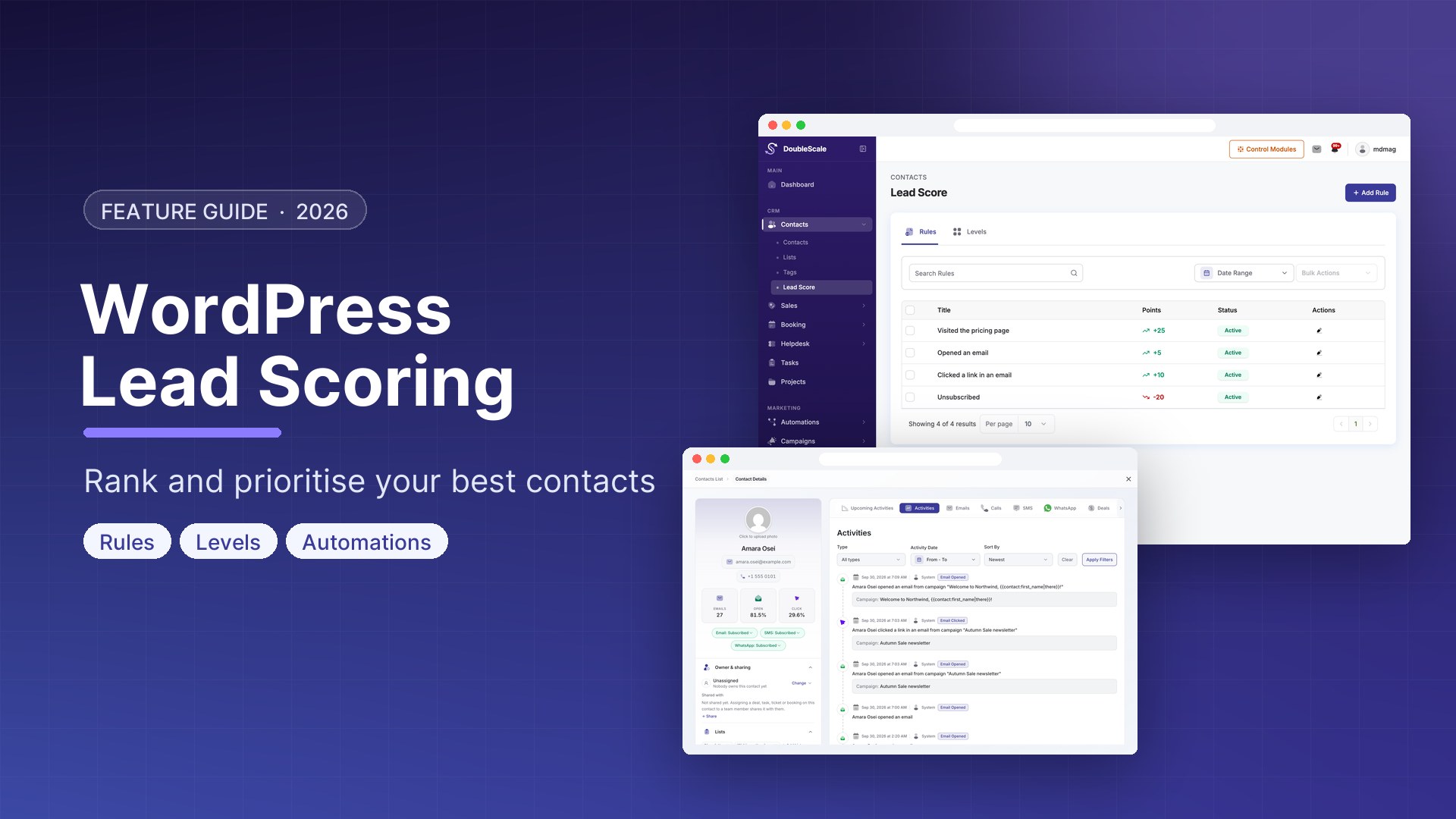
Lead scoring assigns numerical values to contacts based on their profile data and behaviour, then uses those scores to prioritise which leads your sales team follows up first. Without scoring, a sales team treats all leads the same — spending equal time on cold contacts as on hot ones who visited the pricing page three times this week.
How Lead Scoring Works in DoubleScale
DoubleScale uses a points-based scoring model. Each contact starts at 0. Actions they take (or data you have about them) add or subtract points. Thresholds define when a lead becomes Sales Qualified.
Setting Up Lead Scoring
Define Your Scoring Criteria
Demographic (Fit) Scoring:
- Has a business email domain: +10 points
- Job title contains Manager or Director: +15 points
- Company has 10+ employees: +10 points
- Located in your target market: +5 points
Behavioural (Interest) Scoring:
- Visited pricing page: +20 points
- Opened an email: +2 points
- Clicked a link in an email: +5 points
- Downloaded a lead magnet: +15 points
- Booked a demo or discovery call: +50 points
- Requested a quote: +40 points
- Has not opened any email in 30 days: -10 points
Configure Scoring in DoubleScale
- Go to DoubleScale, Contacts, Lead Scoring, Configure Scoring Rules
- Add a rule for each scoring event: select the trigger, set the point value, optionally set a daily cap
- Set a score decay rate if desired
Set Score Thresholds
- 0-25: Cold lead — no direct sales contact yet
- 26-50: Warm lead — add to nurture sequence
- 51-75: Hot lead — alert sales team
- 76+: Sales Qualified Lead — immediate personal outreach
Automate Based on Score
Trigger: Contact Score Threshold Reached (76+ points). Actions: Apply tag Sales Qualified Lead, Create Deal in sales pipeline, Notify sales owner, Send personalised email from the owner.
Lead Scoring Best Practices
- Start simple — 5 to 7 scoring rules is better than 30
- Weight buying intent highest: pricing page visit, demo request, and quote request should score much higher than email opens
- Use negative scoring: inactive contacts should lose points
- Review monthly: check whether contacts above your threshold are actually converting
- Separate fit from intent: both profile match and engagement matter
Get our guides first on GoogleAdd DoubleScale as a preferred source and our articles show up more often in your Top Stories.

Mohamed Magdy, Founder & CEO, DoubleScale
Mohamed Magdy is the founder and CEO of DoubleScale, the all-in-one CRM for WordPress. He writes about CRM, email marketing and automation for WordPress businesses.
Practical CRM tips, once a month
Guides on growing with WordPress: lead capture, email marketing, automations and sales. No spam, unsubscribe anytime.