On this page
MemberPress is the membership. MemberPress automation is the follow-up: a failed renewal should not live only in MemberPress → Transactions while your email tool still thinks that person is a happy subscriber.
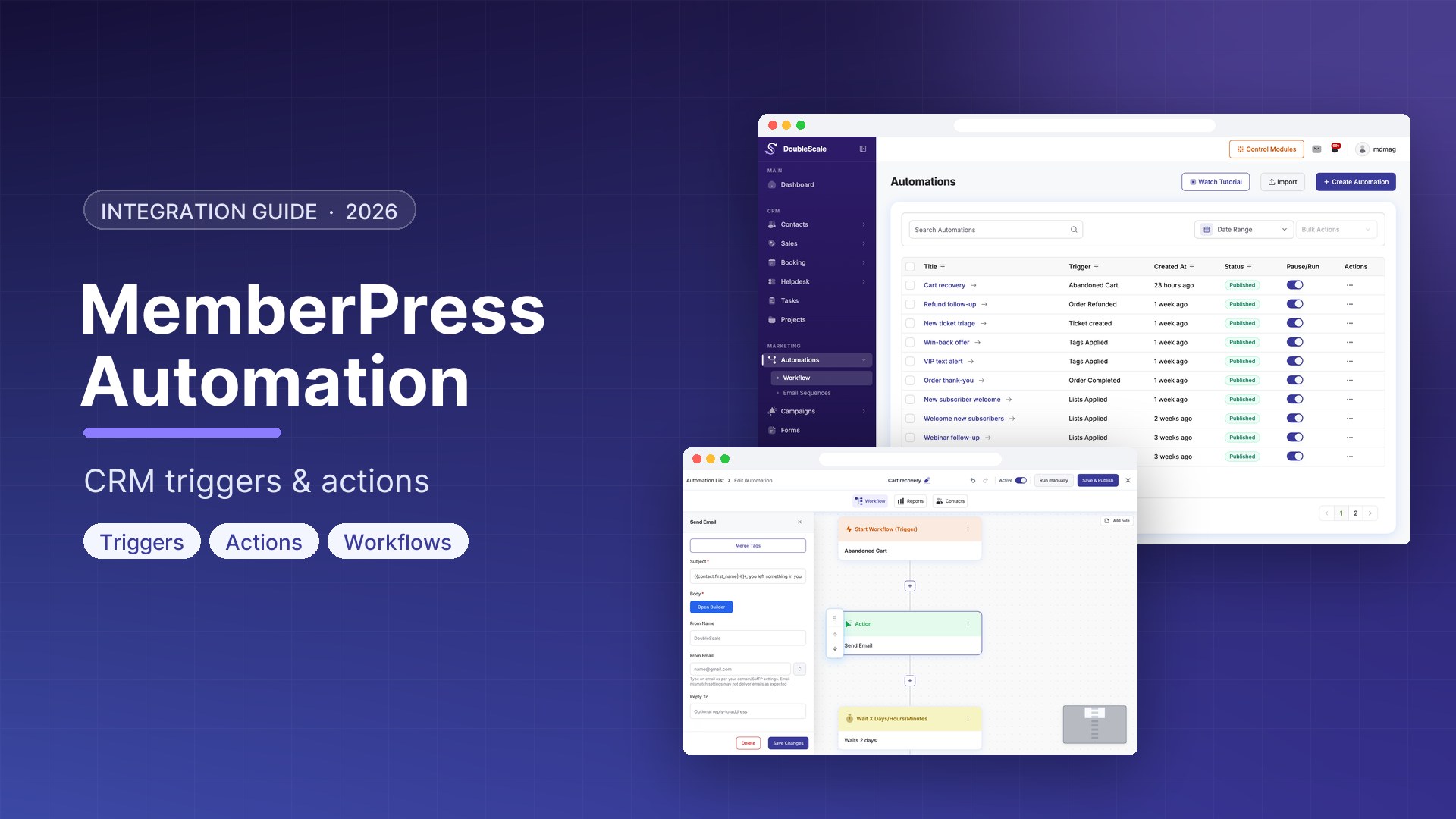
DoubleScale Pro hooks MemberPress events into automations on the CRM contact. Enroll, expire, pause, cancel, pay, fail, refund — then tag, email, SMS, create a task, or add/remove a membership. The free plugin shows the trigger names; the runtime hooks and actions run in Pro. There is also a MemberPress contact importer in the free plugin if you need a one-time list, not a live automation.
MemberPress automation triggers
These triggers fire when MemberPress does the matching event, and DoubleScale finds or uses the WordPress user / contact email.
| Trigger | When it runs |
|---|---|
| Membership Enrolled | The user is enrolled in a membership |
| Membership Level Expiry | That membership level expires |
| Subscription Created | A subscription is created |
| Subscription Paused | A subscription is paused |
| Subscription Resumed | A paused subscription is resumed |
| Subscription Cancelled | A subscription is cancelled |
| Transaction Completed | A payment transaction completes |
| Transaction Failed | A payment transaction fails |
| Transaction Refunded | A transaction is refunded |
Conditions (rules) you can hang on those flows: active memberships, membership name, membership status, subscription status, transaction amount. Merge tags include membership name, ID, URL, subscription ID and status, and transaction id / number / amount / total.
Actions back into MemberPress
- Add User To Membership — creates a MemberPress transaction to enroll the WordPress user that matches the contact email.
- Remove User From Membership — takes that user off the membership.
If there is no WordPress user for that email, add-to-membership cannot invent one silently — the action logs that the user was not found. Automations that only send email or apply a CRM tag do not need a WP user; automations that change MemberPress access do.
What this is not
- Not a MemberPress add-on that replaces MemberPress emails. You can keep or disable those and let DoubleScale send from the CRM instead — that is a choice, not a forced cutover.
- Not WooCommerce Memberships, Paid Memberships Pro, or Restrict Content Pro. DoubleScale has separate Pro catalogs for some of those. This post is MemberPress only.
- Not a dunning product with retry schedules inside DoubleScale. Transaction Failed is the hook; you write the email/SMS/task after it.
Automations worth building first
- Welcome on enroll. Membership Enrolled → apply a tag for that level → start an email sequence. Use membership name in the mail. Filter with the membership-name rule if one automation should not fire for every product.
- Failed payment. Transaction Failed → email the contact → create a task for the owner. Optional: SMS if you run Twilio.
- Cancel / pause. Subscription Cancelled or Paused → tag “at-risk” → a short sequence. Resumed → remove the tag. Do not pretend DoubleScale pauses the subscription for you; MemberPress already did.
- Expiry. Membership Level Expiry → last-chance email. Pair with a condition on membership name so a $9 newsletter expiry does not get the $99 coaching script.
- Refund. Transaction Refunded → remove a tag or remove the membership if your policy is access-ends-on-refund (the remove action is explicit — it will not fire unless you add it).
- Grant access from the CRM. Form submitted / deal won → Add User To Membership. Only when that contact is already a WordPress user.
Import vs automation
DoubleScale’s MemberPress importer copies members into CRM contacts. Use it for a migration. After go-live, automations keep the two in sync on events — they do not poll MemberPress every night for “who is still active.” If you need a snapshot of active memberships as a condition, that is the Active Memberships rule on a contact who already entered a flow, not a nightly full sync.
Free vs Pro
The free plugin registers MemberPress trigger definitions (so the builder can show them) and the importer. Runtime hooks and the add/remove membership actions are in the Pro automation catalog. Same pattern as LearnDash: you see the names on free; they fire on Pro.
Download DoubleScale free · Launch a demo · See Pro pricing
Frequently asked questions
Can I automate MemberPress from DoubleScale?
Yes. DoubleScale Pro triggers on MemberPress enroll, expiry, subscription create/pause/resume/cancel, and transaction completed/failed/refunded. Actions can add or remove a membership by creating or reversing access for the matching WordPress user.
Does this work without DoubleScale Pro?
You can import MemberPress members as contacts on the free plugin. Live automations (the triggers actually hooking MemberPress, and add/remove membership) require Pro.
Does DoubleScale replace MemberPress?
No. MemberPress still owns checkout, access, and subscriptions. DoubleScale owns the contact, campaigns, and the automation graph around those events.
What if the member has no WordPress user?
Email and tagging still run on the CRM contact. Add/remove membership needs get_user_by( 'email' ) to succeed. Guest checkouts that never created a user will not enroll via that action.
Is this the same as WooCommerce or PMPro automations?
No. Those are separate trigger groups. Do not expect a MemberPress “subscription paused” hook to fire on a WooCommerce Subscription.

Mohamed Magdy, Founder & CEO, DoubleScale
Mohamed Magdy is the founder and CEO of DoubleScale, the all-in-one CRM for WordPress. He writes about CRM, email marketing and automation for WordPress businesses.
Practical CRM tips, once a month
Guides on growing with WordPress: lead capture, email marketing, automations and sales. No spam, unsubscribe anytime.