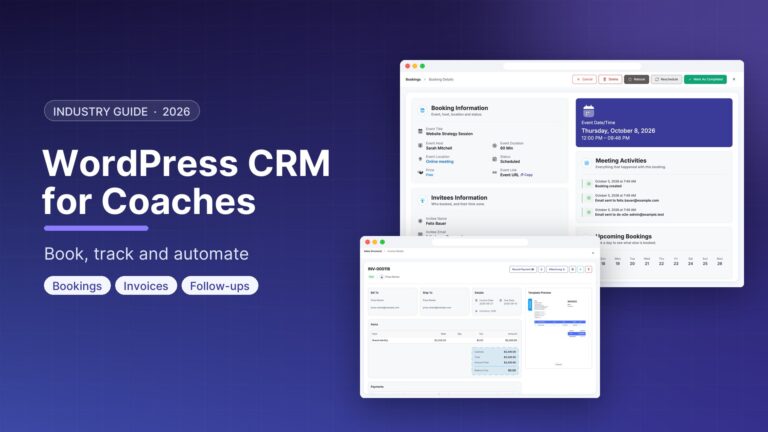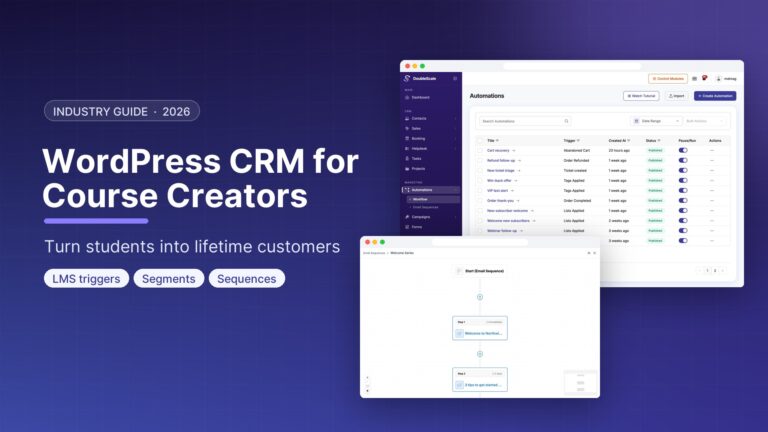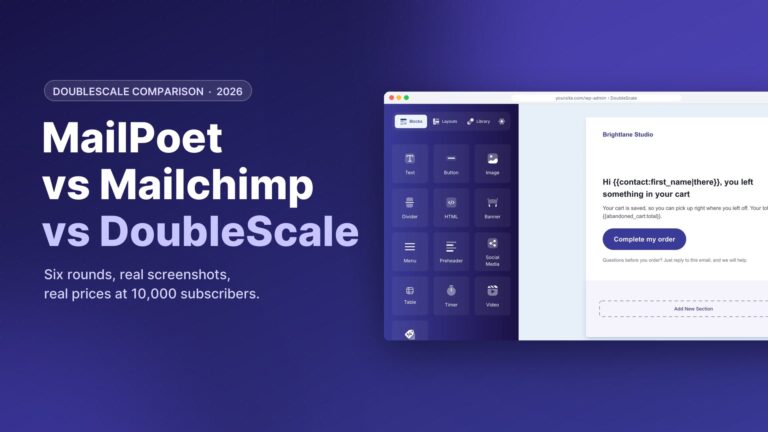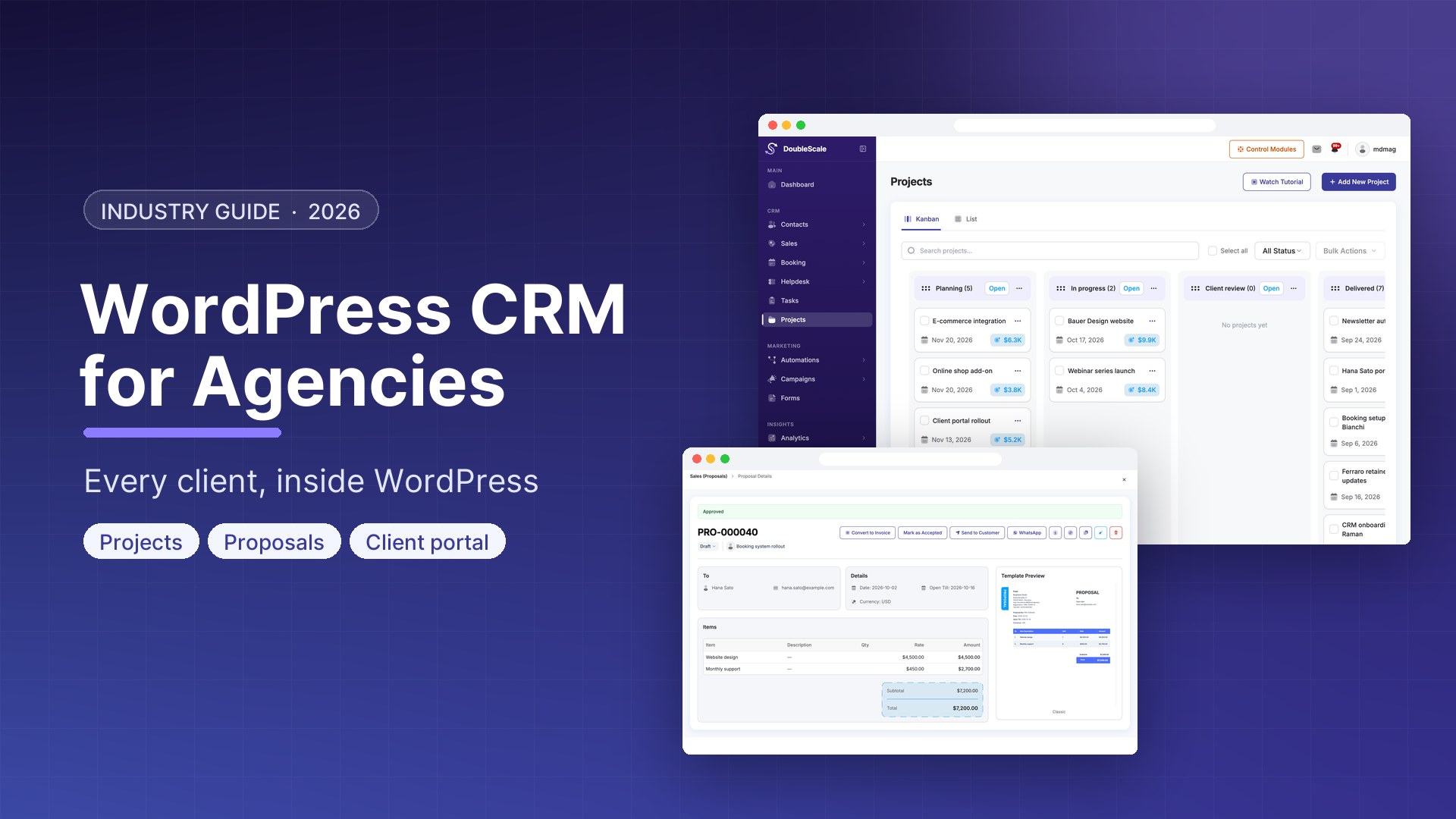
Digital agencies typically manage client relationships across five or six disconnected tools: a spreadsheet for contacts, a separate CRM for pipeline, an email platform for newsletters, a project management tool for deliverables, a calendar app for bookings, and a helpdesk for support. DoubleScale consolidates the CRM layer of that stack into one WordPress plugin.
What Agencies Need from a CRM
- Contact management for prospects, clients, and past clients
- Sales pipeline for proposals and new business
- Automated onboarding sequences for new clients
- Regular reporting emails (monthly performance summaries)
- Booking system for strategy calls and check-ins
- Support ticketing for ongoing client issues
- Invoice and proposal generation
DoubleScale Agency Workflows
New Business Pipeline
Set up a pipeline with stages: Discovery Call, Proposal Sent, Contract Signed, Onboarding, Active Client. Every inbound enquiry from your contact form automatically creates a deal in Discovery Call. When a prospect clicks your proposal link, the deal auto-advances to Proposal Sent and notifies your account manager.
Client Onboarding Automation
Trigger: Deal Stage Changed to Contract Signed. Day 0: Email welcome with account manager name and onboarding checklist. Create support ticket category for this client. Day 2: Email questionnaire for business goals and KPIs. Day 5: Email kickoff call confirmation with prep sheet. Day 10: Week 1 summary email.
Monthly Report Sequence
Trigger: Scheduled first Monday of each month. Condition: Contact has tag Active Client. Action: Send email with monthly performance summary template and personalised metrics via custom field merge tags.
Renewal Alert
Trigger: Scheduled 60 days before contract end date (stored as a custom field). Create Deal in Renewal pipeline. Notify account manager.
Agency-Specific Setup Tips
- Create a custom field Account Manager and use it to assign contacts to team members
- Use separate pipelines for new business and renewals
- Tag clients with their service tier (Retainer, Project, One-Time) for segmented reporting emails
- Use the helpdesk for client support — connecting tickets to the contact profile shows previous interactions at a glance
- Store contract end dates as custom date fields and trigger renewal automations based on them

Mohamed Magdy, Founder & CEO, DoubleScale
Mohamed Magdy is the founder and CEO of DoubleScale, the all-in-one CRM for WordPress. He writes about CRM, email marketing and automation for WordPress businesses.
Practical CRM tips, once a month
Guides on growing with WordPress: lead capture, email marketing, automations and sales. No spam, unsubscribe anytime.