On this page
An email drip campaign is a pre-written sequence of emails sent automatically based on a trigger or schedule. Rather than sending everyone the same campaign on the same day, drip sequences deliver the right message to the right person at the right stage of their journey.
DoubleScale builds email drip sequences through its automation engine. This guide walks through the mechanics and gives you five ready-to-use drip sequences you can deploy today.
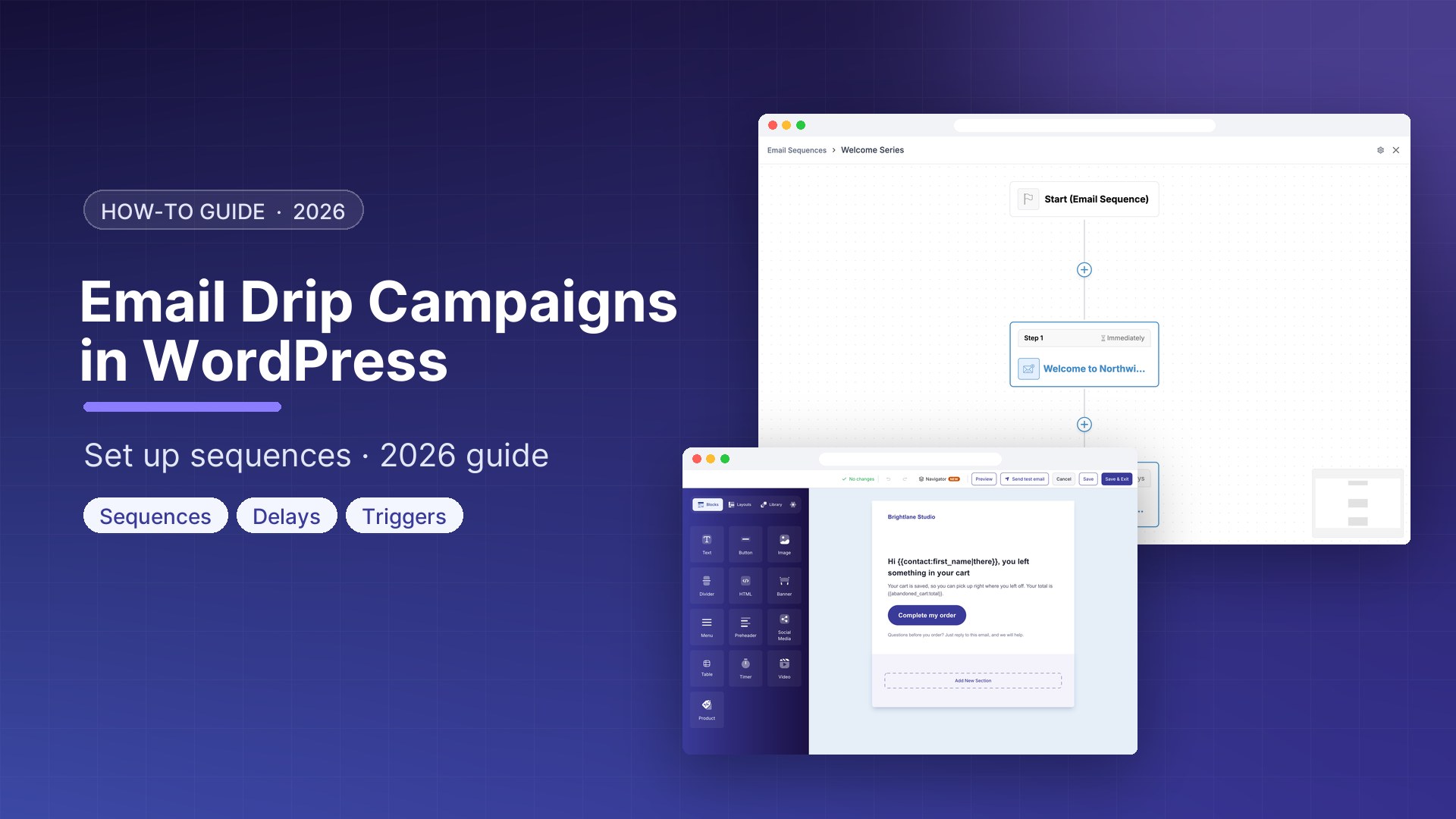
How to Build a Drip Sequence in DoubleScale
- Go to DoubleScale → Automations → New Automation
- Choose a Trigger
- Add an Email Action with subject and body
- Add a Wait step (hours, days, or weeks)
- Add the next Email Action
- Repeat for each email in the sequence
- Use Condition branches to stop the sequence if the goal is achieved
- Click Activate
5 Ready-to-Use Drip Sequences
Sequence 1: New Subscriber Welcome Series (7 emails over 14 days)
Trigger: Contact added to Newsletter list
- Day 0: Welcome email — introduce brand, deliver lead magnet, set expectations
- Day 2: Your story — why you started, what you believe, who you help
- Day 4: Best content — link to your most useful blog post or resource
- Day 6: Social proof — customer testimonials or case study
- Day 8: Problem-solution — address the number 1 pain point, introduce your solution
- Day 11: FAQ and objections — address common hesitations
- Day 14: First offer — soft CTA with a new subscriber discount
Sequence 2: Free Plugin to Pro Upgrade Nurture (5 emails over 10 days)
Trigger: Contact added to Free Users list. Goal: Convert to paid DoubleScale Pro.
- Day 0: Welcome and quick wins — 3 things to set up in the first 30 minutes
- Day 2: Pro feature spotlight — show a Pro feature they cannot access with value demonstration
- Day 4: Customer story — how a similar business uses DoubleScale Pro
- Day 7: Comparison — Free vs Pro feature table
- Day 10: Limited offer — 15% discount on first year, expires in 48 hours
Sequence 3: Post-Purchase Onboarding (5 emails over 21 days)
Trigger: WooCommerce Order Completed (for Pro purchase). Goal: Ensure activation, reduce churn.
- Day 0: Order confirmation with download link and getting started guide
- Day 2: First milestone — “Have you set up SMTP yet?” with step-by-step link
- Day 5: Second milestone — “Have you created your first automation?”
- Day 10: Check-in — offer a 15-minute onboarding call
- Day 21: Success survey — request testimonial if satisfied
Sequence 4: Lead Magnet to Conversion (6 emails over 12 days)
Trigger: Form submission on lead magnet download page.
- Day 0: Deliver the lead magnet
- Day 1: Check engagement and personalise next step
- Day 3: Related resource building on the lead magnet topic
- Day 5: Problem amplification — quantify the cost of the problem
- Day 8: Solution reveal — introduce your product with specific results
- Day 12: Urgency offer with expiry date
Sequence 5: Re-Engagement Drip (4 emails over 7 days)
Trigger: Scheduled weekly for contacts with no email open in 90 days.
- Day 0: “We miss you” — acknowledge the silence, ask if they still want to hear from you
- Day 2: Your best email — single highest-performing email in your history
- Day 4: What changed — share something new they may have missed
- Day 7: Final opt-in — “This is the last email unless you click to stay subscribed.” Unsubscribe non-clickers automatically via condition branch.
Personalisation Merge Tags
- {{contact.first_name}} — personalised greeting
- {{contact.company}} — company name
- {{order.product_name}} — specific product purchased
- {{site.name}} — your site name
- {{unsubscribe_url}} — always include (required by CAN-SPAM and GDPR)
Get our guides first on GoogleAdd DoubleScale as a preferred source and our articles show up more often in your Top Stories.

Mohamed Magdy, Founder & CEO, DoubleScale
Mohamed Magdy is the founder and CEO of DoubleScale, the all-in-one CRM for WordPress. He writes about CRM, email marketing and automation for WordPress businesses.
Practical CRM tips, once a month
Guides on growing with WordPress: lead capture, email marketing, automations and sales. No spam, unsubscribe anytime.