On this page
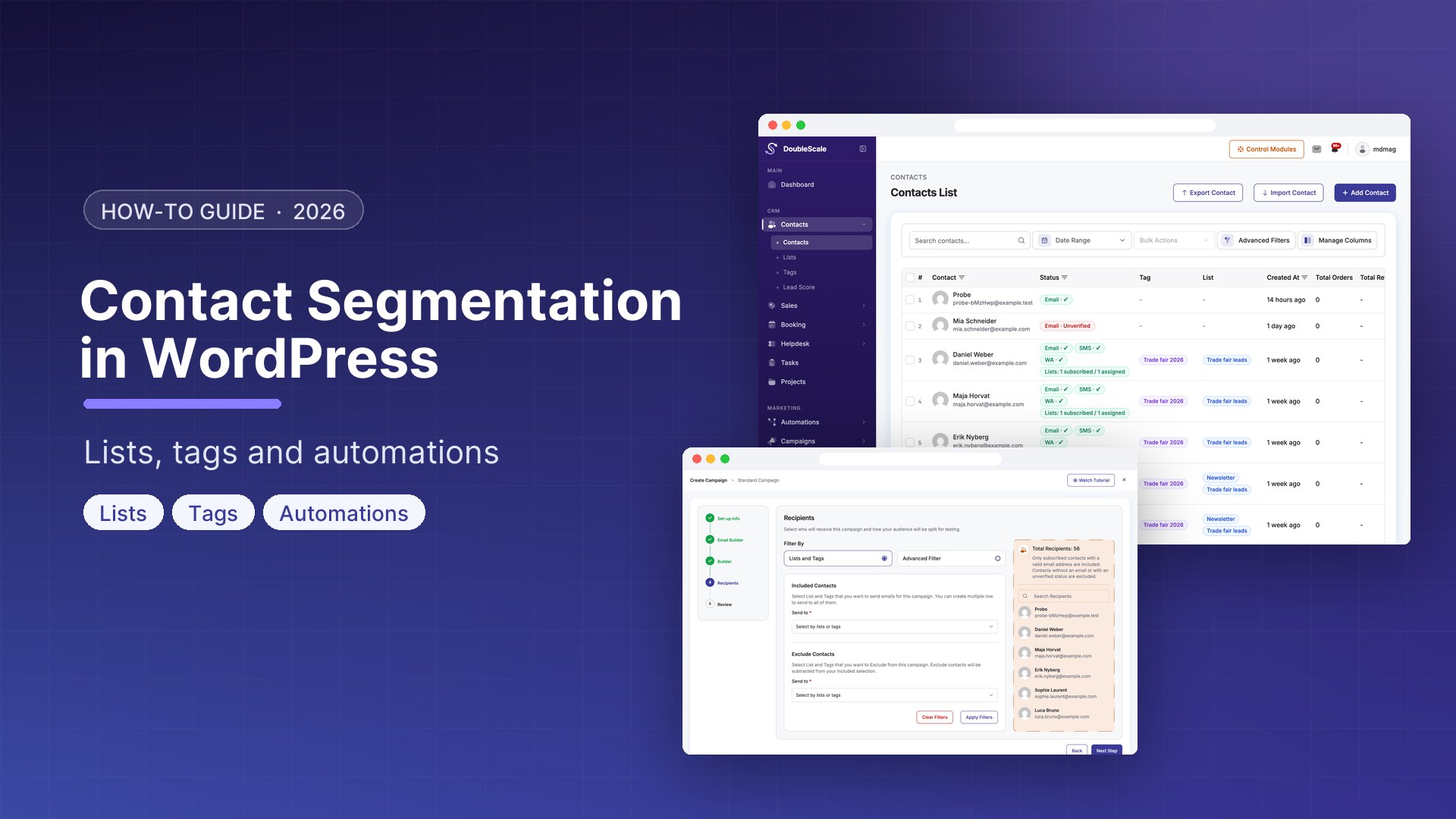
Sending the same email to your entire contact list is the fastest way to get ignored. Contacts who bought your most expensive product last week do not need the same message as contacts who have not engaged in three months. Contact segmentation divides your list into meaningful groups so you can send each group the right message.
Segmentation Methods in DoubleScale
- Lists: Static or manually managed groups. A contact is added manually or by an automation. Example: Newsletter Subscribers, VIP Customers, Trade Show Leads
- Tags: Flexible labels applied to individual contacts. A contact can have many tags. Example: purchased-product-x, attended-webinar, cancelled-subscription
- Segments: Dynamic filters. A segment automatically includes all contacts matching defined conditions. As contact data changes, their segment membership updates in real time.
Building Segments in DoubleScale
- Go to DoubleScale, Contacts, Segments, New Segment
- Add conditions — each checks a contact property, tag, list membership, or behaviour
- Combine conditions with AND (all must match) or OR (any must match)
- Save — DoubleScale shows the current contact count immediately
Useful Segments to Create
Engagement Segments
- Highly engaged: opened at least 3 emails in last 30 days AND clicked at least 1 link
- Passive: subscribed for more than 60 days AND never clicked any link
- Inactive: has not opened any email in the last 90 days
- New subscribers: added to list within the last 14 days
WooCommerce Customer Segments
- First-time buyers: order count = 1 AND first order within last 30 days
- Repeat buyers: order count 3 or more
- High-value: lifetime value over EUR 500
- At-risk: lifetime value over EUR 200 AND last order more than 60 days ago
- Lost customers: lifetime value over EUR 100 AND last order more than 180 days ago
Automating Based on Segments
Segments work as conditions inside automations and as recipient lists for campaigns.
To use in a campaign: go to DoubleScale, Campaigns, New Campaign, under Recipients select Segment, choose your segment — DoubleScale sends only to current segment members.
Segment Entry Automation: Trigger: Contact Enters Segment (when a contact first matches segment conditions). Example: contact enters At-Risk Customers segment, send personalised win-back email, if no purchase in 14 days send WhatsApp message.
Maintaining List Hygiene
- Create a Re-engagement segment for contacts inactive 90+ days and run a 4-email re-engagement sequence
- Unsubscribe contacts who complete the re-engagement sequence without engaging
- Remove hard bounced emails — DoubleScale does this automatically
- Suppress unsubscribed contacts from all campaigns — DoubleScale enforces this automatically

Mohamed Magdy, Founder & CEO, DoubleScale
Mohamed Magdy is the founder and CEO of DoubleScale, the all-in-one CRM for WordPress. He writes about CRM, email marketing and automation for WordPress businesses.
Practical CRM tips, once a month
Guides on growing with WordPress: lead capture, email marketing, automations and sales. No spam, unsubscribe anytime.