On this page
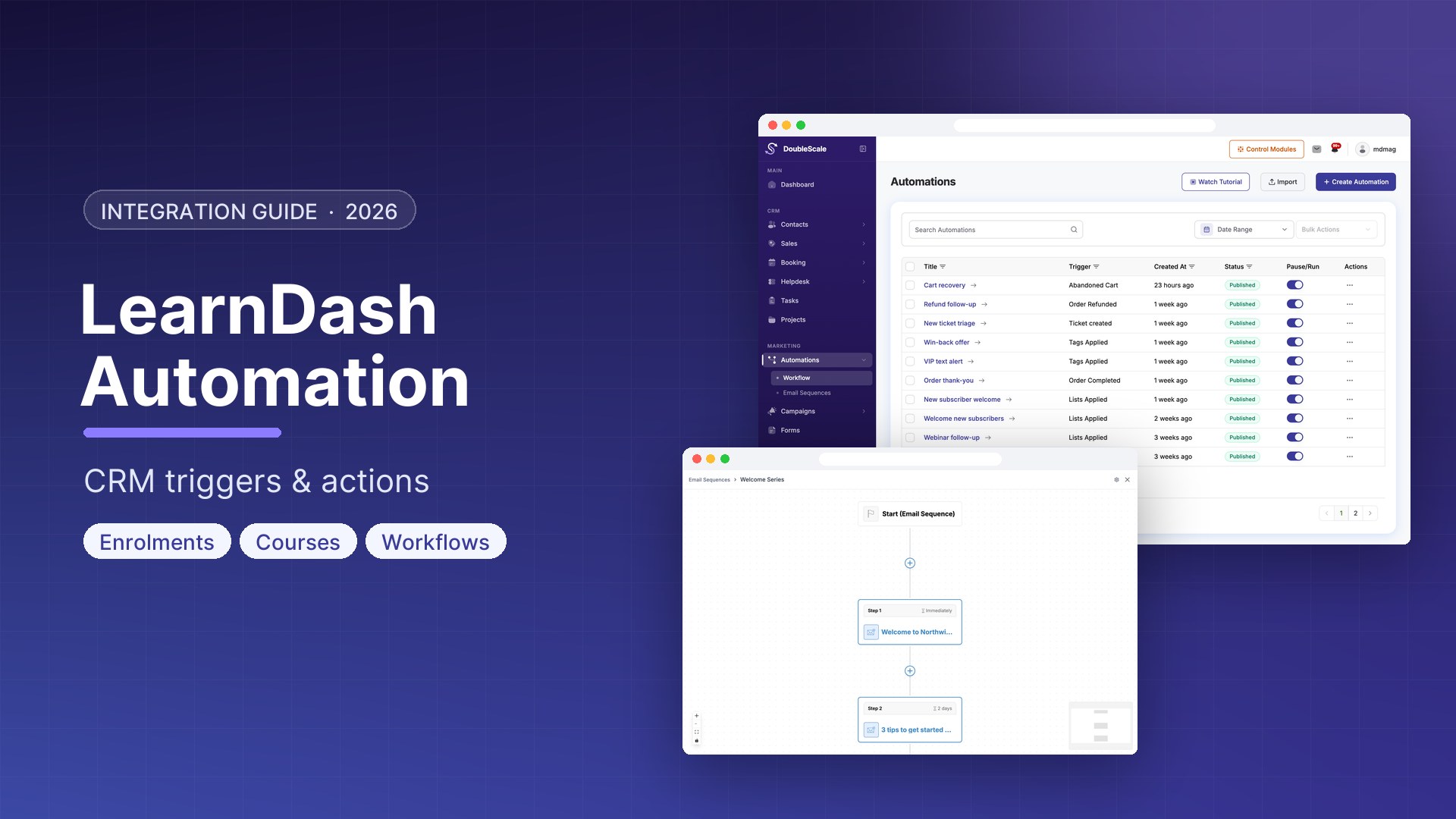
LearnDash should keep being the LMS: courses, lessons, topics, groups. LearnDash automation is the CRM noticing when a student enrolls, finishes a lesson, completes a course, joins a group, or loses access — then email, tag, or enroll them in the next course without a Zapier tax.
DoubleScale Pro does that with LearnDash automation triggers and actions. The free plugin shows the trigger names in the builder; the hooks that actually listen to LearnDash run in Pro. There is no extra API key. DoubleScale uses LearnDash’s own WordPress actions (for example learndash_update_course_access on enroll).
If you found an older version of this page listing quiz pass/fail or “certificate awarded” as DoubleScale triggers: those are LearnDash features, not DoubleScale automation triggers. This article matches the plugin catalog.
LearnDash automation triggers
| Trigger | When it fires |
|---|---|
| User Enrolled in Course | LearnDash grants course access (not when access is removed) |
| Course Completed | The student completes the course |
| Lesson Completed | A lesson is marked complete |
| Topic Completed | A topic is marked complete |
| User Added to Group | The student is added to a LearnDash group |
| User Left Course | The student loses course access |
There is no native trigger for quiz passed, quiz failed, or certificate generated. If you need those, keep them in LearnDash notifications or a LearnDash add-on — do not expect DoubleScale to invent them.
Actions back into LearnDash
- Add User To Course
- Remove User From Course
- Add User To Group
- Remove User From Group
Those need a WordPress user on the contact email, the same as MemberPress. A CRM-only subscriber with no WP user can still get email; they cannot be enrolled in a LearnDash course by the action.
Rules and merge tags
You can condition a flow on enrollment courses, groups, categories, tags, first/last enrollment date, and whether a course is completed. Mail and other steps can use course name, course URL, lesson name, topic name, group name, enrolled course names (and with links), enrolled group names (and with links), and candidate name.
There is no {{learndash.progress_percentage}} merge tag in DoubleScale. Do not build a “you are 40% done” email unless you compute that yourself.
Automations that match the catalog
- Course welcome. User Enrolled in Course → tag by course (use the enrollment-courses rule if one automation covers many courses) → start an email sequence with course name and URL.
- Completion → next course. Course Completed → send a congratulations email → Add User To Course (the next one) or Add User To Group. Optional CRM tag “graduate.”
- Lesson or topic drip. Lesson Completed / Topic Completed → a short email that names that lesson or topic. This is not a full curriculum scheduler; it fires per completion.
- Group onboarding. User Added to Group → email the cohort, apply a group tag.
- Access lost. User Left Course → a win-back email or a task for an advisor. Do not assume DoubleScale unenrolled them; LearnDash did, this trigger reports it.
A “student went quiet for 14 days” flow is not a built-in scheduled LearnDash trigger. Closest honest version: use first/last enrollment date rules as conditions when some other event runs, or use a CRM campaign you send yourself. Do not claim a nightly inactivity cron that DoubleScale does not ship.
How to turn it on
- LearnDash active, DoubleScale + DoubleScale Pro active.
- Open Automations. LearnDash appears as a trigger group when the LMS is present.
- Build from a real trigger above. Add email, tags, or LearnDash add/remove actions.
- Test with a throwaway student user whose email matches a CRM contact.
Students are WordPress users. DoubleScale contacts are matched by email. Keep those aligned or enroll/complete events will not attach to the CRM record you think they will.
LearnDash vs the rest of the LMS catalog
DoubleScale Pro also has trigger groups for LearnPress, LifterLMS, and Tutor LMS. They are not interchangeable. A LearnDash “course completed” automation will not fire for a Tutor course. See also the course-creator CRM piece for positioning, and MemberPress automation if access is sold as a membership instead of (or in addition to) a course.
Download DoubleScale free · Launch a demo · See Pro pricing
Frequently asked questions
Does DoubleScale integrate with LearnDash?
Yes. Pro automations trigger on enroll, course/lesson/topic complete, group add, and course leave. Actions can add or remove a user from a course or group. No API key — it uses LearnDash’s WordPress hooks.
Are LearnDash automations in the free plugin?
The builder can list the triggers on free. The hooks that fire, and the add/remove course and group actions, are DoubleScale Pro.
Can I trigger on quiz results or certificates?
Not as DoubleScale triggers. Use LearnDash’s own emails for those, or another LearnDash extension. DoubleScale’s catalog stops at enroll, complete (course/lesson/topic), group add, and leave course.
Can DoubleScale enroll someone in a course automatically?
Yes, via Add User To Course, if that email already belongs to a WordPress user. A contact-only record will not be created as a student by that action.
Do I need Zapier?
Not for the events in the table. Zapier is still useful if you need a LearnDash event DoubleScale does not expose (quizzes, certificates, custom fields in LD).

Mohamed Magdy, Founder & CEO, DoubleScale
Mohamed Magdy is the founder and CEO of DoubleScale, the all-in-one CRM for WordPress. He writes about CRM, email marketing and automation for WordPress businesses.
Practical CRM tips, once a month
Guides on growing with WordPress: lead capture, email marketing, automations and sales. No spam, unsubscribe anytime.