







Free
Invoices and payments
Pay online by card or the gateway you choose, see every payment, and download receipts.
One branded place on your WordPress site where each client pays invoices, signs contracts, follows projects, books meetings and opens tickets. You decide exactly what they see, and your team stops sending status emails.
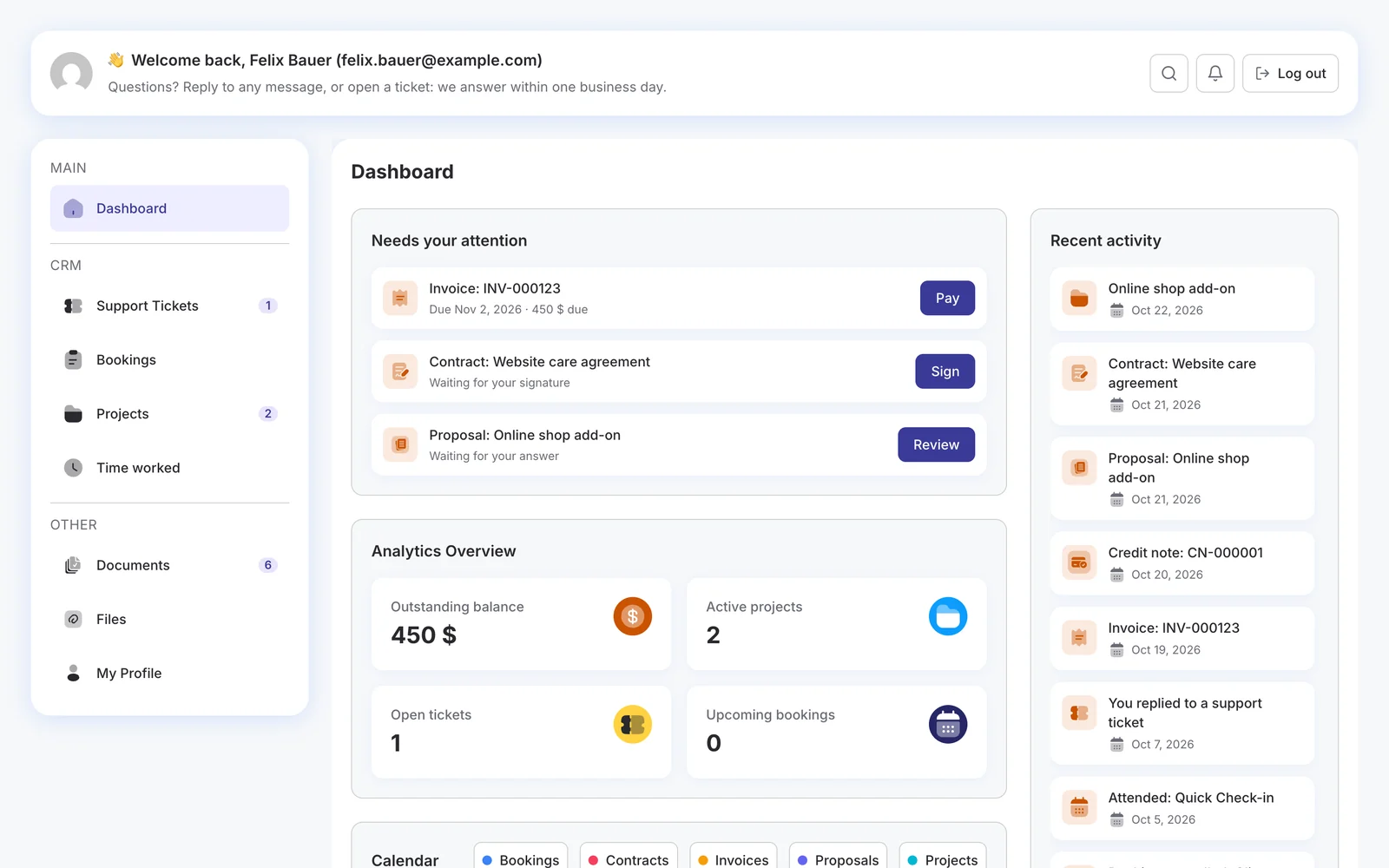
Each area appears only when you use the module behind it, and only if you let clients see it.
Pay online by card or the gateway you choose, see every payment, and download receipts.
Read, accept or decline proposals, with the date they answered kept for your team.
Read and sign contracts online, and see when each one ends.
Follow progress, tasks, budget and due dates, with a thread on every task.
Reschedule or cancel meetings, and find the join link or the address.
Open tickets, reply, and follow each one to the end.
Upload files to you, and download the ones you share.
The hours spent on each project, by month and by project.
A bell for every update, and each client chooses what also comes by email.
From turning it on and choosing what clients see, to a client paying an invoice, signing a contract and following a project.
The portal lives on your own WordPress site, under your domain, with your name on the door.
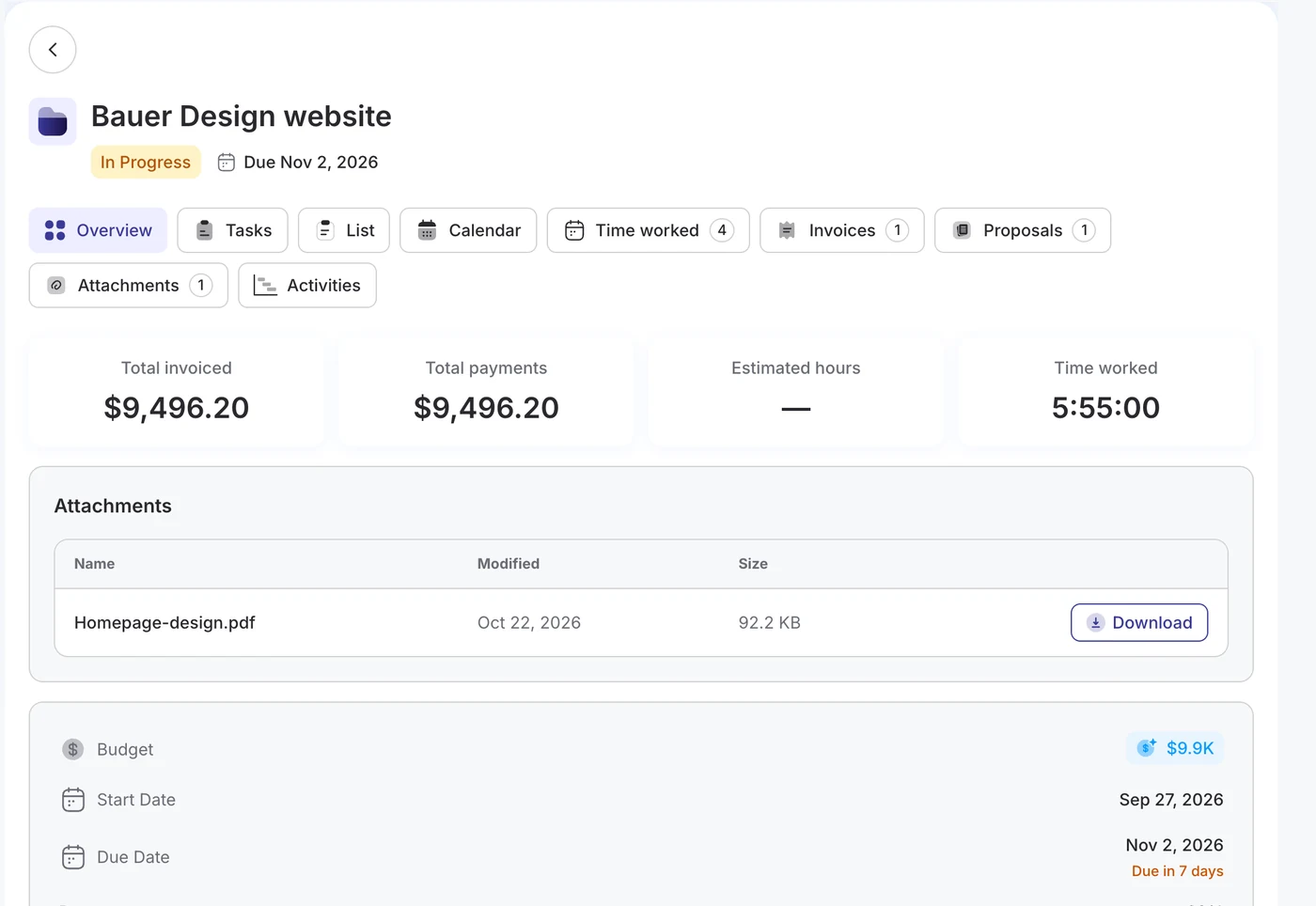
Each project opens as its own page in the portal, with what was invoiced and paid, the hours worked and the tasks still open.
Home lists what is waiting for the client: invoices to pay, overdue first, contracts to sign and proposals to answer, each one a click away.
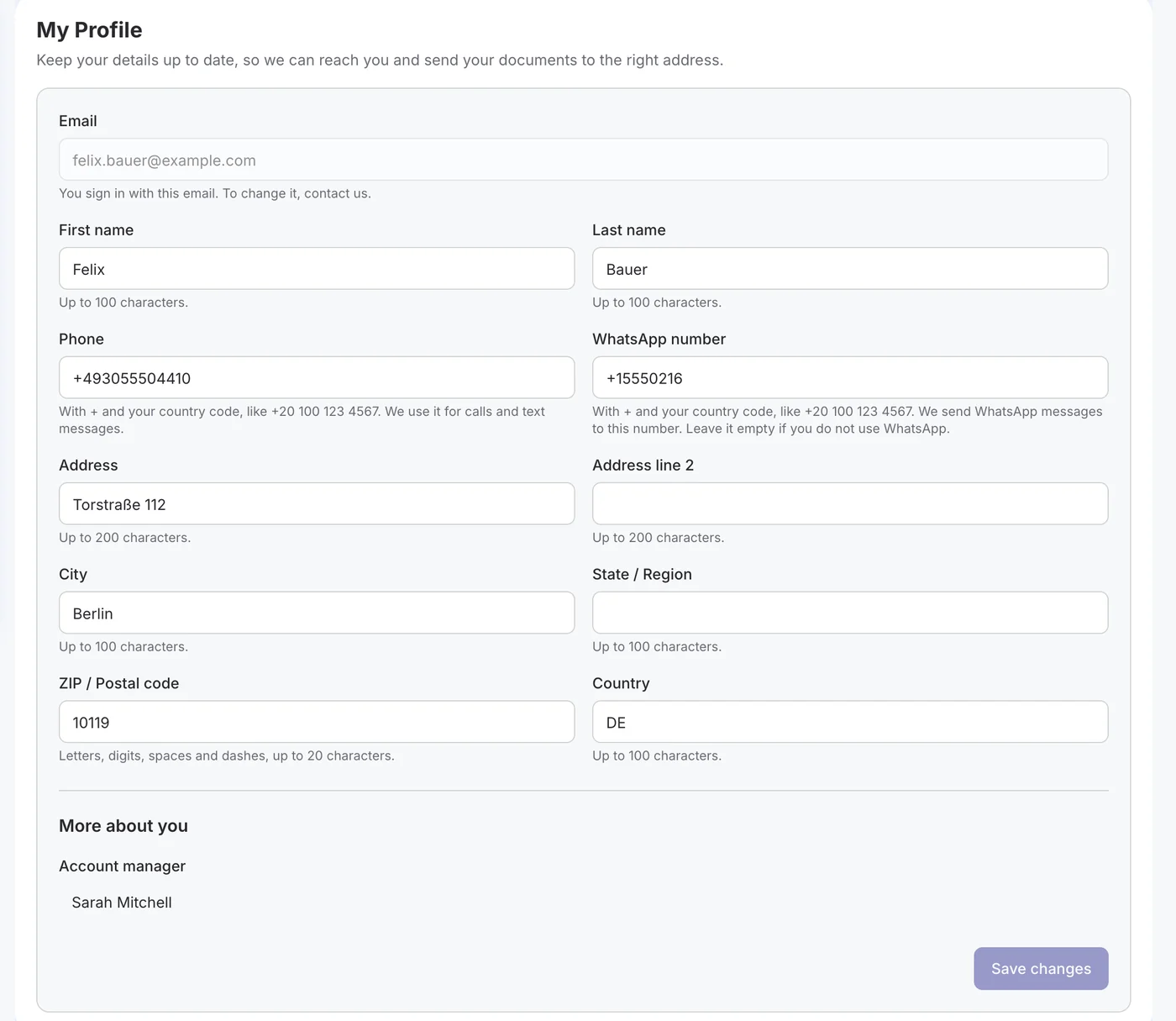
Name, phone, WhatsApp number and address, with clear guidance on what each field takes. Every change shows on the contact’s timeline.
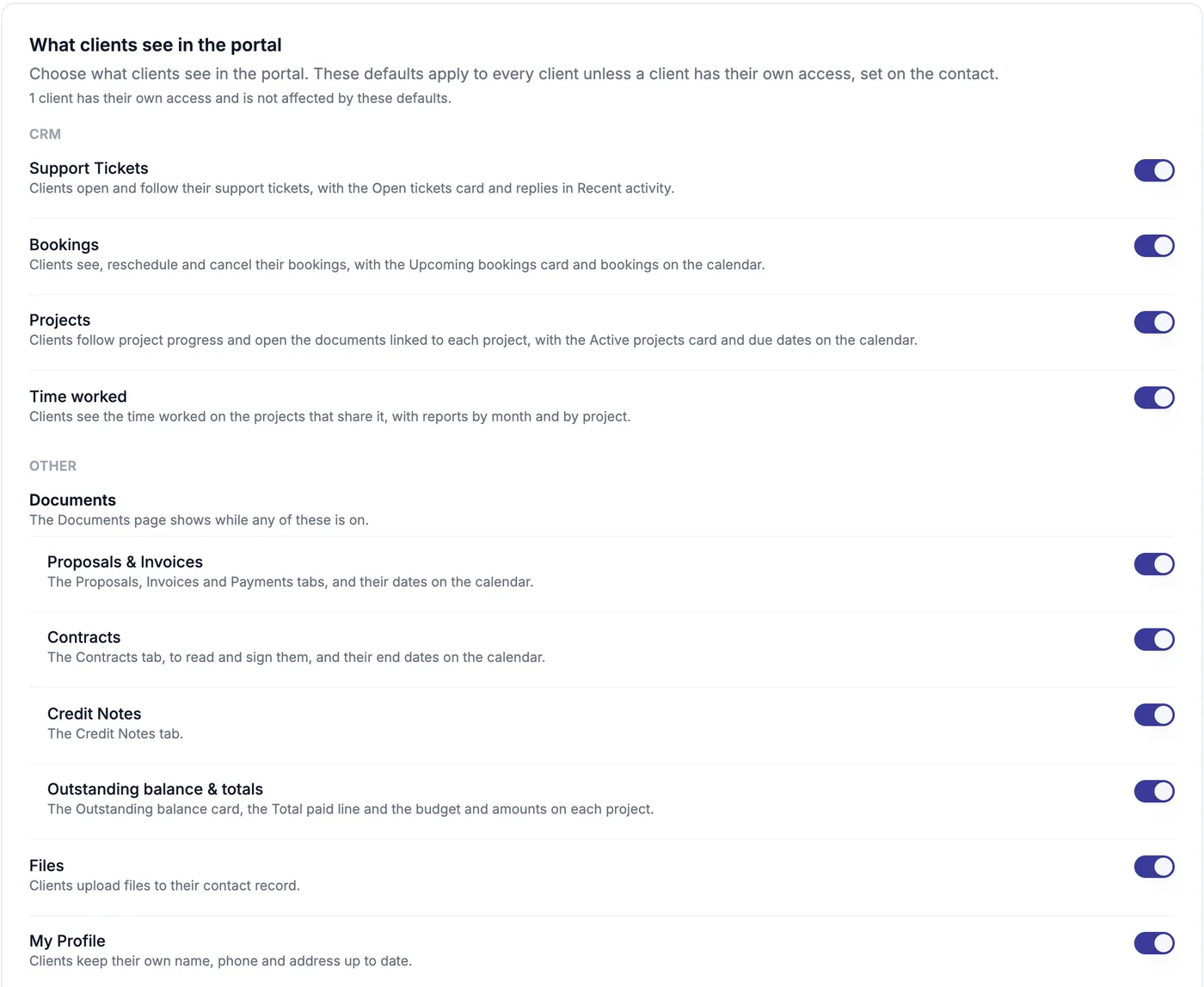
Switch each area on or off for every client, then give one client their own access from their contact record.
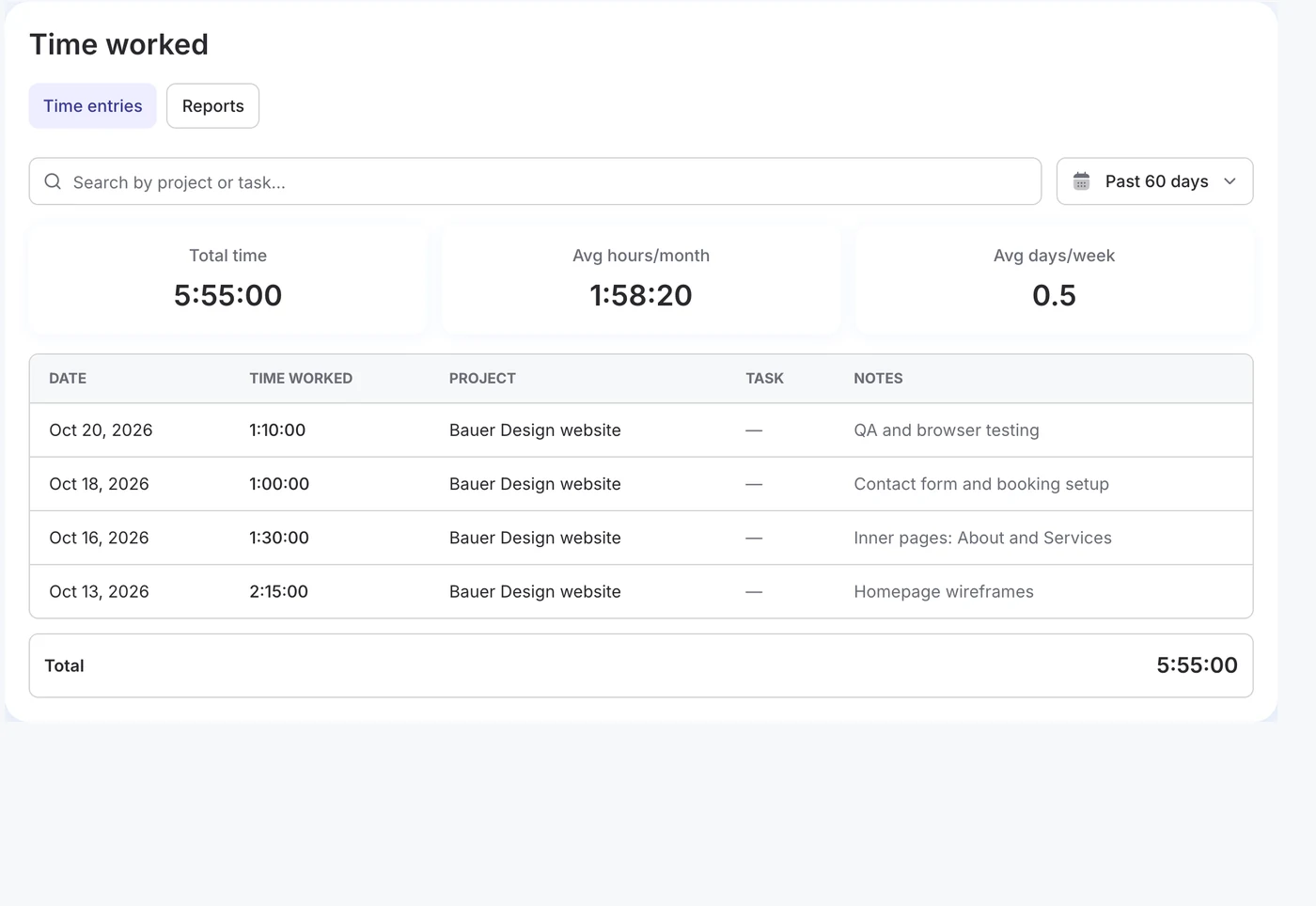
With the Time Tracking add-on, clients see the time spent on their projects: totals, a monthly chart and the split by project. Notes appear only when you choose to share them, and rates never do.
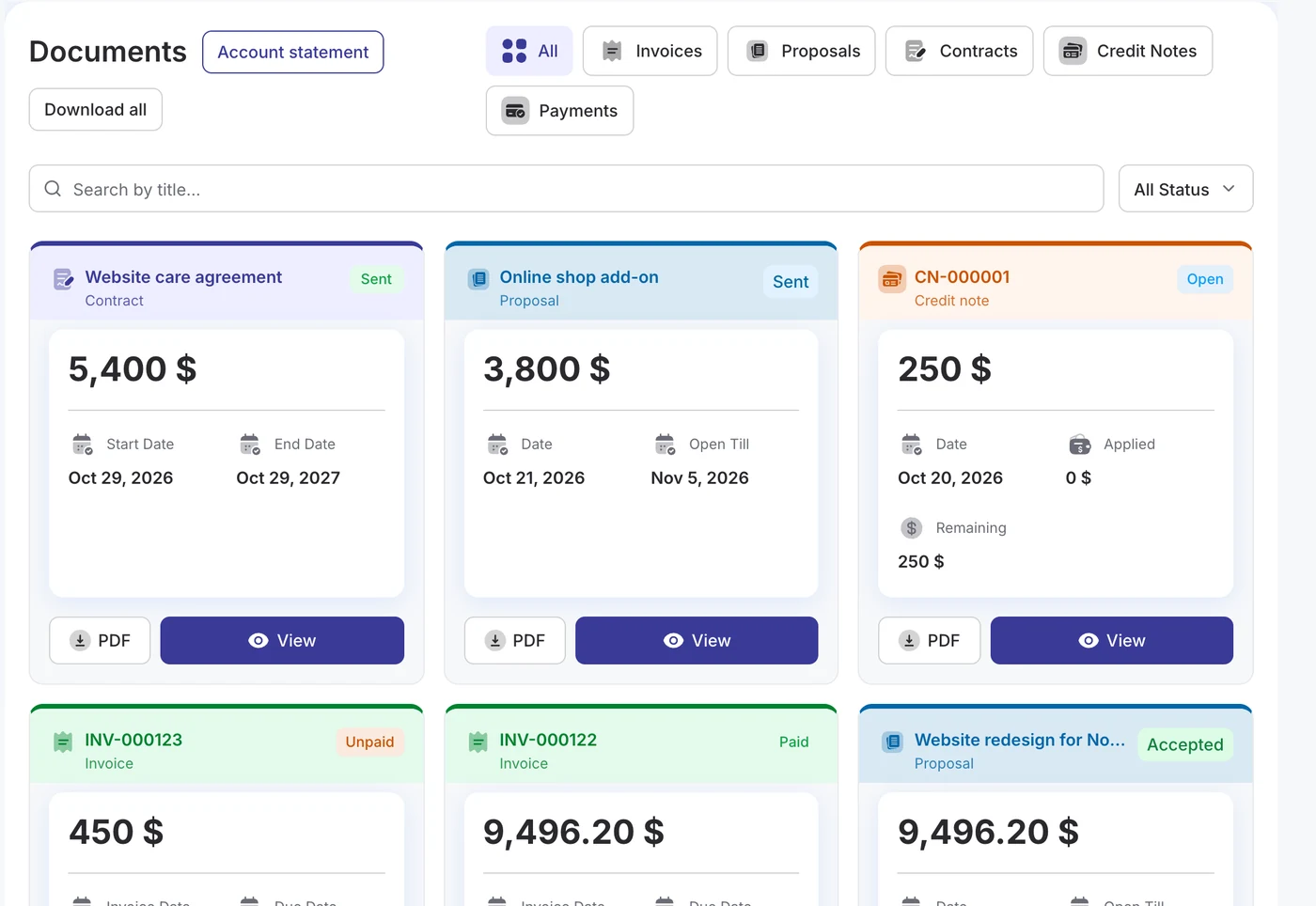
DoubleScale creates the portal page for you. Add your logo and pick full screen or your theme.
Switch areas on or off for everyone, and fine-tune it for a single client when you need to.
Accounts are created as contacts come in, and each client can get an email to set their password.
How the DoubleScale client portal works.
Yes. The portal is part of the free DoubleScale plugin, with invoices, proposals, payments, statements, bookings, support tickets and My Profile. DoubleScale Pro adds projects, contracts, credit notes, client file uploads and custom fields.
They sign in with an account DoubleScale creates for them, using their email. It can be created automatically when a contact is added, or with one click from the contact. Clients get an email to set their password.
Yes. Settings › Client Portal switches each area on or off for every client, and each contact can have their own access that overrides those defaults.
It runs on your own site and domain, shows your logo and business name on the login page, and opens as a full-screen page or inside your theme, as you prefer.
Yes. Invoices show a Pay button when an online gateway such as Stripe or PayPal can take them, and the invoice page offers every payment method you enabled for it.
Start with the free plugin and add Pro modules when you need them. Unlimited contacts on every plan, and your data stays on your own server.