On this page
- What "CRM with project management" really means
- CRMs with project management compared
- 1. DoubleScale: best for service businesses on WordPress
- 2. Insightly: best classic CRM with built-in projects
- 3. Bitrix24: best free all-in-one workspace
- 4. Pipedrive: best sales pipeline with a projects add-on
- 5. monday: best visual boards
- 6. Zoho CRM with Zoho Projects: best suite approach
- 7. ClickUp: best free plan for delivery teams
- 8. Odoo: best open-source suite
- The hand-off test: what a good CRM-to-project link does
- How to choose
- Setting it up in five steps
- Seven signs you need a CRM with project management
- Mistakes to avoid
- Examples by business type
- Questions people ask
In a service business the sale is the start of the job, not the end. The trouble is that most teams close the deal in one tool and run the project in another. The scope promised in the proposal lives in an email thread, the project manager re-types the client’s details, and nobody can see whether the account is profitable until the invoice is late.
A CRM with project management closes that gap: the won deal becomes a project with its tasks, files and invoices, linked to the same client record. We compared eight tools on how well they make that hand-off, what they cost and where each falls short. Prices were checked on each vendor’s pricing page on October 17, 2026.
Disclosure: DoubleScale is our product, and we list it first. Every other tool’s free-plan limits come from its own pricing page, and we say where another tool is the better fit.
Best for service businesses on WordPress: DoubleScale, with proposals, invoices and a client portal free and projects in Pro for one price per site.
Best built-in projects in a classic CRM: Insightly, which turns won opportunities into projects.
Best free all-in-one workspace: Bitrix24, with CRM, tasks and projects together.
Best for project-heavy teams that sell lightly: ClickUp or monday.
What "CRM with project management" really means
Three set-ups go by this name, and they behave very differently:
| Set-up | How it works | Good for | Watch out for |
|---|---|---|---|
| CRM with built-in projects | Won deal converts into a project on the same record | Agencies, consultancies, installers | Project features are usually simpler |
| Project tool with a CRM board | Clients are rows on a board next to the work | Delivery-heavy teams | Weak sales reporting and email tracking |
| Two apps from one vendor | Separate CRM and project apps that integrate | Teams that want depth on both sides | Two interfaces, two bills |
CRMs with project management compared
| Tool | Set-up | Free plan | Paid from |
|---|---|---|---|
| DoubleScale | Built-in (WordPress) | Yes (projects in Pro) | $99/yr per site, unlimited users |
| Insightly | Built-in | No (14-day trial) | $29/user/mo yearly |
| Bitrix24 | Built-in | 1-2 users | $49/mo for 5 users |
| Pipedrive | Add-on | No (14-day trial) | $14/seat + Projects from $16.66/mo |
| monday | Two products | Work management, 2 seats | CRM from €12/seat, 3-seat minimum |
| Zoho CRM + Zoho Projects | Two apps | CRM 3 users | CRM $14/user/mo yearly |
| ClickUp | Project tool with CRM views | Unlimited members | Per user |
| Odoo | Suite | One app free | Paid for CRM and Project together |
Vendor pricing pages, October 17, 2026.
1. DoubleScale: best for service businesses on WordPress
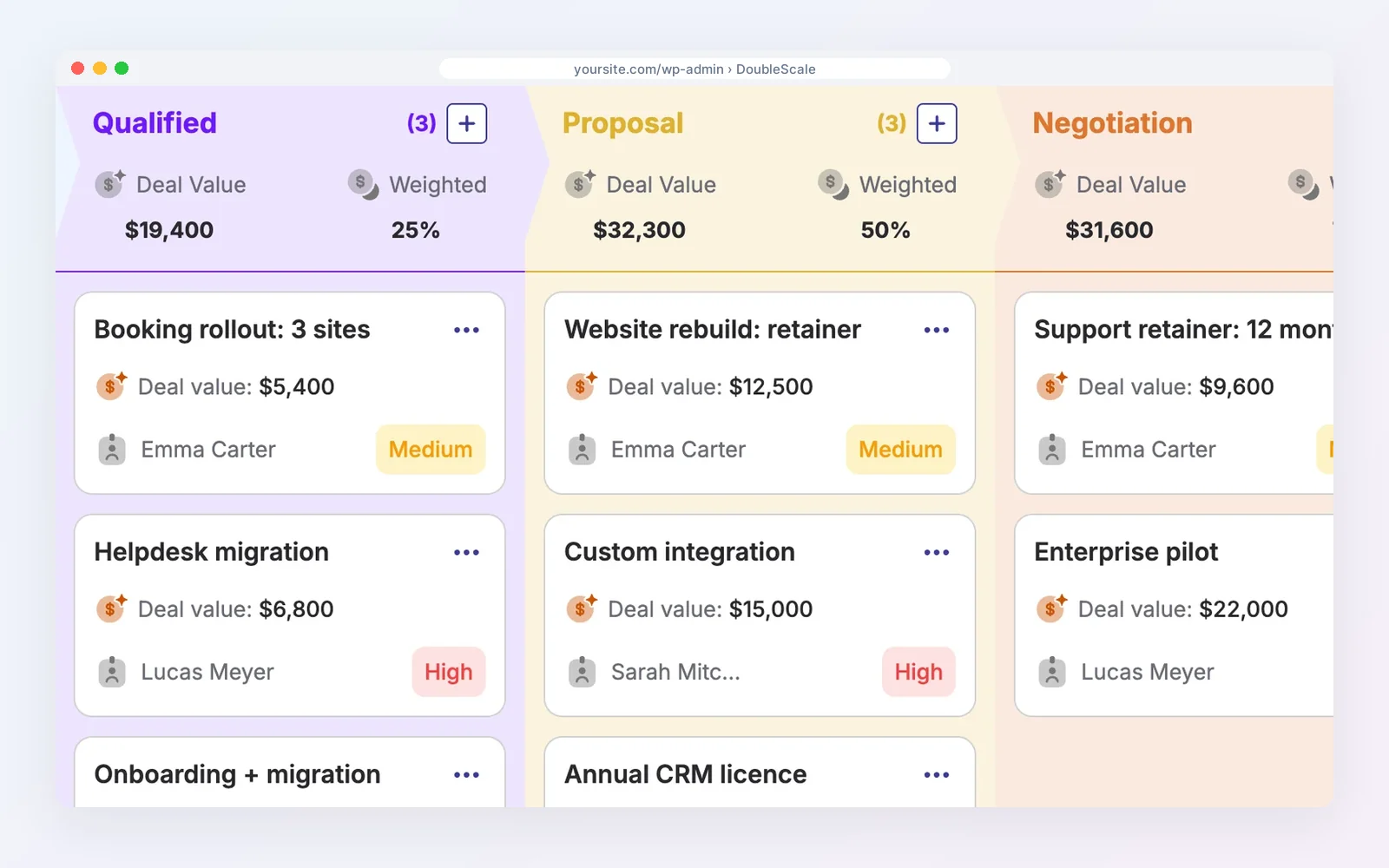
DoubleScale keeps the client, deal, project and invoice on one record inside WordPress. The free plugin covers proposals, invoices and a client portal. Projects and tasks, pipelines and contracts are in Pro ($99 a year per site, unlimited team members).
How teams use it: a signed proposal becomes a project and the client follows it in the portal.
Watch out for: projects need Pro, and there are no Gantt charts or resource planning.
Pros
- Sale to invoice on one record
- No per-seat pricing
Cons
- Projects need Pro
- No Gantt charts
- WordPress only
Best for: Service businesses on WordPress that bill clients.
2. Insightly: best classic CRM with built-in projects
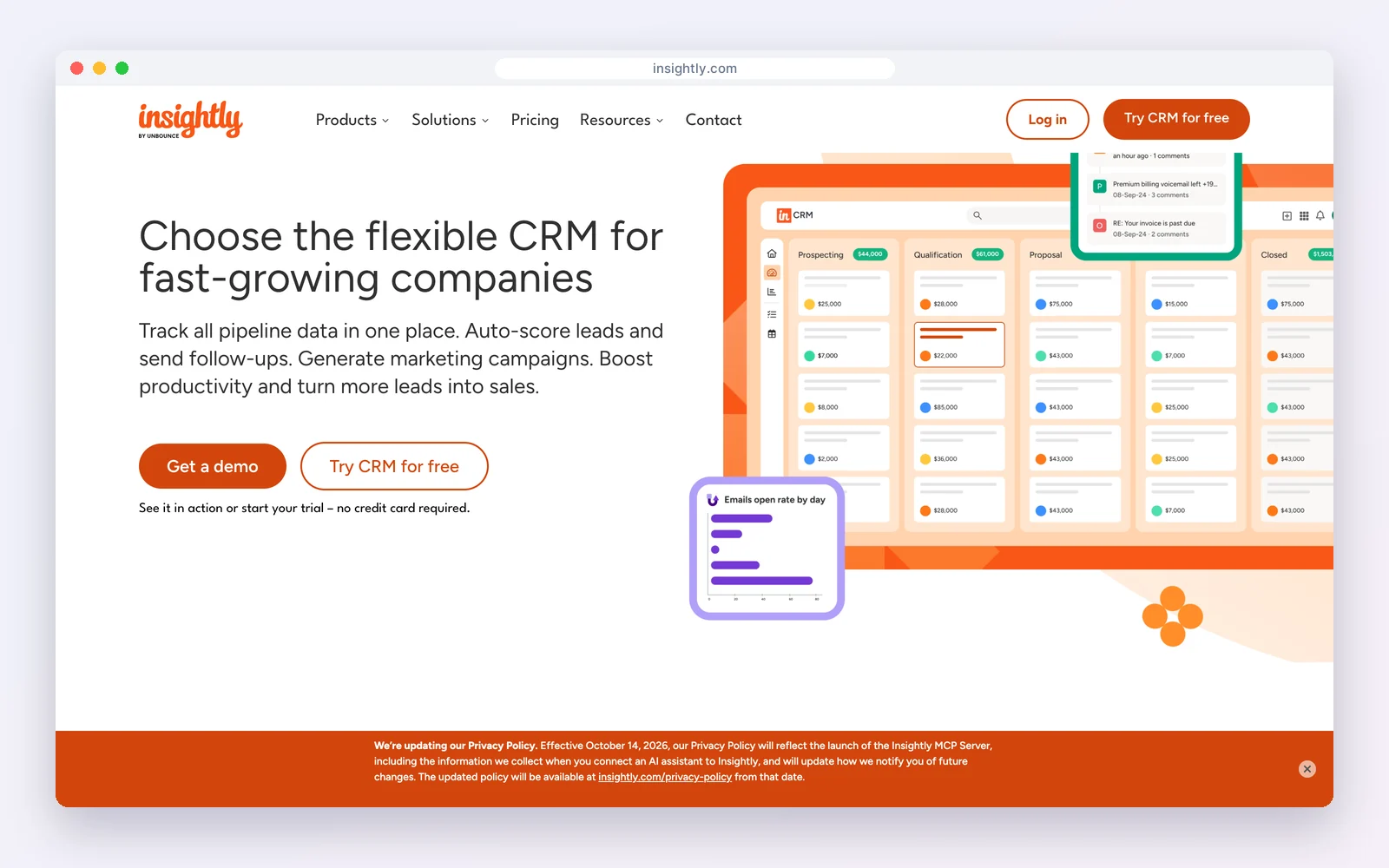
Insightly is a CRM with project management built in: a won opportunity can be converted into a project with milestones and tasks, linked to the same contacts and organisation. Plans are $29, $49 and $99 per user a month billed yearly, with a 14-day trial.
How teams use it: sales closes the opportunity and delivery picks up the project with the full history attached.
Watch out for: per-user pricing adds up, and there is no free plan.
Standout feature: opportunity-to-project conversion with milestones and tasks, keeping the full sales history on the project.
Pros
- True deal-to-project hand-off
- Mature CRM
Cons
- No free plan
- Per-user cost
Best for: B2B teams that want one hosted system for sales and delivery.
3. Bitrix24: best free all-in-one workspace
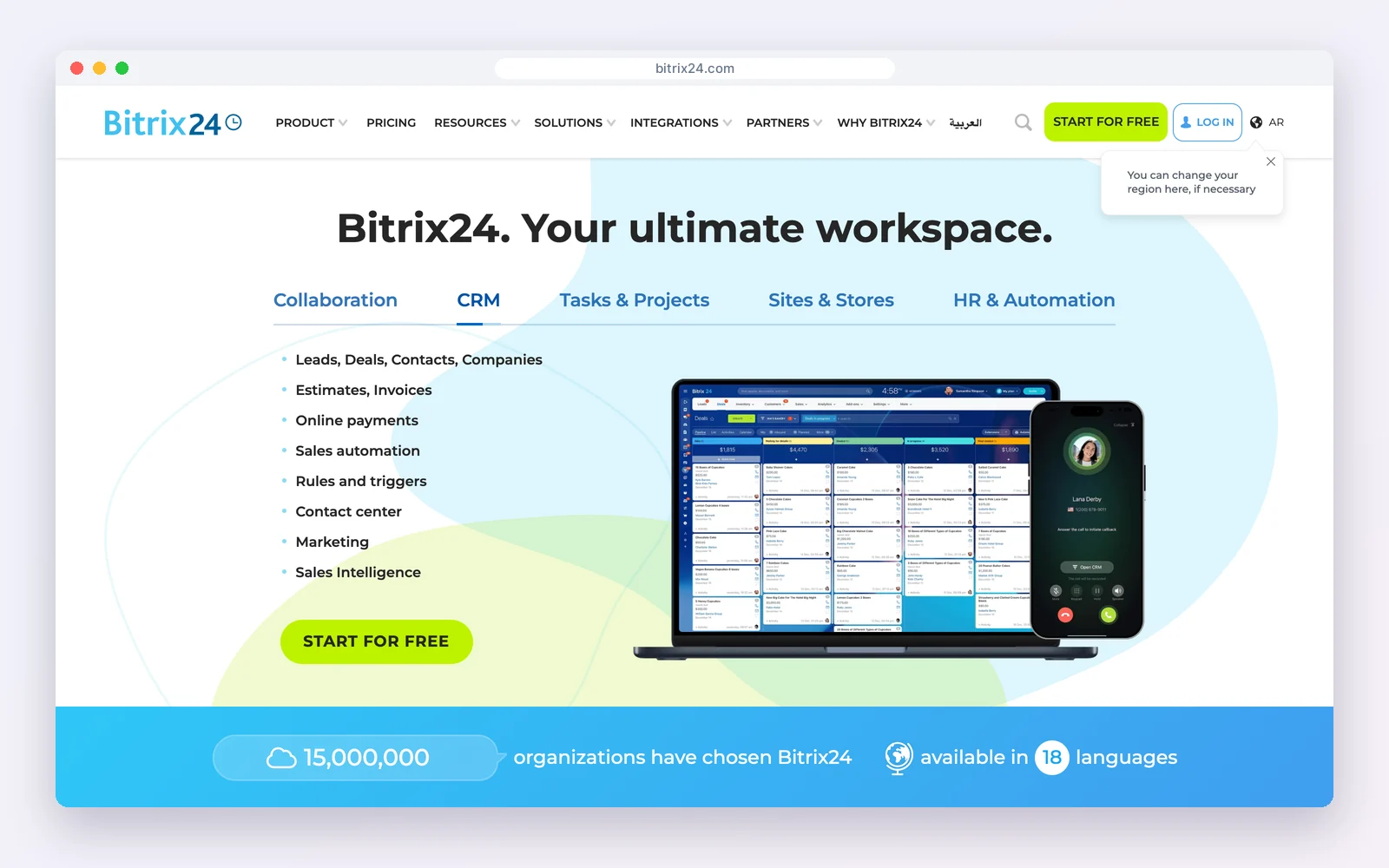
Bitrix24 combines CRM, tasks, projects, chat and calendars in one account. The free plan covers one to two users; Basic is $49 a month billed yearly for five users, and Standard $99 for 50.
How teams use it: discuss a deal, assign the follow-up task and track the project without switching tools.
Watch out for: the interface is busy and takes time to learn.
Standout feature: tasks, Gantt-style planning, chat and CRM in one account, priced per team rather than per user.
Pros
- CRM and projects together
- Per-team pricing
Cons
- Small free plan
- Busy interface
Best for: Small teams that want everything in one workspace.
4. Pipedrive: best sales pipeline with a projects add-on
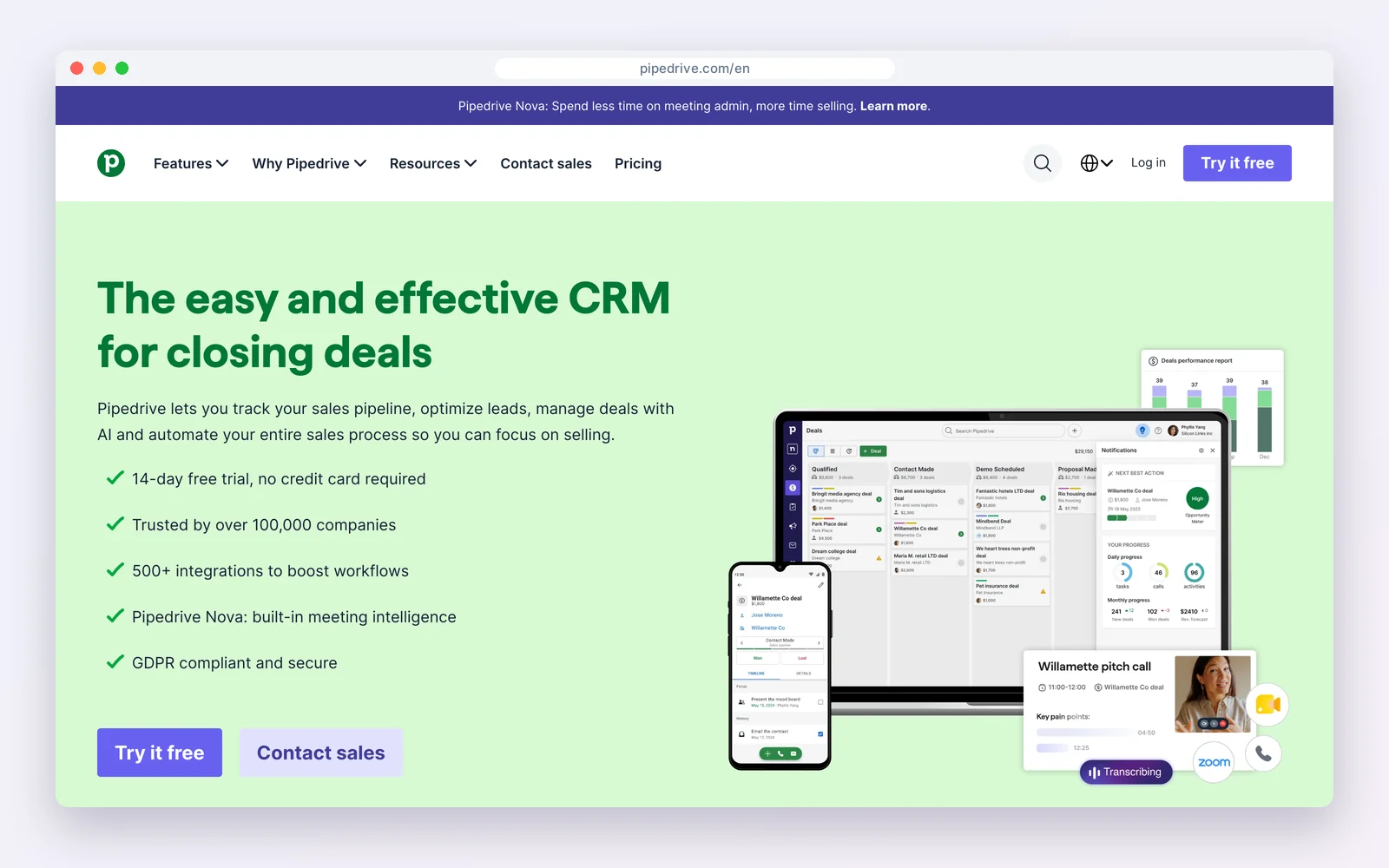
Pipedrive is a sales-first CRM from $14 per seat a month billed yearly. Its Projects add-on, from $16.66 a month, turns won deals into projects with boards, phases and tasks.
How teams use it: keep Pipedrive’s pipeline as the centre and hand won deals to a light project board.
Watch out for: per-seat pricing plus the add-on, and project features stay basic.
Standout feature: won deals become projects on a board with phases, so the hand-off from sales is one click.
Pros
- Excellent pipeline
- Simple hand-off
Cons
- No free plan
- Basic projects
Best for: Sales-led teams with simple delivery.
5. monday: best visual boards
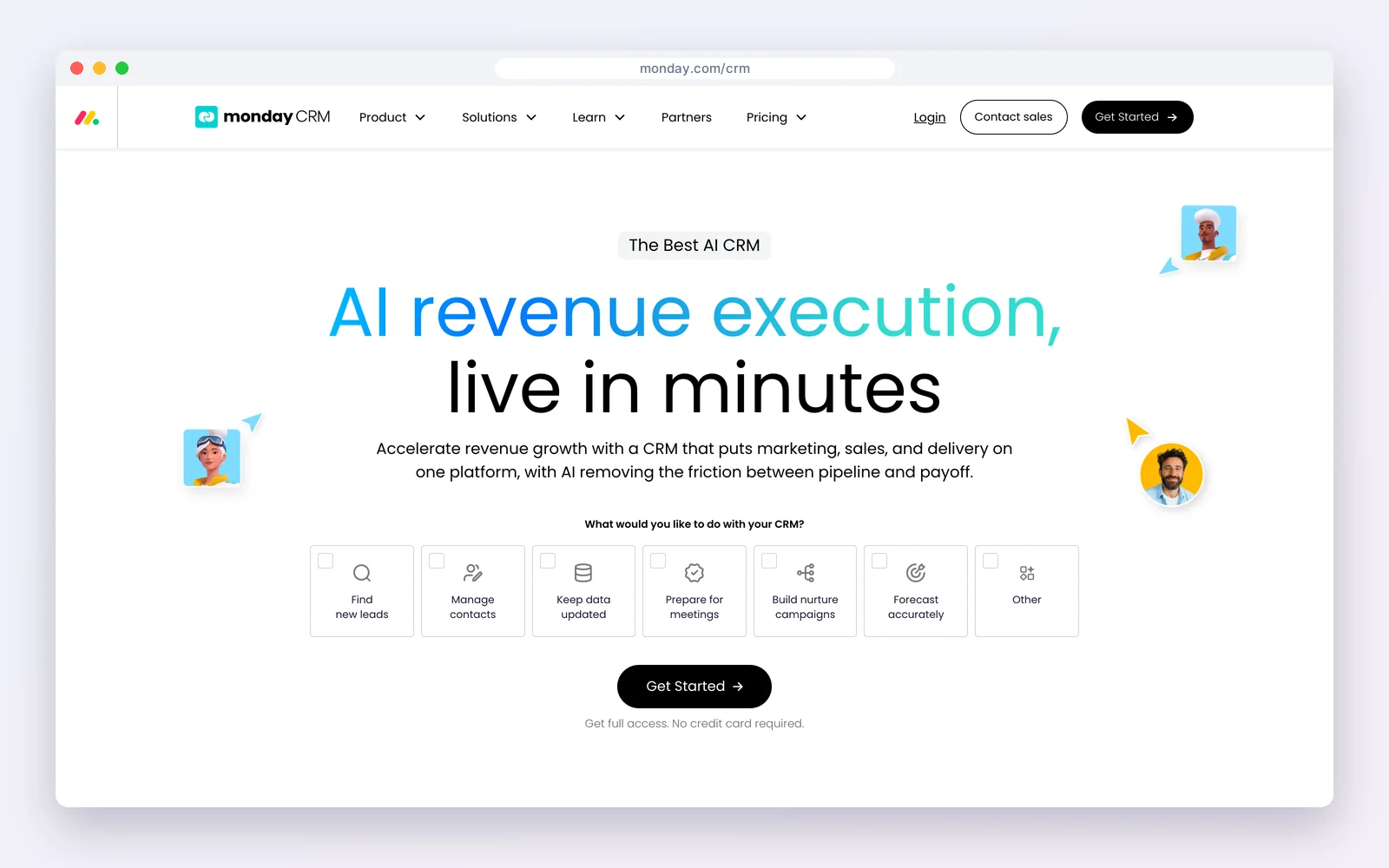
monday sells work management and CRM as separate products. Work management is free for two seats; monday CRM starts at €12 per seat a month billed yearly, with a three-seat minimum and a 14-day trial.
How teams use it: boards for deals, projects and client approvals that everyone understands at a glance.
Watch out for: the CRM is paid from the start and the two products are billed separately.
Standout feature: highly visual boards and dashboards that clients and freelancers understand without training.
Pros
- Very visual
- Easy adoption
Cons
- CRM not free
- Two products
Best for: Teams that love boards and can pay for CRM.
6. Zoho CRM with Zoho Projects: best suite approach
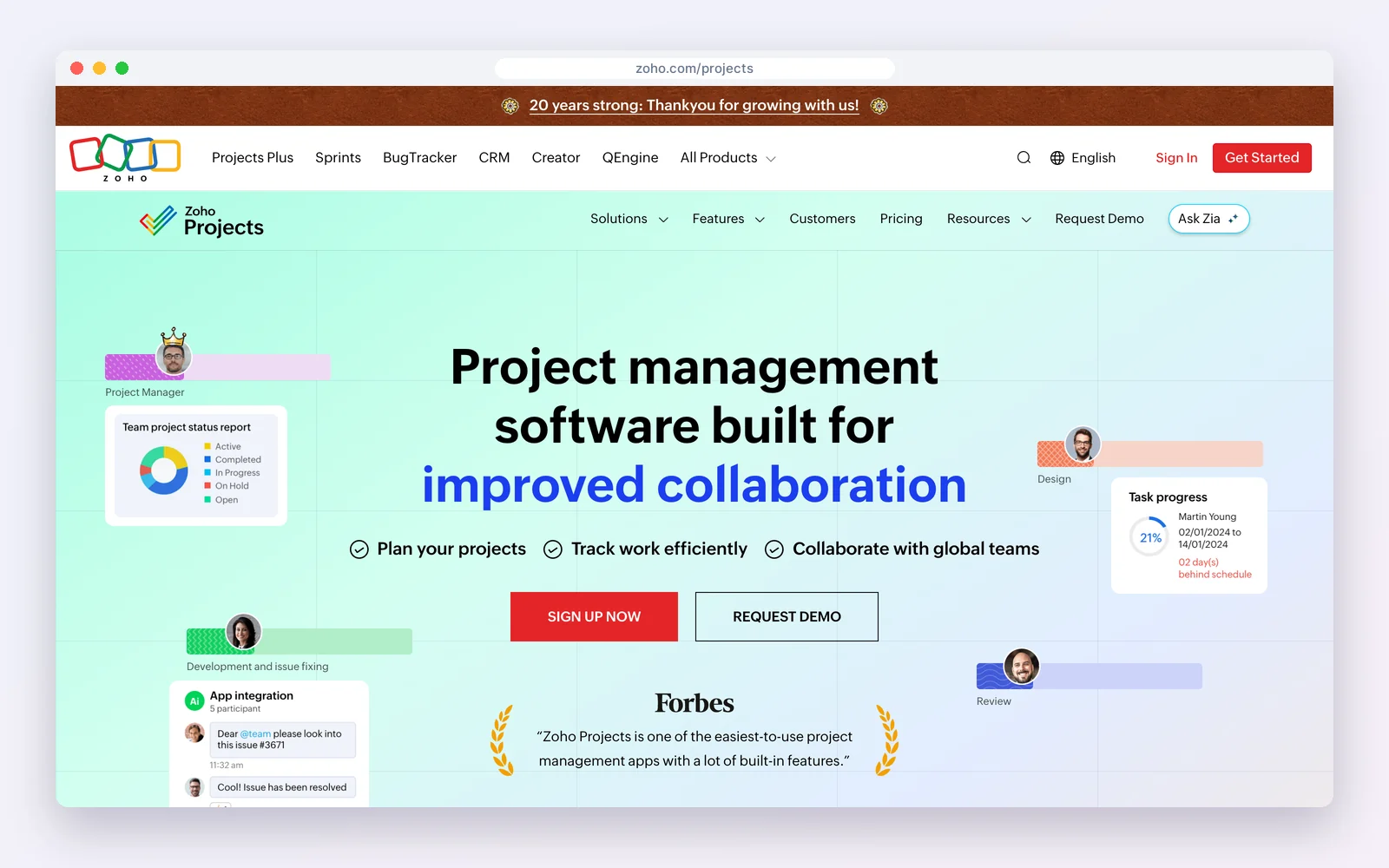
Zoho CRM is free for three users and paid from $14 per user a month billed yearly. Zoho Projects is a separate app in the same suite, connected through Zoho’s integrations, with Zoho Invoice available for billing.
How teams use it: sell in Zoho CRM, deliver in Zoho Projects, bill in Zoho Invoice.
Watch out for: several apps to set up and keep connected.
Standout feature: deep, separate apps for CRM, projects and invoicing that share data inside one suite.
Pros
- Depth on both sides
- One vendor
Cons
- Several apps
- Learning curve
Best for: Teams building on the Zoho suite.
7. ClickUp: best free plan for delivery teams
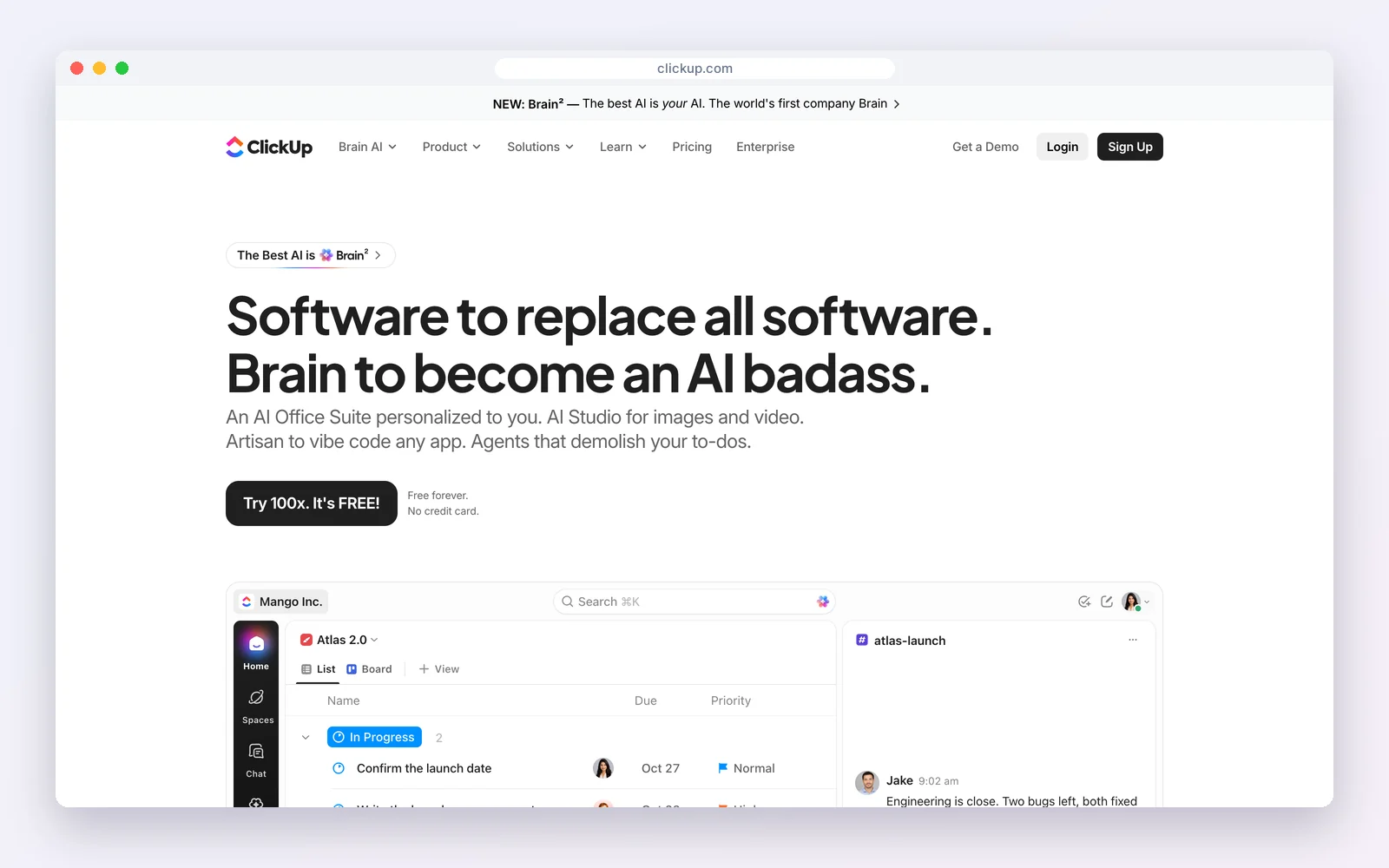
ClickUp‘s Free Forever plan allows unlimited members and tasks, with 60MB of storage and 100 automation actions a month. Many teams keep a client list and pipeline as a list or board next to the work.
How teams use it: run delivery in ClickUp and track clients as a simple pipeline view.
Watch out for: it is a project tool first, without email tracking or deal reporting.
Standout feature: list, board, calendar and Gantt views for unlimited members on the free plan.
Pros
- Whole team free
- Powerful project views
Cons
- Not a real CRM
- Low free storage
Best for: Delivery-heavy teams with light sales.
8. Odoo: best open-source suite
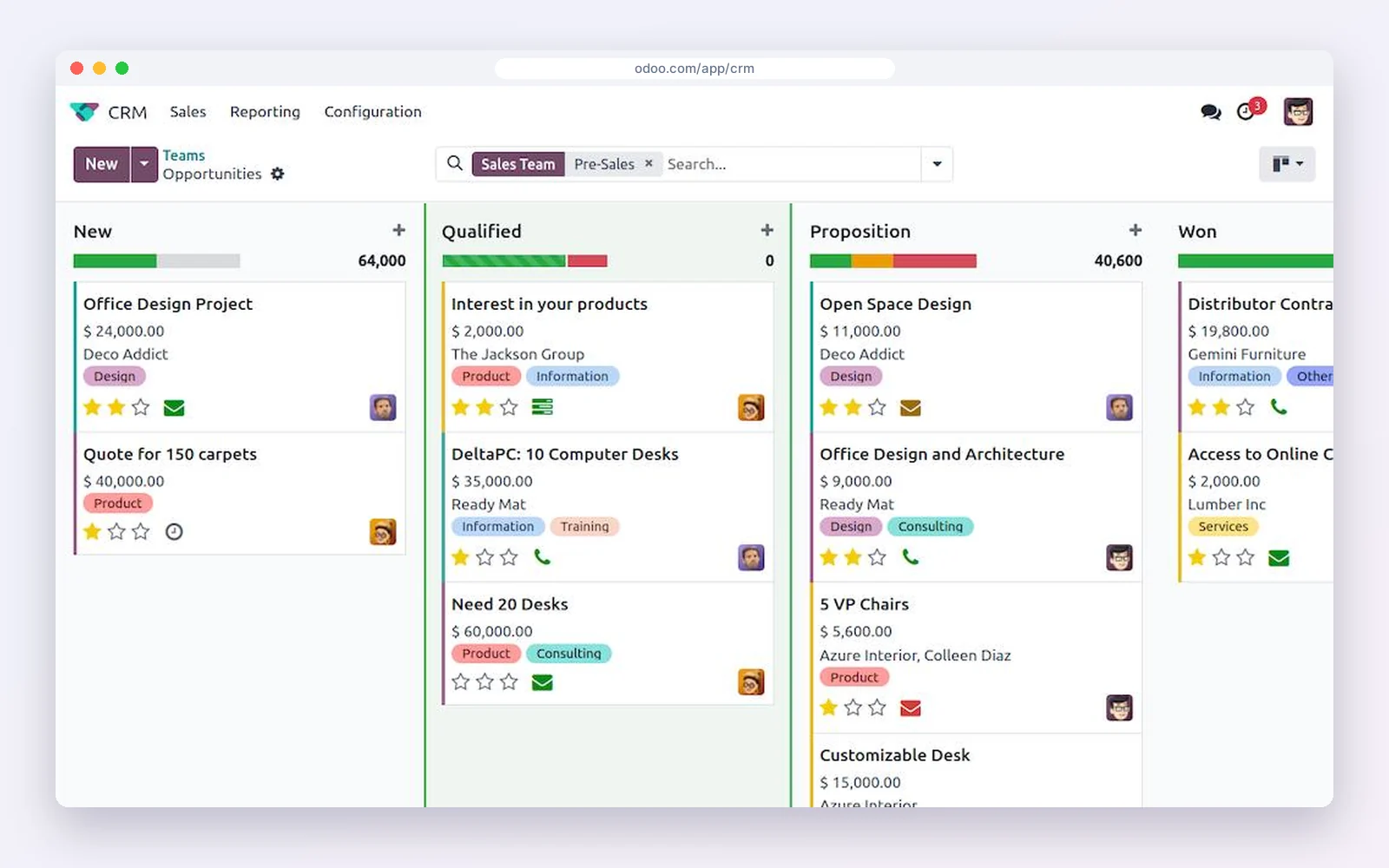
Odoo offers one app free with unlimited users on Odoo Online. Pick CRM or Project as the free app; using both on one database needs a paid plan.
How teams use it: grow from CRM into Project, Invoicing and more without migrating data.
Watch out for: only one app is free, and setup takes longer than a single-purpose tool.
Standout feature: dozens of business apps (CRM, Project, Invoicing, Timesheets) on one database.
Pros
- Huge suite
- One database
Cons
- Only one app free
- Setup effort
Best for: Businesses planning to run everything on Odoo.
The hand-off test: what a good CRM-to-project link does
Whatever tool you pick, run this test in the trial. Create a deal with a contact, a value and a proposal, mark it won, and check what the project receives.
- Client and contacts carry over without re-typing.
- Scope (the proposal or line items) is attached or linked.
- Tasks can be created from a template for that type of job.
- Invoices link back to the project and the client.
- The client can see progress or documents without emailing you.
Tools with built-in projects (DoubleScale, Insightly, Bitrix24) pass most of this out of the box; two-app set-ups pass it once the integration is configured; project tools with CRM boards usually fail the scope and invoice steps.
How to choose
| Your situation | Choose |
|---|---|
| Service business on WordPress, invoices and client portal | DoubleScale |
| One hosted system for B2B sales and delivery | Insightly |
| Small team, CRM and tasks free | Bitrix24 |
| Pipedrive already, simple delivery | Pipedrive Projects |
| Project-heavy team, light sales | ClickUp or monday |
| Whole business on one suite | Zoho or Odoo |
Setting it up in five steps
- Define the stage where a deal becomes a project, usually “won” or “deposit paid”.
- Create one project template per service, with standard tasks and owners.
- Map which deal fields move to the project: client, value, scope and deadline.
- Link invoicing to project milestones so billing follows delivery.
- Give clients one place to see progress, ideally a portal rather than email updates.
Looking elsewhere?Running projects inside WordPress? See WordPress project management plugin and WordPress client portal plugins.
Seven signs you need a CRM with project management
- Project managers re-type client details that sales already has.
- Scope promised in the proposal surprises the delivery team.
- Clients ask for status updates by email every week.
- Invoices go out late because nobody knows a milestone is done.
- You cannot tell which clients are profitable.
- Sales sells work the team has no capacity to deliver.
- Repeat business depends on someone remembering to follow up.
Mistakes to avoid
- Buying the most powerful project tool when the real gap is the hand-off from sales.
- Letting each project manager build their own task lists instead of templates per service.
- Keeping invoices outside the system, so profitability stays invisible.
- Paying per seat for occasional collaborators such as freelancers or clients.
Examples by business type
- Marketing agency: Won retainer becomes a project with monthly recurring tasks and invoices.
- Installer or contractor: Won quote becomes a job with site visits, materials tasks and staged invoices.
- Software consultancy: Signed statement of work becomes a project with milestones that trigger invoices.
How we compared: every price was read on the vendor’s own pricing page on October 17, 2026 (USD). Prices change often, so check the vendor’s page before you buy.
Questions people ask
What is a CRM with project management?
A CRM that turns won deals into projects with tasks, files and invoices linked to the same client record, so delivery starts with everything sales agreed.
Which CRM has the best built-in project management?
Insightly and Bitrix24 have projects built into the CRM; DoubleScale does the same inside WordPress with proposals, invoices and a client portal.
Is there a free CRM with project management?
Bitrix24 is free for one to two users with CRM and tasks; ClickUp is free for unlimited members with light CRM views; Odoo gives one app free.
Should I use one tool or a CRM plus a project tool?
One tool if the same team sells and delivers; two connected apps if sales and delivery are separate teams that need depth on each side.
Proposals, projects, invoices and a client portal on one record, inside WordPress.
Get our guides first on GoogleAdd DoubleScale as a preferred source and our articles show up more often in your Top Stories.

Mohamed Magdy, Founder & CEO, DoubleScale
Mohamed Magdy is the founder and CEO of DoubleScale, the all-in-one CRM for WordPress. He writes about CRM, email marketing and automation for WordPress businesses.
Practical CRM tips, once a month
Guides on growing with WordPress: lead capture, email marketing, automations and sales. No spam, unsubscribe anytime.