On this page
- What a CRM booking system should do
- CRMs with booking systems compared
- 1. DoubleScale: best free CRM with booking on WordPress
- 2. HubSpot: best free hosted CRM with a scheduler
- 3. Zoho Bookings with Zoho CRM: best dedicated scheduler with a CRM link
- 4. HoneyBook: best for client-service businesses
- 5. Dubsado: best for automated client workflows
- 6. GoHighLevel: best for agencies booking for clients
- 7. Keap: best for automated appointment follow-up
- 8. Bitrix24: best free workspace with booking
- Four automations every booking CRM should run
- How to choose
- Questions to ask in the trial
- Mistakes to avoid
- Examples by business type
- Questions people ask
If you sell time (consultations, sessions, demos, appointments), the booking is where the customer relationship starts. Yet most businesses run bookings in a scheduling app and clients in a CRM, and the two only meet through a Zapier zap that breaks quietly. The result: no-shows nobody follows up, repeat clients treated like strangers, and no idea which campaign filled the calendar.
A CRM with a booking system puts the calendar and the client record in one place. We compared eight tools on the scheduling features clients notice (self-service booking, reminders, rescheduling, payments) and the CRM features you need afterwards. Prices were checked on vendor pricing pages on October 17, 2026.
Disclosure: DoubleScale is our product, and we list it first. Every other tool’s free-plan limits come from its own pricing page, and we say where another tool is the better fit.
Best free CRM with booking on WordPress: DoubleScale, with booking pages, contacts, email and invoices in the free plugin.
Best free hosted option: HubSpot, whose free CRM includes a meeting scheduler.
Best for client-service businesses: HoneyBook or Dubsado, with scheduling, contracts and invoices.
Best dedicated scheduler with a CRM link: Zoho Bookings with Zoho CRM or Bigin.
What a CRM booking system should do
A booking system lets clients pick a free slot themselves. A CRM booking system also does the work around the slot:
- Creates or updates the contact from the booking form, without duplicates.
- Logs the appointment on the timeline, so the next person who talks to the client sees it.
- Sends reminders by email (and ideally SMS or WhatsApp) to cut no-shows.
- Takes payment or a deposit for paid sessions.
- Triggers follow-ups: a thank-you, a review request, a rebooking prompt.
- Syncs with Google or Outlook so staff calendars stay accurate.
CRMs with booking systems compared
| Tool | Booking is | Free plan | Paid from |
|---|---|---|---|
| DoubleScale | Built in (WordPress), 4 event types | Yes, booking pages included | $99/yr per site (sync + payments) |
| HubSpot | Built in (meeting scheduler) | Yes, 2 users | Starter $20/seat/mo list |
| Zoho Bookings + Zoho CRM | Separate app, integrated | Yes | $6/user/mo yearly |
| HoneyBook | Built in | No (trial) | $29/mo yearly |
| Dubsado | Built in (Premier) | No (trial) | $55/mo for scheduling |
| GoHighLevel | Built in (calendars) | No (14-day trial) | $97/mo |
| Keap | Built in (appointments) | No | $299/mo |
| Bitrix24 | Built in | 1-2 users | $49/mo for 5 users |
Vendor pricing pages, October 17, 2026.
1. DoubleScale: best free CRM with booking on WordPress
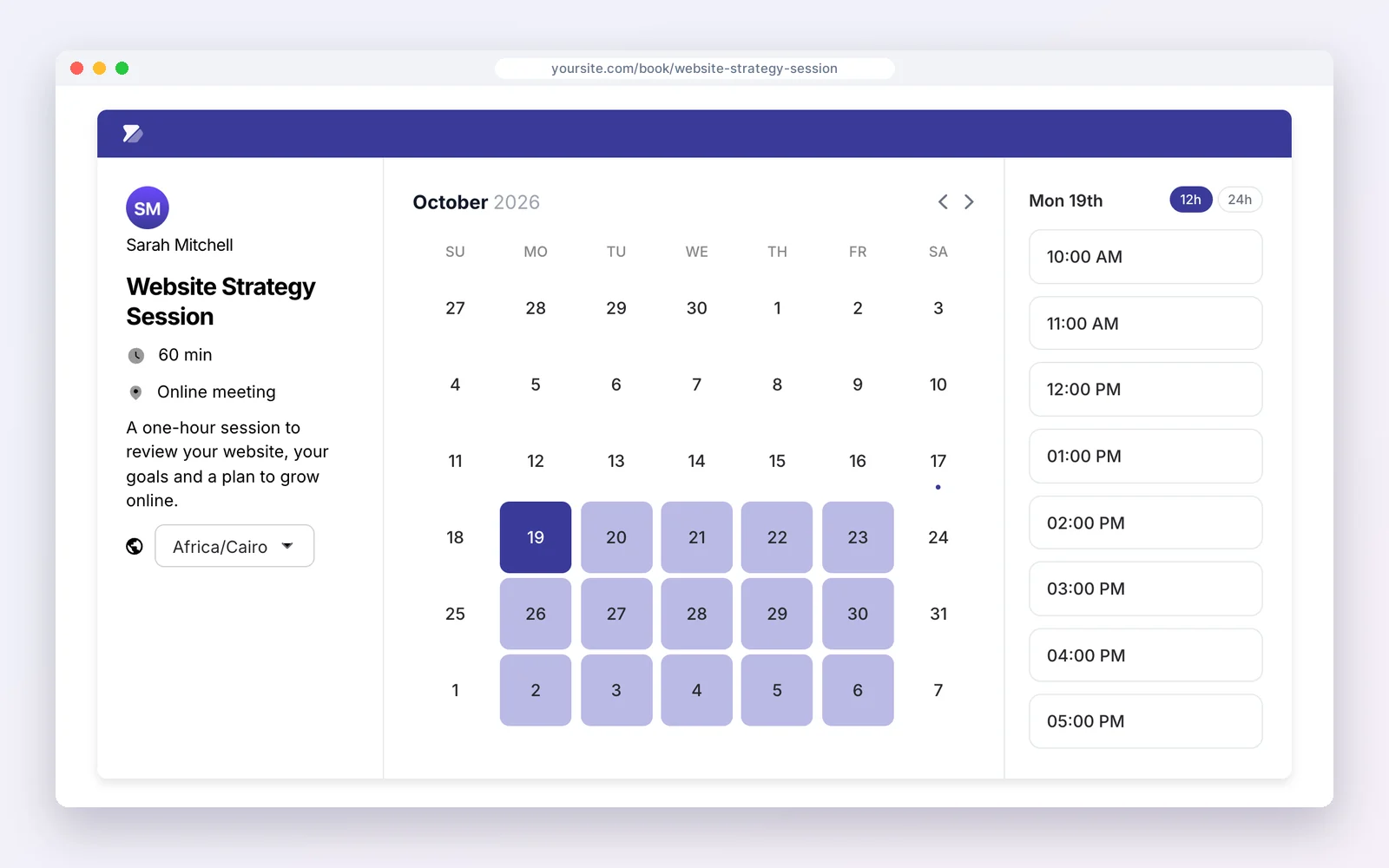
DoubleScale adds booking pages to a WordPress CRM: one-to-one, group, round-robin and collective events on Google Meet, Microsoft Teams, Zoom, phone or in person, each saved to the contact. Pro ($99 a year per site) syncs Google, Outlook and Apple calendars, connects Zoom, and takes Stripe payments at booking.
How businesses use it: a client picks a slot, pays and gets the meeting link, all on their timeline.
Watch out for: calendar sync and payments are in Pro.
Pros
- Four event types
- Meet, Teams and Zoom links
Cons
- Sync and payments need Pro
- WordPress only
Best for: Service businesses on WordPress.
2. HubSpot: best free hosted CRM with a scheduler
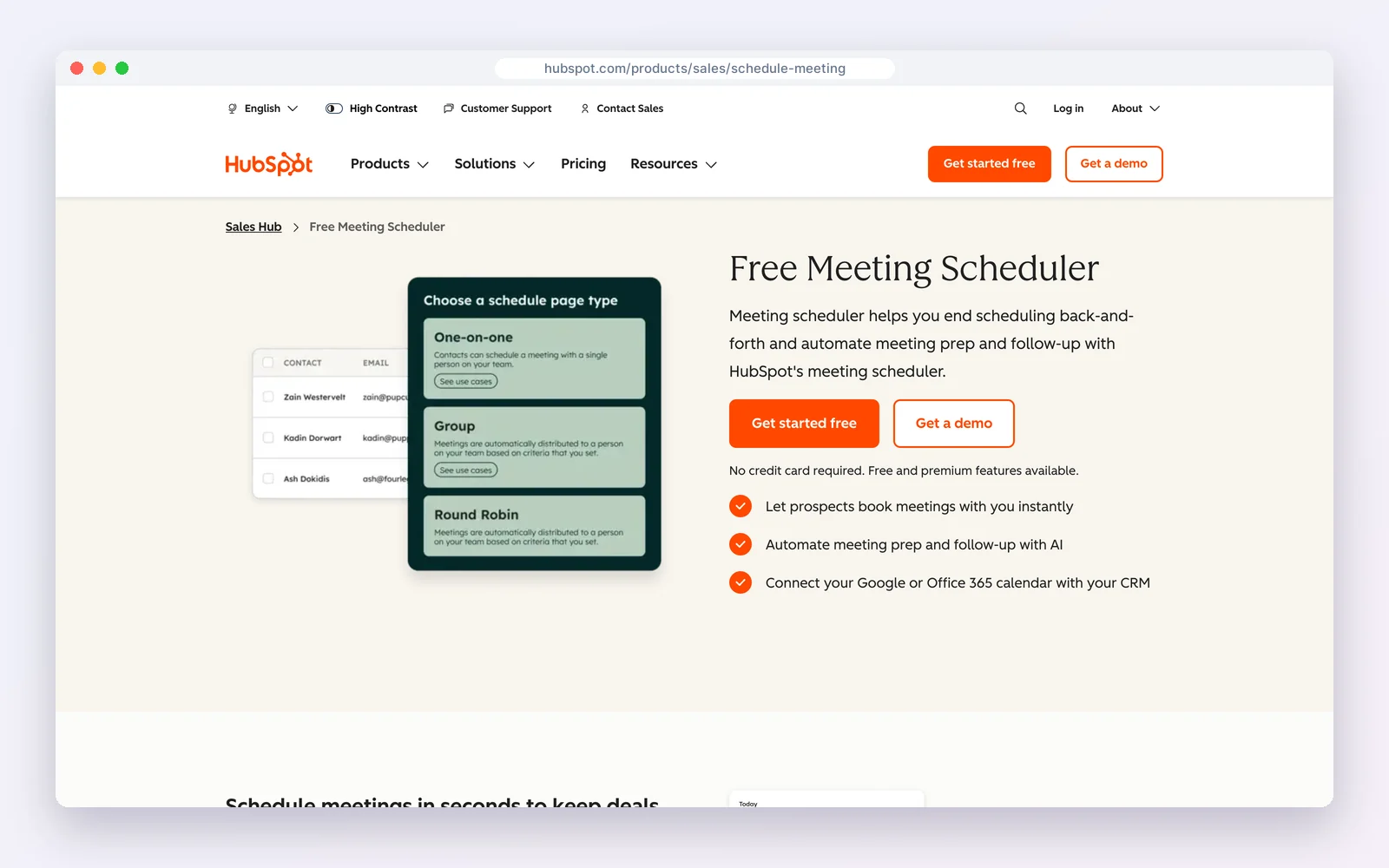
HubSpot‘s free CRM includes a meeting scheduler: share a link, prospects pick a time synced to your Google or Office 365 calendar, and the meeting is logged on the contact. The free plan covers two users.
How businesses use it: sales demos and discovery calls booked straight from emails and the website.
Watch out for: it is built for meetings, not paid appointments with services, staff and deposits.
Standout feature: meeting links that sync with Google or Office 365 and log every booked meeting on the contact.
Pros
- Free and polished
- Meetings logged on contacts
Cons
- Not a service-booking system
- No deposits on free
Best for: B2B teams booking demos and calls.
3. Zoho Bookings with Zoho CRM: best dedicated scheduler with a CRM link
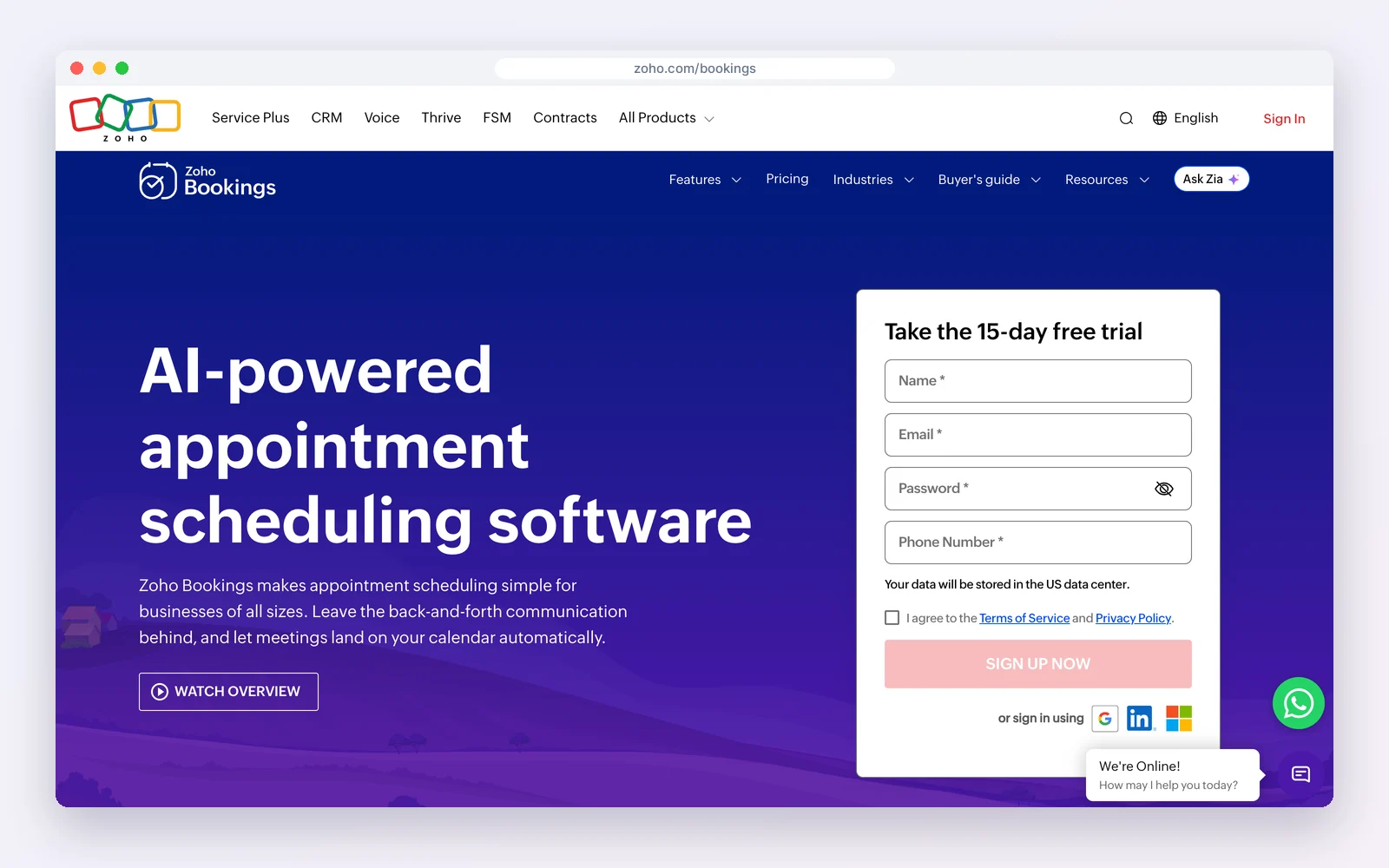
Zoho Bookings is a full appointment scheduler with a free plan; Basic is $6 and Premium $9 per user a month billed yearly ($8 and $12 monthly). It connects to Zoho CRM, which is free for three users, so bookings appear on CRM records.
How businesses use it: multi-staff service booking with workspaces and payments, feeding the CRM.
Watch out for: two apps to manage, and per-user pricing on both.
Standout feature: multi-staff, multi-location scheduling with workspaces, buffer times and payments on Premium.
Pros
- Deep scheduling features
- Low price
Cons
- Two apps
- Per-user pricing
Best for: Multi-staff service teams on the Zoho suite.
4. HoneyBook: best for client-service businesses
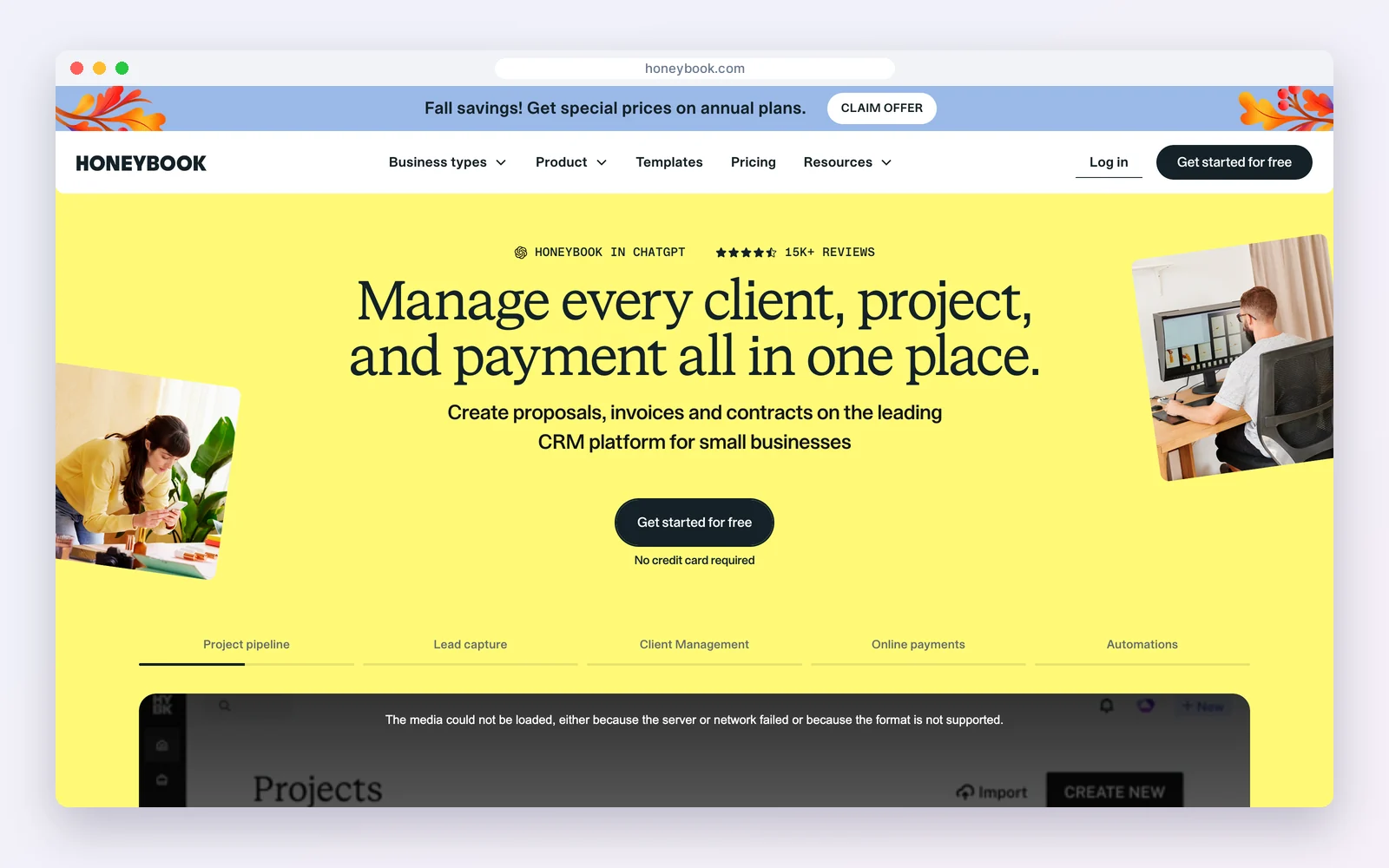
HoneyBook is a clientflow platform with scheduling, proposals, contracts, invoices, payments and a client portal. Plans are $29, $49 and $109 a month billed yearly; SMS reminders start on Essentials.
How businesses use it: a client books a call, signs a proposal and pays, all in one flow.
Watch out for: it is built for freelancers and small studios rather than sales teams.
Standout feature: booking, proposal, contract and payment in one client flow.
Pros
- Booking to payment in one flow
- Client portal
Cons
- No free plan
- Light sales reporting
Best for: Photographers, planners and creative studios.
5. Dubsado: best for automated client workflows
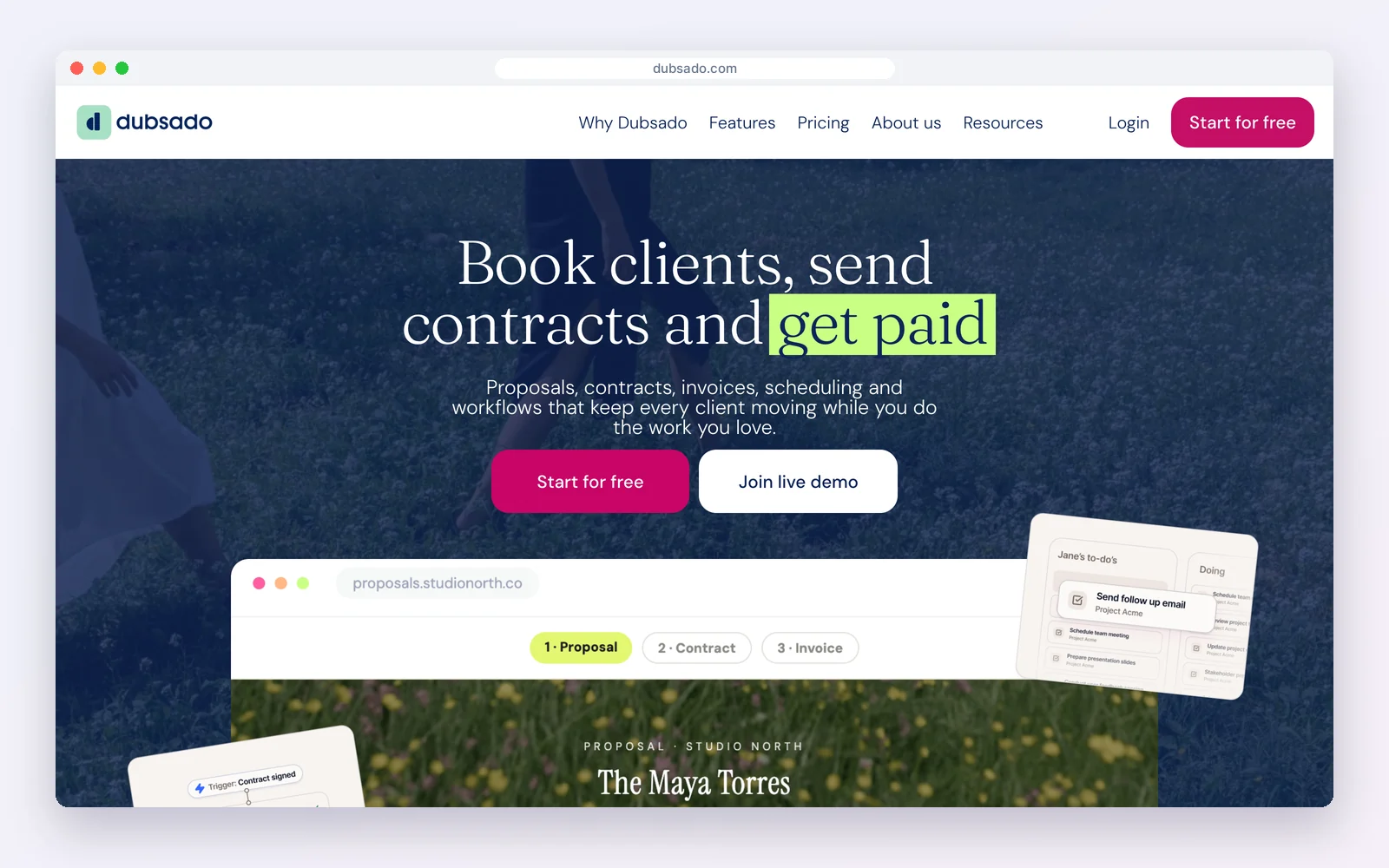
Dubsado manages clients, forms, contracts and invoices. Scheduling comes with the Premier plan, $55 a month or $525 a year; Starter is $35 a month or $335 a year without it.
How businesses use it: a booking triggers a workflow that sends the questionnaire, contract and invoice.
Watch out for: scheduling is not on Starter, and setup takes time.
Standout feature: workflows that fire forms, contracts and invoices automatically after each booking.
Pros
- Powerful workflows
- Unlimited clients
Cons
- Scheduling needs Premier
- Learning curve
Best for: Service businesses that want booking-triggered workflows.
6. GoHighLevel: best for agencies booking for clients
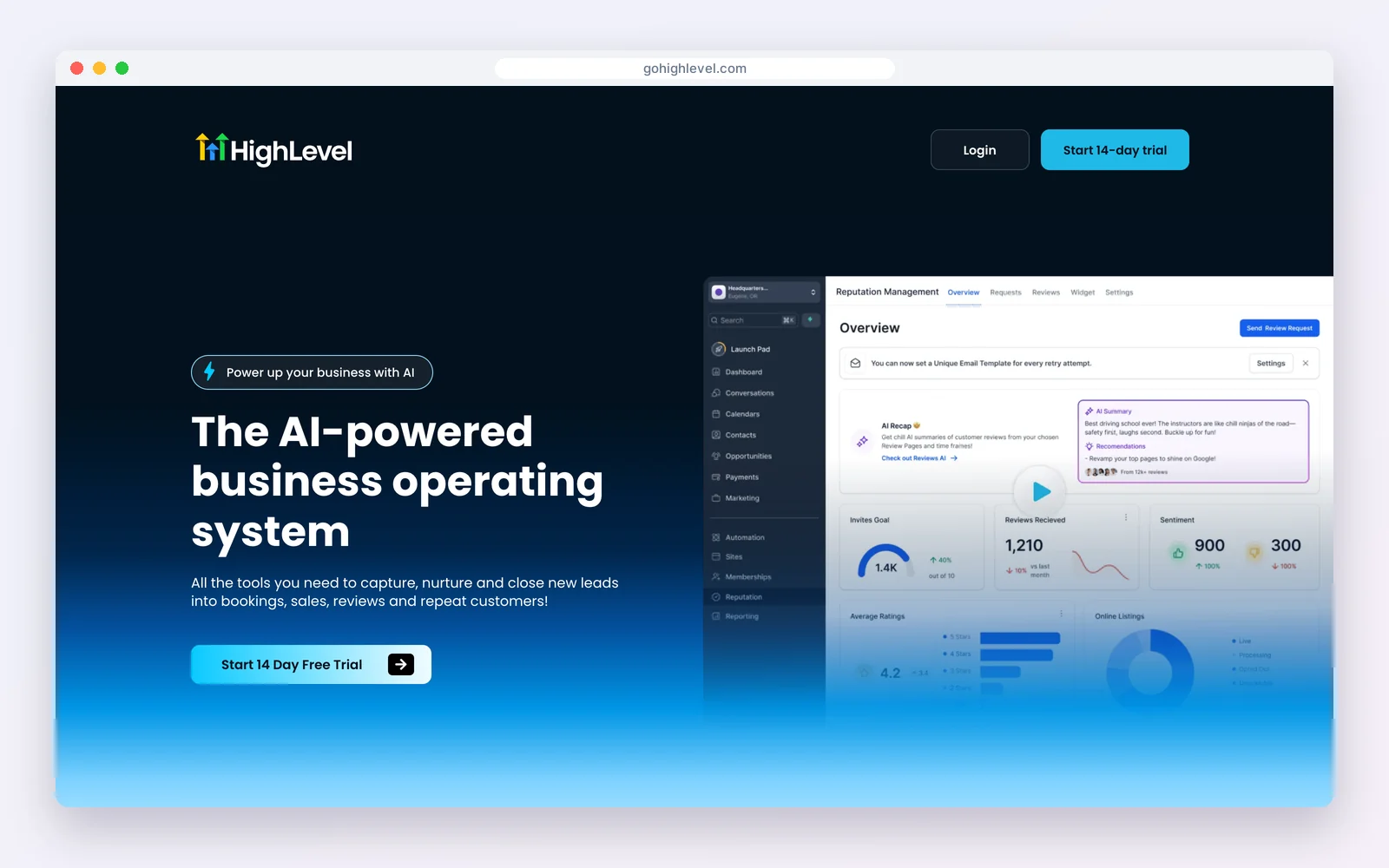
GoHighLevel includes calendars alongside CRM, funnels, email and SMS. Starter is $97 a month, Unlimited $297 and Agency Pro $497, with usage billed on top; there is a 14-day trial.
How businesses use it: agencies run appointment funnels for local clients with SMS reminders.
Watch out for: expensive for a single business, and usage fees add up.
Standout feature: calendars combined with SMS reminders and funnels, managed per client sub-account.
Pros
- Calendars plus SMS and funnels
- Sub-accounts for clients
Cons
- No free plan
- Usage billed on top
Best for: Agencies managing bookings for many clients.
7. Keap: best for automated appointment follow-up
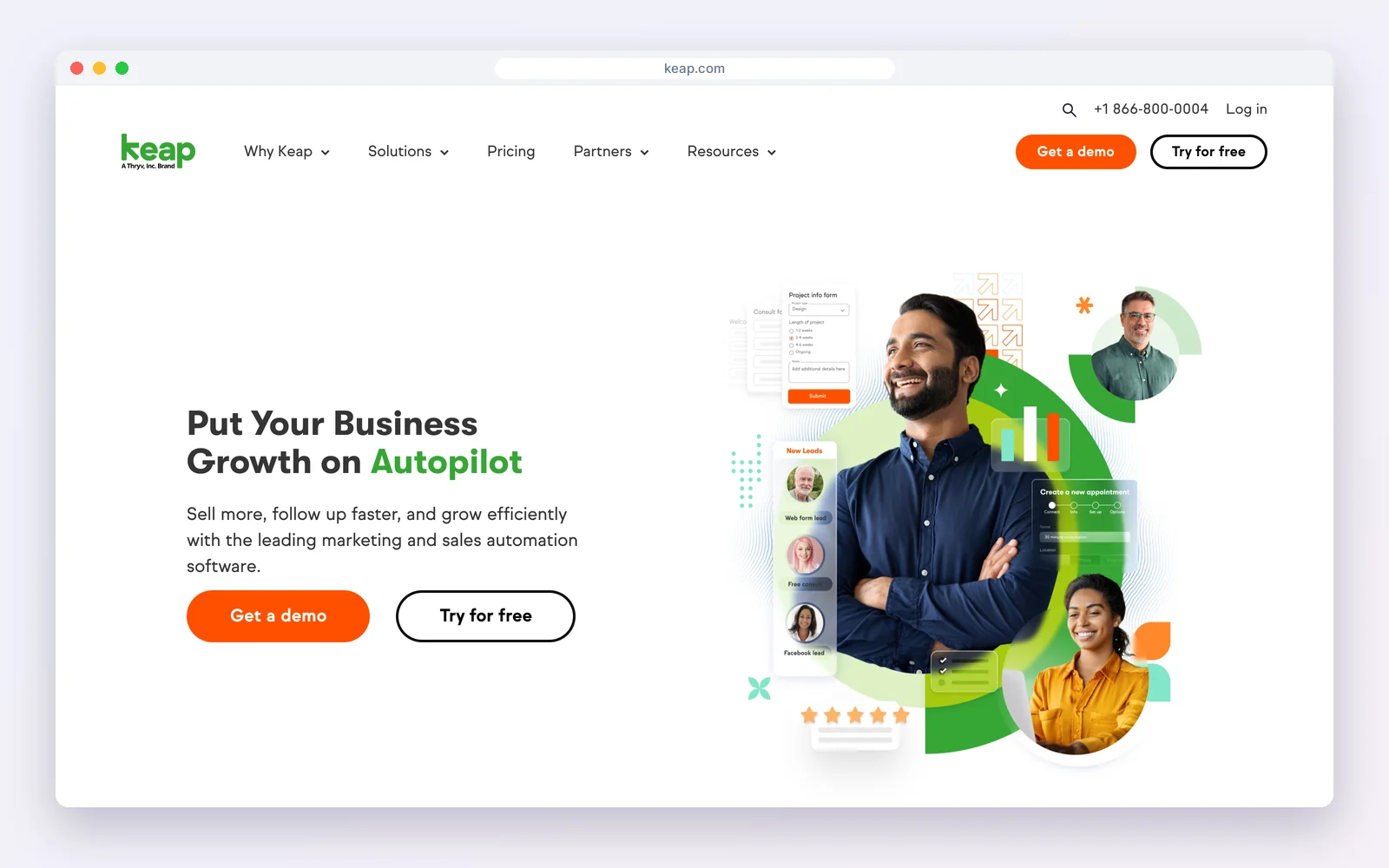
Keap includes appointment scheduling with its CRM, email and SMS automation, invoices and payments, starting at $299 a month billed monthly.
How businesses use it: every booked appointment starts reminder and follow-up sequences automatically.
Watch out for: the starting price is high for a booking need alone.
Standout feature: appointment reminders and follow-up sequences built into the same automation builder.
Pros
- Strong automation
- Payments built in
Cons
- High price
- More than booking needs
Best for: Established service businesses automating follow-up.
8. Bitrix24: best free workspace with booking
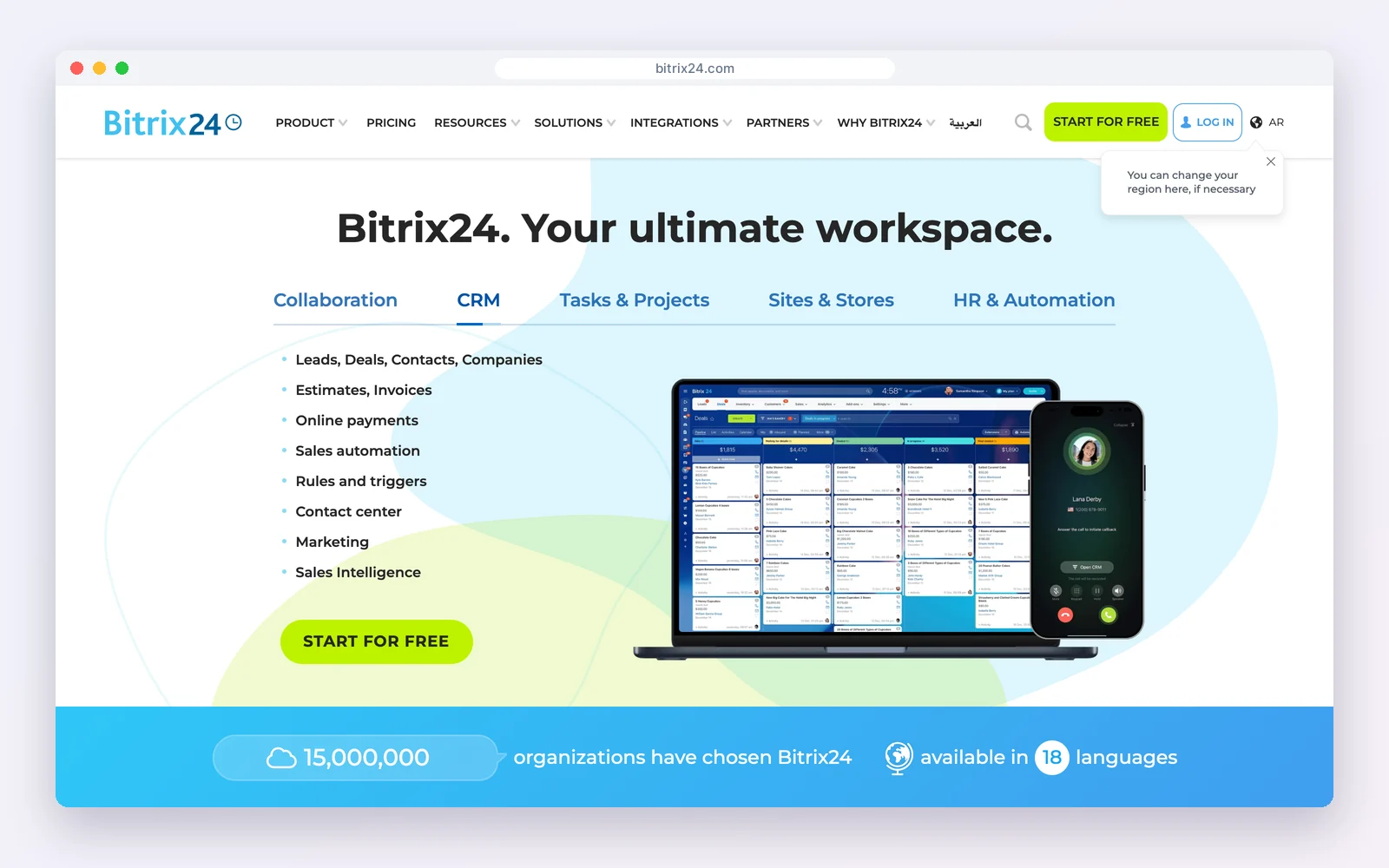
Bitrix24 includes online booking alongside its CRM, tasks and calendars. The free plan covers one to two users; Basic is $49 a month billed yearly for five users.
How businesses use it: book clients into staff calendars and track them as CRM contacts.
Watch out for: a busy interface, and the free plan is small.
Standout feature: online booking linked to staff calendars, tasks and the CRM in one workspace.
Pros
- CRM, booking and tasks together
- Per-team pricing
Cons
- Busy interface
- Small free plan
Best for: Small teams that want an all-in-one workspace.
Four automations every booking CRM should run
1. Reminders that cut no-shows
Send a confirmation immediately, an email reminder 24 hours before and a short SMS or WhatsApp reminder two hours before. Most no-shows are people who simply forgot.
2. No-show recovery
When an appointment is marked as missed, send a friendly rebooking link the same day. Without a CRM, nobody remembers to do it.
3. Post-visit follow-up
A thank-you with next steps, then a review request a few days later, timed from the appointment record.
4. Rebooking prompts
For recurring services (therapy, grooming, maintenance), prompt the client to book again when the usual interval has passed since their last visit.
How to choose
| Your situation | Choose |
|---|---|
| Website on WordPress, want booking and CRM free | DoubleScale |
| Sales meetings and demos | HubSpot |
| Multi-staff appointments, low cost | Zoho Bookings with Zoho CRM |
| Creative or freelance studio with contracts | HoneyBook or Dubsado |
| Agency running bookings for clients | GoHighLevel |
Questions to ask in the trial
- Does a booking create a contact, or only a calendar event?
- Can clients reschedule and cancel themselves within your rules?
- Can you take a deposit, and does the payment appear on the client record?
- Do reminders go by SMS or WhatsApp, and what does each message cost?
- Does it sync both ways with Google or Outlook calendars?
Looking elsewhere?Comparing WordPress booking plugins? See best WordPress booking plugins and a Calendly alternative for WordPress.
Mistakes to avoid
- Using a scheduling link that does not create a contact, so repeat clients look new.
- Sending only one reminder; a confirmation, a day-before and a same-day reminder work better.
- Taking no deposit for long or high-value sessions.
- Letting staff calendars drift out of sync with the booking system.
Examples by business type
- Clinic or therapist: Clients book sessions online, get SMS reminders and are prompted to rebook.
- Consultant: Discovery calls booked from the website create a lead and a deal automatically.
- Salon or studio: Multi-staff calendars with deposits, and follow-ups asking for a review.
How we compared: every price was read on the vendor’s own pricing page on October 17, 2026 (USD). Prices change often, so check the vendor’s page before you buy.
Questions people ask
What is a CRM with a booking system?
A CRM where clients book appointments themselves and every booking creates or updates the contact, logs on their timeline and triggers reminders and follow-ups.
Is there a free CRM with appointment booking?
Yes. HubSpot’s free CRM includes a meeting scheduler, Zoho Bookings has a free plan that connects to free Zoho CRM, Bitrix24 is free for one to two users, and DoubleScale includes booking pages with one-to-one, group, round-robin and collective events in its free WordPress plugin.
Do I need a CRM if I already use a scheduling app?
If you see clients more than once, yes: a CRM keeps their history, sends follow-ups and shows which marketing fills your calendar.
Which booking CRM sends SMS reminders?
HoneyBook (from Essentials), GoHighLevel, Keap and DoubleScale Pro, which also sends WhatsApp reminders.
Booking pages, reminders, CRM and invoices in one WordPress plugin.
Get our guides first on GoogleAdd DoubleScale as a preferred source and our articles show up more often in your Top Stories.

Mohamed Magdy, Founder & CEO, DoubleScale
Mohamed Magdy is the founder and CEO of DoubleScale, the all-in-one CRM for WordPress. He writes about CRM, email marketing and automation for WordPress businesses.
Practical CRM tips, once a month
Guides on growing with WordPress: lead capture, email marketing, automations and sales. No spam, unsubscribe anytime.