















On this page
- The 10 best WordPress booking plugins compared
- What happens after the booking matters most
- How we chose and ranked them
- 1. DoubleScale: best booking plugin with a built-in CRM
- 2. Quill Booking: best value scheduling plugin
- 3. LatePoint: best free version
- 4. Amelia: best for salons, clinics and many staff
- 5. FluentBooking: best for sales team meetings
- 6. Bookly: best for text reminders
- 7. Simply Schedule Appointments: best for solo consultants
- 8. Booking Calendar: best for rentals and property
- 9. Easy Appointments: best free multi-location basics
- 10. WooCommerce Bookings: best for bookable store products
- Which plan unlocks the features you need
- What each plugin costs over three years
- How to set up booking in WordPress with DoubleScale
- Which booking plugin fits your business?
- Five ways to cut no-shows with any plugin
- Questions people ask
- The bottom line
A WordPress booking plugin lets clients pick a free time on your site, answer a few questions and get a confirmation without a single email back and forth. There are dozens of them, and on paper they look alike. The differences show up later: which plan unlocks calendar sync and payments, how reminders are sent, and what happens to the client after the booking is made.
We compared ten booking plugins for appointments, team meetings, classes and rentals. Every price, plan limit and WordPress.org figure was checked on the vendor’s own pages and the WordPress.org directory between November 4 to 6, 2026. We also looked at a question most lists skip: where does the client record live once the meeting is booked?
Disclosure: DoubleScale is our product, so we list it first. Every plugin gets the same format, the same facts and an honest list of weak points, so you can decide for yourself.
Best booking plugin with a built-in CRM: DoubleScale. Every booking is saved on the client’s contact record, next to their emails, deals, invoices and tickets. Free plugin; calendar sync, video links and payments from $99 a year.
Best value scheduling plugin: Quill Booking. Calendly-style booking pages with every paid feature from $39 a year, or $109 for a lifetime licence.
Best free version: LatePoint, which includes Stripe and PayPal payments without a licence.
Best for salons and clinics with many staff: Amelia.
Best for rentals and property: Booking Calendar, built around full-day and date-range bookings.
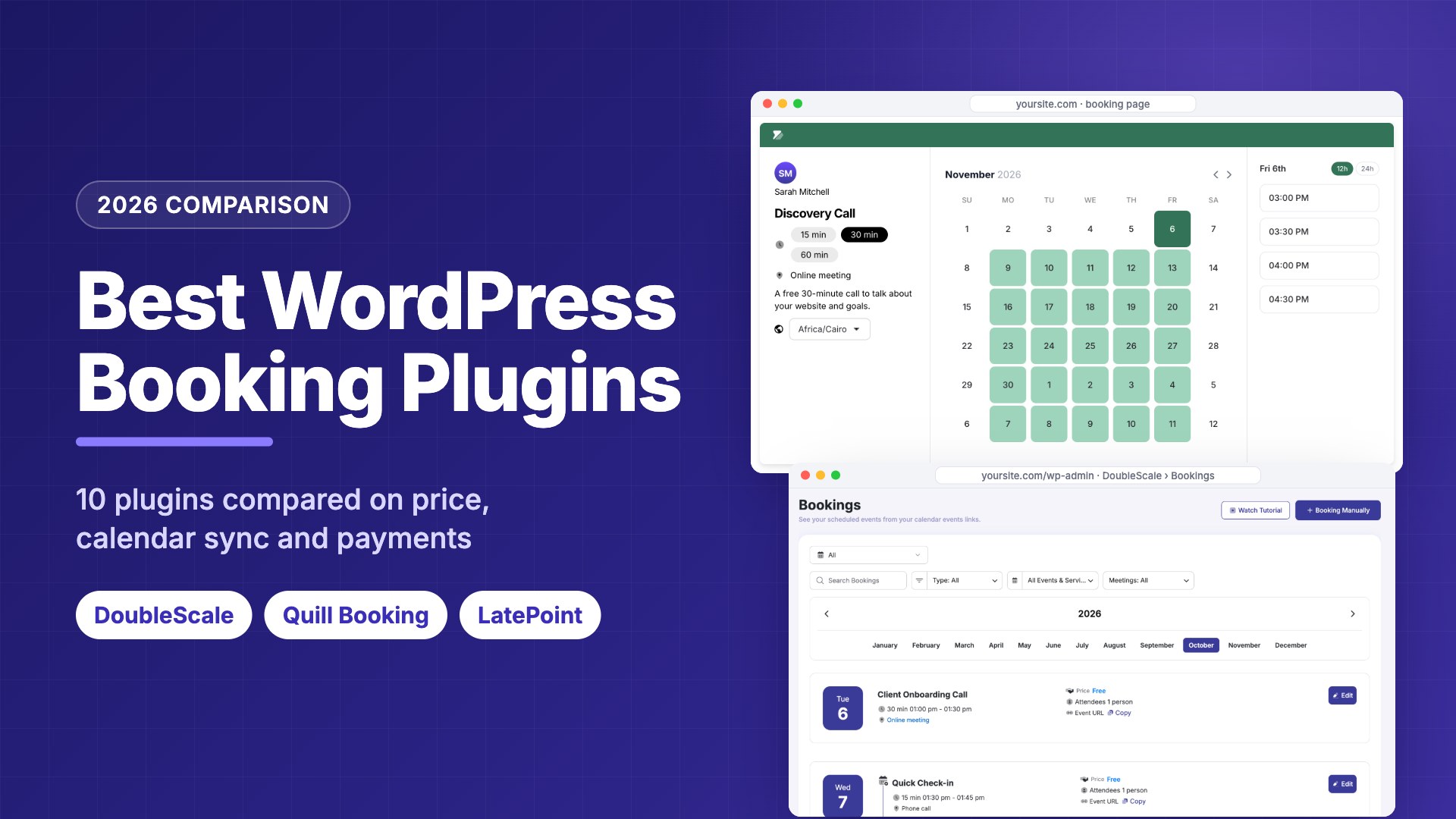
The 10 best WordPress booking plugins compared
| Plugin | Best for | Free version | Paid from | Lifetime |
|---|---|---|---|---|
| DoubleScale | Bookings inside a CRM | Yes, one-to-one and group events | $99/yr | $299 |
| Quill Booking | Best value scheduling | Yes, one-on-one meetings | $39/yr | $109 |
| LatePoint | Best free version | Yes, with payments | $99/yr ($79 intro) | $249 |
| Amelia | Salons, clinics, many staff | Yes (Lite) | $49/yr | $299 |
| FluentBooking | Sales team meetings | Yes, one-on-one | $79/yr | $249 |
| Bookly | Text reminders | Yes, up to 5 services | $99/yr | $129 |
| Simply Schedule Appointments | Solo consultants | Yes, unlimited calendars | $129/yr ($99 intro) | None |
| Booking Calendar | Rentals and property | Yes | $79 one-time | One-time only |
| Easy Appointments | Free multi-location basics | Yes | $39/yr | $499 |
| WooCommerce Bookings | Bookable store products | No | $249/yr | None |
Regular list prices for one site, from each vendor’s pricing page, November 4 to 6, 2026. Introductory prices in brackets renew at the regular price.
What happens after the booking matters most
A booking plugin’s job looks finished when the client picks a time. For your business, it has just started: you need to prepare, remind, follow up, invoice and, ideally, book the next session. Most booking plugins keep a simple customer list and leave the rest to other tools, which means copying names into a CRM or email platform by hand or through Zapier.
| Plugin | Where the client record lives | Follow-up after the meeting |
|---|---|---|
| DoubleScale | A full CRM contact with emails, deals, invoices and tickets | Built-in automations on booking events (Basic) |
| Quill Booking | Bookings list in WordPress | Webhook feeds (Pro) |
| LatePoint | Customer list and customer dashboard | Webhooks and integrations (Pro) |
| Amelia | Customer list and customer panel | Webhooks (Standard) |
| FluentBooking | Bookings list; connects to Fluent tools | Zapier, Make, webhooks (Pro) |
| Bookly | Customer list; customer cabinet (Business) | Add-ons |
| Simply Schedule Appointments | Appointment list | Webhooks (Professional) |
| Booking Calendar | Booking list with approval | Email notifications |
| Easy Appointments | Appointment list with CSV export | Email notifications |
| WooCommerce Bookings | WooCommerce customer and order | WooCommerce emails and extensions |
From each plugin’s WordPress.org page and feature pages, November 4 to 6, 2026.
If you already pay for a CRM and an email tool, any booking plugin with webhooks will do. If you don’t, a booking plugin that is part of a CRM saves you a subscription and a fragile integration. Our guide to the best CRM with a booking system covers that option in depth.
How we chose and ranked them
Capterra’s analysis of verified user ratings names the features scheduling software users rate most important: reminders and confirmations, online booking, calendar management, mobile access and a customer database. We used those first, then added what matters for a WordPress plugin:
- Reminders. Email by default, SMS or WhatsApp on a paid plan, because reminders are the simplest way to reduce no-shows.
- Booking experience. A clear page that works on a phone, with time-zone detection, intake questions and self-service rescheduling.
- Calendar sync and video links. Two-way Google, Outlook or Apple Calendar sync, and Zoom, Meet or Teams links created automatically.
- Payments. Deposits or full payment, and which plan unlocks them.
- Teams. Several staff members, round-robin assignment and group sessions.
- The client record. What you know about the client after the booking, and whether you can follow up from the same place.
- Cost and upkeep. Free version limits, yearly and lifetime prices, and how actively the plugin is updated.
1. DoubleScale: best booking plugin with a built-in CRM
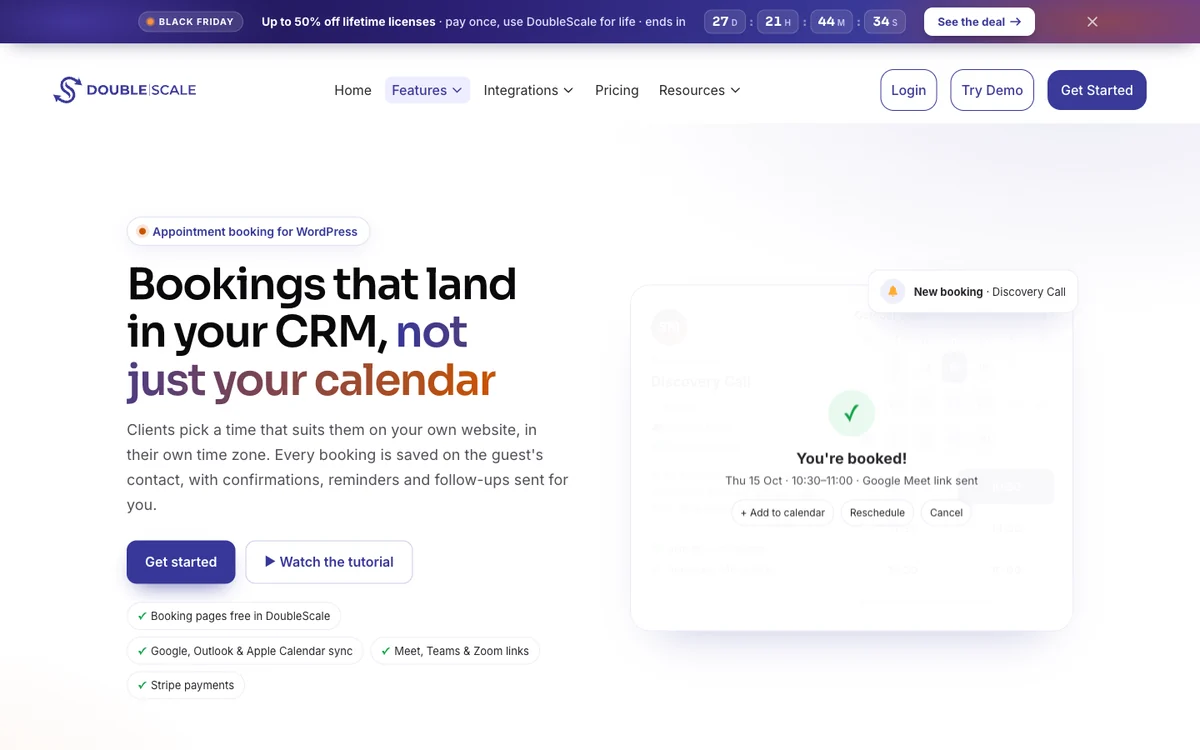
DoubleScale is a WordPress CRM with a booking module. Every booking creates or updates a contact, next to that client’s emails, deals, invoices and tickets.
How businesses use it: consultants and agencies book discovery calls, then send a proposal or invoice from the same record, and clients rebook from the client portal.
Watch out for: calendar sync, video links, custom questions, payments, SMS and booking automations need Basic, and it is more than you need for a simple booking page.
Pros
- Bookings land on a full CRM contact
- Round-robin and collective team events
Cons
- Small user base so far
- Calendar sync and payments need Basic
Best for: Service businesses that want bookings, client records, follow-ups and invoices in one plugin.
2. Quill Booking: best value scheduling plugin
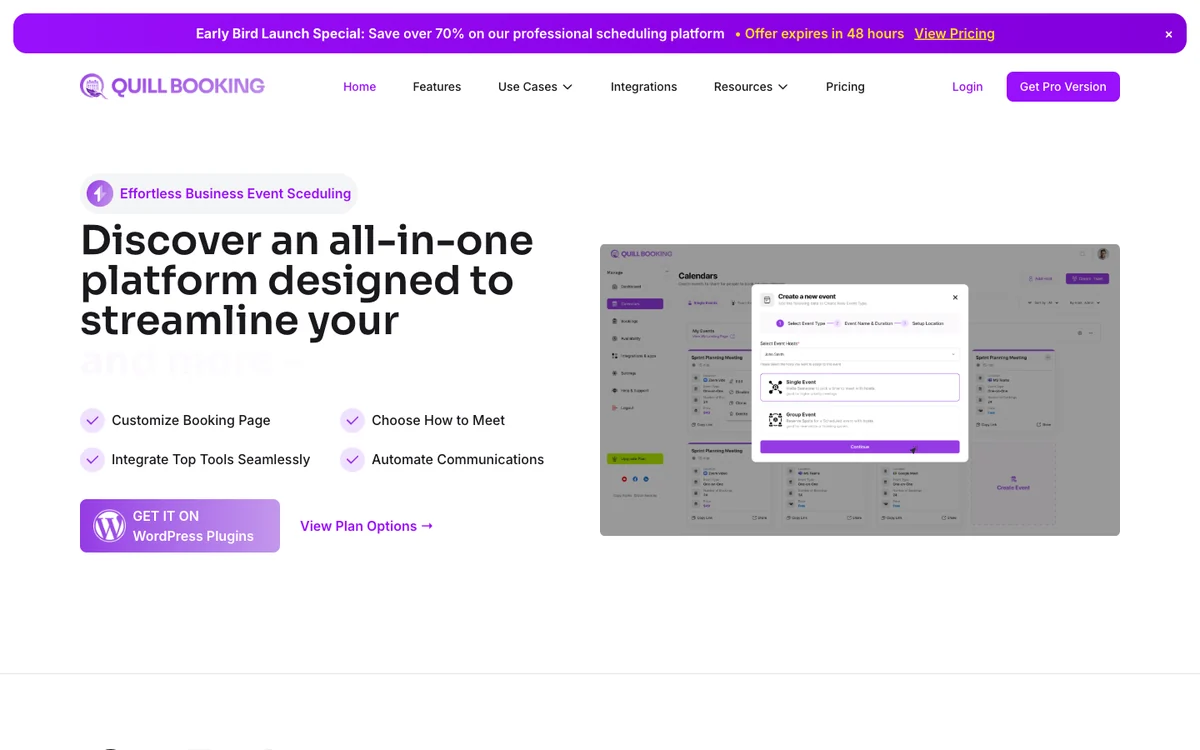
Quill Booking is a Calendly-style scheduling plugin for WordPress. You create event types with availability rules, buffers and limits, and clients book your free time in their own time zone.
How businesses use it: coaches, consultants and small teams replace a Calendly subscription with booking pages on their own domain, adding Quill Forms when they need a longer intake questionnaire.
Watch out for: the free version is one-on-one only, and the WordPress.org release was last updated in February 2026 (tested up to WordPress 6.9).
Pros
- Every paid feature from $39 a year
- Calendar sync, video links, SMS and payments in one plan
Cons
- Free version is one-on-one only
- Few WordPress.org reviews yet
Best for: Solo professionals and small teams who want Calendly-style scheduling at the lowest price.
3. LatePoint: best free version
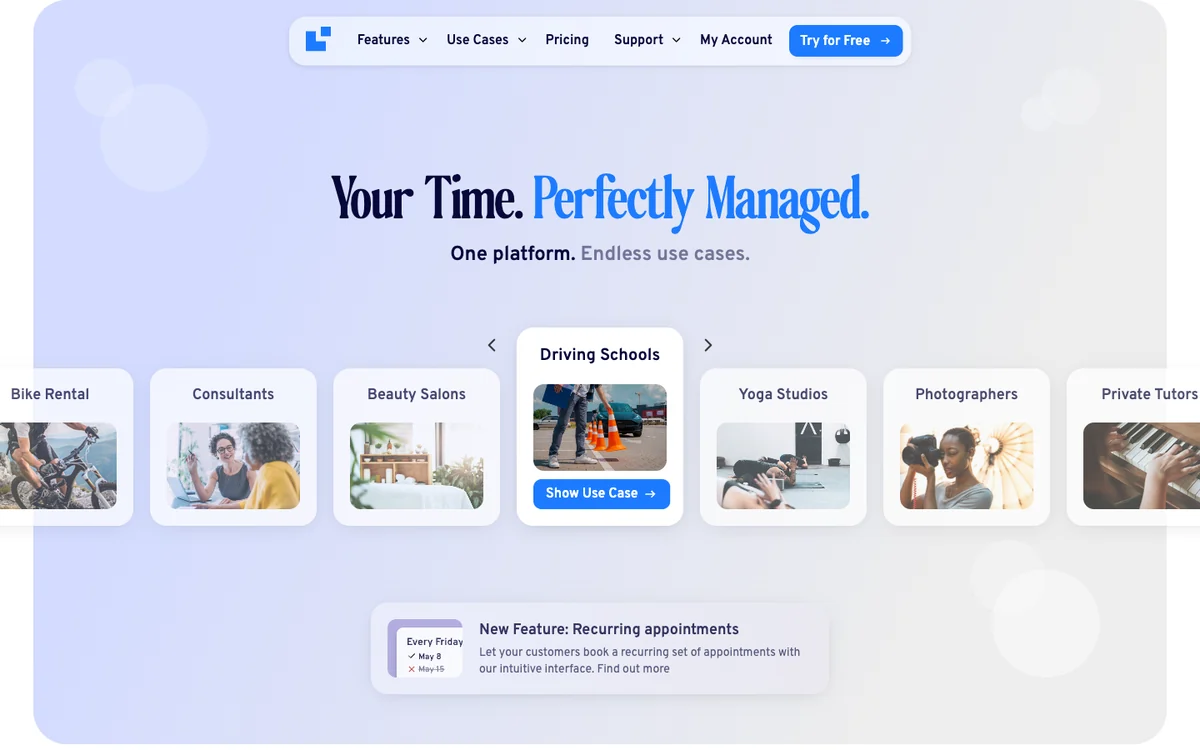
LatePoint is the most installed plugin here, on more than 100,000 sites with a 4.9-star rating from 107 reviews. Its step-by-step booking flow is polished, and the free version takes payments.
How businesses use it: salons, tutors and studios take paid bookings with Stripe, PayPal or Razorpay from day one, then upgrade for more staff, locations and calendar sync.
Watch out for: custom booking fields, rescheduling, several staff or locations, calendar sync and SMS are Pro features, and the introductory price renews at $99.
Pros
- Online payments in the free version
- Large user base and high rating
Cons
- Custom fields and rescheduling are Pro
- One location in the free version
Best for: Businesses that want to take paid bookings without buying a licence first.
4. Amelia: best for salons, clinics and many staff
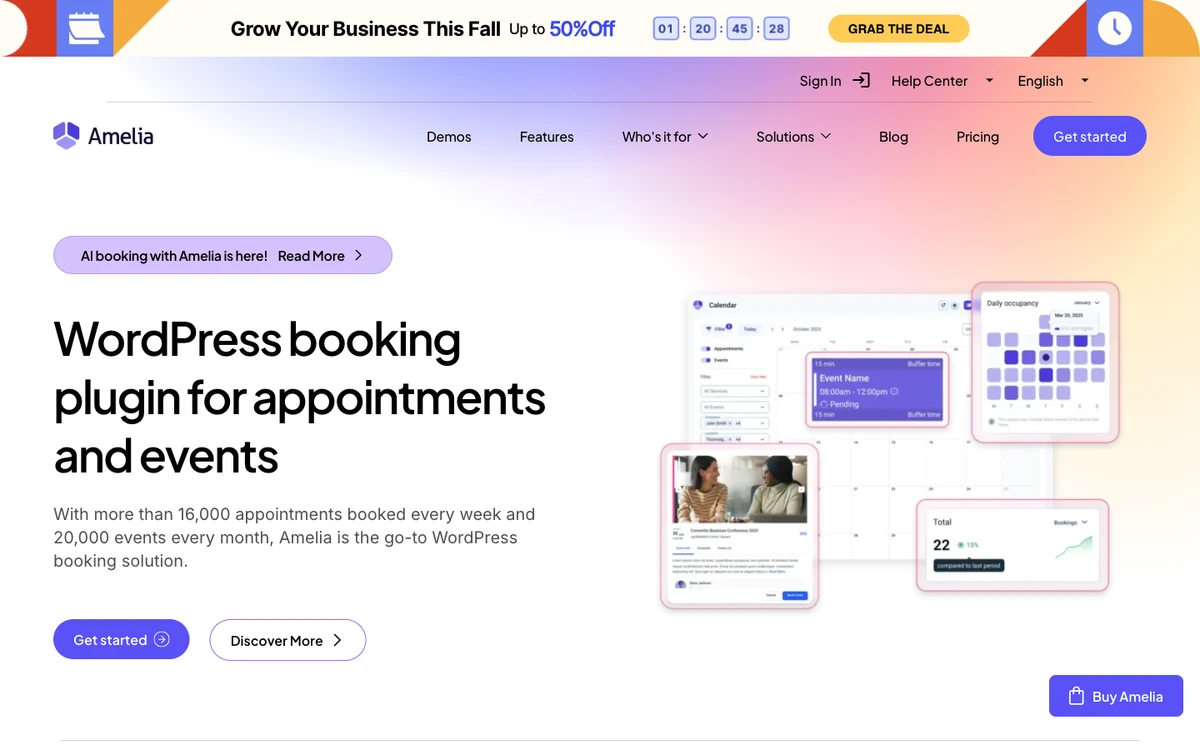
Amelia is built for businesses with many employees, services and locations, and it also sells event tickets. It runs on more than 90,000 sites with a 4.6-star rating from 793 reviews.
How businesses use it: salons, spas and clinics give each employee their own schedule and services, take deposits and sell workshop or class tickets from the same plugin.
Watch out for: reminders, calendar sync, Zoom and Teams, and Stripe or PayPal need the Standard plan at $99 a year, and WhatsApp needs Pro; it has also had several security fixes, so keep it updated.
Pros
- Strong staff, location and event tools
- Large, active user base
Cons
- Most businesses need Standard, not Starter
- Reminders are not in the free version
Best for: Salons, clinics and studios with several staff members and locations.
5. FluentBooking: best for sales team meetings
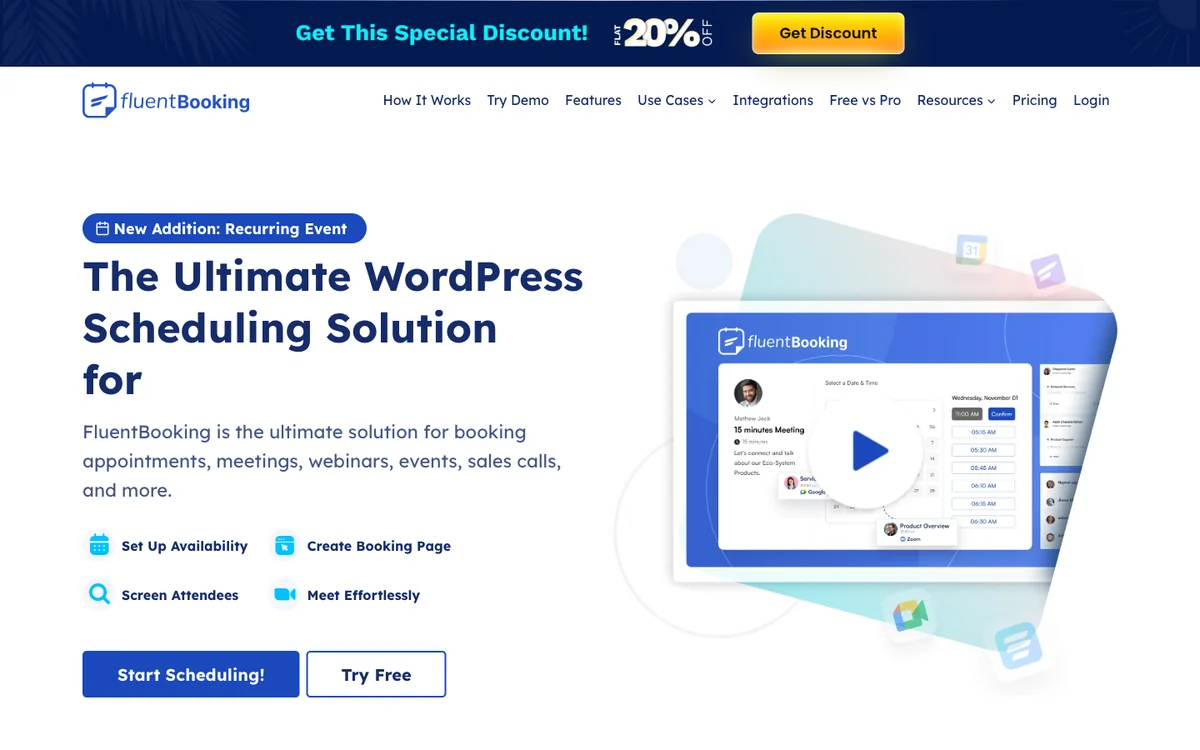
FluentBooking comes from the team behind Fluent Forms and focuses on meeting scheduling for individuals and sales teams. It has more than 20,000 active installs.
How businesses use it: sales teams share round-robin demo links so leads are spread across reps, with calendar sync and video links created for every meeting.
Watch out for: payments, calendar sync, group and round-robin events are Pro features, and the first-year discount renews at $79.
Pros
- Unlimited hosts in the free version
- Round-robin for sales teams
Cons
- Payments and calendar sync are Pro
- Best value if you use other Fluent plugins
Best for: Sales teams and consultants who book demos and discovery calls.
6. Bookly: best for text reminders
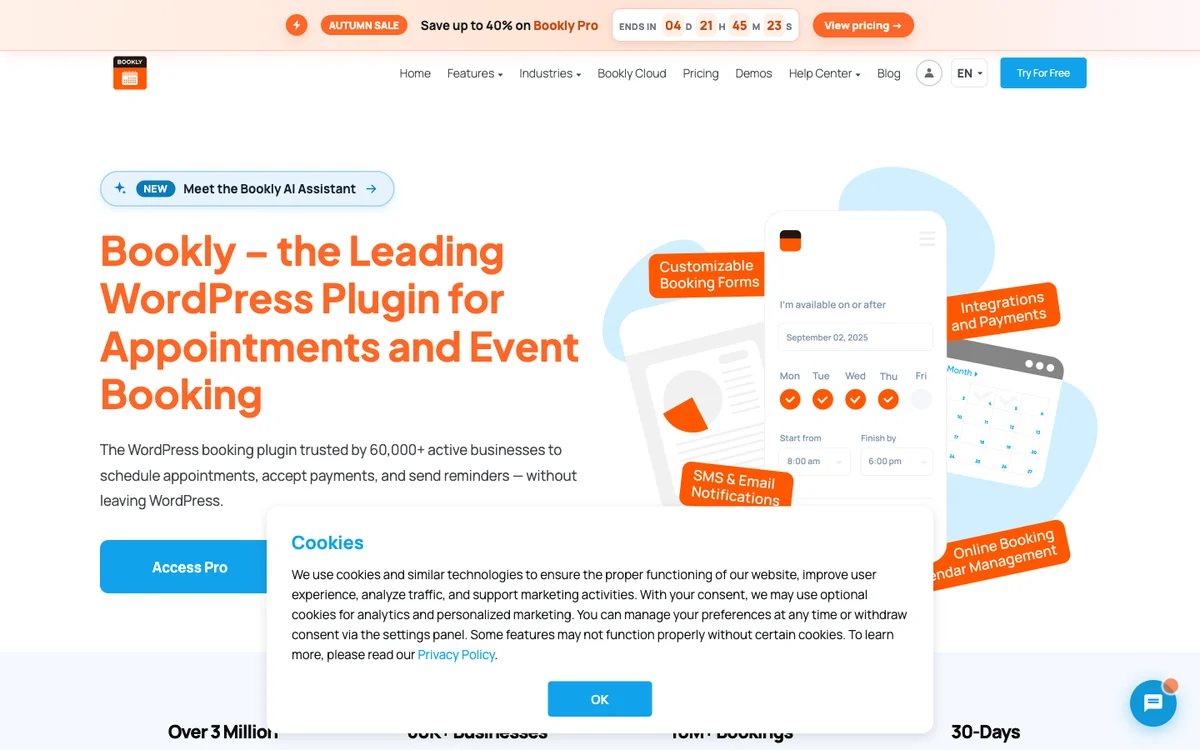
Bookly is one of the oldest WordPress booking plugins, with more than 60,000 active installs. Its free version is limited to five services but can send SMS and WhatsApp notifications through Bookly Cloud, paid as you go.
How businesses use it: clinics and repair shops whose clients ignore email send text reminders, and add only the features they need from a large add-on catalogue.
Watch out for: Stripe and PayPal, group and recurring bookings and the customer cabinet need the Business plan ($129 a year), and features are spread across many tiers and add-ons.
Pros
- SMS and WhatsApp without a paid plan
- Lifetime licences available
Cons
- Stripe and PayPal need Business
- Many tiers and add-ons to compare
Best for: Small businesses that rely on text reminders and want to start free.
7. Simply Schedule Appointments: best for solo consultants
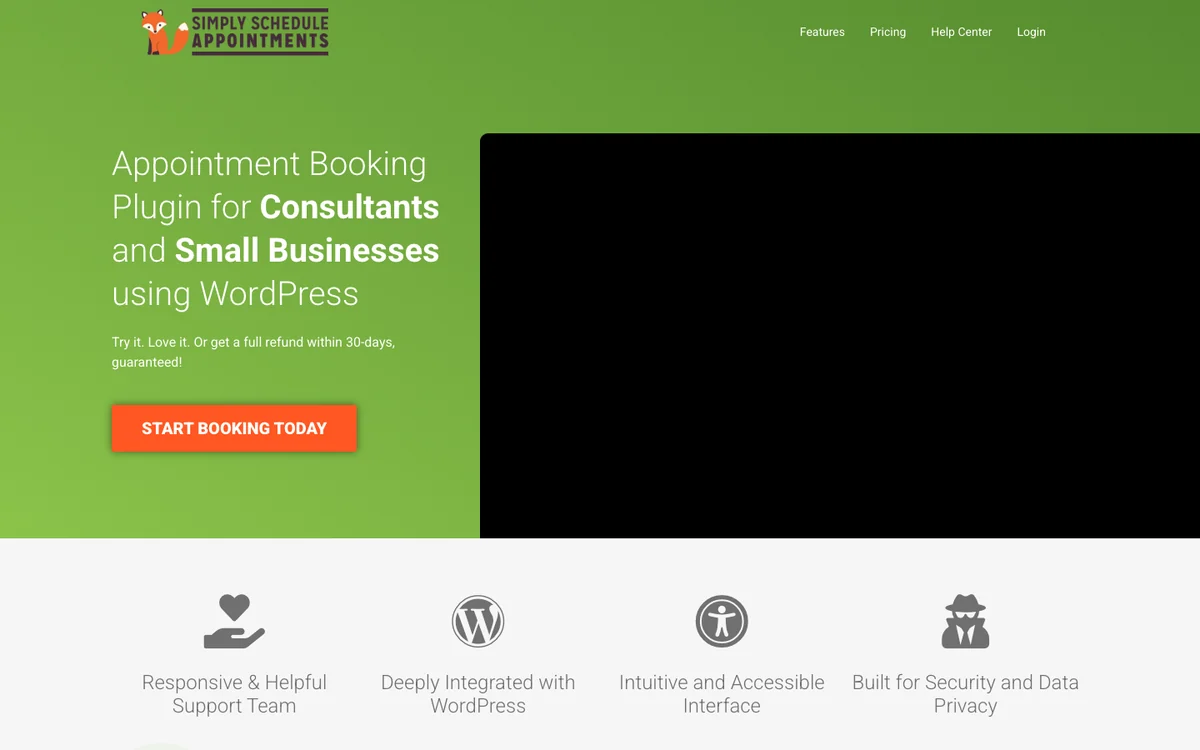
Simply Schedule Appointments is designed for a quick setup. It has more than 50,000 active installs and a 5.0-star rating from 155 reviews.
How businesses use it: consultants, therapists and coaches put an appointment calendar on a page in minutes and add Google Calendar sync when they need it.
Watch out for: payments need the Professional plan at $249 a year, team scheduling needs Business at $499, and there is no lifetime licence.
Pros
- Very quick to set up
- Top rating on WordPress.org
Cons
- Payments need the $249 plan
- No lifetime licence
Best for: Solo consultants who want a simple booking calendar without payments.
8. Booking Calendar: best for rentals and property
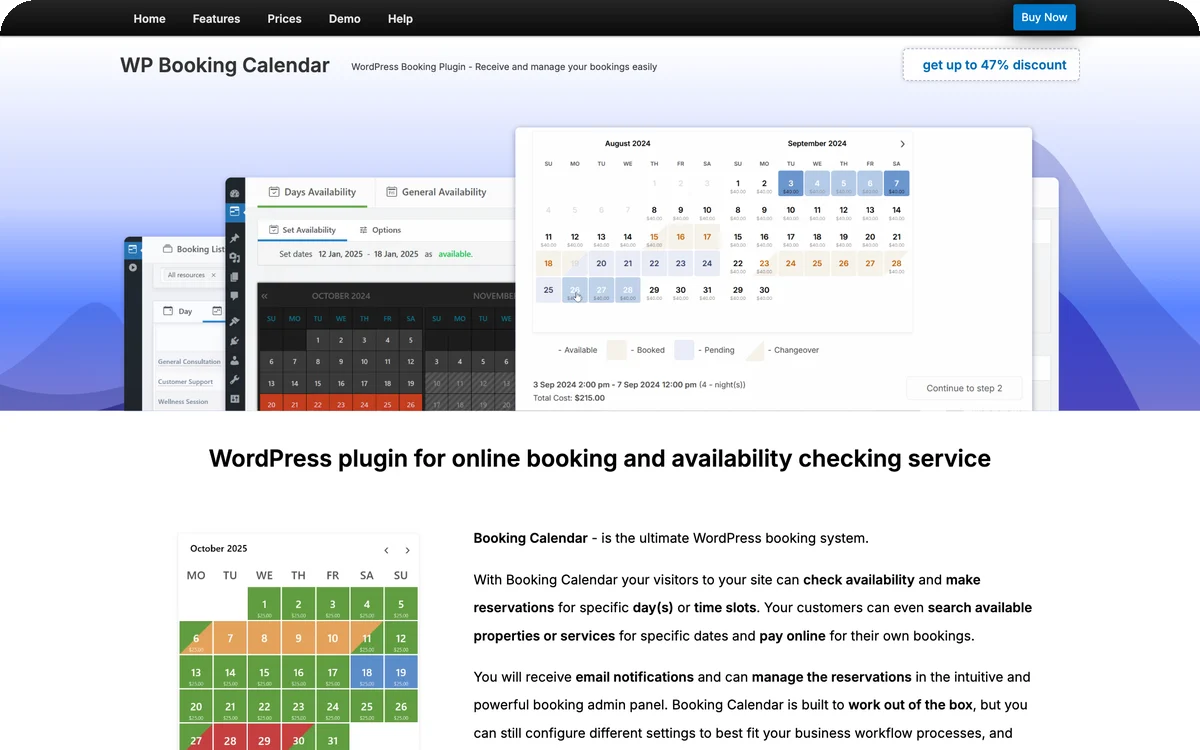
Booking Calendar is built around availability calendars for full days, date ranges and time slots, which suits holiday rentals, rooms and equipment better than meeting-style plugins. It has more than 40,000 active installs and a 4.8-star rating from 657 reviews.
How businesses use it: rental owners and B&Bs show a calendar of free dates, accept or decline booking requests and sync availability with other platforms through .ics feeds.
Watch out for: online payments, seasonal pricing and multiple properties need a paid edition, and paid editions are one-time purchases with six months of updates.
Pros
- Made for date-range bookings
- .ics sync with other calendars
Cons
- Payments need a paid edition
- Updates last six months per purchase
Best for: Holiday rentals, rooms and equipment hire.
9. Easy Appointments: best free multi-location basics
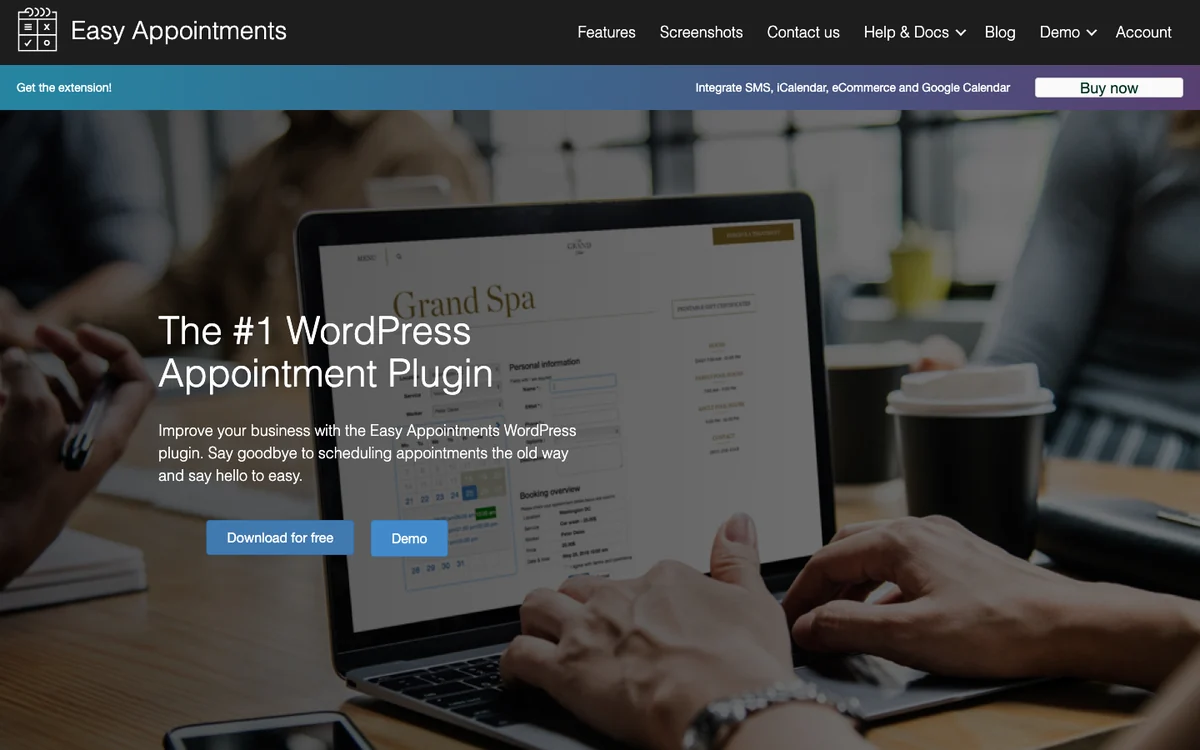
Easy Appointments is a long-running free plugin that handles several locations, services and workers without a licence. It has more than 10,000 active installs.
How businesses use it: small chains and clinics with two or three branches let clients choose a location, service and worker, and export appointments to a spreadsheet.
Watch out for: calendar sync, SMS and payments need the Pro extension, no video meeting integration is listed, and it has had many security fixes, so keep it updated.
Pros
- Several locations for free
- Low yearly price
Cons
- Calendar sync and payments need Pro
- No video meeting links listed
Best for: Small multi-location businesses on a tight budget.
10. WooCommerce Bookings: best for bookable store products
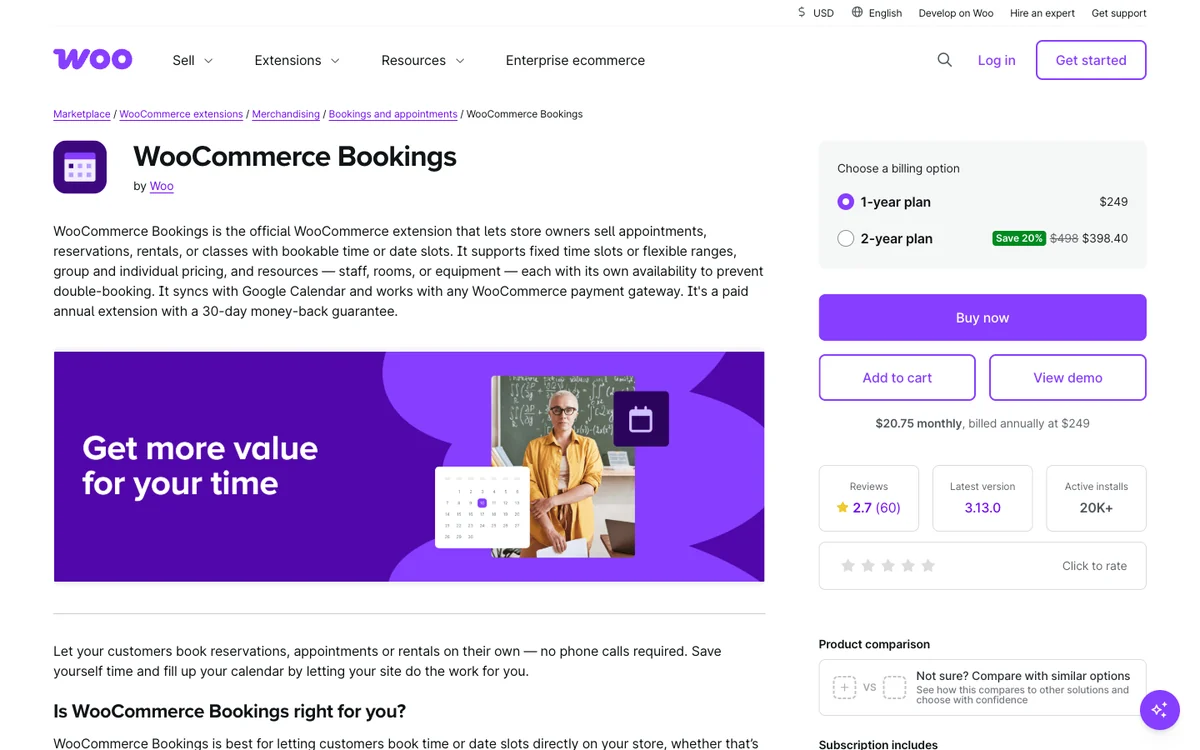
WooCommerce Bookings is the official WooCommerce extension that turns products into bookable time slots, rooms, rentals or classes, paid through the normal store checkout.
How businesses use it: stores sell classes, tours or equipment rentals alongside physical products, using any WooCommerce payment gateway and per-person pricing.
Watch out for: it is the most expensive option here, has no free version, and deposits or recurring payments need extra extensions.
Pros
- Works with every WooCommerce gateway
- Good for classes, tours and rentals
Cons
- Highest price, no free version
- Low marketplace rating
Best for: WooCommerce stores that sell bookable products.
Which plan unlocks the features you need
Calendar sync, video links, payments and text reminders are the features most often kept for paid plans. “Free” means the free version includes it; otherwise the table names the cheapest plan that does.
| Plugin | Calendar sync | Video links | Payments | SMS / WhatsApp |
|---|---|---|---|---|
| DoubleScale | Basic | Basic | Basic | SMS: Basic |
| Quill Booking | Pro | Pro | Pro | Pro |
| LatePoint | Pro | Pro | Free | Pro |
| Amelia | Standard | Standard | Free (Square) | SMS: Free; WhatsApp: Pro |
| FluentBooking | Pro | Pro | Pro | Pro |
| Bookly | Pro | Pro | Business | Free (pay as you go) |
| Simply Schedule Appointments | Plus | Plus | Professional | Professional |
| Booking Calendar | .ics feeds (Free) | Not listed | Paid editions | Not listed |
| Easy Appointments | Pro | Not listed | Pro | Pro |
| WooCommerce Bookings | Not listed | Any Woo gateway | Not listed |
From WordPress.org readmes and vendor pricing pages, November 4 to 6, 2026. “Not listed” means we could not find it on the vendor’s pages.
What each plugin costs over three years
Most booking plugins are bought for years, so the yearly price is only part of the story. This table prices the cheapest plan that includes both calendar sync and online payments, for one site, at regular list price.
| Plugin | Plan with sync and payments | 3 years, yearly | Lifetime instead |
|---|---|---|---|
| DoubleScale | Basic, $99/yr | $297 | $299 |
| Quill Booking | Pro, $39/yr | $117 | $109 |
| LatePoint | Pro, $99/yr | $297 | $249 |
| Amelia | Standard, $99/yr | $297 | $299 |
| FluentBooking | Pro, $79/yr | $237 | $249 |
| Bookly | Business, $129/yr | $387 | $149 |
| Simply Schedule Appointments | Professional, $249/yr | $747 | None |
| Easy Appointments | Pro, $39/yr | $117 | $499 (unlimited sites) |
| WooCommerce Bookings | $249/yr | $747 | None |
Our maths from list prices on November 4 to 6, 2026, before tax, payment processor fees, SMS credits and seasonal sales. Booking Calendar is left out because it sells one-time editions with six months of updates.
Two things stand out. First, a lifetime licence pays for itself in about three years for most plugins here (two and a half for LatePoint), and much sooner for Bookly. Second, DoubleScale’s price also covers the CRM, email campaigns, invoices and helpdesk, so compare it with your booking plugin plus the tools you would pair with it.
How to set up booking in WordPress with DoubleScale
Here is the setup we use, with screenshots from a real DoubleScale install. It takes about ten minutes for a first booking page.
Step 1: Turn on the Booking module
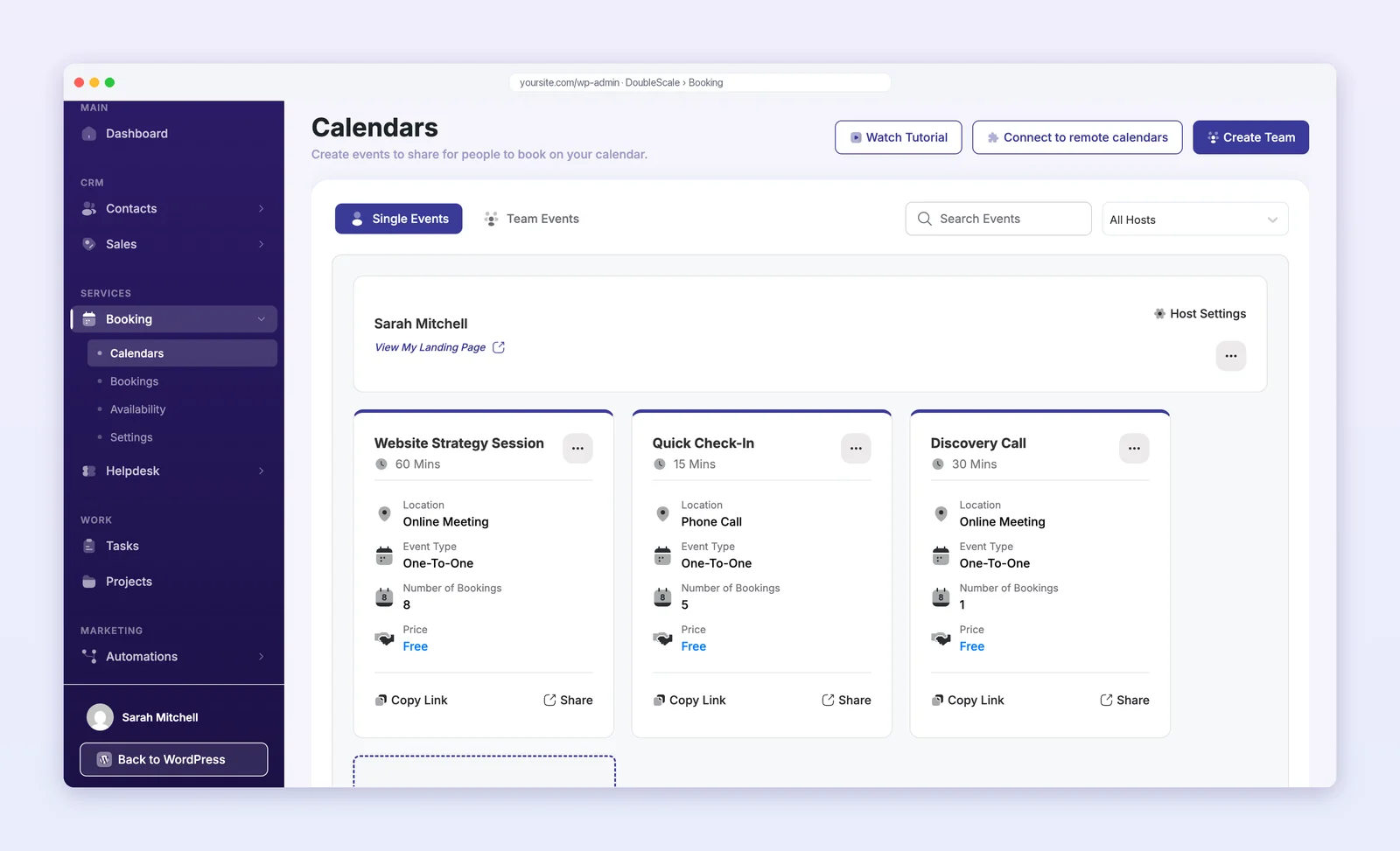
Install DoubleScale from WordPress.org, open Control Modules in the DoubleScale header and switch on Booking. Each team member who takes meetings gets a host calendar.
Step 2: Create an event
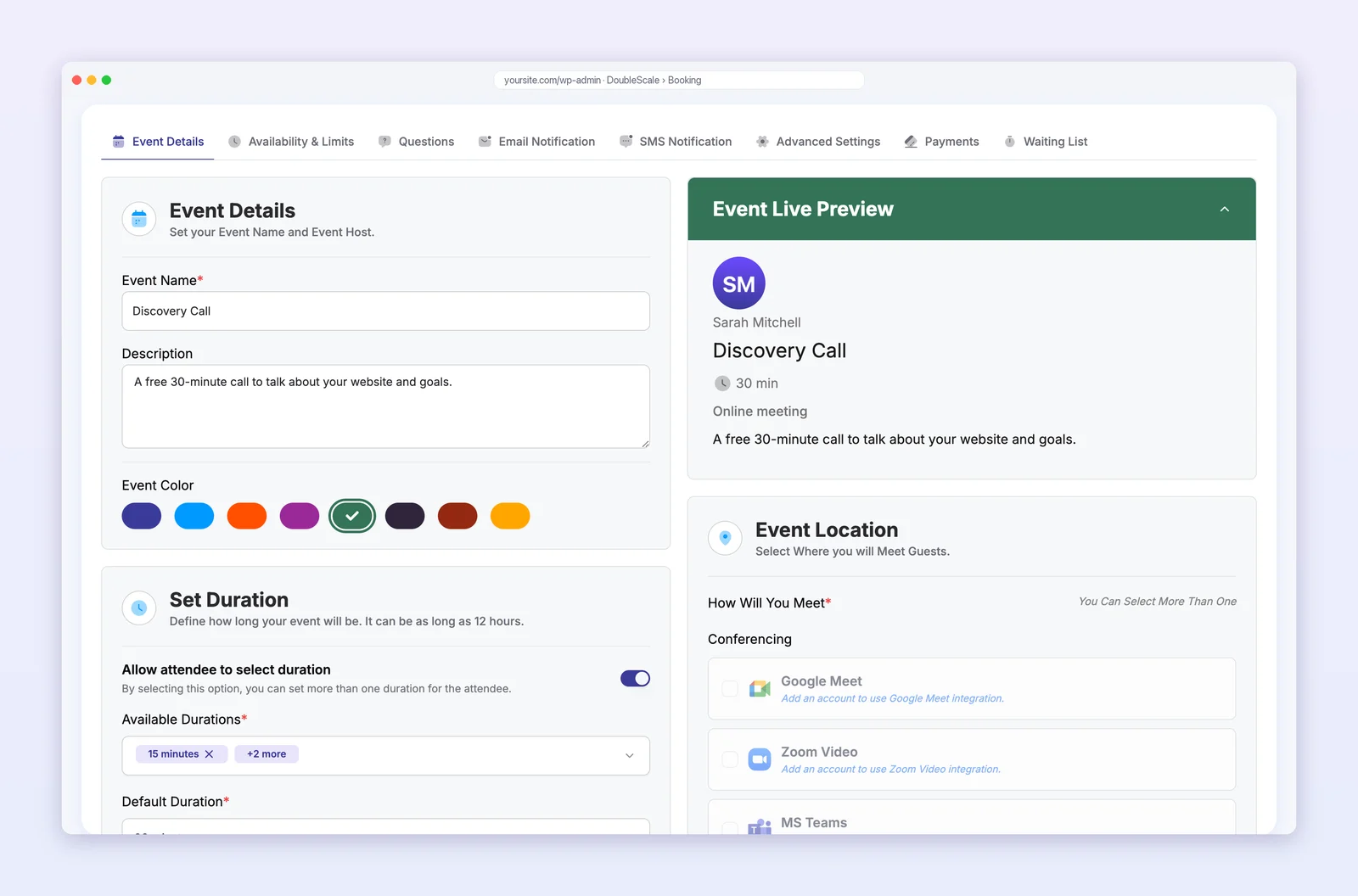
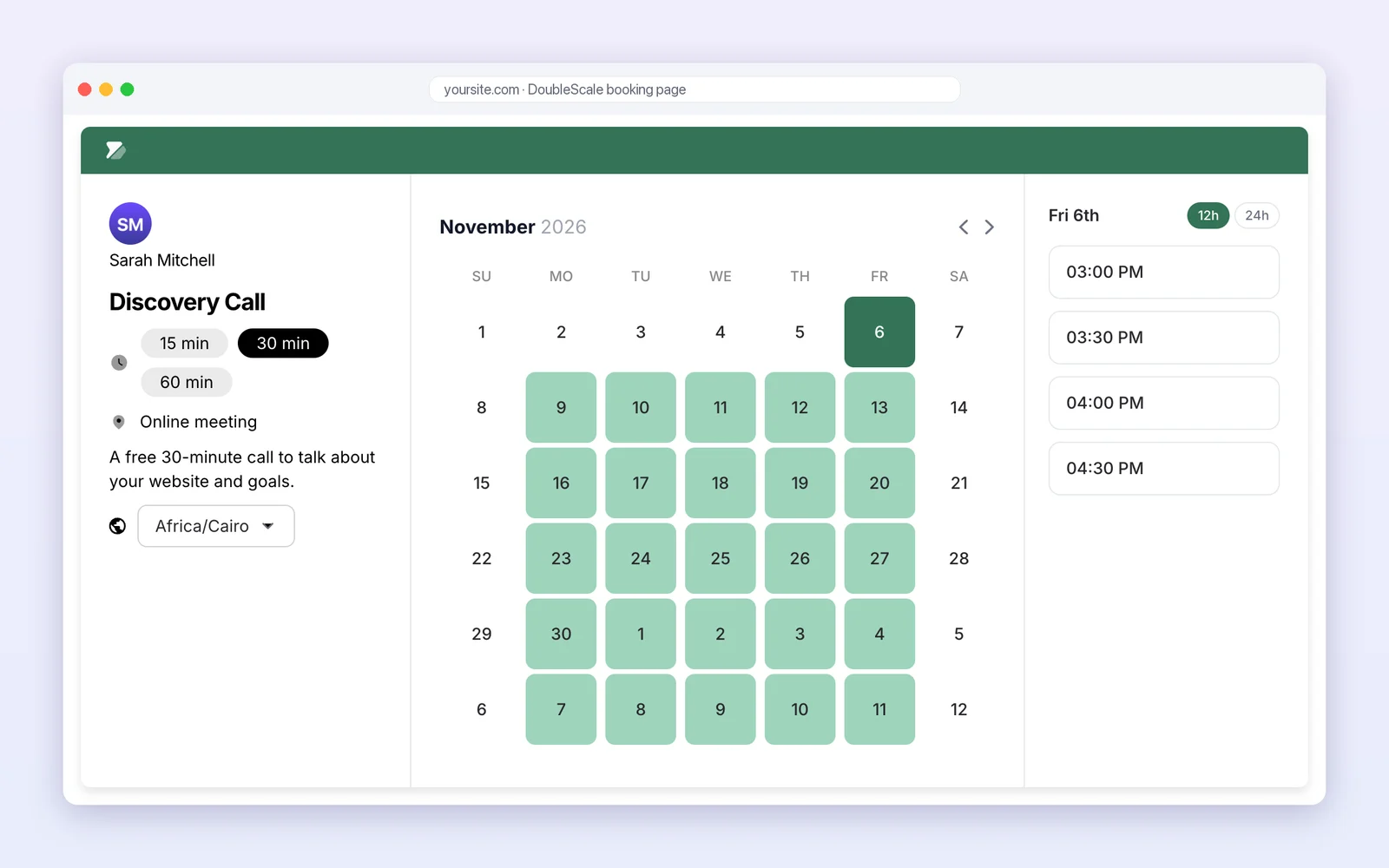
Go to Booking → Calendars and add an event, such as a 30-minute discovery call. Choose one-to-one or group, the durations a guest may pick, the location (online, phone or in person) and a colour.
Step 3: Set availability and limits
Under Availability & Limits, pick a schedule with working hours and date overrides, add buffer time between meetings, choose how far into the future people can book, and set booking frequency limits so you are never overbooked.
Step 4: Share the booking page
Copy the event link into your menu, a button or an email. Guests see your free times in their own time zone, choose a slot and fill in the booking form.
Step 5: Manage bookings and follow up
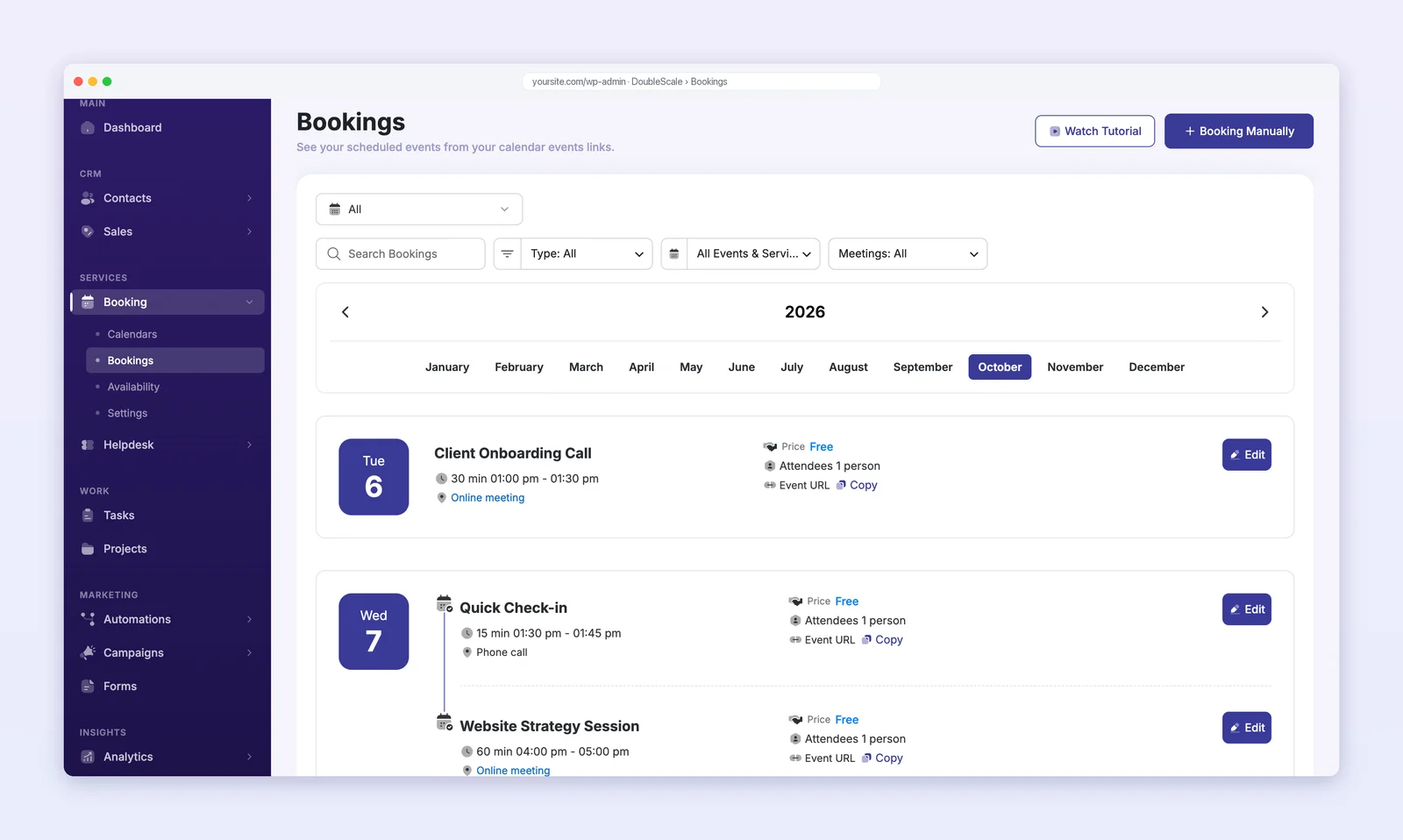
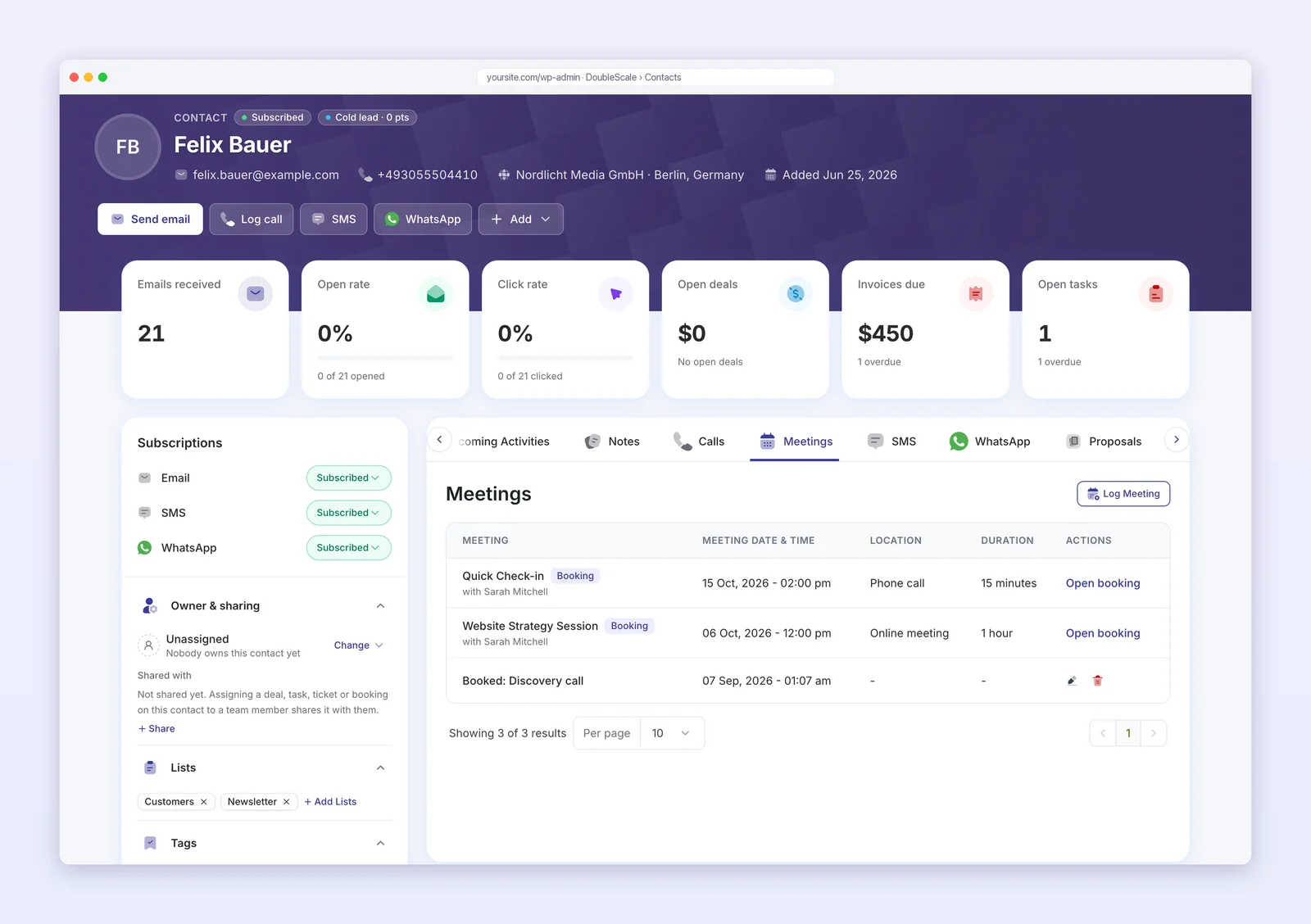
Every booking appears under Booking → Bookings and on the guest’s contact record, in the Meetings tab and the activity timeline. From there you can email the client, create a deal, send a proposal or an invoice. On the Basic plan, an automation can do it for you when a booking is created, rescheduled, completed or cancelled.
Moving from Calendly?See our Calendly alternatives for WordPress and how to replace Calendly with a WordPress booking plugin.
Which booking plugin fits your business?
| If you run… | Look for | Good fits |
|---|---|---|
| Consulting, coaching or an agency | Booking pages, video links, client records and invoices | DoubleScale, Quill Booking |
| A sales team | Round-robin assignment and calendar sync | DoubleScale, Quill Booking, FluentBooking |
| A salon, spa or clinic | Staff schedules, services, deposits, text reminders | Amelia, LatePoint, Bookly |
| Classes or group sessions | Group events with a seat limit | DoubleScale, Amelia, LatePoint |
| Rentals, rooms or equipment | Full-day and date-range bookings | Booking Calendar, WooCommerce Bookings |
| An online store | Bookable products paid at checkout | WooCommerce Bookings |
Our recommendations by business type.
Five ways to cut no-shows with any plugin
- Send two reminders: an email a day before and a text an hour before.
- Make rescheduling one click. A moved meeting is better than a missed one.
- Take a deposit for paid sessions. Even a small payment makes people more likely to turn up.
- Put the meeting link in the calendar invite, so nobody has to search for it.
- Show your cancellation policy on the booking page and in the confirmation email.
Questions people ask
What is the best booking plugin for WordPress?
It depends on what you book. DoubleScale is best if you want bookings inside a CRM, Quill Booking is the best value Calendly-style plugin, LatePoint has the best free version, Amelia suits salons and clinics with many staff, and Booking Calendar suits rentals and property.
Is there a free booking plugin for WordPress?
Yes. DoubleScale, Quill Booking, LatePoint, Amelia, FluentBooking, Bookly, Simply Schedule Appointments, Booking Calendar and Easy Appointments all have free versions on WordPress.org. LatePoint includes Stripe and PayPal payments for free, and Amelia includes Square.
Which WordPress booking plugin syncs with Google Calendar?
All of the appointment plugins in this guide sync with Google Calendar, usually on a paid plan. DoubleScale, Quill Booking, LatePoint, Amelia and FluentBooking also sync with Outlook and Apple Calendar. Booking Calendar uses .ics feeds in its free version.
Can a booking plugin save clients to a CRM?
DoubleScale saves every booking to a CRM contact automatically, because the booking module is part of the CRM. Most other plugins keep their own customer list and send bookings to a CRM through webhooks, Zapier or an integration.
Which booking plugin sends SMS reminders?
DoubleScale, Quill Booking, LatePoint, FluentBooking, Simply Schedule Appointments and Easy Appointments send SMS on paid plans, mostly through Twilio. Amelia sends SMS notifications from its free version, and Bookly sends SMS and WhatsApp through its pay-as-you-go cloud service.
Can I take payments for bookings in WordPress?
Yes. LatePoint includes Stripe and PayPal for free and Amelia includes Square; most others add Stripe and PayPal on a paid plan. WooCommerce Bookings uses your store checkout and any WooCommerce gateway.
Is a WordPress booking plugin better than Calendly?
A plugin keeps bookings on your own domain and in your own database, matches your branding and is usually priced per site rather than per user. Calendly needs no WordPress maintenance. If your business already runs on WordPress, a plugin is usually cheaper over time.
Is a lifetime licence worth it for a booking plugin?
If you will use the plugin for more than about three years, usually yes. Lifetime licences start at $109 for Quill Booking, $129 for Bookly and $249 for LatePoint and FluentBooking at regular price.
The bottom line
Pick a booking plugin by the work that comes after the booking. If you want the client, the meeting and the follow-up in one place, start with DoubleScale. If you only need fast, low-cost scheduling pages, Quill Booking gives you every paid feature for $39 a year. LatePoint is the strongest free option, Amelia remains the choice for busy salons and clinics, and Booking Calendar is the one to use for rentals.
Related guidesBest CRM with a booking system, best WordPress CRM plugins and how to create a client portal in WordPress.
How we compared: every price, plan and WordPress.org figure was read on the vendor’s own pages and the WordPress.org directory between November 4 to 6, 2026, in US dollars for one site. Features are taken from each plugin’s readme and feature pages; “Not listed” means we could not find a feature, not that it can never be added. Prices change often, so check the vendor’s page before you buy.
Booking pages, reminders and every meeting on the client’s record, with email, deals and invoices in the same WordPress plugin.
Get our guides first on GoogleAdd DoubleScale as a preferred source and our articles show up more often in your Top Stories.

DoubleScale Team, Editorial team
The DoubleScale team builds the all-in-one CRM for WordPress. We test the tools we write about and check every price and feature on the vendor's own pages before we publish.
Practical CRM tips, once a month
Guides on growing with WordPress: lead capture, email marketing, automations and sales. No spam, unsubscribe anytime.