On this page
- What makes a CRM simple
- Simple CRMs at a glance
- 1. DoubleScale: simplest for a business on WordPress
- 2. Less Annoying CRM: simplest overall
- 3. Zoho Bigin: simplest pipeline CRM
- 4. Capsule: simplest for relationships
- 5. folk: simplest for networks and outreach
- 6. Pipedrive: simplest for salespeople
- 7. HubSpot: simplest free CRM to learn
- 8. Streak: simplest if you live in Gmail
- Set up a simple CRM in one day
- Simple or too simple? Five signs you will outgrow it
- Mistakes that make any CRM complicated
- Questions people ask
Small businesses rarely abandon a CRM because it lacks features. They abandon it because nobody keeps it up to date. Every extra field, menu and setting is a reason to update the spreadsheet instead. So a simple CRM is not a stripped-down one: it is the one your team will still be using in six months.
We looked at eight CRMs known for being easy to start with, read their pricing and plan limits on each vendor’s site on October 23, 2026, and added a one-day setup plan that works with any of them.
Disclosure: DoubleScale is our product, and we list it first. It is only the simple choice if your website runs on WordPress; for everyone else, we say which tool to pick.
Simplest overall: Less Annoying CRM, one plan at $15 per user a month.
Simplest free start: HubSpot (2 users) or Zoho Bigin (1 user).
Simplest pipeline: Zoho Bigin or Pipedrive.
Simplest on WordPress: DoubleScale, inside the dashboard you already use.
Simplest in Gmail: Streak.
What makes a CRM simple
“Easy to use” appears on every CRM’s homepage, so we judged each one on five things you can check yourself in a trial:
- A first deal in under an hour. Sign up, import a few contacts and move a deal, without a consultant.
- One screen per customer. Notes, emails, deals and tasks for a person should be in one place.
- Sensible defaults. A ready pipeline and standard fields, so you change only what you must.
- A pricing page you can read. Few tiers, clear limits, no add-ons needed for the basics.
- Room to grow. Simple today should not mean a painful migration next year.
Simple CRMs at a glance
| CRM | Free plan | Paid from (yearly) | Simplest for |
|---|---|---|---|
| DoubleScale | Yes, unlimited contacts | $99/yr per site | WordPress businesses |
| Less Annoying CRM | No (30-day trial) | $15/user/mo | Avoiding complexity |
| Zoho Bigin | 1 user, 500 records | $7/user/mo | A solo pipeline |
| Capsule | 2 users, 250 contacts | $18/user/mo | Client relationships |
| folk | No (2-week trial) | $24/member/mo | Outreach and networks |
| Pipedrive | No (14-day trial) | $14/seat/mo | Sales teams |
| HubSpot | 2 users | $20/seat/mo list | Learning fast |
| Streak | Gmail tools only | $49/user/mo | Gmail users |
Vendor pricing pages, October 23, 2026.
1. DoubleScale: simplest for a business on WordPress
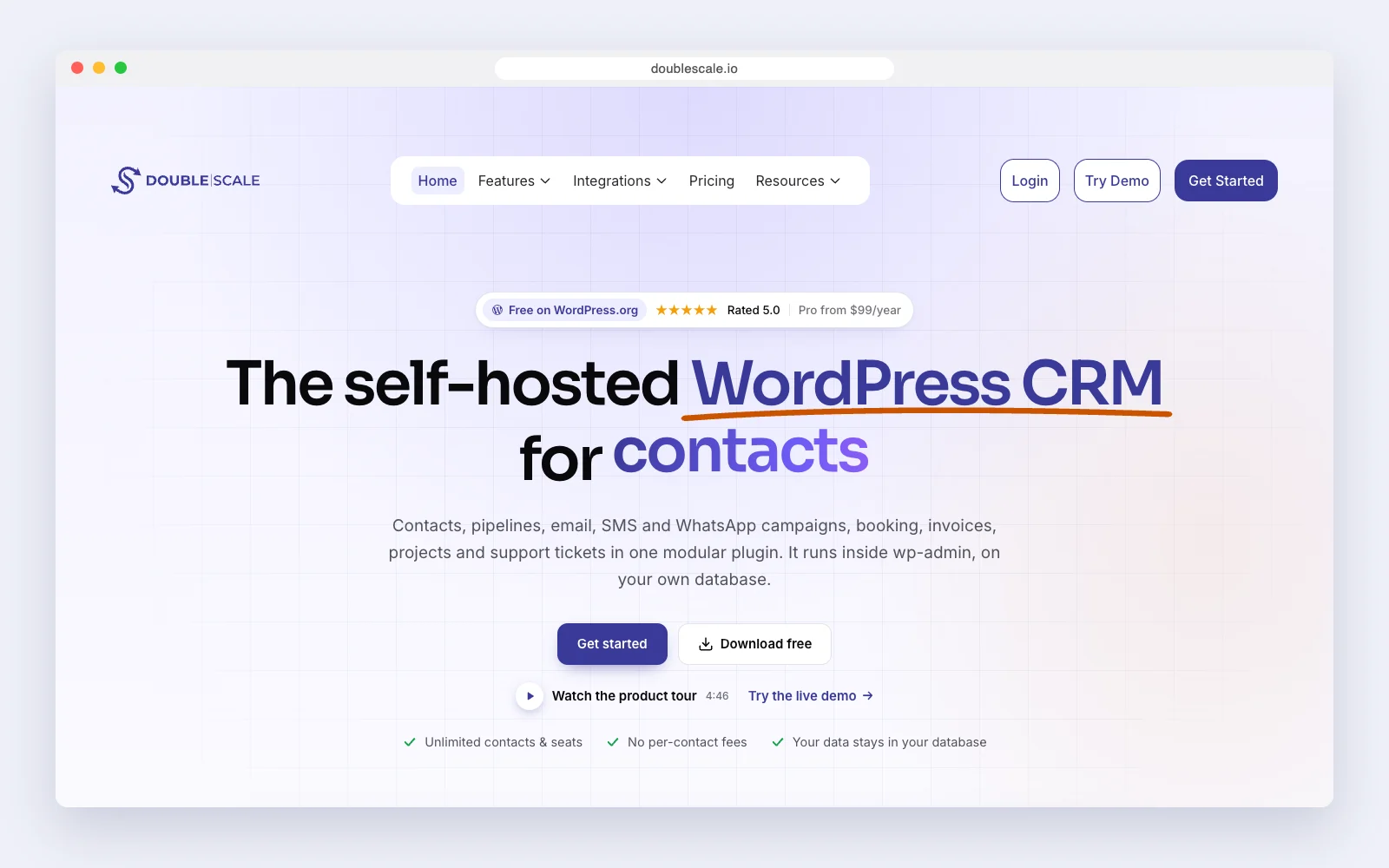
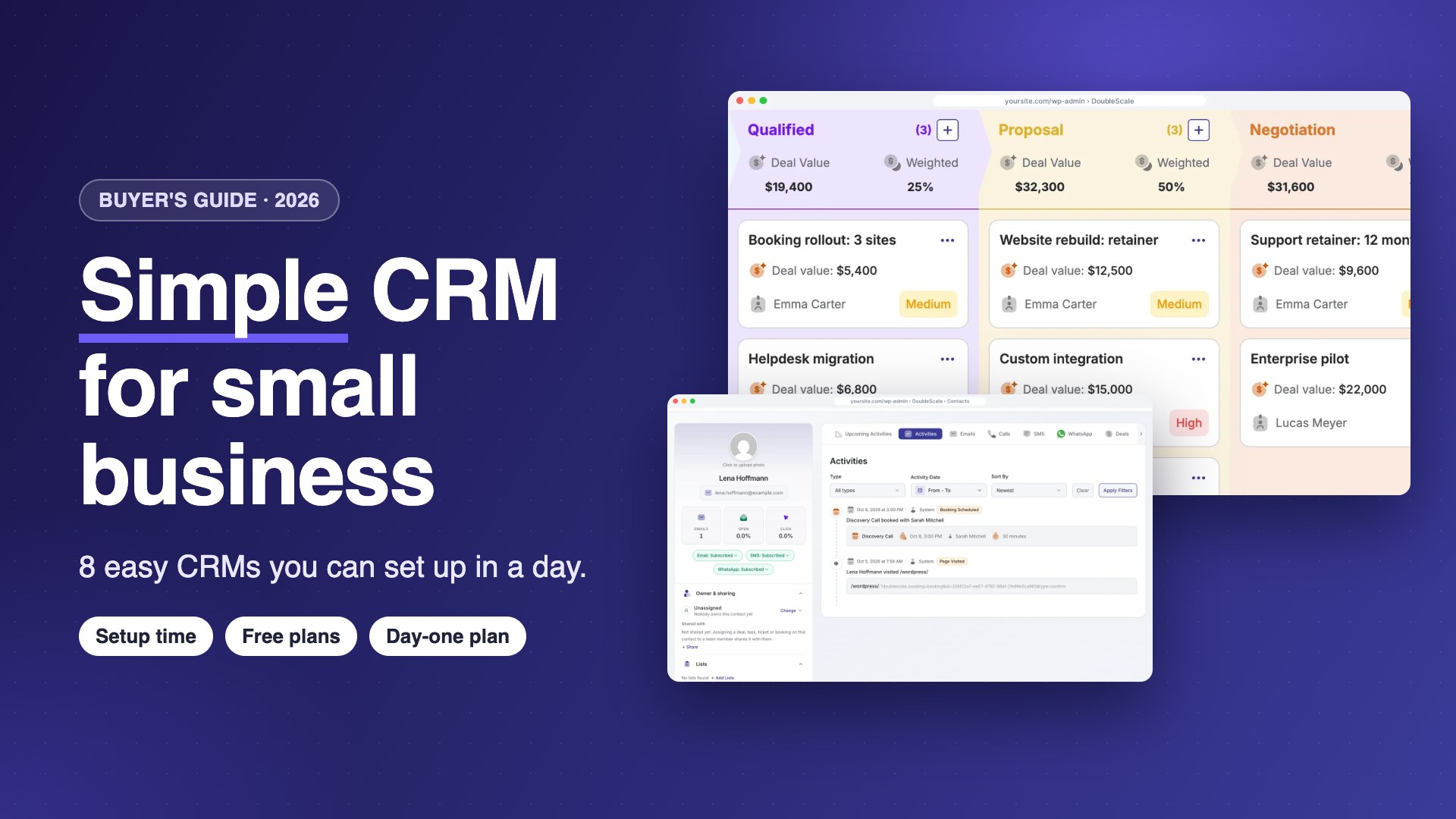
DoubleScale is a CRM inside your WordPress dashboard, so there is no new login and your website forms feed it directly. A setup wizard covers business details, lists, tags and contacts, and you switch off the modules you do not use.
How small businesses use it: import WordPress users, WooCommerce customers or a CSV, then work from one contact screen with emails, bookings and invoices on the timeline.
Watch out for: it needs WordPress, and pipelines start on Basic at $99 a year per site.
Pros
- No new app to log into
- Turn off modules you skip
Cons
- Needs WordPress
- Pipelines are paid
Best for: Businesses whose website already runs on WordPress.
2. Less Annoying CRM: simplest overall
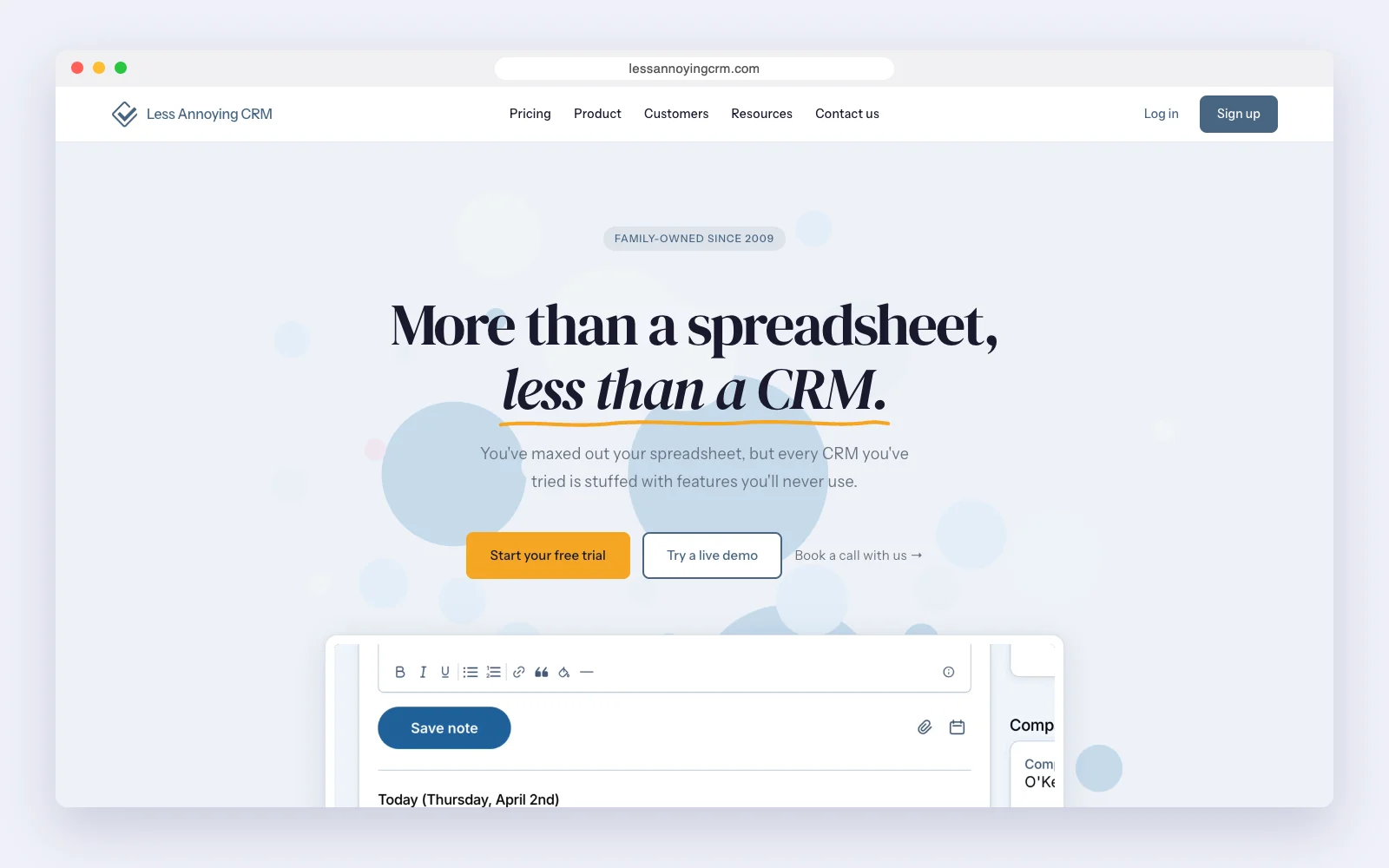
Less Annoying CRM is built for people who find CRMs too much. One plan at $15 per user a month includes everything: contacts, a calendar, tasks, pipelines and email logging. Its 30-day trial needs no card.
How small businesses use it: an office of a few people keeps contacts, notes, follow-ups and a simple pipeline, and calls free support when something is unclear.
Watch out for: simplicity is the point, so there is little automation and no email marketing. If you need campaigns or workflows, you will need a second tool.
Pros
- Very short learning curve
- One plan, everything included
- Free support
Cons
- No free plan
- Little automation
Best for: Small offices that have given up on other CRMs.
3. Zoho Bigin: simplest pipeline CRM
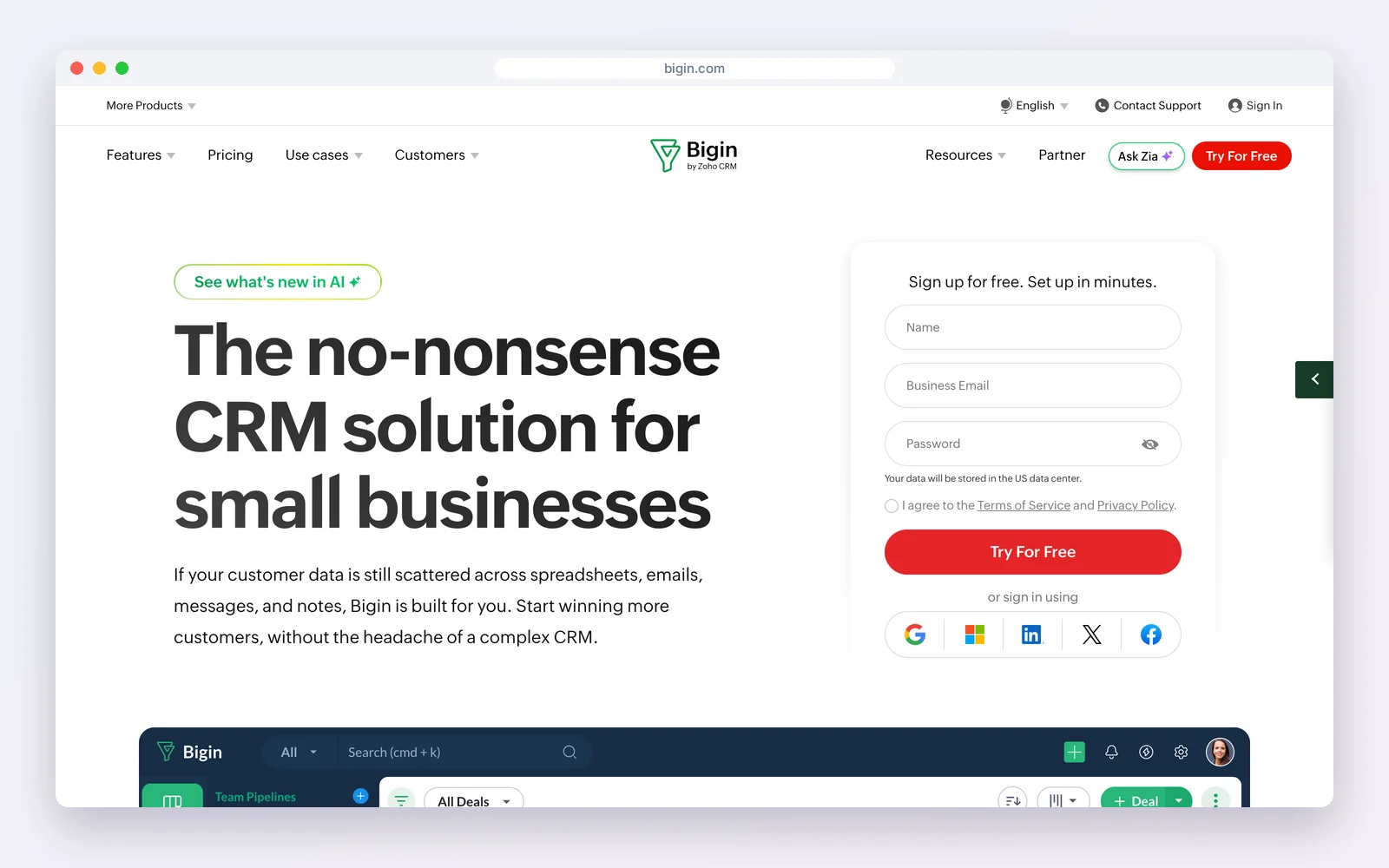
Bigin is Zoho’s answer to “Zoho CRM is too big”. It is a pipeline first: free for one user and 500 records, then $7 per user a month billed yearly.
How small businesses use it: a founder lays out the sales stages once, then drags deals across the board, with calls, emails and to-dos on each card.
Watch out for: the free plan is one user and 500 records. As needs grow, the more powerful features are in Zoho CRM, which is less simple.
Pros
- Pipeline ready in minutes
- Very low price
Cons
- Free plan is solo
- Advanced features in Zoho CRM
Best for: Founders who sell through a pipeline.
4. Capsule: simplest for relationships
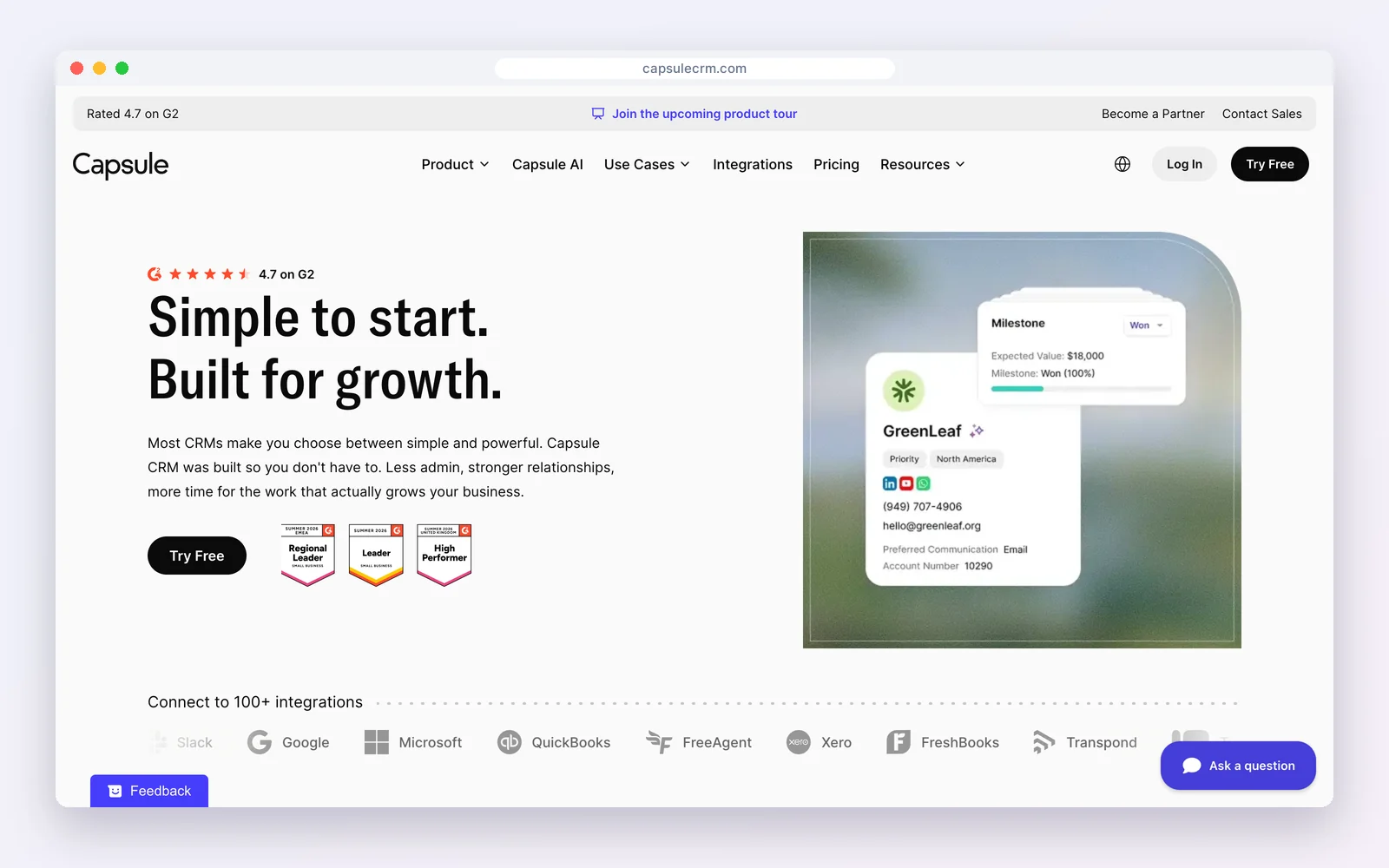
Capsule keeps people, companies and opportunities in tidy records. It is free for two users, 250 contacts and one pipeline; Starter is $18 per user a month billed yearly, with a 14-day trial and no card.
How small businesses use it: service businesses look up a client and see every note, email and opportunity in one place, without setting up anything complex first.
Watch out for: 250 free contacts runs out quickly, and multiple pipelines and the enhanced AI tools start on Growth at $36 per user a month.
Pros
- Calm, uncluttered design
- Free for two
Cons
- Small free plan
- One pipeline until Growth
Best for: Consultants and service firms.
5. folk: simplest for networks and outreach
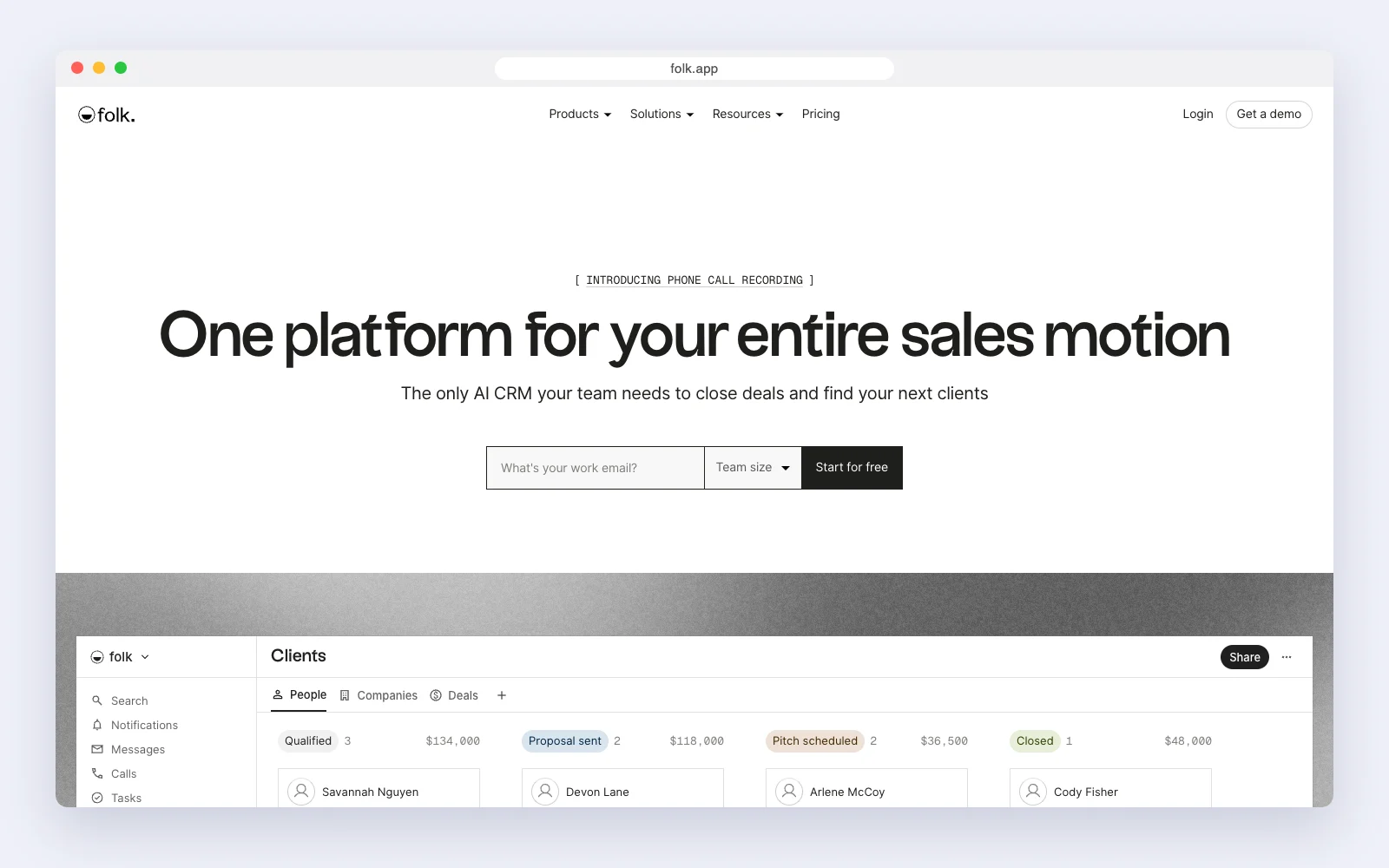
folk feels like a shared spreadsheet that knows who your contacts are. Standard is $24 per member a month billed yearly ($30 monthly), and every workspace starts with a two-week trial of the premium features.
How small businesses use it: founders, agencies and recruiters keep contact groups, sync an email account, find emails and send personalised messages from the same screen.
Watch out for: there is no free plan on its pricing page, deal tracking with custom objects and dashboards are on Premium ($48 per member a month billed yearly), and it costs more than the other simple CRMs here.
Pros
- Familiar spreadsheet feel
- Outreach built in
Cons
- No free plan
- Deals need Premium
Best for: Relationship-driven outreach and partnerships.
6. Pipedrive: simplest for salespeople
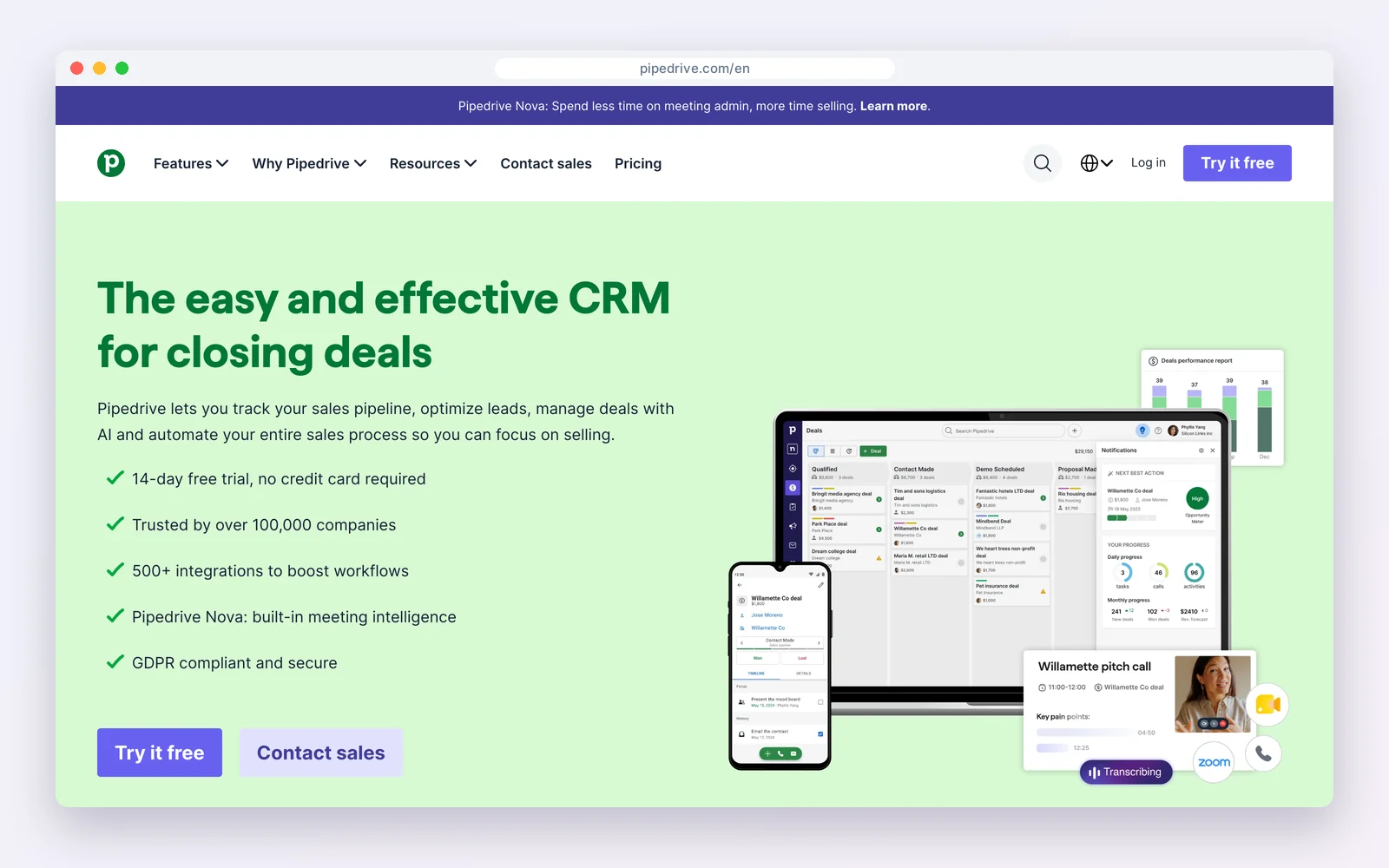
Pipedrive was designed by salespeople around one idea: always know the next action on every deal. Lite is $14 per seat a month billed yearly ($24 monthly), after a 14-day trial.
How small businesses use it: a rep opens the board, sees which deals have no next step, and schedules it. The interface teaches the habit.
Watch out for: there is no free plan, monthly billing is much more expensive, and automations and email campaigns cost more. It is simple for selling, less so for marketing.
Pros
- Clear pipeline
- Builds a follow-up habit
Cons
- No free plan
- Extras cost more
Best for: Small sales teams.
7. HubSpot: simplest free CRM to learn
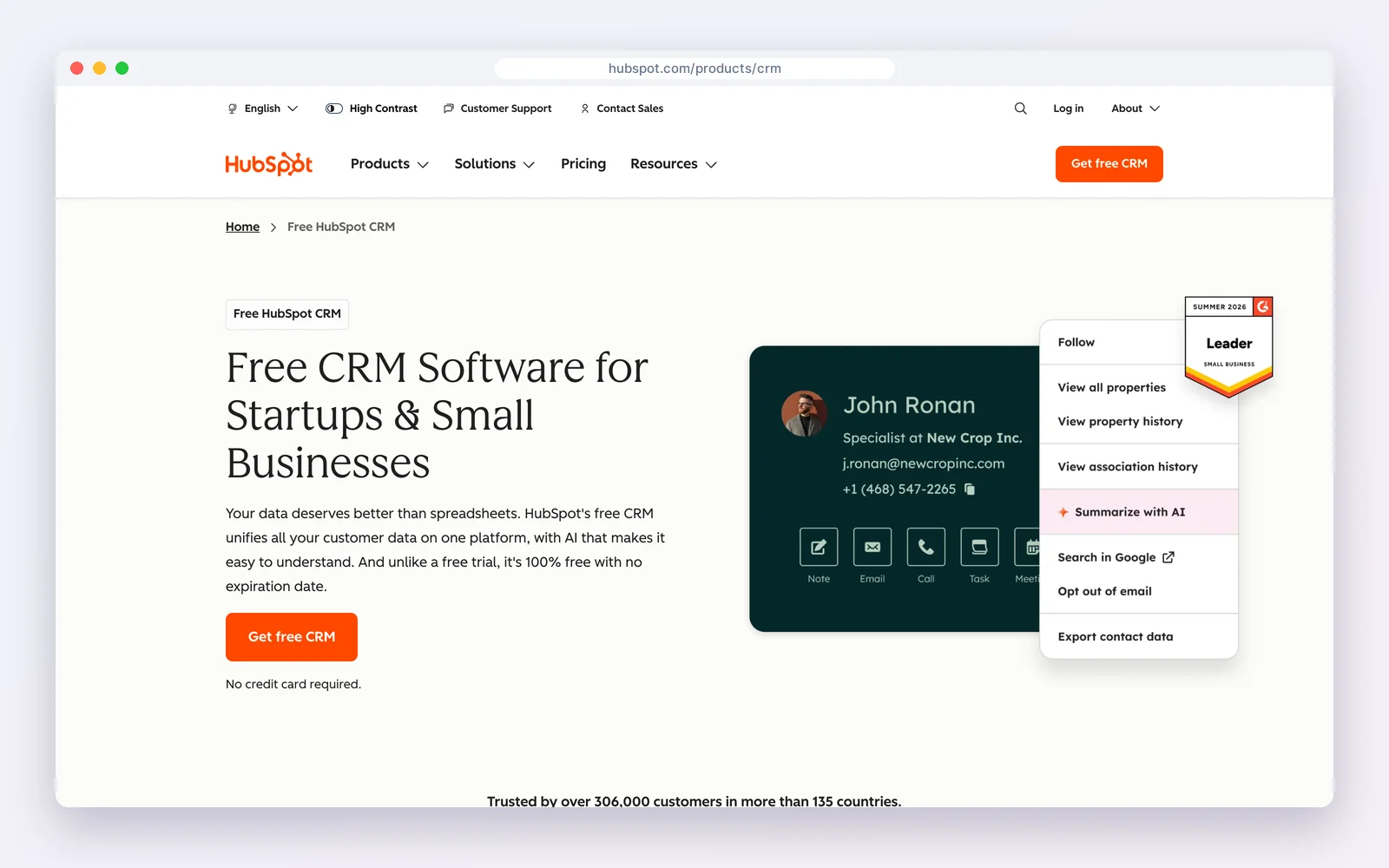
HubSpot‘s free CRM is free for two users, with contacts, a deal pipeline, email tracking and meeting links. Starter lists at $20 per seat a month.
How small businesses use it: a new hire is productive on day one, because emails and meetings log themselves and the screens explain themselves.
Watch out for: HubSpot pushes you towards paid hubs, and the platform grows complex at Professional level, where prices jump to $90 a seat.
Pros
- Polished and guided
- Strong free plan
Cons
- Upsells to paid hubs
- Expensive as you grow
Best for: Two-person teams starting from zero.
8. Streak: simplest if you live in Gmail
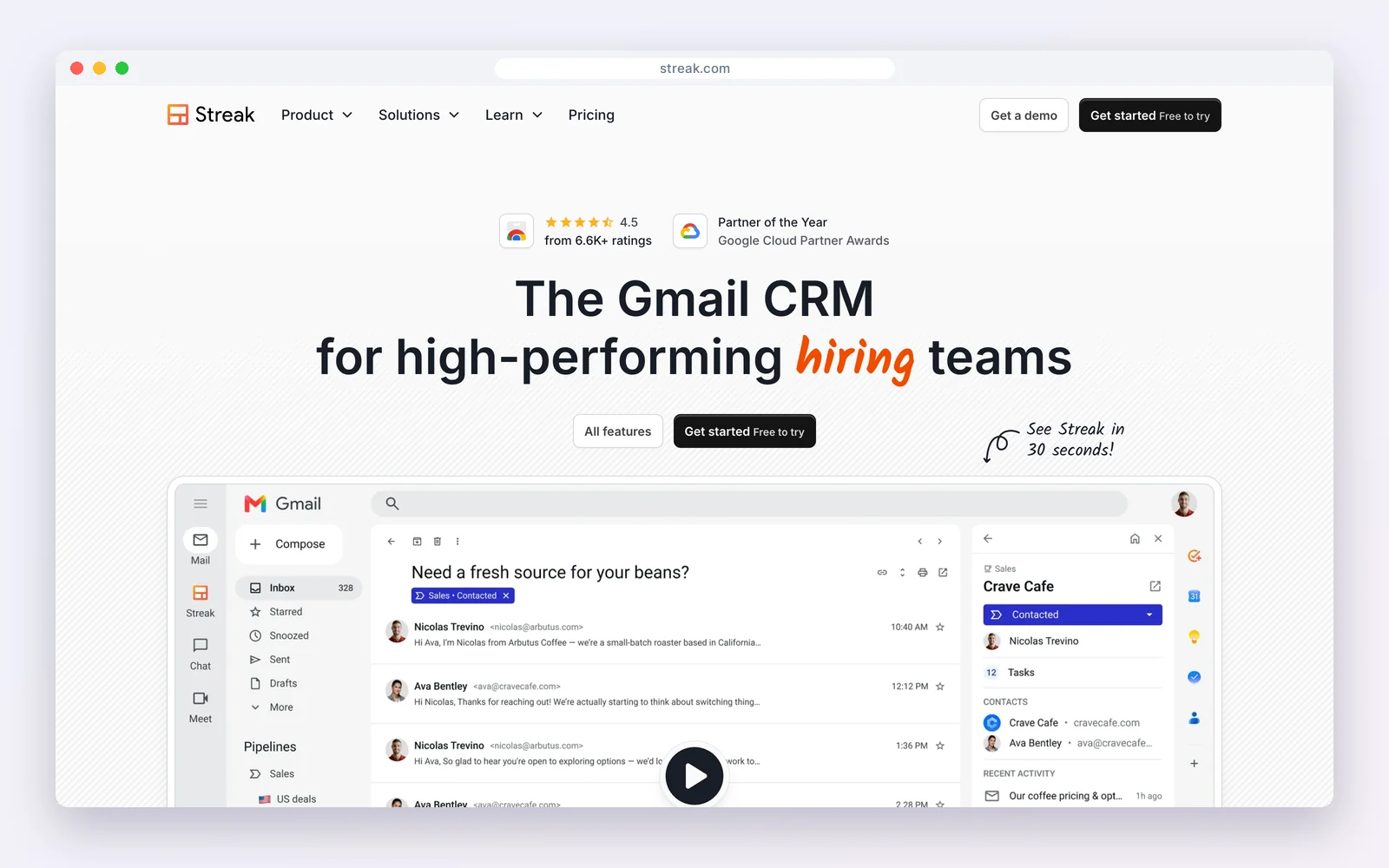
Streak puts a CRM inside Gmail, so there is nothing new to open. The free plan offers email tracking and mail merge; pipelines start on Pro at $49 per user a month billed yearly ($59 monthly).
How small businesses use it: a team turns email threads into pipeline boxes in their inbox and shares them, so everyone sees where each deal stands.
Watch out for: it only works with Gmail and Google Workspace, pipelines are paid, and Pro costs more than most CRMs here.
Pros
- No new app to learn
- Email-first
Cons
- Gmail only
- Pricey pipelines
Best for: Teams that run their business from Gmail.
Set up a simple CRM in one day
The tool matters less than the first day. Teams that set up a CRM in a single focused day, with a few rules, keep using it. Here is the plan we recommend, hour by hour.
- Hour 1: decide what you will track. One pipeline, five stages at most (for example New, Contacted, Proposal, Won, Lost) and the three or four facts you need about every customer. Write them down before you open the tool.
- Hour 2: clean and import your contacts. Export your spreadsheet, email contacts or customers to one CSV with name, email, phone, company and source. Delete duplicates and dead leads first; importing junk is the fastest way to make a CRM feel cluttered.
- Hour 3: set up stages and fields. Rename the default stages to match yours and add no more than five custom fields. You can always add more later; removing them is harder.
- Hour 4: connect where leads come from. Connect your email account and website forms, so new enquiries arrive in the CRM without anyone typing them.
- Hour 5: add your open deals. Put every live opportunity in the pipeline with a value and a next step. This makes the CRM useful on day one.
- Hour 6: one automation, not ten. Start with a single rule, such as a task to follow up two days after a proposal. Add more only when you feel the need.
- Hour 7: invite the team and agree the rules. Who owns each deal, and one golden rule: if it is not in the CRM, it did not happen.
- Hour 8: book a weekly review. Fifteen minutes each week on the pipeline view keeps the data fresh and shows the team the CRM is worth updating.
Simple or too simple? Five signs you will outgrow it
- You send newsletters or campaigns and keep copying contacts into a separate email tool.
- You repeat the same follow-up steps by hand for every lead.
- You need quotes, invoices or bookings tied to the customer record.
- You have hit the contact or user limit of your plan.
- Different people need different access, such as a salesperson who should only see their own deals.
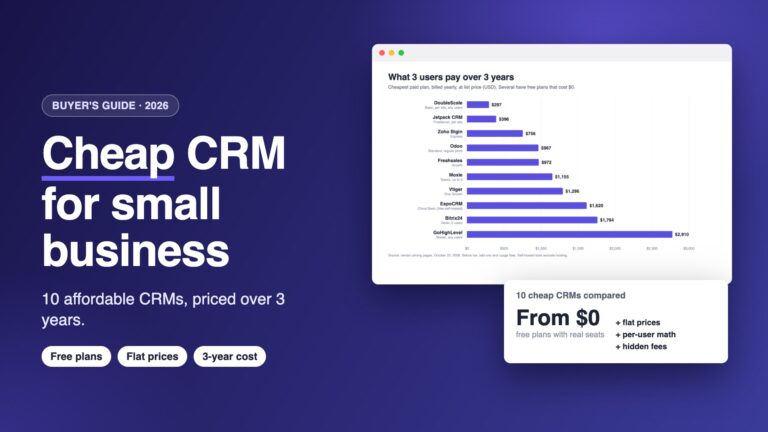
When those appear, look for a CRM that grows with you without a migration. If budget matters too, our guide to cheap CRMs for small business prices ten options over three years.
Mistakes that make any CRM complicated
- Too many fields. Each extra field makes every new record slower to create. Keep only what you use to make decisions.
- Too many stages. More than six or seven stages and deals sit in the wrong one. Merge stages that nobody can tell apart.
- Automating too early. Automate a process only after you have done it by hand enough times to know it works.
- No owner. Someone has to own the CRM: clean-up, new fields and training. In a small business that is usually the founder.
Looking for free?See our best free CRMs for small business and the best free CRM for solopreneurs.
How we compared: plans, limits and prices were read on each vendor’s own pricing page on October 23, 2026 (USD). Paid prices are the cheapest plan billed yearly unless noted. Prices change often, so check the vendor’s page before you buy.
Questions people ask
What is the simplest CRM for a small business?
Less Annoying CRM is the simplest overall, with one plan at $15 per user a month that includes everything. Zoho Bigin is the simplest pipeline CRM, and on WordPress, DoubleScale runs inside the dashboard you already use.
What is the easiest CRM to learn?
HubSpot’s free CRM is the quickest for new users to learn because emails and meetings log themselves. Less Annoying CRM and Capsule are close behind thanks to their short menus.
Is there a simple free CRM?
Yes. HubSpot is free for two users, Capsule for two users and 250 contacts, Zoho Bigin for one user and 500 records, and the DoubleScale plugin for WordPress has unlimited contacts.
Should a small business use a spreadsheet or a CRM?
A spreadsheet works until more than one person follows up with customers, or you lose track of who needs a reply. A CRM adds reminders, history and a pipeline, and the simple ones take a day to set up.
Which simple CRM works inside Gmail?
Streak runs inside Gmail. Its free plan has email tracking and mail merge, and pipelines start on Pro at $49 per user a month billed yearly.
How long does it take to set up a simple CRM?
About a day for a small business: decide what to track, import a clean contact list, set up stages, connect email and forms, add open deals and agree the rules with your team.
Contacts, deals, email and booking where your website already lives. Switch off what you do not need.
Get our guides first on GoogleAdd DoubleScale as a preferred source and our articles show up more often in your Top Stories.

Mohamed Magdy, Founder & CEO, DoubleScale
Mohamed Magdy is the founder and CEO of DoubleScale, the all-in-one CRM for WordPress. He writes about CRM, email marketing and automation for WordPress businesses.
Practical CRM tips, once a month
Guides on growing with WordPress: lead capture, email marketing, automations and sales. No spam, unsubscribe anytime.