On this page
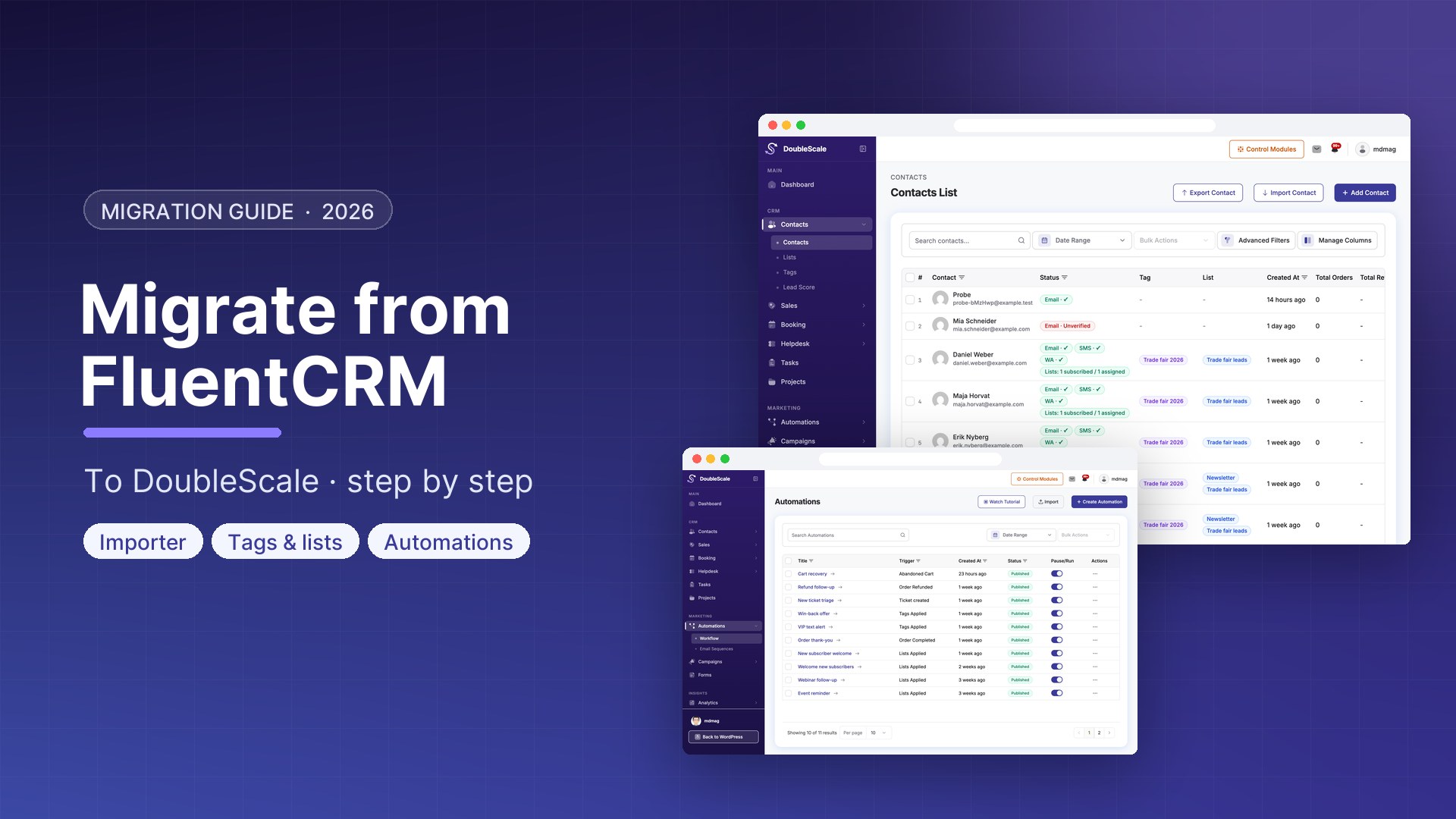
DoubleScale extends what FluentCRM offers by adding a native sales pipeline, helpdesk, booking system, WhatsApp marketing, invoicing, and broader WooCommerce automation — all in a single plugin. This guide covers the full migration process.
What to Migrate
- Contacts (all subscribers with custom fields and tags)
- Email templates
- Automation sequences (rebuild in DoubleScale automation builder)
- Lists and segments
Before You Start
- Install DoubleScale on your WordPress site — keep FluentCRM active during migration
- Configure your SMTP provider in DoubleScale before migrating
- Export all FluentCRM data as a backup
Step 1: Export Contacts from FluentCRM
- FluentCRM Contacts, All Contacts
- Click Export, Export All
- Download the CSV file
Step 2: Import Contacts into DoubleScale
- Go to DoubleScale, Contacts, Import
- Upload the FluentCRM CSV export
- Map FluentCRM columns to DoubleScale fields
- Assign imported contacts to a list (e.g., Migrated from FluentCRM)
- Run the import
Step 3: Recreate Automations
Automations must be rebuilt manually. Document each FluentCRM sequence, then recreate in DoubleScale automation builder. Use equivalent triggers (FluentCRM Contact Enrolled in a List = DoubleScale Contact Added to List). Test each automation with a test contact before activating.
Step 4: Pause FluentCRM Automations
Before activating DoubleScale automations, deactivate all active FluentCRM automations. Having both active simultaneously will send duplicate messages.
Step 5: Go Live
- Activate all DoubleScale automations
- Set DoubleScale SMTP as the WordPress default
- Send a test campaign to a small segment
- Monitor the dashboard for 24-48 hours
- Once satisfied, deactivate and eventually uninstall FluentCRM

Mohamed Magdy, Founder & CEO, DoubleScale
Mohamed Magdy is the founder and CEO of DoubleScale, the all-in-one CRM for WordPress. He writes about CRM, email marketing and automation for WordPress businesses.
Practical CRM tips, once a month
Guides on growing with WordPress: lead capture, email marketing, automations and sales. No spam, unsubscribe anytime.