On this page
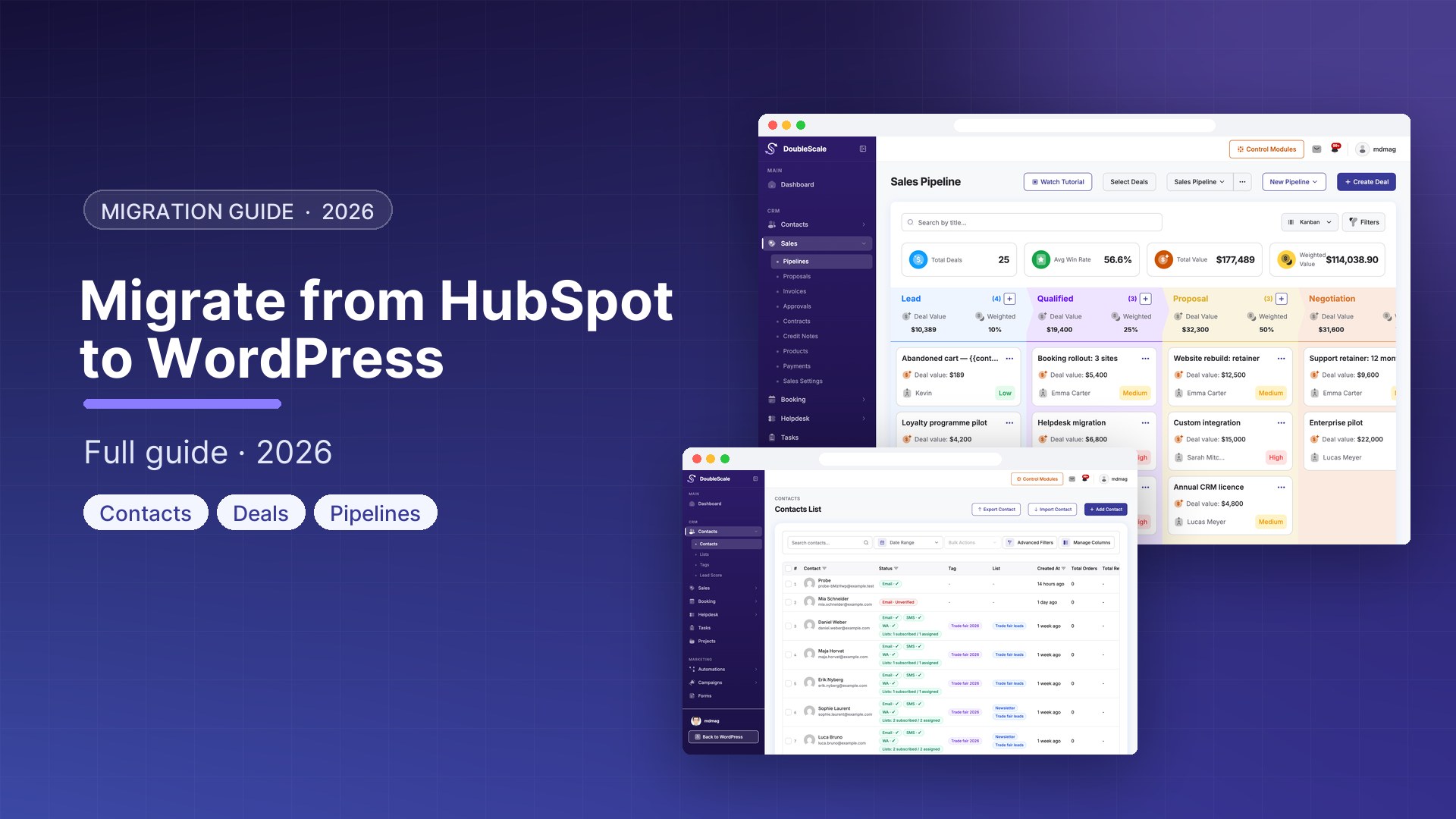
HubSpot migrations typically happen because monthly cost has become unsustainable, you want customer data on your own server, or your WordPress-based business does not need an enterprise CRM platform. This guide covers exporting your HubSpot data and importing it into DoubleScale, a self-hosted WordPress CRM plugin.
What Can Be Migrated
- Contacts and companies with all properties
- Email templates (as HTML)
- Deals and pipeline data
- Lists and segments (recreate using DoubleScale segment builder)
- Automation logic (must be rebuilt manually)
Step 1: Export Your HubSpot Contacts
- In HubSpot, go to Contacts
- Click Actions, Export
- Select All Properties or specific properties you want to keep
- Download the CSV file
Step 2: Create Custom Fields in DoubleScale
- Go to DoubleScale, Contacts, Custom Fields, Add Field
- Recreate any HubSpot custom properties you want to preserve: text, number, date, dropdown, checkbox
Step 3: Import Contacts into DoubleScale
- Go to DoubleScale, Contacts, Import
- Upload your HubSpot CSV export
- Map each column to DoubleScale properties
- Run the import
Step 4: Recreate Your Pipeline
- Export HubSpot deals: Sales, Deals, Actions, Export
- In DoubleScale, go to Sales, Pipelines, New Pipeline
- Create the same stages as your HubSpot pipeline
- Add open deals manually or via bulk import
HubSpot Feature Map to DoubleScale
| HubSpot Feature | DoubleScale Equivalent |
|---|---|
| Contacts | Contacts |
| Lists | Lists and Tags |
| Email Campaigns | Campaigns |
| Workflows | Automations |
| Deals Pipeline | Sales Pipeline |
| Meetings (Scheduling) | Booking (Pro) |
| Service Hub Tickets | Helpdesk (Pro) |
| Quotes | Proposals and Invoices (Pro) |

Written by
Mohamed Magdy, Founder & CEO, DoubleScale
Mohamed Magdy is the founder and CEO of DoubleScale, the all-in-one CRM for WordPress. He writes about CRM, email marketing and automation for WordPress businesses.
Newsletter
Practical CRM tips, once a month
Guides on growing with WordPress: lead capture, email marketing, automations and sales. No spam, unsubscribe anytime.