On this page
SaaS CRMs sell “insights” as a reason to keep paying per seat. On WordPress, the honest version is simpler: the numbers already live in your database. A WordPress CRM analytics layer is a set of reports over contacts, deals, invoices, automations, tasks, and projects — not a warehouse, and not a Google Analytics clone.
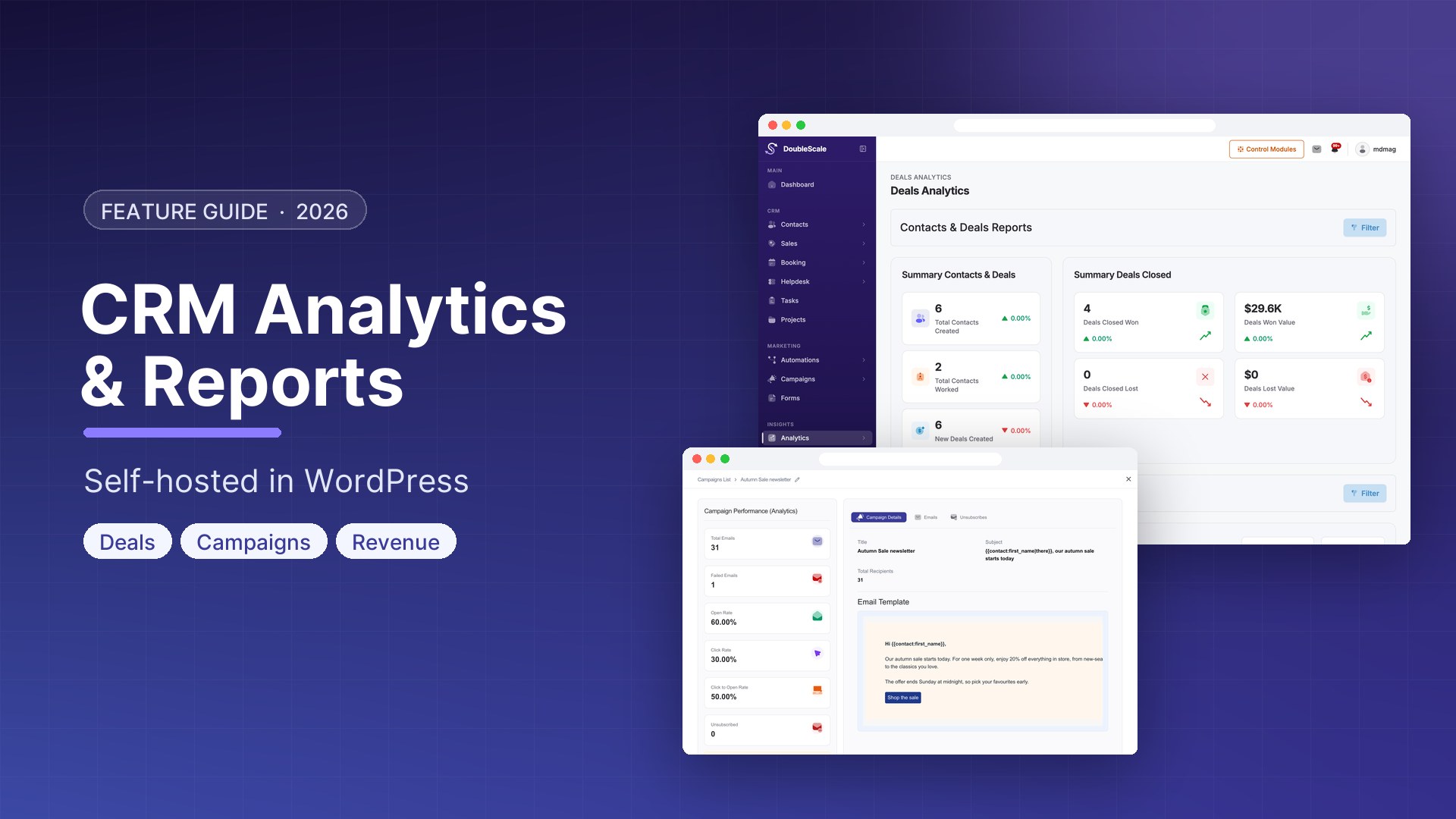
DoubleScale Pro ships an Analytics & Reports module: dashboard reports, pipeline analytics, and automation performance. The data never leaves the site. Company-wide totals are restricted to sales-manager access; a rep asking “how am I doing?” gets owner-scoped summaries instead.
What you can actually report on
The module is not one chart. It is a reporting API the admin UI reads:
- Contacts and deals — new contacts, deal metrics, and time metrics over a date range.
- Deals by date — volume with a status breakdown (default lookback 30 days).
- Deal leaderboard and sales-rep reports — including pipeline stages and active deals, plus an all-reps view for managers.
- Automation reports — funnel/chart for a given automation, step-level throughput, and email analytics for that automation (who entered, who completed, what mail did).
- Entity reports — contracts, proposals, invoices, credit notes, projects, and tasks, each with its own report endpoint.
- Revenue — company-wide invoiced and collected totals over a date range, split by currency and month. Contact growth is the matching “are we adding people?” series.
Helpdesk has its own ticket reports inside Support. Campaigns have send/open tracking in the email module. Analytics is the hub for CRM operating numbers, not a replacement for every chart in the product.
What it is not
- Not GA4, Looker, or a BI tool. You will not get attribution models or SQL notebooks.
- Not website heatmaps. Page-level visits belong to website tracking.
- Not a public customer dashboard. Clients see documents and tickets in the client portal, not your win rate.
If the board wants a warehouse, export and use the warehouse. If the sales manager wants “won this month vs last, by rep, from the same deals we work in WordPress,” this module is the report.
Permissions, on purpose
Aggregate revenue and contact-growth figures are sales-manager tier. They are whole-company numbers with no owner filter. A sales rep still has owner-scoped deal and sales summaries. That matches how the REST routes are gated: you should not see another rep’s book because you opened Analytics.
When the Analytics module is disabled, Pro still registers a REST fallback so the UI does not 404 — but you will not get the full report set. Leave the module on if you use dashboards.
How to use the reports without drowning
- Open DoubleScale Pro → Analytics (or Reports) as a user who can see sales-manager numbers if you need company totals.
- Set a date range. Contact growth and revenue default to a long window; deal charts often start at 30 days.
- Read pipeline reports next to the pipeline itself. A leaderboard without stage hygiene is theatre.
- Open an automation → reports when a drip “feels quiet.” Step reports tell you where people stall; email analytics tell you whether the stall is the mail or the condition.
- Use invoice, contract, and project reports when the question is delivery or billing, not top-of-funnel.
The useful weekly ritual is three numbers: new contacts, won deal value, invoiced vs collected. Everything else is a drill-down when one of those three moves.
Analytics vs the rest of the stack
| Question | Where it lives |
|---|---|
| Did this person open /pricing? | Website tracking + Page Visited automations |
| How is the team closing? | Analytics — deals, leaderboard, sales-rep stages |
| Is the drip working? | Analytics — automation chart, steps, email analytics |
| Did we collect the money? | Analytics — invoices / revenue; documents in the CRM |
| Are support tickets piling up? | Helpdesk reports, not the Analytics hub |
Because this is self-hosted, a “report” is a query over your tables. There is no DoubleScale cloud copy. That is the product: the same WordPress database your contacts already occupy.
Download DoubleScale free · Launch a demo · See Pro pricing
Frequently asked questions
Does WordPress have a CRM analytics dashboard?
DoubleScale Pro does. Analytics & Reports covers contacts, deals, sales reps, automations, invoices, contracts, proposals, credit notes, projects, and tasks — from data already on the site.
Is analytics in the free DoubleScale plugin?
No. The Analytics module is Pro. The free plugin still shows operational lists (contacts, tickets, campaigns). Company dashboards, leaderboards, and automation funnels are Pro.
Can a sales rep see everyone else’s revenue?
Company-wide revenue and contact-growth reports require sales-manager access. Rep-level summaries stay scoped to what that user is allowed to see.
Does this send data to a third-party analytics company?
No. Reports query the WordPress database. You can still use GA on the public site; CRM analytics does not replace or forward to it.
Can I ask an AI assistant for these numbers?
If you enable DoubleScale MCP, reporting abilities such as revenue and contact growth are published as tools — still permission-checked as the connecting user. MCP is opt-in and off by default.

Mohamed Magdy, Founder & CEO, DoubleScale
Mohamed Magdy is the founder and CEO of DoubleScale, the all-in-one CRM for WordPress. He writes about CRM, email marketing and automation for WordPress businesses.
Practical CRM tips, once a month
Guides on growing with WordPress: lead capture, email marketing, automations and sales. No spam, unsubscribe anytime.