On this page
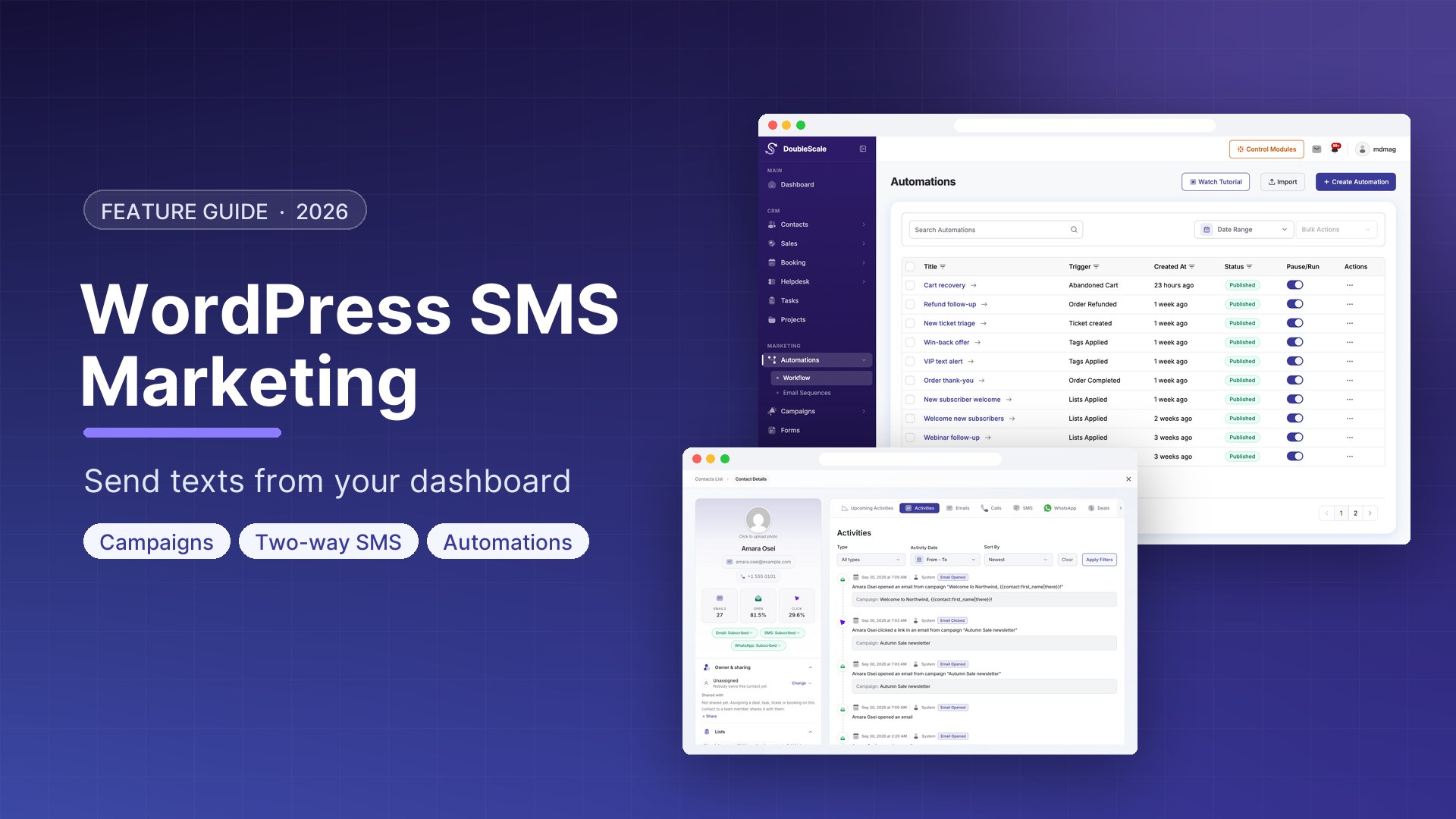
SMS messages have a 98% open rate and are typically read within 3 minutes of delivery. For time-sensitive messages — appointment reminders, cart recovery, flash sales, and shipping notifications — SMS outperforms email significantly. DoubleScale Pro adds SMS as a fully integrated marketing channel alongside email and WhatsApp, all managed from your WordPress dashboard.
How DoubleScale SMS Works
DoubleScale connects to your SMS provider (Twilio by default) to send individual and bulk SMS messages. SMS is available as an action in any automation and as a channel in broadcast campaigns. You manage everything from WordPress — no separate SMS dashboard needed.
Setting Up SMS in DoubleScale
Step 1: Create a Twilio Account
- Sign up at twilio.com
- Get a Twilio phone number (from $1/month)
- From the Twilio Console, get your Account SID and Auth Token
Step 2: Connect Twilio to DoubleScale
- Go to DoubleScale, Settings, SMS, Add Provider
- Select Twilio
- Enter Account SID, Auth Token, and From Number
- Click Test to send a test SMS
- Save and set as Default SMS Provider
Collecting Phone Numbers
SMS requires explicit opt-in. Add a phone number field and SMS consent checkbox to your lead capture forms: WooCommerce checkout, landing page forms, and pop-ups. Only contacts with a phone number and SMS consent enabled will receive messages.
SMS Use Cases in DoubleScale
Abandoned Cart Recovery
SMS as the final touch in a 3-channel abandoned cart sequence (email, WhatsApp, SMS) recovers contacts who did not respond to the first two messages. Include a short URL to the pre-populated checkout.
Appointment Reminders
Send an SMS reminder 24 hours and 1 hour before any booking. Reduces no-shows by 30-50% compared to email-only reminders.
Order Notifications
Trigger: WooCommerce Order Completed. SMS: Hi {{contact.first_name}}, your order #{{order.number}} is confirmed. Expected delivery: {{order.delivery_date}}
Flash Sale Broadcasts
Go to DoubleScale, Campaigns, New Campaign, select SMS, write your message (160 chars max), select opted-in contacts, schedule for flash sale start time.
SMS Compliance
- Always get explicit opt-in — a pre-checked checkbox does not count
- Include STOP instructions — Twilio handles this automatically
- Time your messages — do not send between 9 PM and 8 AM in the recipient timezone
- Limit frequency — no more than 2-4 marketing SMS per month per contact
- In the US, register your number for 10DLC to avoid carrier filtering

Mohamed Magdy, Founder & CEO, DoubleScale
Mohamed Magdy is the founder and CEO of DoubleScale, the all-in-one CRM for WordPress. He writes about CRM, email marketing and automation for WordPress businesses.
Practical CRM tips, once a month
Guides on growing with WordPress: lead capture, email marketing, automations and sales. No spam, unsubscribe anytime.