On this page
WordPress sends emails through your web server by default. Web servers are not mail servers — emails sent via PHP mail() have no SPF or DKIM authentication, poor reputation, and are routinely blocked by Gmail, Outlook, and corporate spam filters. Order confirmations disappear, password resets never arrive, and you lose sales without knowing why.
The fix is SMTP — connecting WordPress to a dedicated email delivery service that handles authentication, reputation, and deliverability for you. This guide covers every major provider and shows how to set them up using DoubleScale’s built-in SMTP manager, which replaces the need for a separate SMTP plugin entirely.
Why WordPress Emails Fail Without SMTP
- SPF record: Does the sending server IP match your domain DNS? Without SMTP, almost never
- DKIM signature: Cryptographic email signature — requires SMTP configuration
- DMARC policy: Without SMTP, DMARC always fails
- Sender reputation: Shared hosting IPs are frequently blacklisted
DoubleScale SMTP: Built-In, Not Bolted On
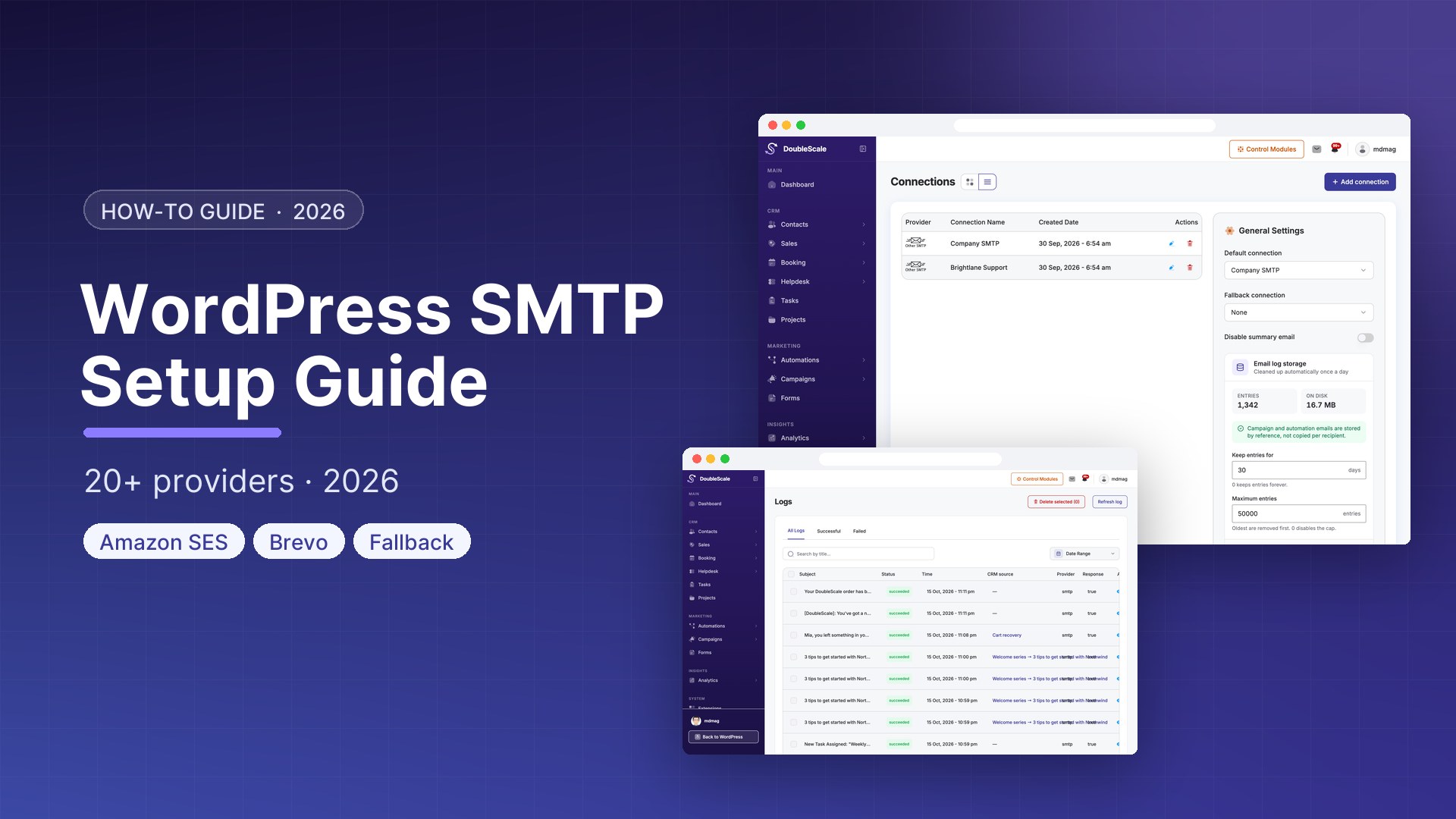
DoubleScale includes a full SMTP manager as a core module — no additional plugin needed. It replaces wp_mail() with authenticated SMTP delivery, supports multiple simultaneous providers, logs every email with open and click tracking, and supports API-based delivery for high-volume sending.
How to Add an SMTP Provider in DoubleScale
- Go to DoubleScale → SMTP → Add Provider
- Select your provider from the dropdown
- Enter credentials (API key or SMTP details)
- Set From Name and From Email
- Click Test to send a test email
- Set as Default for all WordPress emails
Provider Setup Guide
SendGrid
Best for high-volume transactional and marketing emails. Free plan: 100 emails/day. Create account at sendgrid.com, go to Settings → API Keys → Create API Key (Full Access). Verify your sender domain. In DoubleScale: select SendGrid, paste API key.
Amazon SES
Best for extremely high volume at lowest cost ($0.10 per 1,000 emails). AWS Console → Simple Email Service → Verified Identities → Add domain. Add DNS records. Create IAM user with SES send permissions. In DoubleScale: select Amazon SES, enter Access Key, Secret Key, and AWS region.
Mailgun
Developer-friendly transactional email. 100 free emails/day on Flex plan. mailgun.com → Sending → Domains → Add new domain. Add DNS records. Settings → API Keys → Create private API key. In DoubleScale: select Mailgun, enter API key and domain.
Postmark
Best inbox deliverability for transactional emails. account.postmarkapp.com → Servers → Create server → API Tokens tab → copy server API token. In DoubleScale: select Postmark, paste server token.
Brevo (formerly Sendinblue)
Free tier: 300 emails/day forever. brevo.com → Account → SMTP and API → API Keys → Generate new key. In DoubleScale: select Brevo, paste API key.
Gmail / Google Workspace
Limit: 500 emails/day (Gmail) or 2,000/day (Workspace). Use App Passwords: Google Account → Security → 2-Step Verification → App Passwords. In DoubleScale: SMTP host smtp.gmail.com, port 465 (SSL) or 587 (TLS), your email as username, app password as password.
Other Providers
Outlook/Microsoft 365: smtp.office365.com, port 587, STARTTLS. Zoho Mail: smtp.zoho.com, port 465 or 587. Mailjet: API key and Secret key from app.mailjet.com. SparkPost: custom SMTP host smtp.sparkpostmail.com, port 587, API key as password.
Required DNS Records
| Record Type | Purpose | Required? |
|---|---|---|
| SPF (TXT) | Authorises your SMTP provider to send on your behalf | Yes |
| DKIM (TXT) | Cryptographic email signature | Yes |
| DMARC (TXT) | Policy for SPF/DKIM failures | Strongly recommended |
Testing Your Setup
- Use DoubleScale built-in test: DoubleScale → SMTP → Test
- Check your inbox for the test email
- View email headers to confirm DKIM signature
- Use mail-tester.com for a comprehensive spam score
- Use mxtoolbox.com to verify SPF, DKIM, and DMARC
Get our guides first on GoogleAdd DoubleScale as a preferred source and our articles show up more often in your Top Stories.

Mohamed Magdy, Founder & CEO, DoubleScale
Mohamed Magdy is the founder and CEO of DoubleScale, the all-in-one CRM for WordPress. He writes about CRM, email marketing and automation for WordPress businesses.
Practical CRM tips, once a month
Guides on growing with WordPress: lead capture, email marketing, automations and sales. No spam, unsubscribe anytime.