On this page
Mailchimp charges for contacts that have not subscribed to your emails for months. When you combine the free plan 500-contact limit with steep jumps to paid plans for growing lists, many WordPress businesses find a self-hosted alternative like DoubleScale is dramatically cheaper.
What You Will Migrate
- Subscribers and audience segments
- Email templates
- Automation sequences (rebuild manually)
- Landing page form connections (update to DoubleScale forms)
Step 1: Export Your Mailchimp Audience
- In Mailchimp, go to Audience, All Contacts, Export Audience
- Choose Export as CSV
- Download the file
Important: filter to Subscribed contacts only. Do not import unsubscribed or cleaned contacts — re-importing them would violate GDPR and CAN-SPAM.
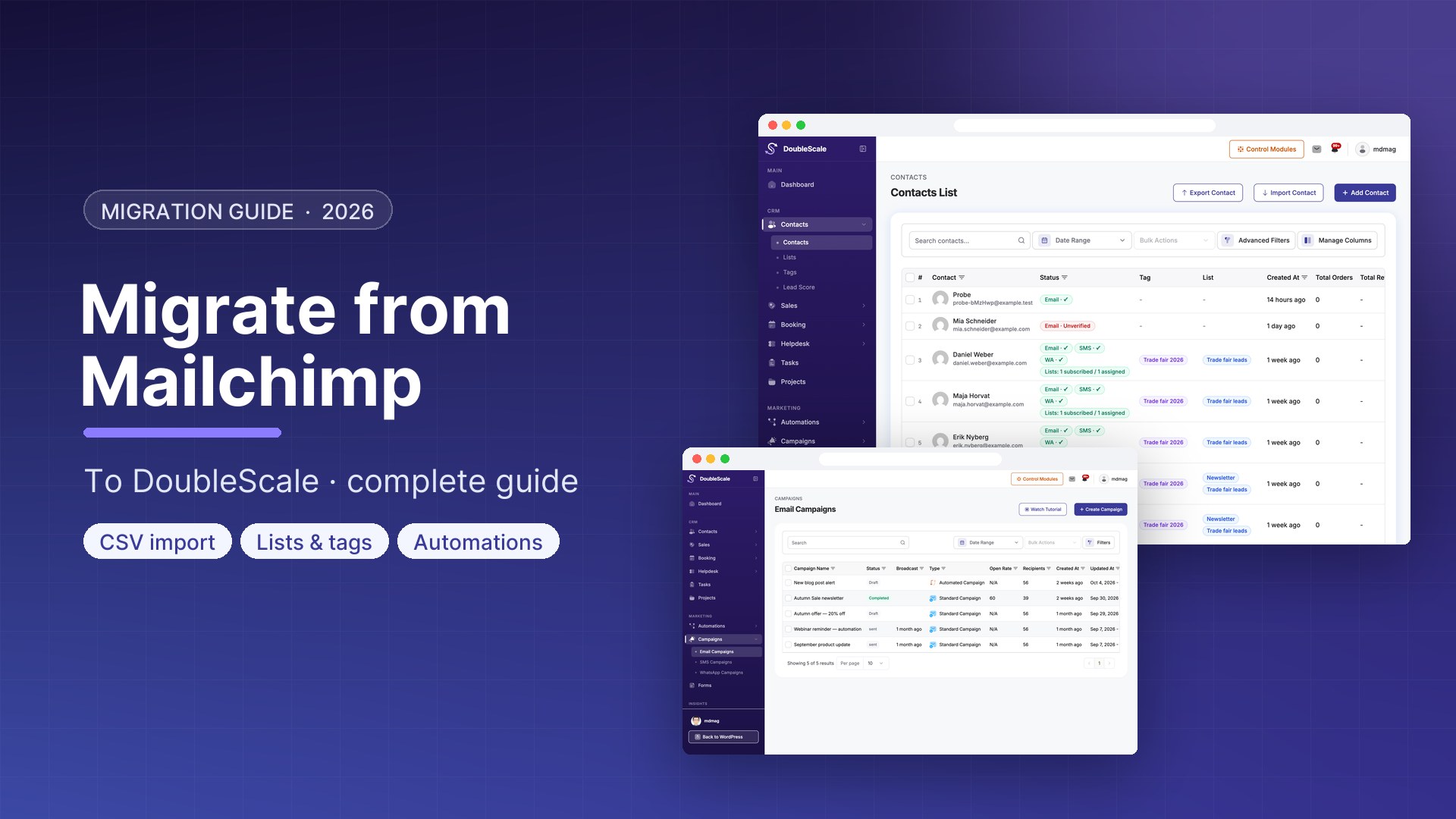
Step 2: Import into DoubleScale
- Go to DoubleScale, Contacts, Import
- Upload your Mailchimp CSV
- Map columns: Mailchimp Email Address to DoubleScale email, First Name to first_name, Last Name to last_name
- Assign imported contacts to a list (e.g., Mailchimp Import June 2026)
- Run the import
Step 3: Migrate Email Templates
- In Mailchimp, open each template and export as HTML
- In DoubleScale, go to Campaigns, Email Templates, Import HTML
- Update Mailchimp merge tags to DoubleScale format: Mailchimp *|FNAME|* becomes {{contact.first_name}}, Mailchimp *|UNSUB|* becomes {{unsubscribe_url}}
Step 4: Update Your Opt-In Forms
- Remove the Mailchimp for WordPress plugin or disable its forms
- Create equivalent opt-in forms in DoubleScale
- Add the DoubleScale form shortcode or Gutenberg block to the same pages
- Connect form submissions to the appropriate DoubleScale list
Step 5: Configure SMTP
Mailchimp handled your email delivery. DoubleScale connects to your preferred SMTP provider (SendGrid, Amazon SES, Mailgun, Brevo, etc.) at DoubleScale, SMTP. Configure and test before sending your first campaign.
Step 6: Send a Migration Announcement
After going live, send a broadcast email to your imported subscribers letting them know their subscription continues. Include a clear unsubscribe link. This is good practice for list hygiene and GDPR compliance.

Mohamed Magdy, Founder & CEO, DoubleScale
Mohamed Magdy is the founder and CEO of DoubleScale, the all-in-one CRM for WordPress. He writes about CRM, email marketing and automation for WordPress businesses.
Practical CRM tips, once a month
Guides on growing with WordPress: lead capture, email marketing, automations and sales. No spam, unsubscribe anytime.