On this page
- What clients should be able to do in a portal
- CRMs with client portals compared
- 1. DoubleScale: best free CRM with a client portal
- 2. SuiteDash: best flat-priced white-label portal
- 3. HoneyBook: best for freelancers and creative studios
- 4. Dubsado: best for automated client workflows
- 5. Assembly: best modern standalone portal
- 6. HubSpot: best if you already use Service Hub
- 7. Zoho CRM portals: best for custom portals on Zoho
- Security and access checklist
- Per-client pricing adds up
- How to launch a client portal clients actually use
- Client portal vs email vs a shared drive
- Mistakes to avoid
- Examples by business type
- Questions people ask
Every client asks the same questions: where is the latest file, has my invoice been paid, what is the status of my project? Answering them by email eats hours each week and looks less professional than it should.
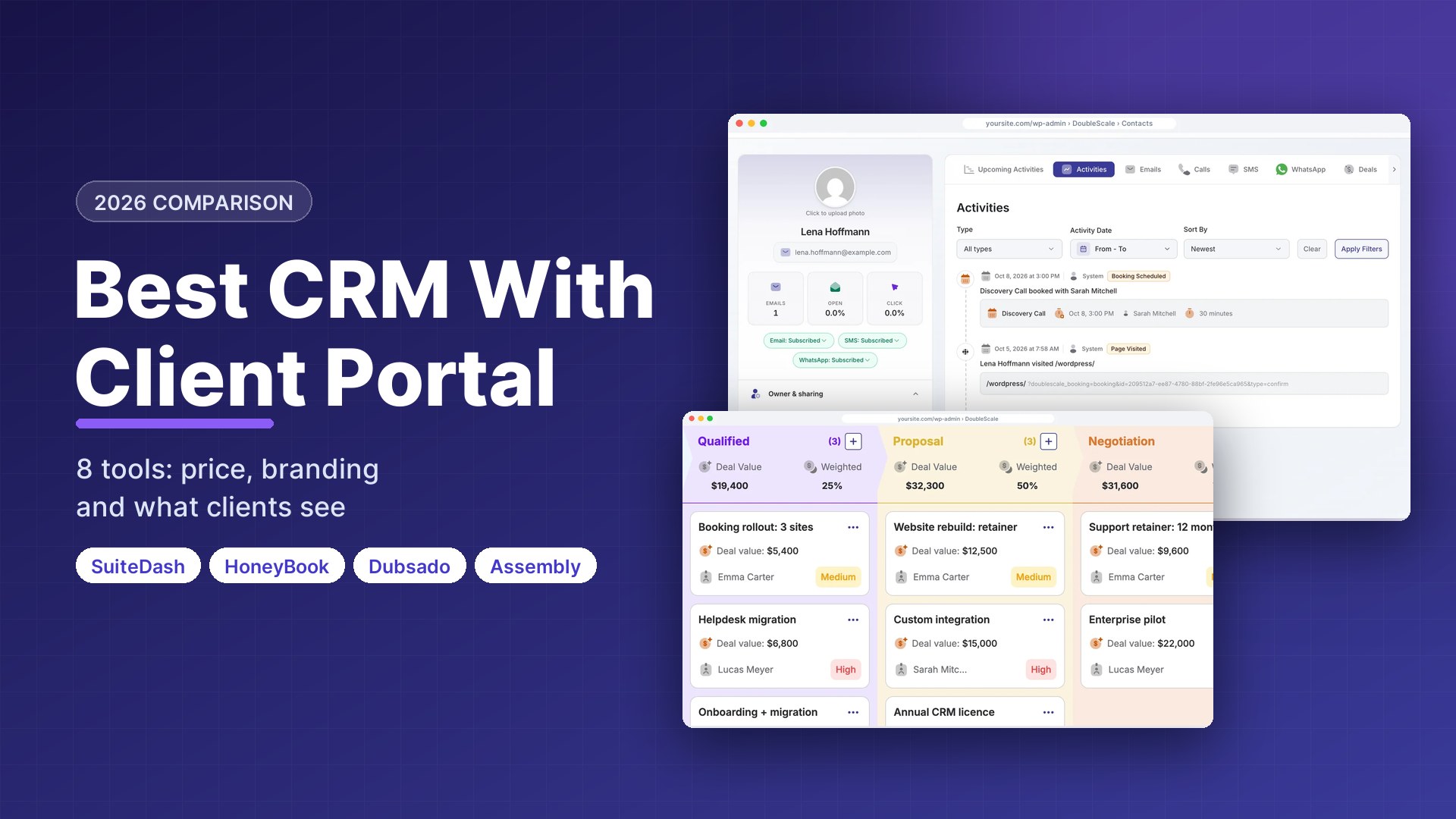
A CRM with a client portal answers those questions before they are asked. Clients log in to see their documents, invoices, projects and support requests, all drawn from the CRM you already update. We compared eight tools on what clients actually see, how the portal is branded and how pricing scales with clients. Prices were checked on vendor pricing pages on October 17, 2026.
Disclosure: DoubleScale is our product, and we list it first. Every other tool’s free-plan limits come from its own pricing page, and we say where another tool is the better fit.
Best free CRM with a client portal: DoubleScale on WordPress, with the portal, proposals, invoices and helpdesk in the free plugin.
Best flat-priced white-label portal: SuiteDash, from $19 a month with unlimited clients and staff.
Best for freelancers and studios: HoneyBook or Dubsado.
Best modern standalone portal: Assembly.
What clients should be able to do in a portal
| Portal feature | Why it matters |
|---|---|
| View and pay invoices | Faster payment, fewer “did you get it?” emails |
| Sign proposals and contracts | No separate e-signature tool |
| Download and upload files | One source of truth instead of attachments |
| See project status and tasks | Fewer status meetings |
| Open and follow support requests | Requests stop getting lost in inboxes |
| Book appointments | Clients self-serve their next session |
| Your branding and domain | Looks like your business, not your software vendor |
B2B service firms usually need projects, files and invoices; B2C businesses mostly need bookings, orders and payments. Decide which list matters before comparing tools.
CRMs with client portals compared
| Tool | Pricing model | Free plan | Paid from |
|---|---|---|---|
| DoubleScale | Per site | Yes, portal included | $99/yr per site |
| SuiteDash | Flat, unlimited clients and staff | No (14-day trial) | $19/mo |
| HoneyBook | Per account | No (trial) | $29/mo yearly |
| Dubsado | Per account | No (trial) | $35/mo ($335/yr) |
| Assembly | By active contacts | 5 active contacts | $29/mo yearly |
| HubSpot | Per seat | CRM free; portal paid | Service Hub paid tiers |
| Zoho CRM | Per user | CRM free, 3 users | Portals on paid editions |
Vendor pricing pages, October 17, 2026.
1. DoubleScale: best free CRM with a client portal
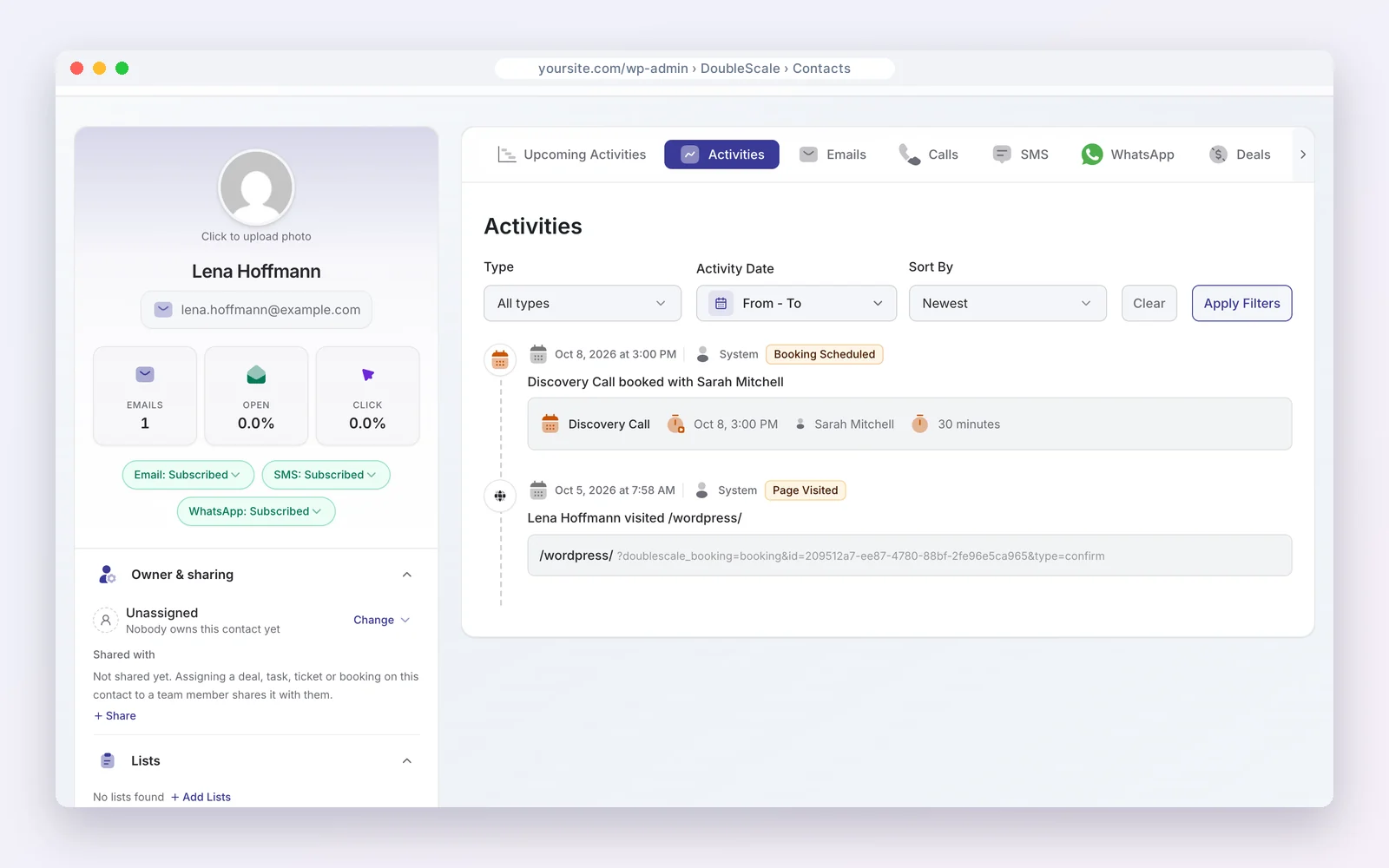
DoubleScale adds a client portal to a WordPress CRM. In the free plugin, clients log in to see proposals, invoices and documents and to open support requests. Pro ($99 a year per site, unlimited users) adds projects, contracts, online payments and recurring invoices.
How businesses use it: send a proposal, get it accepted and paid in the portal.
Watch out for: it needs WordPress; projects and payments are in Pro.
Pros
- Portal on the free plan
- On your own domain
Cons
- WordPress only
- Projects and payments in Pro
Best for: Service firms on WordPress.
2. SuiteDash: best flat-priced white-label portal
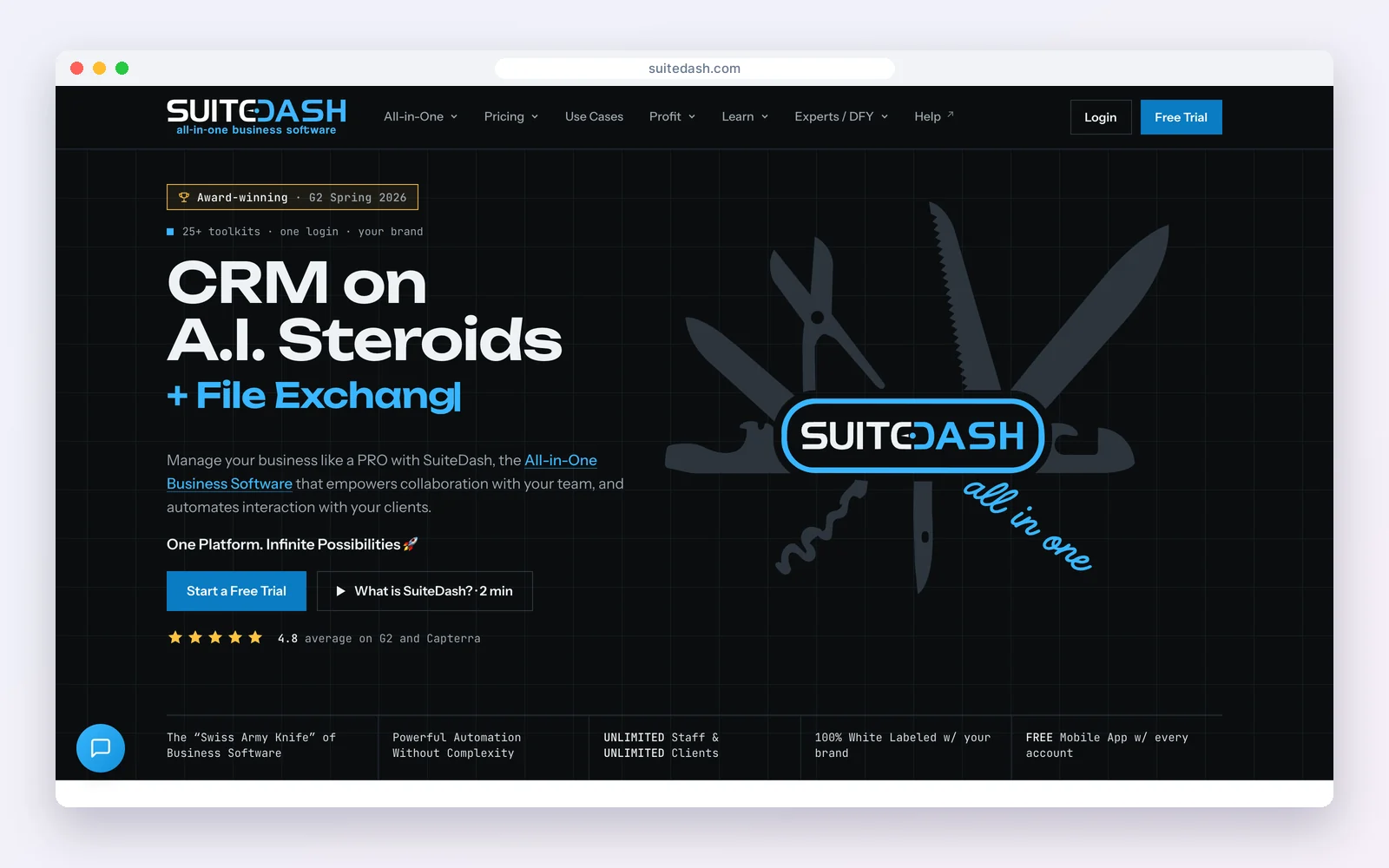
SuiteDash is an all-in-one client portal with CRM, projects, invoicing, file sharing and marketing. Pricing is flat, not per user: Start $19, Thrive $49 and Pinnacle $99 a month, all with unlimited clients and staff and a 14-day trial.
How businesses use it: a fully branded portal on your own domain where clients find everything.
Watch out for: a large feature set with a steep learning curve.
Standout feature: flat pricing with unlimited clients and staff, fully white-labelled on your own domain.
Pros
- Unlimited clients and staff
- White-label
Cons
- Steep learning curve
- No free plan
Best for: Firms that want a branded portal at a flat price.
3. HoneyBook: best for freelancers and creative studios
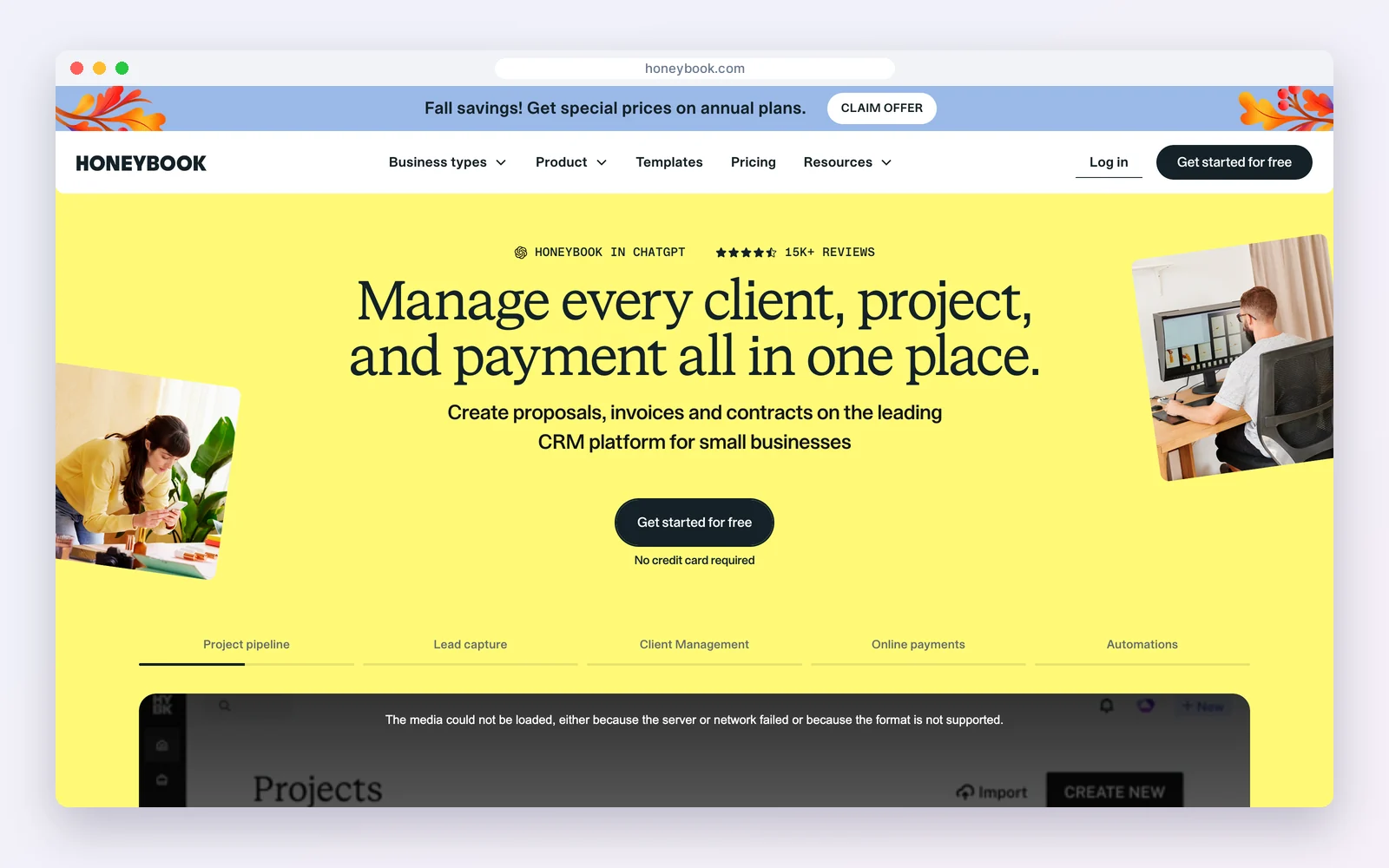
HoneyBook includes a client portal with proposals, contracts, invoices, payments and scheduling. Plans are $29, $49 and $109 a month billed yearly; the portal is on every plan.
How businesses use it: clients book, sign and pay in one branded flow and come back to the portal for files.
Watch out for: built for solo and small studios, with light reporting.
Standout feature: a polished booking-to-payment flow that clients return to for files and invoices.
Pros
- Polished client experience
- Payments built in
Cons
- No free plan
- Light reporting
Best for: Photographers, planners and freelancers.
4. Dubsado: best for automated client workflows
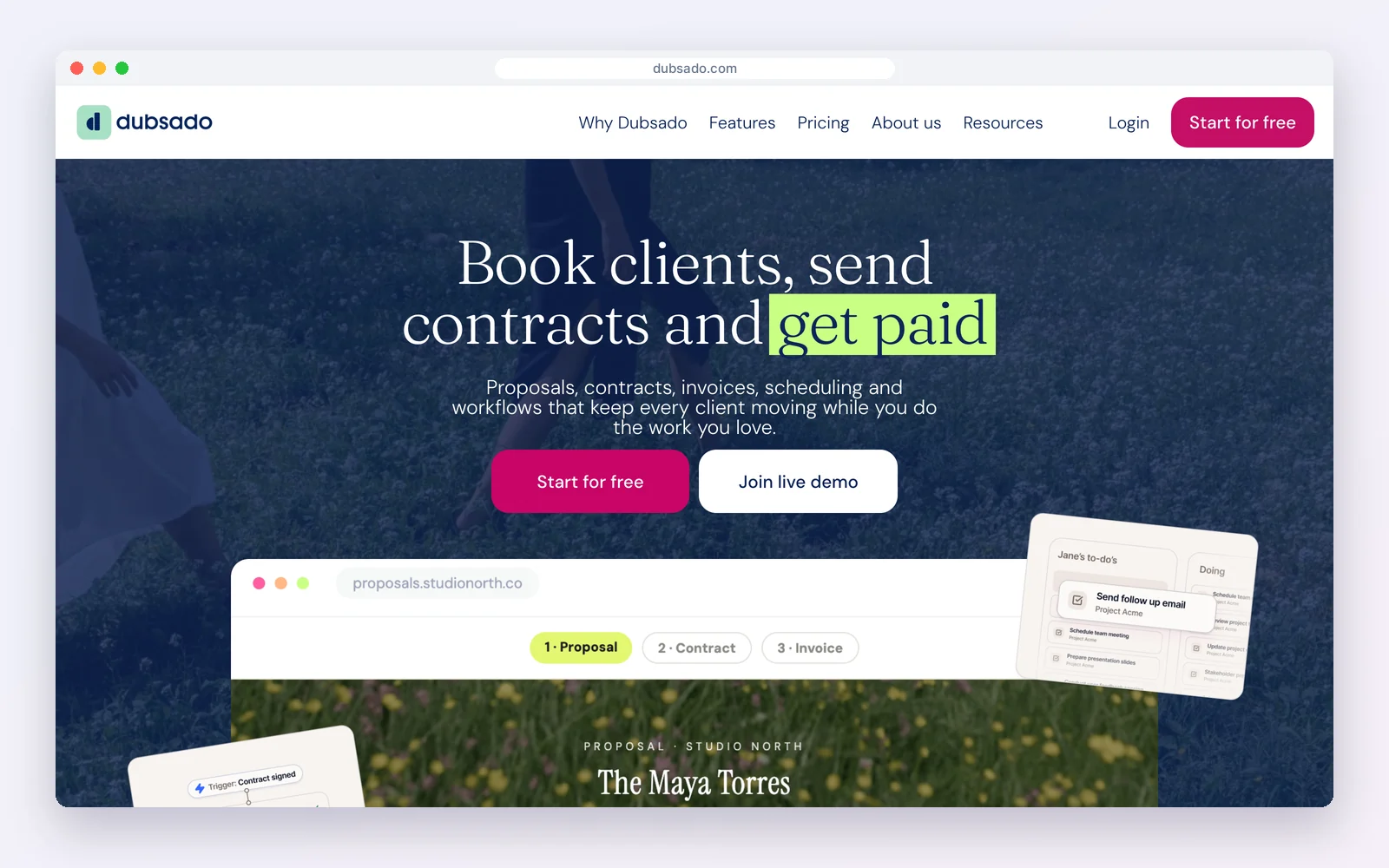
Dubsado gives each client a portal for forms, contracts, invoices and appointments. Starter is $35 a month ($335 a year) with unlimited clients; Premier at $55 a month ($525 a year) adds scheduling and automated workflows.
How businesses use it: workflows send the right form or invoice into the client’s portal at each step.
Watch out for: setup takes time, and scheduling needs Premier.
Standout feature: client portals filled automatically by workflows at each stage of the job.
Pros
- Powerful workflows
- Unlimited clients
Cons
- Learning curve
- Scheduling on Premier
Best for: Service businesses that want automated onboarding.
5. Assembly: best modern standalone portal
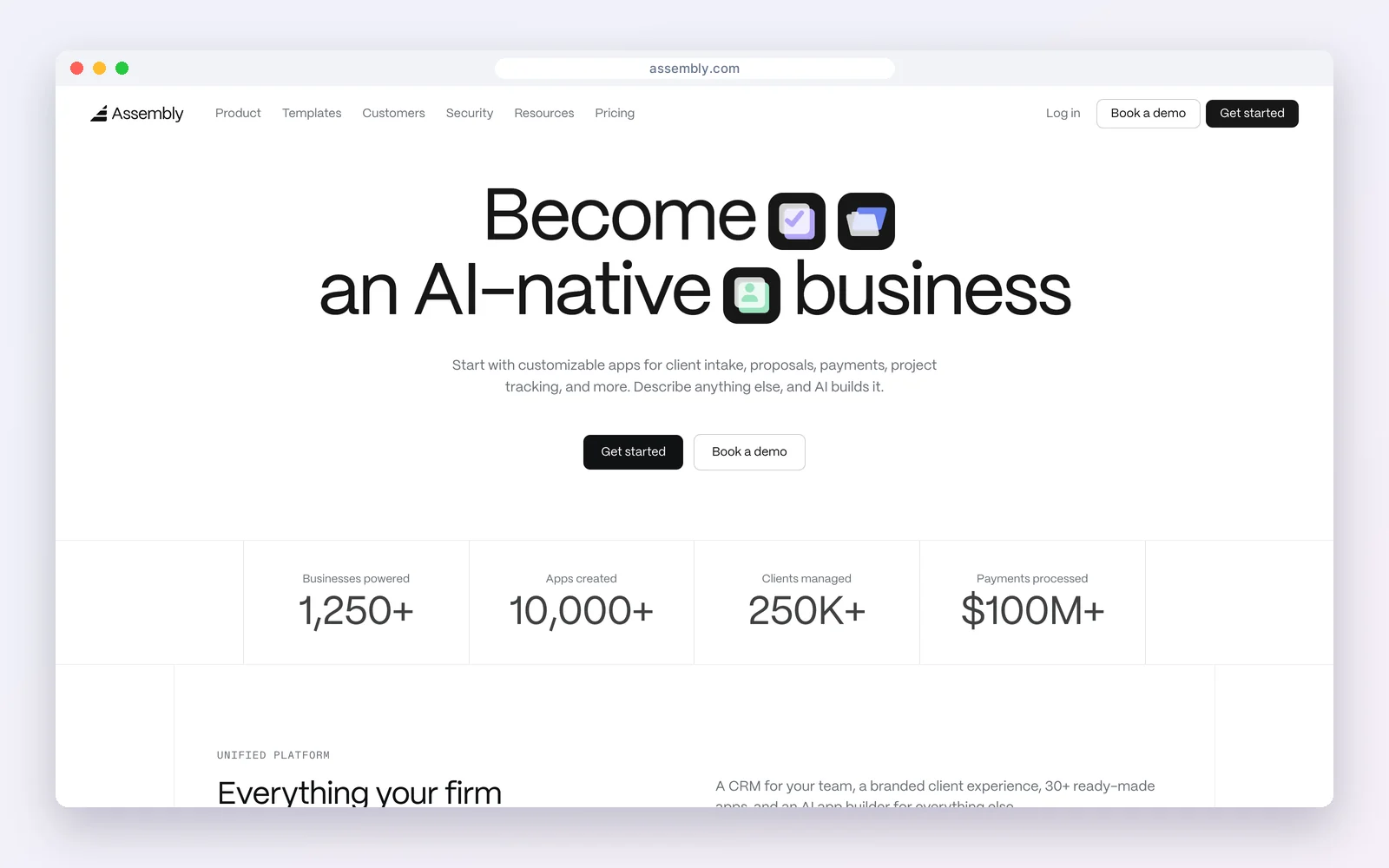
Assembly is a client portal platform with messaging, billing, files and custom apps. The free plan covers 5 active contacts; Starter is $29 a month billed yearly ($49 monthly) for 50 active contacts.
How businesses use it: a modern branded portal for messaging, payments and files.
Watch out for: priced by active contacts, and the CRM side is lighter than a dedicated CRM.
Standout feature: a modern portal with messaging, billing and custom apps in one place.
Pros
- Modern design
- Messaging and billing
Cons
- Cost grows with clients
- Light CRM
Best for: Professional services firms wanting a sleek portal.
6. HubSpot: best if you already use Service Hub
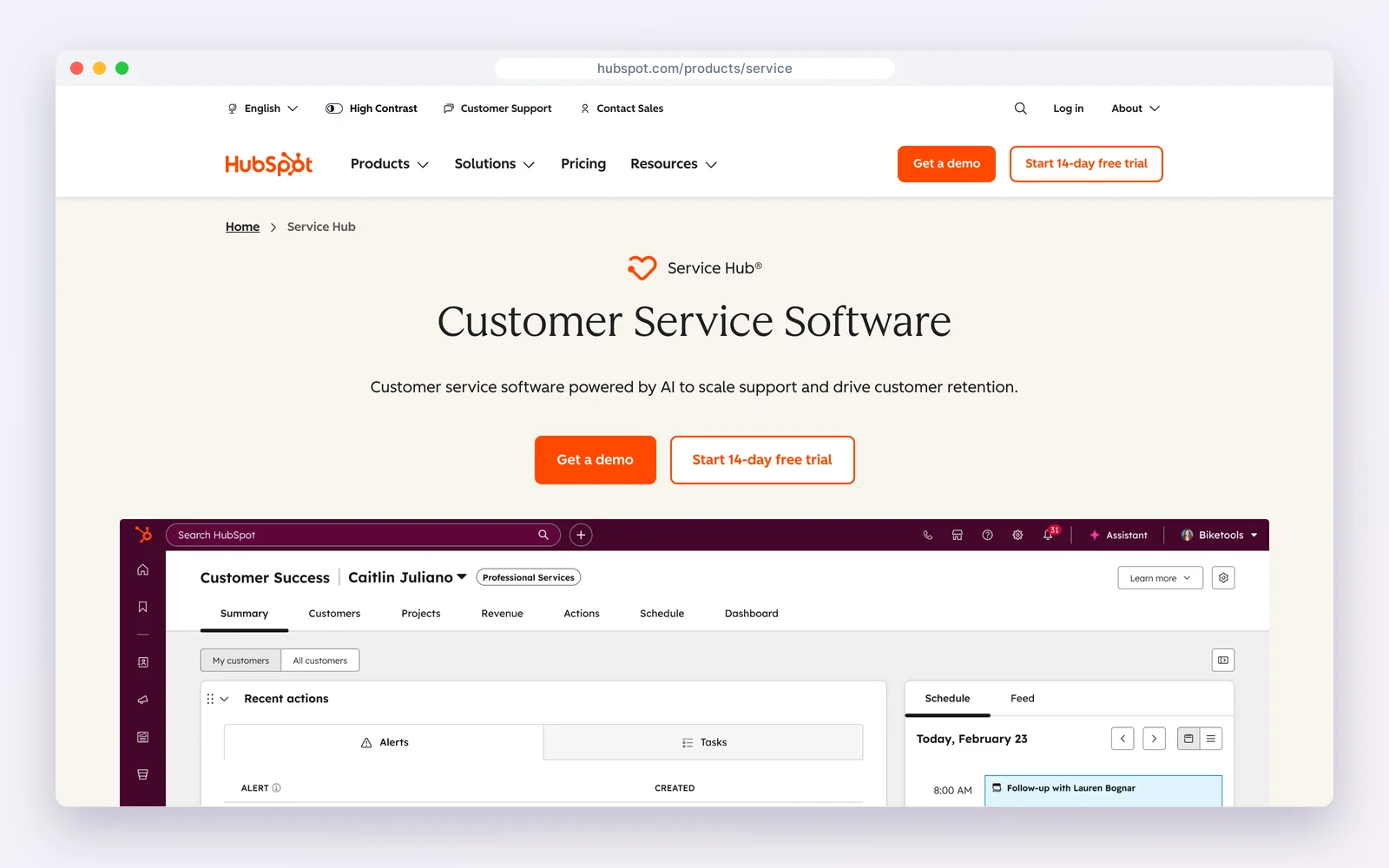
HubSpot‘s customer portal lets customers see and reply to their support tickets, linked to the CRM record. The CRM is free; the portal comes with paid Service Hub plans, priced per seat (Starter lists at $20, Professional $90).
How businesses use it: customers follow their tickets while sales and support share the record.
Watch out for: it is a support portal, not a place for invoices or project files.
Standout feature: support tickets visible to customers and linked to the full CRM record.
Pros
- Tied to a strong CRM
- Ticket visibility
Cons
- Support-only portal
- Per-seat pricing
Best for: HubSpot customers who want ticket self-service.
7. Zoho CRM portals: best for custom portals on Zoho
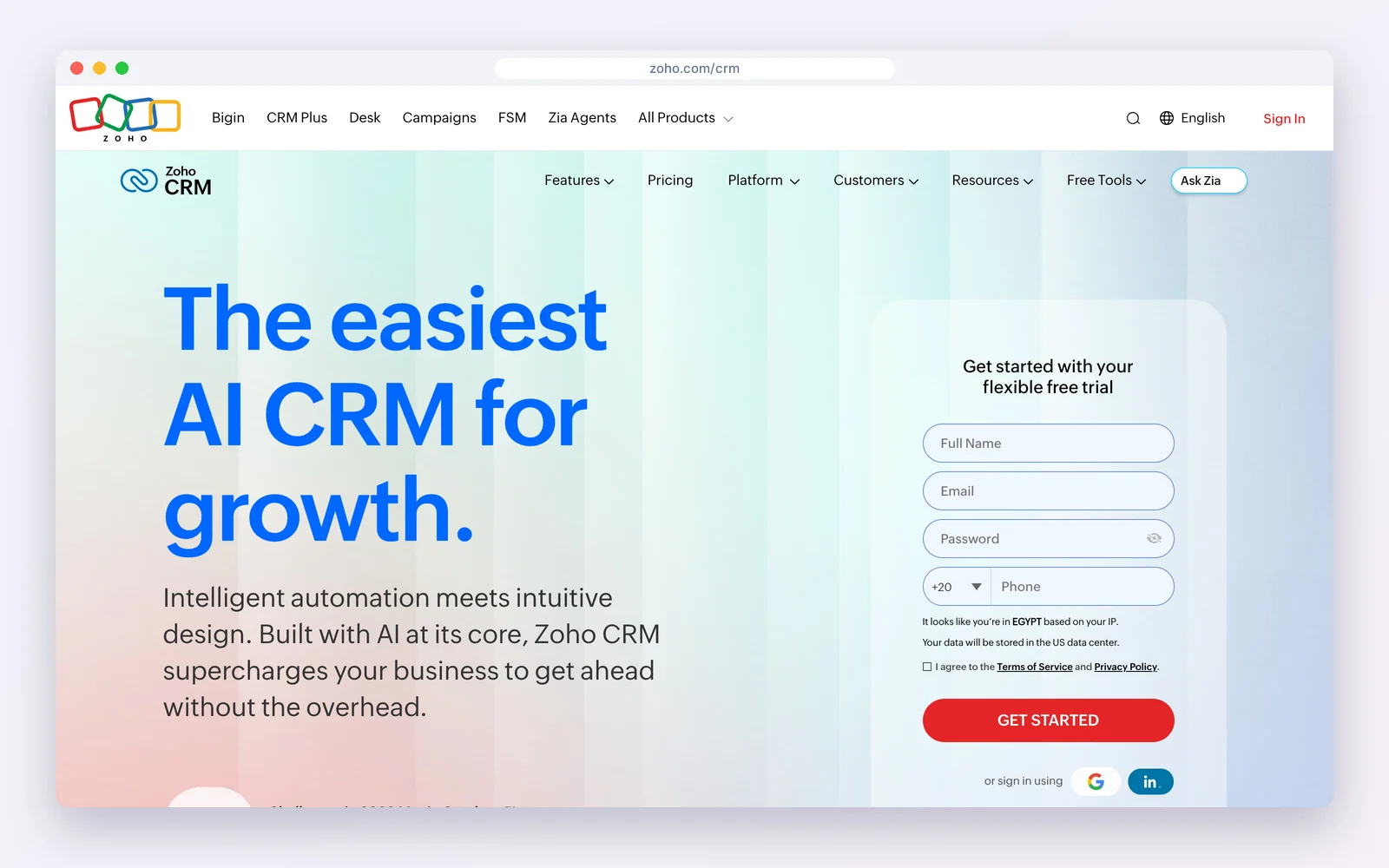
Zoho CRM can open portals so customers, vendors or partners see selected CRM records. Zoho CRM is free for three users and paid from $14 per user a month billed yearly; portals are available on paid editions.
How businesses use it: let partners or clients view and update their own records in Zoho CRM.
Watch out for: configuration takes effort, and portal users add cost on larger rollouts.
Standout feature: portals that expose selected CRM records to clients, vendors or partners.
Pros
- Highly customisable
- Part of the Zoho suite
Cons
- Setup effort
- Pricing complexity
Best for: Teams on Zoho that want record-level portals.
Security and access checklist
- Each client sees only their own records, never another client’s.
- Logins use strong passwords or magic links, with two-factor authentication for staff.
- Files are stored securely and links do not work without a login.
- You can remove a client’s access instantly when a contract ends.
- You know where client data is stored; self-hosted options keep it on your own server.
Per-client pricing adds up
Portal tools price in three ways: per staff user, per active client, or flat. A firm with 3 staff and 80 active clients pays very differently under each. Flat or per-site pricing (SuiteDash, DoubleScale) stays predictable as you grow; per-active-contact pricing (Assembly) is cheap for a few clients and climbs with each new one; per-seat pricing (HubSpot, Zoho) depends on your team size, not your client count.
How to launch a client portal clients actually use
- Start with the one thing clients ask about most, usually invoices or files.
- Invite existing clients with a short note explaining what they will find there.
- Stop sending attachments by email; send a portal link instead.
- Add projects and support requests once the habit is formed.
- Use your own domain and branding so the portal feels like part of your service.
Looking elsewhere?Building the portal inside WordPress? See WordPress client portal plugins.
Client portal vs email vs a shared drive
| Client portal | Shared drive | ||
|---|---|---|---|
| Invoices and payments | Built in | Attachments | No |
| Project status | Live | Manual updates | No |
| Access control per client | Yes | No | Folder permissions |
| Linked to the CRM record | Yes | Partly | No |
| Professional impression | High | Medium | Low |
Mistakes to avoid
- Launching every feature at once; clients adopt one habit at a time.
- Keeping important files in email as well, so the portal is never the single source.
- Choosing per-client pricing when you plan to add many small clients.
- Forgetting to remove access when a contract ends.
Examples by business type
- Accounting firm: Clients upload documents and download returns and invoices securely.
- Web agency: Clients approve proposals, follow project status and raise support requests.
- Coach: Clients see session notes, book the next session and pay invoices.
How we compared: every price was read on the vendor’s own pricing page on October 17, 2026 (USD). Prices change often, so check the vendor’s page before you buy.
Questions people ask
What is a CRM with a client portal?
A CRM that gives each client a secure login to see their own invoices, documents, projects and support requests, drawn from the records your team manages.
Is there a free CRM with a client portal?
DoubleScale includes a client portal in its free WordPress plugin, and Assembly is free for up to five active contacts.
Which client portal has unlimited clients?
SuiteDash includes unlimited clients and staff on every plan; Dubsado includes unlimited clients; DoubleScale has no client limit.
Can a client portal be white-labelled?
Yes. SuiteDash, Assembly and HoneyBook offer custom branding, and DoubleScale runs on your own WordPress domain.
Proposals, invoices, documents and support requests for every client, in one WordPress plugin.
Get our guides first on GoogleAdd DoubleScale as a preferred source and our articles show up more often in your Top Stories.

Mohamed Magdy, Founder & CEO, DoubleScale
Mohamed Magdy is the founder and CEO of DoubleScale, the all-in-one CRM for WordPress. He writes about CRM, email marketing and automation for WordPress businesses.
Practical CRM tips, once a month
Guides on growing with WordPress: lead capture, email marketing, automations and sales. No spam, unsubscribe anytime.