On this page
What Is a WordPress CRM?
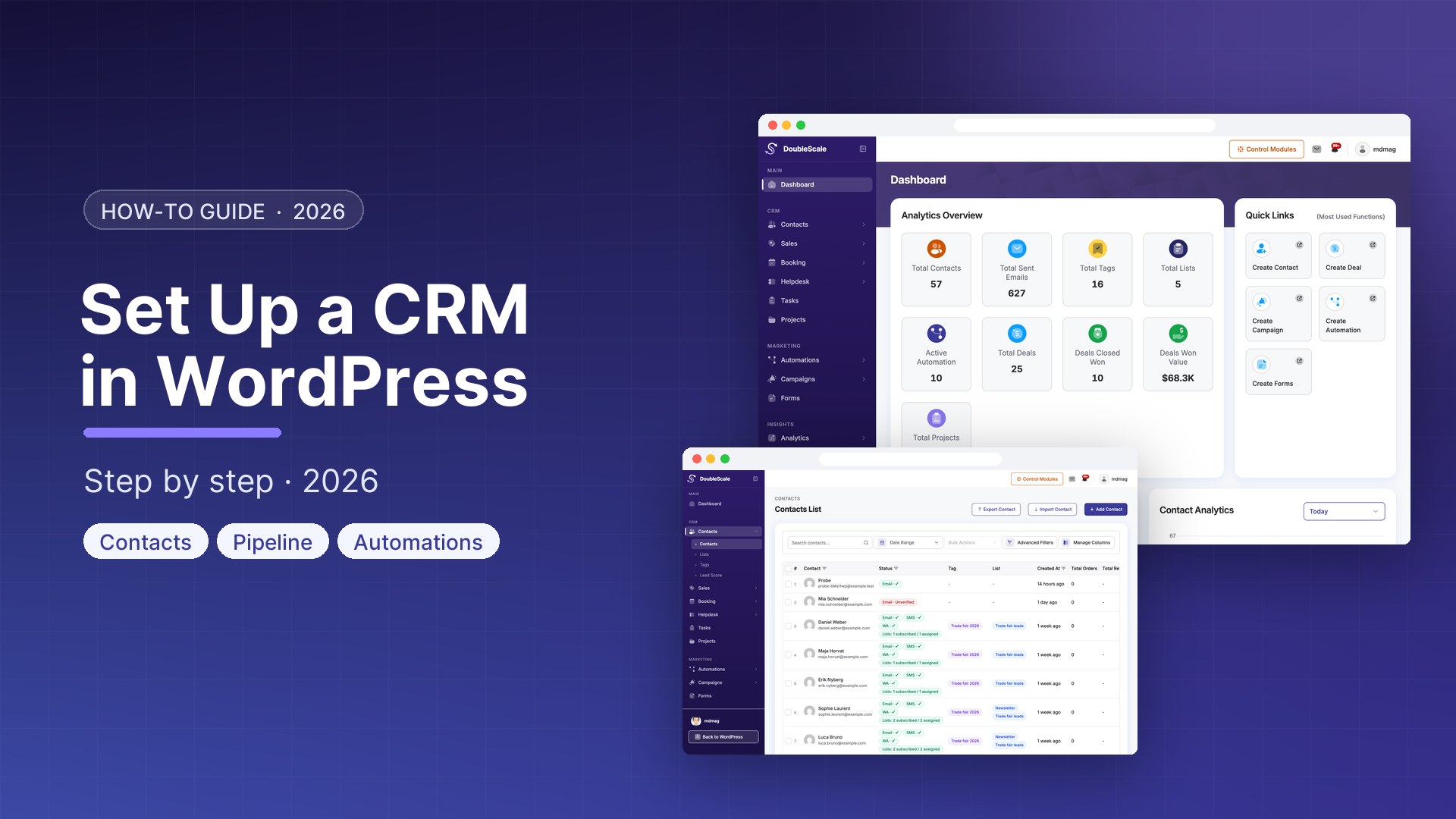
A WordPress CRM plugin extends your site to store and manage customer data, track interactions, automate follow-ups, and visualise your sales process — all without leaving the WordPress admin. Unlike SaaS CRMs like HubSpot or Salesforce, a WordPress CRM keeps all data on your own server. No monthly per-seat fees. No third-party data storage. No API rate limits.
DoubleScale is the only WordPress plugin that combines contacts, email marketing, automation, sales pipeline, SMTP, booking, helpdesk, and invoicing in a single free plugin available on WordPress.org.
Requirements
- WordPress 5.8 or higher
- PHP 7.4 or higher (PHP 8.x recommended)
- MySQL 5.7 / MariaDB 10.3 or higher
- 256MB PHP memory limit minimum (512MB recommended)
- HTTPS enabled
Step 1: Install DoubleScale
- Log in to your WordPress admin dashboard
- Go to Plugins → Add New
- Search for DoubleScale
- Click Install Now, then Activate
After activation, DoubleScale creates its database tables and registers background processing queues. A new DoubleScale item appears in the WordPress admin sidebar.
Step 2: Configure SMTP
Before you import contacts or send a single email, configure a reliable SMTP provider. WordPress default mail() uses your server’s sendmail, which has poor deliverability. DoubleScale has a built-in SMTP module that replaces it entirely.
- Go to DoubleScale → SMTP Settings
- Click Add New Provider
- Choose your provider: SendGrid, Amazon SES, Mailgun, Postmark, Brevo, Gmail, Outlook, Zoho, or custom SMTP
- Enter your API key or SMTP credentials
- Set a From Name and From Email
- Click Test Connection
- Set as Default
Step 3: Import Your Contacts
- Go to DoubleScale → Contacts → Import
- Upload your CSV file (required: email; optional: first_name, last_name, phone, custom fields)
- Map CSV columns to DoubleScale fields
- Choose an import list to tag contacts
- Click Import
Every new WordPress user registration also automatically creates a corresponding DoubleScale contact. WooCommerce customers are synced when you enable the WooCommerce integration.
Step 4: Create Your First Email Campaign
- Go to DoubleScale → Campaigns → New Campaign
- Select Email as the channel
- Enter a campaign name and subject line
- Use the drag-and-drop email builder with text, image, button, divider, social links blocks
- Use Merge Tags to personalise: {{contact.first_name}}, {{contact.email}}, {{site.name}}
- Select recipients: a list, tag, or segment
- Schedule or send immediately
Step 5: Build Your First Automation
Automations are the heart of DoubleScale. A single automation can listen for a trigger, evaluate conditions, and execute multi-channel actions including emails, SMS, WhatsApp, contact updates, tag assignments, and webhooks.
Example: Welcome sequence for new subscribers
- Go to DoubleScale → Automations → New Automation
- Set the Trigger to Contact Added to List, select your newsletter list
- Add Action: Send Email — welcome message
- Add Wait: 3 days
- Add Action: Send Email — follow-up with your top resources
- Add Condition: Has opened any email → Yes: Add to “Engaged Subscribers” / No: Send re-engagement email
- Click Activate
Step 6: Set Up Your Sales Pipeline
- Go to DoubleScale → Sales → Pipelines → New Pipeline
- Add stages: Lead → Qualified → Proposal Sent → Negotiation → Closed Won / Closed Lost
- To add a deal: open any contact and click Add to Pipeline
Step 7: Connect Your Forms
| Form Plugin | Plan |
|---|---|
| Contact Form 7 | Free |
| WPForms | Free |
| Fluent Forms | Free |
| Quill Forms | Free |
| Gravity Forms | Pro |
| Elementor Forms | Pro |
| Ninja Forms | Pro |
Free vs Pro
| Feature | Free | Pro |
|---|---|---|
| Contacts | Unlimited | Unlimited |
| Email campaigns | Yes | Yes |
| SMS campaigns | No | Yes |
| WhatsApp marketing | No | Yes |
| Automations | 3 active | Unlimited |
| Sales pipeline | Yes | Yes |
| Booking system | No | Yes |
| Helpdesk | No | Yes |
| Proposals / invoices | No | Yes |
The free plugin is on WordPress.org. Pro plans are available at doublescale.io/pricing.
Get our guides first on GoogleAdd DoubleScale as a preferred source and our articles show up more often in your Top Stories.

Mohamed Magdy, Founder & CEO, DoubleScale
Mohamed Magdy is the founder and CEO of DoubleScale, the all-in-one CRM for WordPress. He writes about CRM, email marketing and automation for WordPress businesses.
Practical CRM tips, once a month
Guides on growing with WordPress: lead capture, email marketing, automations and sales. No spam, unsubscribe anytime.