On this page
- Helpdesk vs CRM: what each does and why you want both
- Two ways to get a CRM with a helpdesk
- CRMs with helpdesks compared
- 1. DoubleScale: best free CRM with a helpdesk on WordPress
- 2. HubSpot: best free hosted CRM with ticketing
- 3. Freshdesk with Freshsales: best dedicated helpdesk with a sister CRM
- 4. Zoho Desk with Zoho CRM: best value pair
- 5. Zendesk: best for large support teams
- 6. Bitrix24: best free all-in-one workspace
- 7. EngageBay: best free helpdesk in a marketing suite
- Helpdesk features that matter most
- What it costs for a five-agent team
- How to roll it out
- Mistakes to avoid
- Examples by business type
- Questions people ask
Support and sales talk to the same customers, but most teams keep them in separate tools. Support sees tickets without knowing the account is up for renewal; sales sends an upsell to a customer who has been waiting three days for an answer. Both teams look worse than they are.
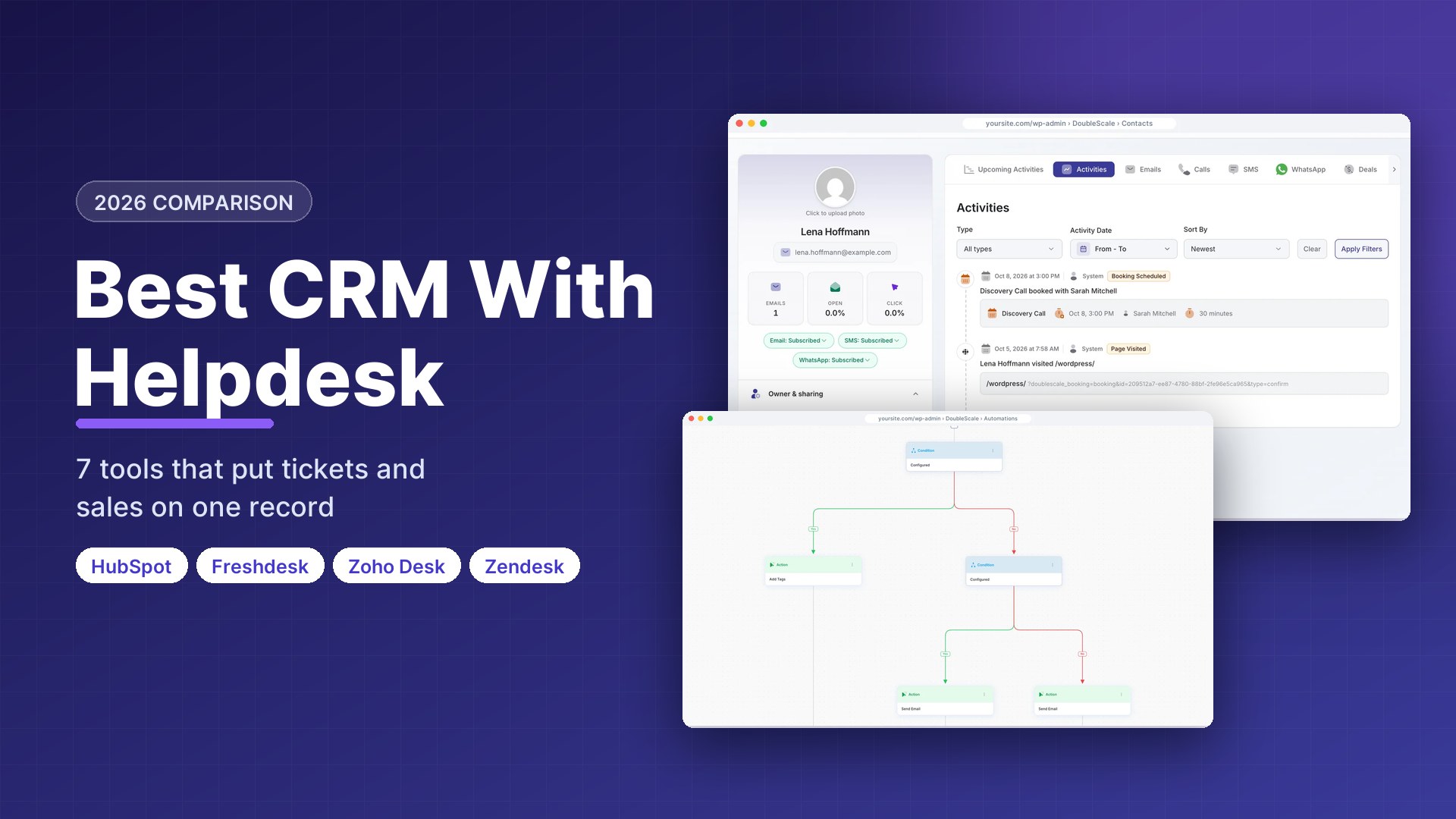
A CRM with a helpdesk puts tickets, conversations, deals and orders on one customer record. We compared seven options on the support features agents use every day and on how closely those tickets connect to the CRM. Per-agent prices were checked on vendor pricing pages on October 17, 2026.
Disclosure: DoubleScale is our product, and we list it first. Every other tool’s free-plan limits come from its own pricing page, and we say where another tool is the better fit.
Best free CRM with a helpdesk on WordPress: DoubleScale, with ticketing and a support portal in the free plugin.
Best free hosted option: HubSpot, whose free tools include ticketing and a shared inbox for two users.
Best dedicated helpdesk with a CRM: Freshdesk with Freshsales, or Zoho Desk with Zoho CRM.
Best for large support teams: Zendesk.
Helpdesk vs CRM: what each does and why you want both
| Helpdesk | CRM | |
|---|---|---|
| Main object | The ticket (a problem to solve) | The contact and the deal |
| Main users | Support agents | Sales and account managers |
| Success measure | Response and resolution time | Revenue and retention |
| Key features | Inbox, routing, SLAs, knowledge base | Pipeline, email, reporting |
Connected, they answer questions neither can alone: which customers with open tickets renew next month, which product causes the most tickets, and whether customers who contact support buy more or less.
Two ways to get a CRM with a helpdesk
- One platform where tickets and deals share a single contact record (DoubleScale, HubSpot, Bitrix24, EngageBay). Simplest, with no sync to break, though the helpdesk may be lighter.
- A helpdesk and a CRM from the same vendor, integrated (Freshdesk with Freshsales, Zoho Desk with Zoho CRM, Zendesk with Zendesk Sell). Deeper support features, two products to run.
CRMs with helpdesks compared
| Tool | Type | Free plan | Paid from |
|---|---|---|---|
| DoubleScale | One platform (WordPress) | Yes, helpdesk included | $99/yr per site, unlimited agents |
| HubSpot | One platform | Yes, 2 users | Service Hub Starter $20/seat/mo list |
| Freshdesk + Freshsales | Same vendor | Trial | $19/agent/mo yearly |
| Zoho Desk + Zoho CRM | Same vendor | Yes (both) | Desk $14/user/mo yearly |
| Zendesk | Helpdesk first | Trial | $19/agent/mo yearly |
| Bitrix24 | One platform | 1-2 users | $49/mo for 5 users |
| EngageBay | One platform | 15 users, 250 contacts | About $13/user/mo |
Vendor pricing pages, October 17, 2026.
1. DoubleScale: best free CRM with a helpdesk on WordPress
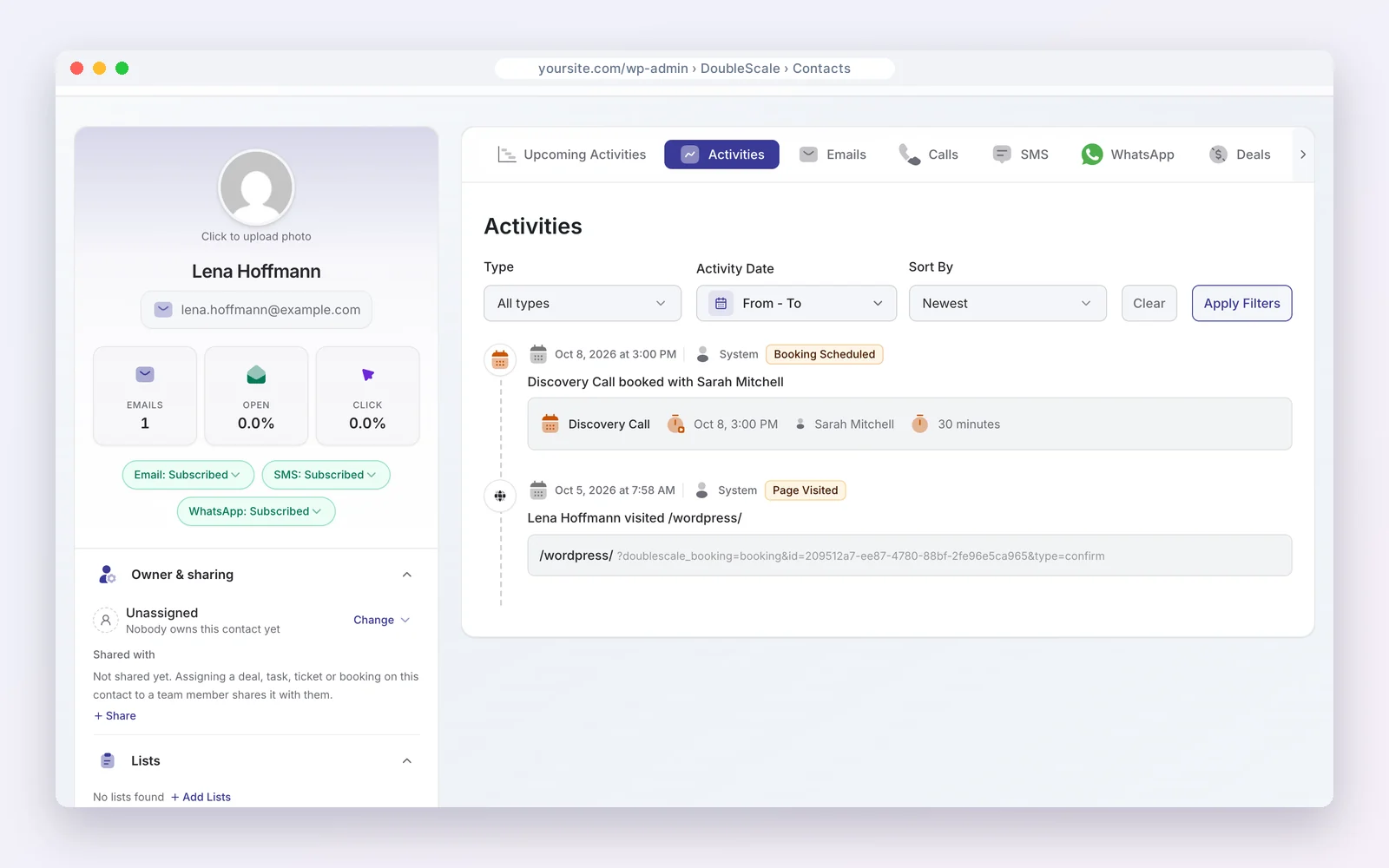
DoubleScale adds a helpdesk to a WordPress CRM. The free plugin covers tickets with assignment, a customer support portal, contacts, email and invoices. Pro ($99 a year per site, unlimited agents) adds automations and SMS and WhatsApp messages.
How teams use it: an agent answers a ticket with the customer’s deals and invoices beside it.
Watch out for: no AI agents or telephony, and it needs WordPress.
Pros
- Tickets and deals on one record
- No per-agent pricing
Cons
- No AI agents or phone support
- WordPress only
Best for: Small support teams whose business runs on WordPress.
2. HubSpot: best free hosted CRM with ticketing
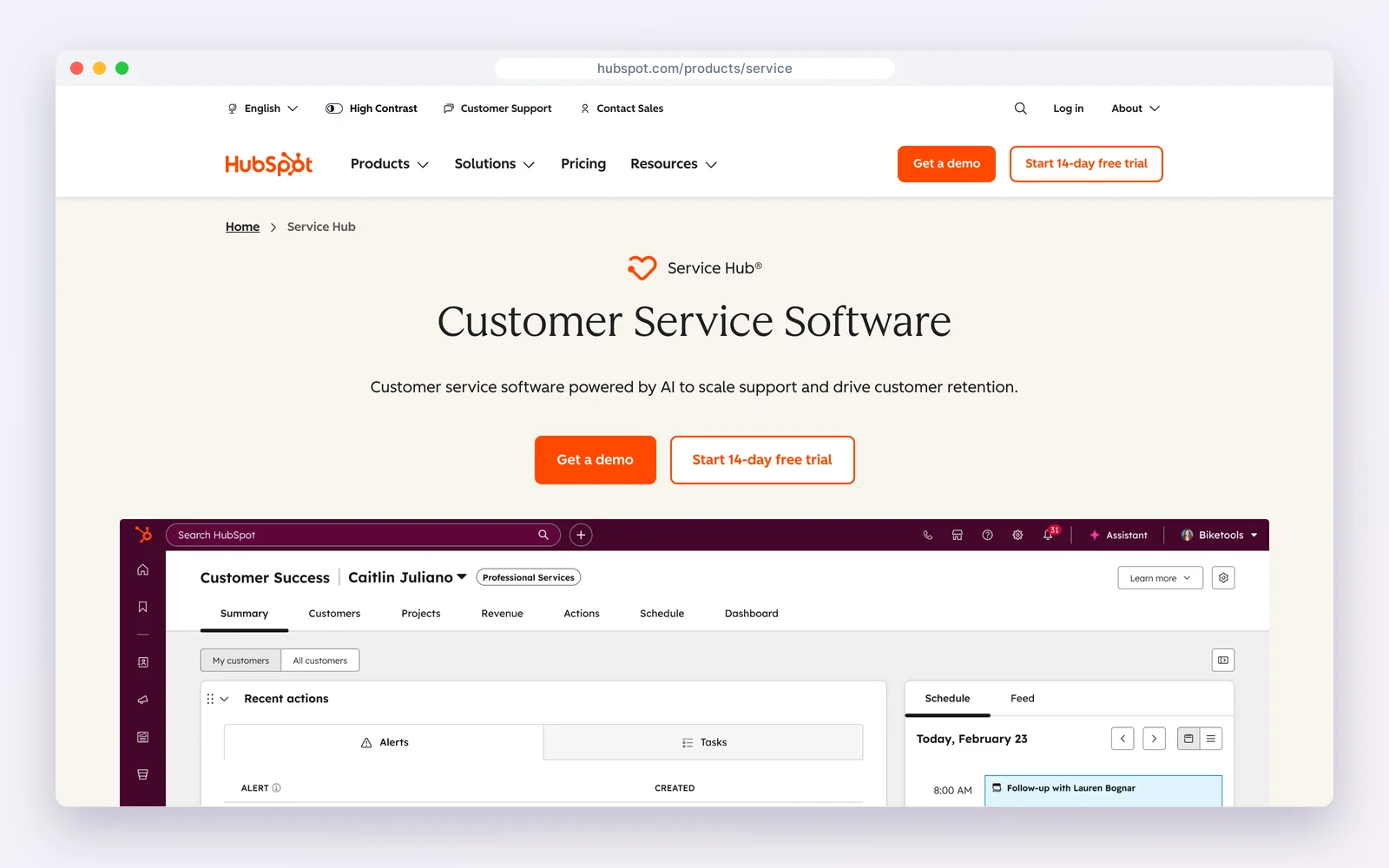
HubSpot‘s free tools include ticketing, a shared inbox and routing next to the free CRM, for up to two users. Service Hub Starter lists at $20 per seat a month (with a 65% new-customer offer when we checked), Professional $90 and Enterprise $175 per seat.
How teams use it: tickets, deals and marketing emails all on one contact, with routing to the right team.
Watch out for: SLAs, knowledge base and automation sit in paid tiers, and per-seat costs climb fast.
Standout feature: tickets, deals and marketing emails on one contact record, free for two users.
Pros
- One record for sales and service
- Free to start
Cons
- Advanced service features paid
- Expensive at Professional
Best for: Small teams that want sales and support in one hosted CRM.
3. Freshdesk with Freshsales: best dedicated helpdesk with a sister CRM
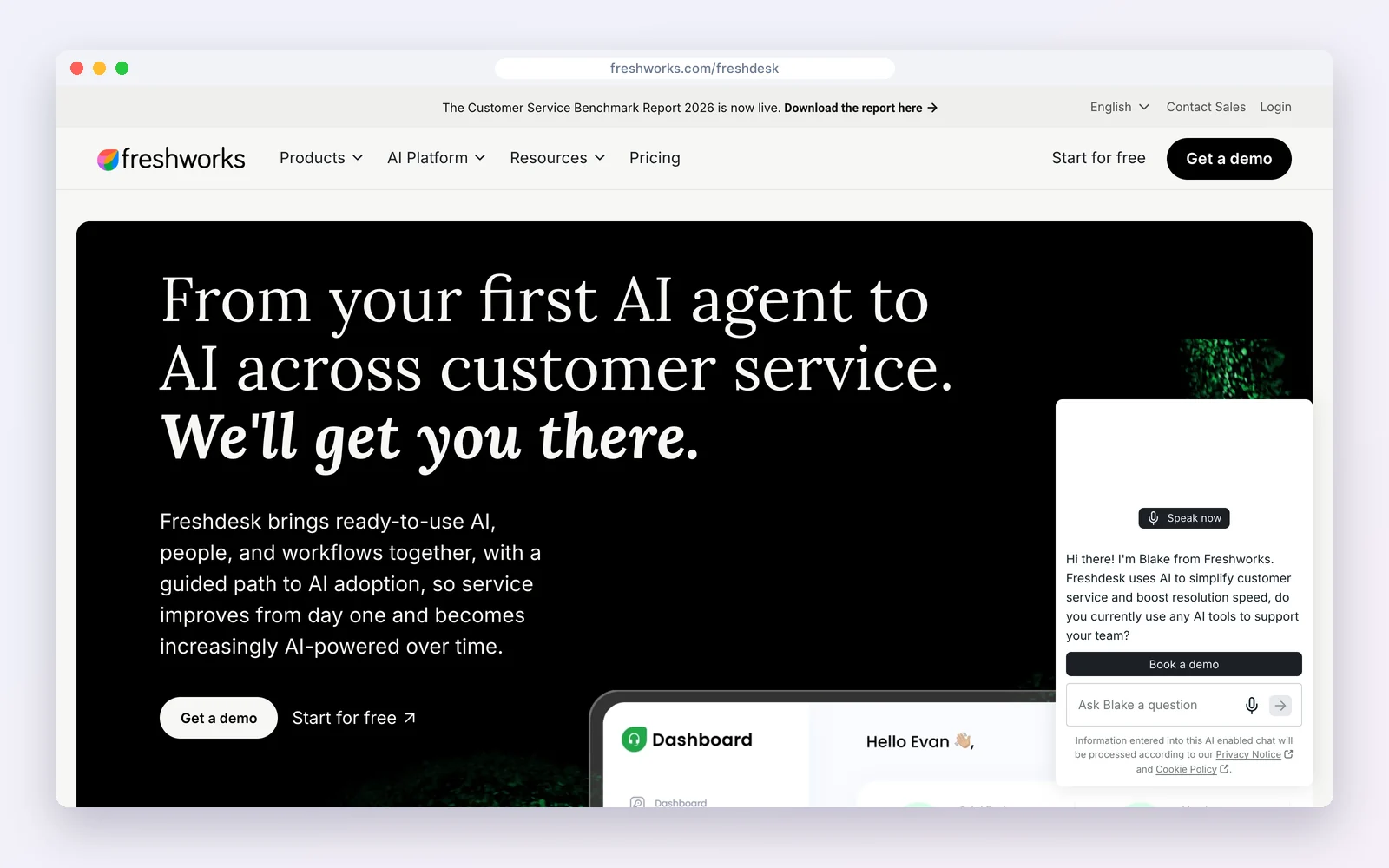
Freshdesk is a mature helpdesk at $19 per agent a month billed yearly (Growth), $55 (Pro) and $89 (Enterprise). Freshworks’ CRM, Freshsales, starts at $9 per user, and the two share customer data.
How teams use it: run serious support in Freshdesk while sales works the same customers in Freshsales.
Watch out for: two products and two per-seat bills, and AI features are add-ons.
Standout feature: mature ticketing with SLAs, automations and a knowledge base, plus AI options as add-ons.
Pros
- Deep helpdesk features
- Same-vendor CRM
Cons
- Two products
- AI costs extra
Best for: Growing support teams that need SLAs and routing.
4. Zoho Desk with Zoho CRM: best value pair
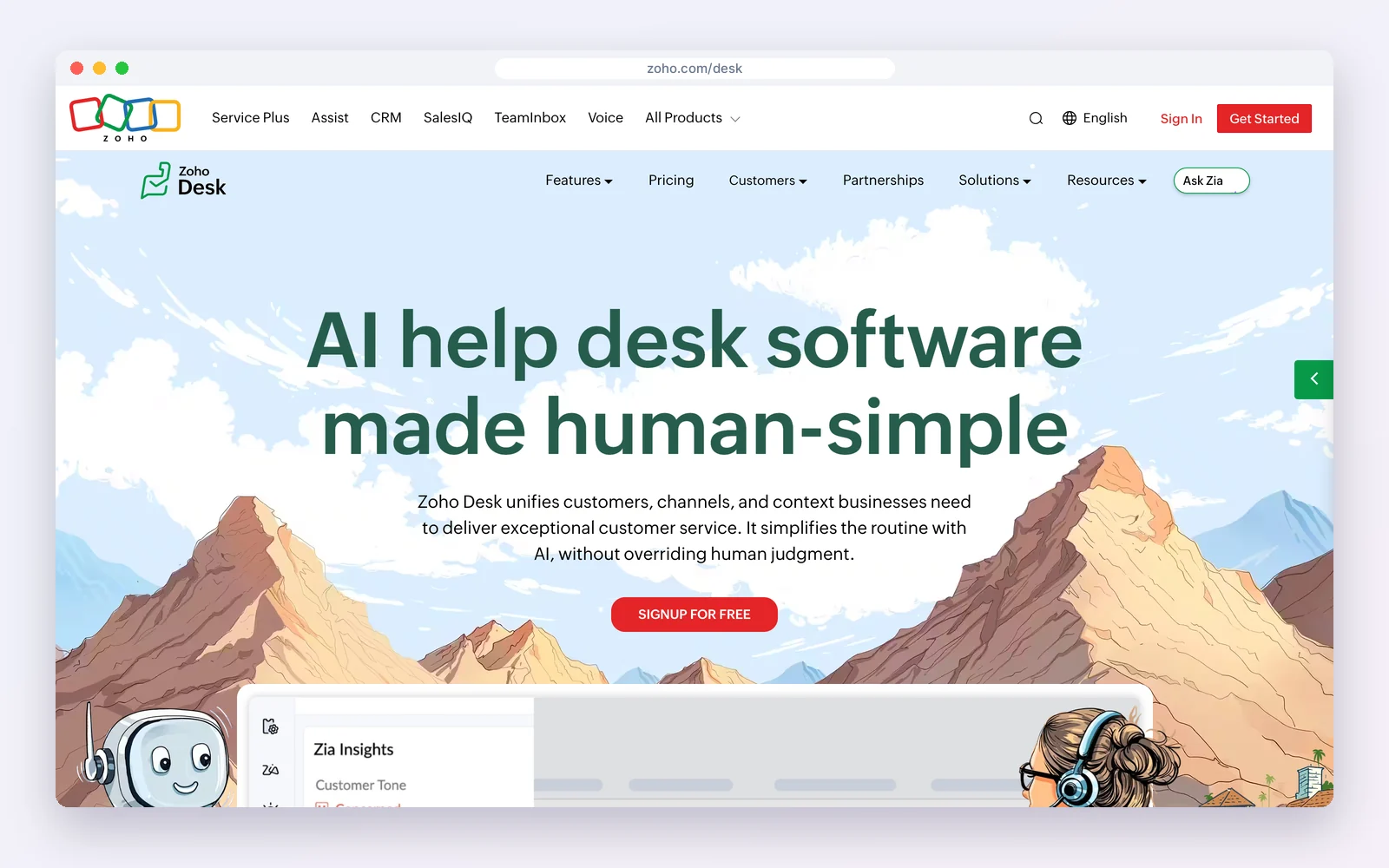
Zoho Desk has a free plan, with Standard at $14, Professional $23 and Enterprise $40 per user a month billed yearly. It integrates with Zoho CRM, which is free for three users, so tickets show on CRM records.
How teams use it: context-rich support on Zoho Desk with sales history from Zoho CRM.
Watch out for: two apps and a learning curve.
Standout feature: low per-user prices with a free plan, and context from Zoho CRM inside each ticket.
Pros
- Low prices
- Free plans on both
Cons
- Two apps
- Busier interface
Best for: Cost-conscious teams on the Zoho suite.
5. Zendesk: best for large support teams
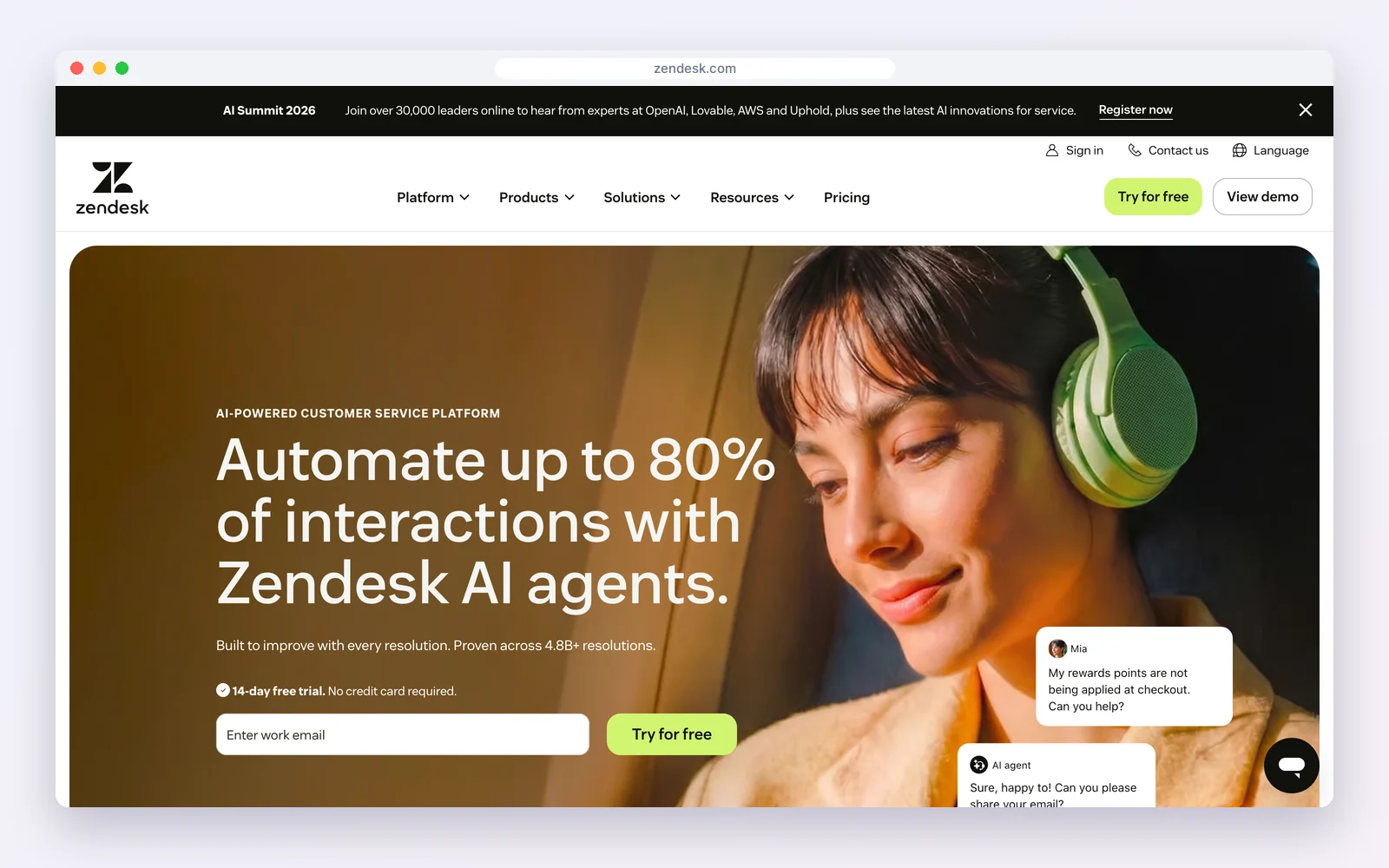
Zendesk is the best-known helpdesk. Support Team is $19 per agent a month billed yearly, Suite Team $55 and Suite Professional $115, with AI agents on Suite plans. Customer profiles are built in, and Zendesk Sell is its separate sales CRM.
How teams use it: multi-channel support at scale, with integrations into most CRMs.
Watch out for: it is support first; the full feature set gets expensive per agent.
Standout feature: a mature multi-channel helpdesk with a large marketplace of integrations.
Pros
- Mature and scalable
- Huge app marketplace
Cons
- Costly at scale
- CRM is a separate product
Best for: Support-led companies with large teams.
6. Bitrix24: best free all-in-one workspace
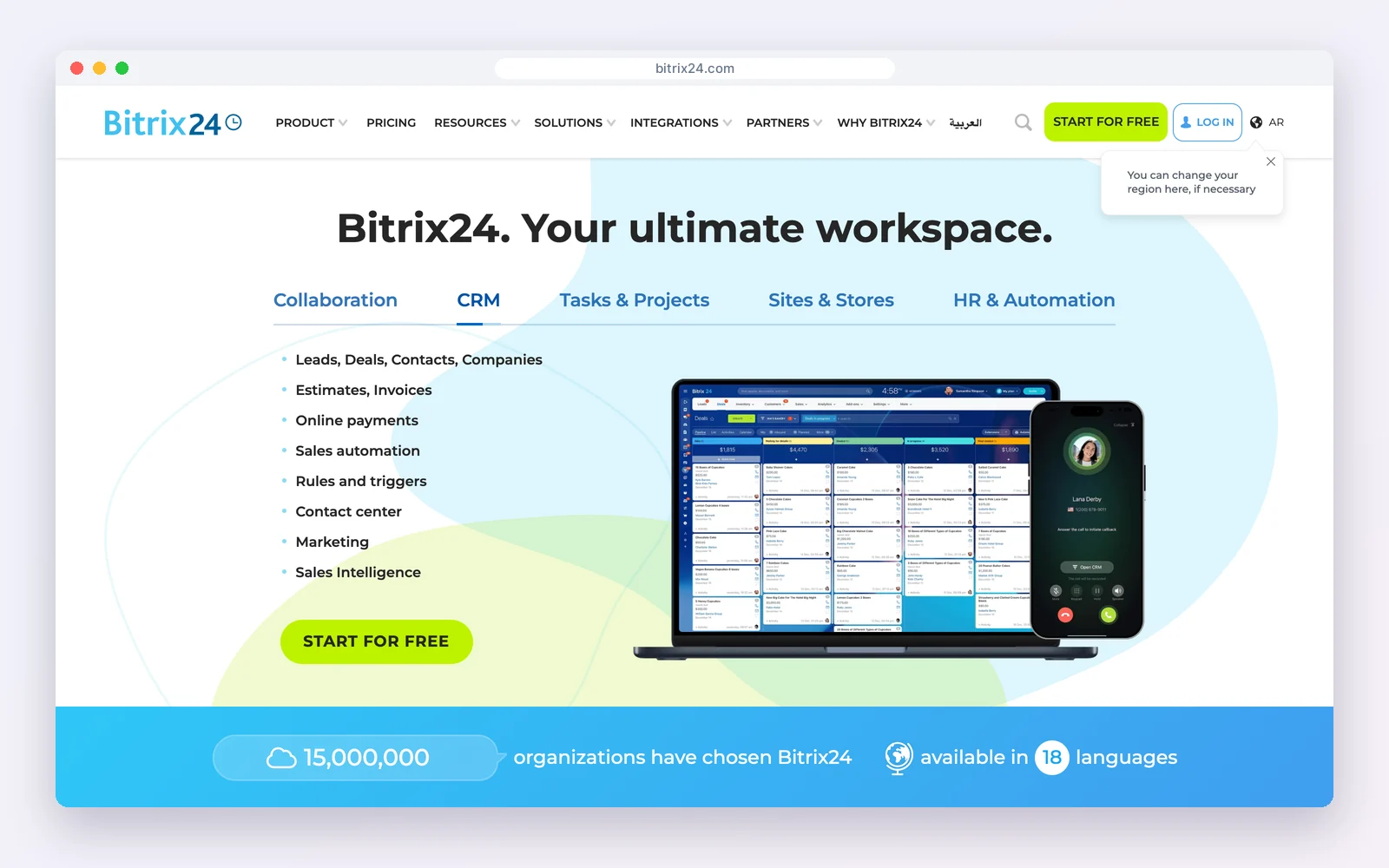
Bitrix24 links support requests from its contact centre and open channels to contacts, companies and deals in its CRM. The free plan covers one to two users; Basic is $49 a month billed yearly for five users.
How teams use it: handle chats and requests from many channels and see the CRM record alongside.
Watch out for: it is not a classic ticketing tool, and the interface is busy.
Standout feature: many chat channels routed into one place and linked to CRM records.
Pros
- Many channels, one record
- Per-team pricing
Cons
- Not classic ticketing
- Busy interface
Best for: Small teams supporting customers in chat channels.
7. EngageBay: best free helpdesk in a marketing suite
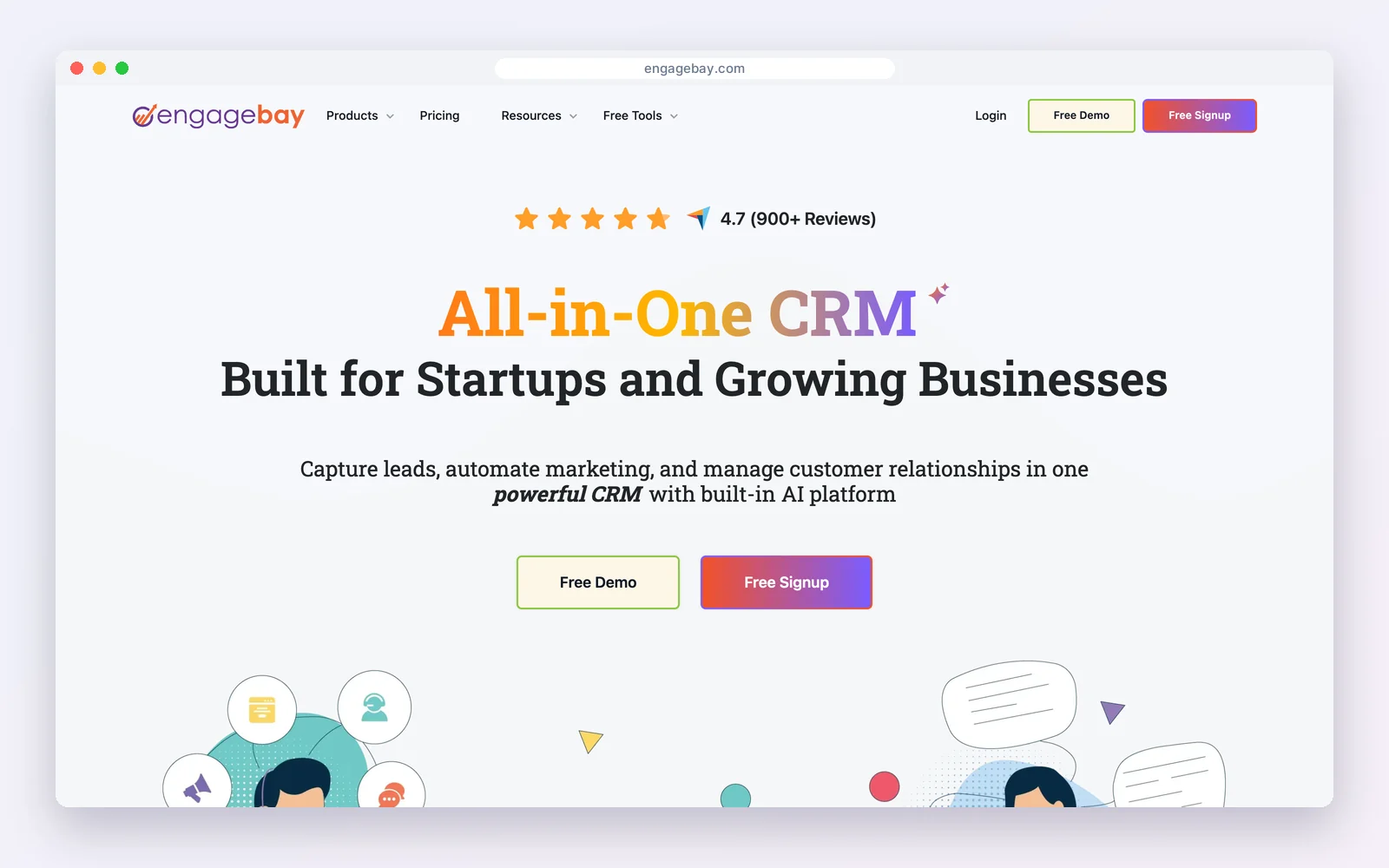
EngageBay‘s free plan includes a helpdesk alongside CRM and email marketing, for up to 15 users and 250 contacts. Paid plans start around $13 to $15 per user a month.
How teams use it: a small team handles marketing, sales and support in one free account.
Watch out for: the 250-contact cap is very small for support.
Standout feature: a helpdesk included free alongside CRM and email marketing.
Pros
- Helpdesk on free
- Many free seats
Cons
- Tiny contact cap
- Basic ticketing
Best for: Very small teams trying an all-in-one suite.
Helpdesk features that matter most
- Shared inbox and ticket assignment, so no email is answered twice or never.
- Customer context in the ticket: orders, deals, plan and past tickets.
- SLA timers and escalations once you promise response times.
- A customer portal and knowledge base so customers can self-serve and follow their requests.
- Satisfaction surveys after resolution.
- Reporting on volume, first response and resolution time.
What it costs for a five-agent team
| Tool | Plan | Per year, 5 agents |
|---|---|---|
| DoubleScale | Pro | $99 (per site, any number of agents) |
| Zoho Desk | Standard | $840 |
| Freshdesk | Growth | $1,140 |
| Zendesk | Support Team | $1,140 |
| HubSpot Service Hub | Starter, list price | $1,200 |
| Bitrix24 | Basic | $588 |
Billed yearly, October 17, 2026. Higher tiers with SLAs and AI cost several times more.
How to roll it out
- Forward your support address into the helpdesk and stop answering from personal inboxes.
- Match tickets to existing contacts by email so history is complete from day one.
- Create three or four ticket categories and an owner for each.
- Publish your ten most common answers as help articles.
- Show open tickets on the contact record that sales and account managers use.
Looking elsewhere?Looking for a WordPress plugin specifically? See WordPress support ticket plugins compared and how to set up a helpdesk in WordPress.
Mistakes to avoid
- Answering support from personal inboxes, so history never reaches the record.
- Creating dozens of ticket categories nobody uses consistently.
- Hiding open tickets from sales and account managers.
- Comparing tools on the entry price when SLAs and AI sit in higher tiers.
Examples by business type
- Online store: Agents answer order questions with the order and past tickets beside the reply.
- SaaS company: Account managers see open tickets before renewal calls.
- Agency: Clients raise change requests in a portal instead of emailing individuals.
How we compared: every price was read on the vendor’s own pricing page on October 17, 2026 (USD). Prices change often, so check the vendor’s page before you buy.
Questions people ask
What is a CRM with a helpdesk?
A CRM where support tickets and customer conversations sit on the same record as contacts, deals and orders, so support and sales share one view of the customer.
Is there a free CRM with a helpdesk?
Yes. HubSpot’s free tools include ticketing for two users, Zoho Desk and Zoho CRM both have free plans, EngageBay includes a helpdesk for 250 contacts, and DoubleScale includes a helpdesk in its free WordPress plugin.
Should I buy a helpdesk with a CRM or a CRM with a helpdesk?
If support is your main team and volume is high, start with a helpdesk such as Zendesk or Freshdesk. If sales and support are the same few people, one platform with both is simpler.
How much does a helpdesk cost per agent?
Entry plans run about $14 to $20 per agent a month billed yearly (Zoho Desk, Freshdesk, Zendesk); DoubleScale Pro is $99 a year per site with no per-agent fee.
Tickets, a support portal and your CRM in one WordPress plugin.
Get our guides first on GoogleAdd DoubleScale as a preferred source and our articles show up more often in your Top Stories.

Mohamed Magdy, Founder & CEO, DoubleScale
Mohamed Magdy is the founder and CEO of DoubleScale, the all-in-one CRM for WordPress. He writes about CRM, email marketing and automation for WordPress businesses.
Practical CRM tips, once a month
Guides on growing with WordPress: lead capture, email marketing, automations and sales. No spam, unsubscribe anytime.