On this page
- Pipedrive vs Salesforce at a glance
- Feature-by-feature checklist
- Pipedrive and Salesforce in short: what we like and what we don't
- What each costs
- Pipeline and daily use
- Customisation and scale
- Reporting and forecasting
- Automation and AI
- Time to value and total cost
- Integrations and support
- Who should choose which
- A third option: DoubleScale
- So, which should you choose?
- Questions people ask
- More head-to-head comparisons
Pipedrive and Salesforce are both sales CRMs, priced per seat, but they sit at opposite ends of the scale. Pipedrive is built for small and mid-sized sales teams who want a pipeline that is easy to use every day. Salesforce is built to be configured around any sales process, at any size, with a matching price and setup effort.
Here is how they compare on cost, pipeline, customisation and reporting. Prices were checked on October 20, 2026.
Editor’s note: On WordPress? We also cover DoubleScale, a CRM with pipelines, quotes and invoices for one flat price per site. We include it as a third option because many readers comparing Pipedrive and Salesforce run their business on WordPress. Every price for the two brands comes from their own pricing pages.
Pick Pipedrive if you want a visual pipeline your reps will actually use, quick setup and predictable per-seat pricing.
Pick Salesforce if you need custom objects, complex approval and forecasting, territories, or deep integration across a larger organisation.
Pipedrive vs Salesforce at a glance
| Pipedrive | Salesforce | DoubleScale | |
|---|---|---|---|
| Built for | Small and mid-sized sales teams | Mid-market and enterprise | Businesses on WordPress |
| Entry price | $14/seat/mo yearly | Starter Suite $25/user/mo | Free; Pro $99/yr |
| Popular plan | Growth $39/seat/mo | Pro Suite $100/user/mo | Pro, unlimited users |
| Free option | 14-day trial | Free Suite (2 users) | Free plugin |
| Setup effort | Low | Medium to high | Low |
Vendor pricing pages, October 20, 2026.
Feature-by-feature checklist
| Feature | Pipedrive | Salesforce |
|---|---|---|
| Visual pipeline | ✓ | ✓ |
| Activity reminders | ✓ | ✓ |
| Custom objects | — | ✓ |
| Approval processes | — | ✓ |
| Territory management | — | Enterprise |
| Revenue forecasting | ✓ | ✓ |
| Email sync and tracking | ✓ | ✓ |
| Quotes | Smart Docs | Pro Suite and up |
| AI assistant | ✓ | Einstein / Agentforce |
| Sandbox environments | — | ✓ |
| Mobile app | ✓ | ✓ |
| Free plan | — | Free Suite (2 users) |
Pipedrive and Salesforce in short: what we like and what we don't
Pipedrive
Pros
- Fast to adopt, loved by reps
- Lower cost per seat
- Clear visual reporting
- 24/7 support included
Cons
- Limited deep customisation
- Marketing and lead tools cost extra
- Fewer enterprise controls
Salesforce
Pros
- Customisable to almost any process
- Best-in-class reporting and forecasting
- Huge ecosystem and talent pool
- Scales to the enterprise
Cons
- Much higher per-user cost
- Needs admin time or a partner
- Busier interface for reps
What each costs
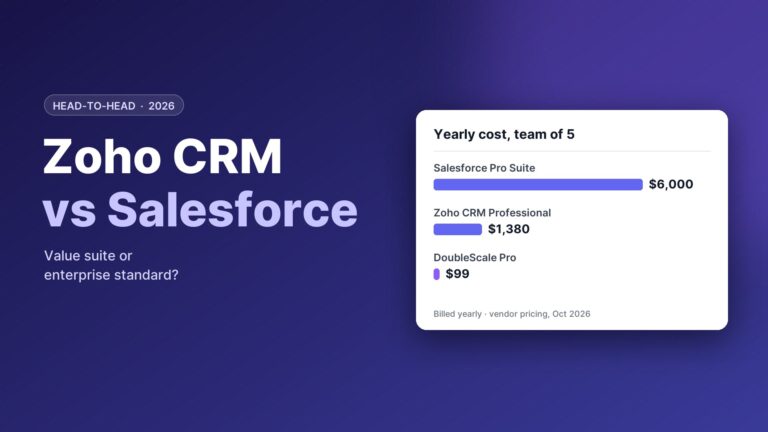
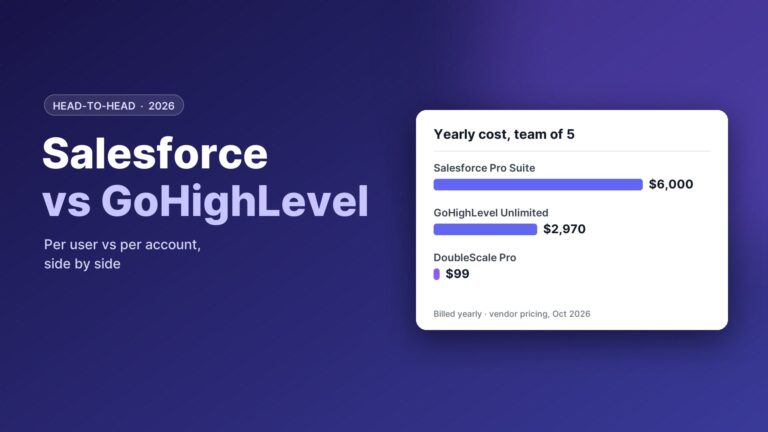
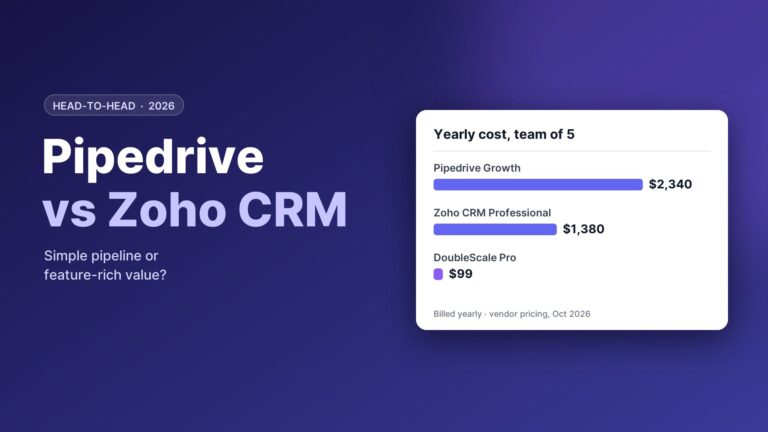
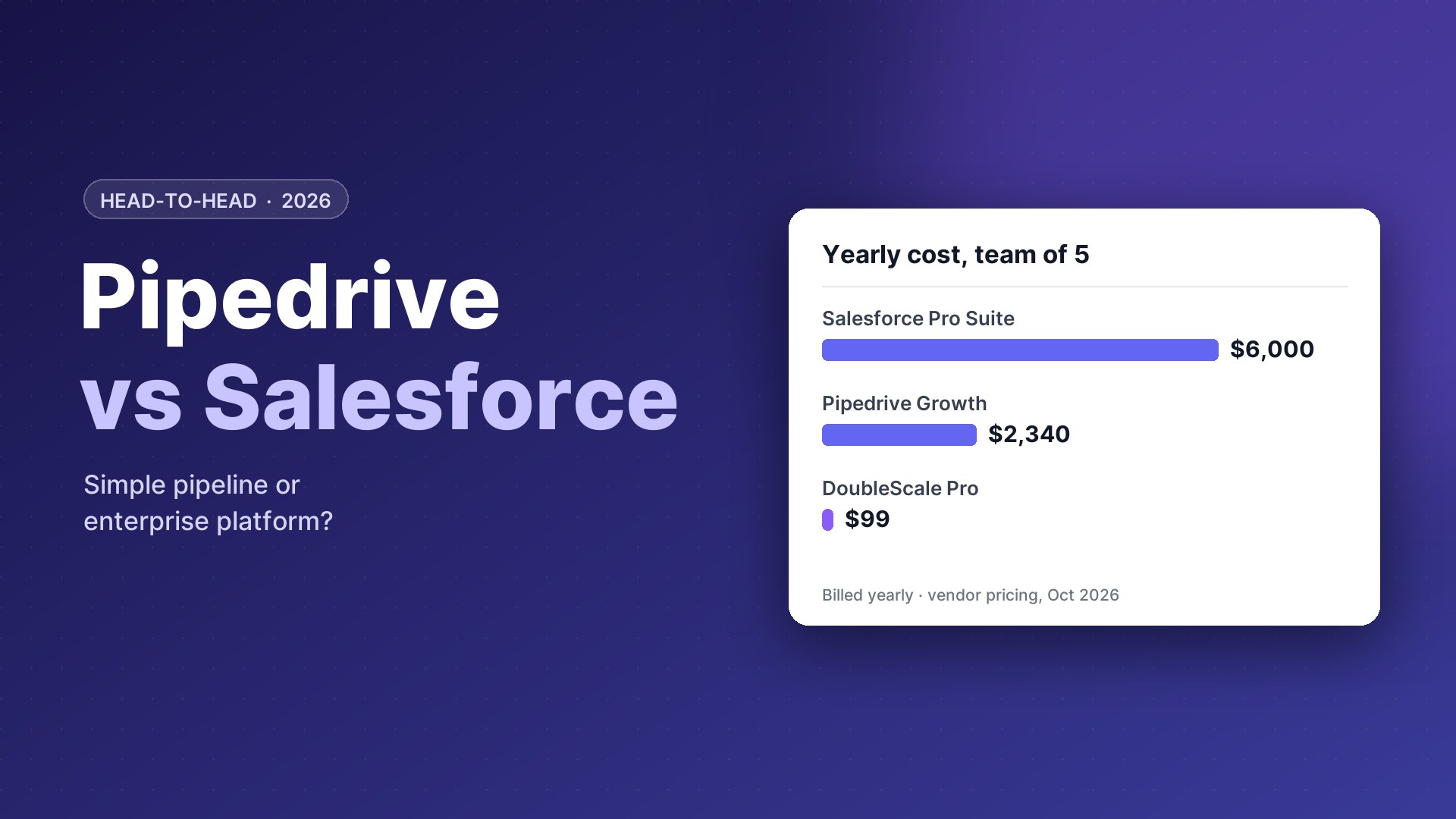
Pipedrive: $14, $39, $59 or $79 per seat a month billed yearly ($24 to $99 monthly), with add-ons for Campaigns, LeadBooster and Projects.
Salesforce: Free Suite for two users, Starter Suite $25 and Pro Suite $100 per user a month billed annually, then Enterprise $195, Unlimited $395 and Max $550 per user a month.
| Team of 5, billed yearly | Pipedrive | Salesforce |
|---|---|---|
| Entry | $840 (Lite) | $1,500 (Starter Suite) |
| Popular | $2,340 (Growth) | $6,000 (Pro Suite) |
| Advanced | $3,540 (Premium) | $11,700 (Enterprise) |
Before add-ons and implementation.
Both grow with every seat; Salesforce often adds implementation cost.
Our take: Pipedrive has the edge.
Pipeline and daily use
The tool your reps open every morning matters more than any feature list, and this is where the two feel most different.
Pipedrive
Pipedrive opens on the pipeline. Each deal shows its value, owner and next activity, and deals without a next step stand out. Logging a call, sending a tracked email or scheduling a meeting happens from the deal card in a couple of clicks. Training is rarely more than an hour.
Salesforce
Salesforce Lightning shows records, related lists, activity timelines and dashboards. It can be configured to be very efficient, with Kanban views, path guidance and quick actions, but out of the box there is more on screen, and the experience depends on how well your admin has set it up.
Our take: Pipedrive has the edge.
Customisation and scale
As a company grows, its sales process usually becomes more complex: more products, regions, approvals and data.
Salesforce
Salesforce can model almost anything: custom objects and relationships, validation rules, record types, approval processes, territories, multi-currency, complex sharing rules and sandboxes for testing changes. It scales to thousands of users and is the standard for enterprise governance and security reviews.
Pipedrive
Pipedrive offers custom fields, multiple pipelines, permission sets and visibility groups, and higher plans add more automation and security controls. It does not offer custom objects in the same way, so very complex data models eventually outgrow it.
Our take: Salesforce has the edge.
Looking elsewhere?Considering other enterprise options? See Salesforce alternatives for small business.
Reporting and forecasting
Salesforce reporting and forecasting are among the strongest on the market: report types across related objects, dashboards per role, collaborative forecasts with adjustments, and AI predictions on higher tiers. Pipedrive’s Insights covers deals, activities, revenue, goals and forecasts in a simpler, very visual way that is enough for most teams under 50 reps.
Our take: Salesforce has the edge.
Automation and AI
Pipedrive’s workflow automation handles common sales tasks: create activities, send emails, update fields and notify teammates when deals change. Its AI sales assistant suggests next actions and summarises emails. Salesforce Flow automates far more complex processes across objects and systems, and Einstein and Agentforce add AI scoring, summaries and agents on higher editions and add-ons.
Our take: Salesforce has the edge for complex processes.
Time to value and total cost
A small team can set up Pipedrive in an afternoon, import contacts and start selling the same day. Salesforce projects beyond Starter usually involve an admin or partner, data migration and training, which adds cost and weeks before the team is fully live. When you compare prices, include that setup and the ongoing admin time, not just the licence.
Our take: Pipedrive has the edge.
Looking elsewhere?See also Pipedrive alternatives.
Integrations and support
Salesforce AppExchange is the largest CRM app ecosystem, and most B2B tools integrate with Salesforce first. Pipedrive’s Marketplace has hundreds of apps covering email, calling, documents and accounting. Pipedrive offers 24/7 support in several languages; Salesforce includes standard support, with faster response and phone support on paid success plans.
Our take: Salesforce has the edge for ecosystem; Pipedrive for included support.
Who should choose which
Choose Pipedrive if
- Your team has fewer than about 50 reps
- You want a CRM live this week
- Your sales process is fairly standard
Choose Salesforce if
- You need custom objects, approvals or territories
- You report to a board on detailed forecasts
- You have or can hire a Salesforce admin
Runs your entire business
A third option: DoubleScale
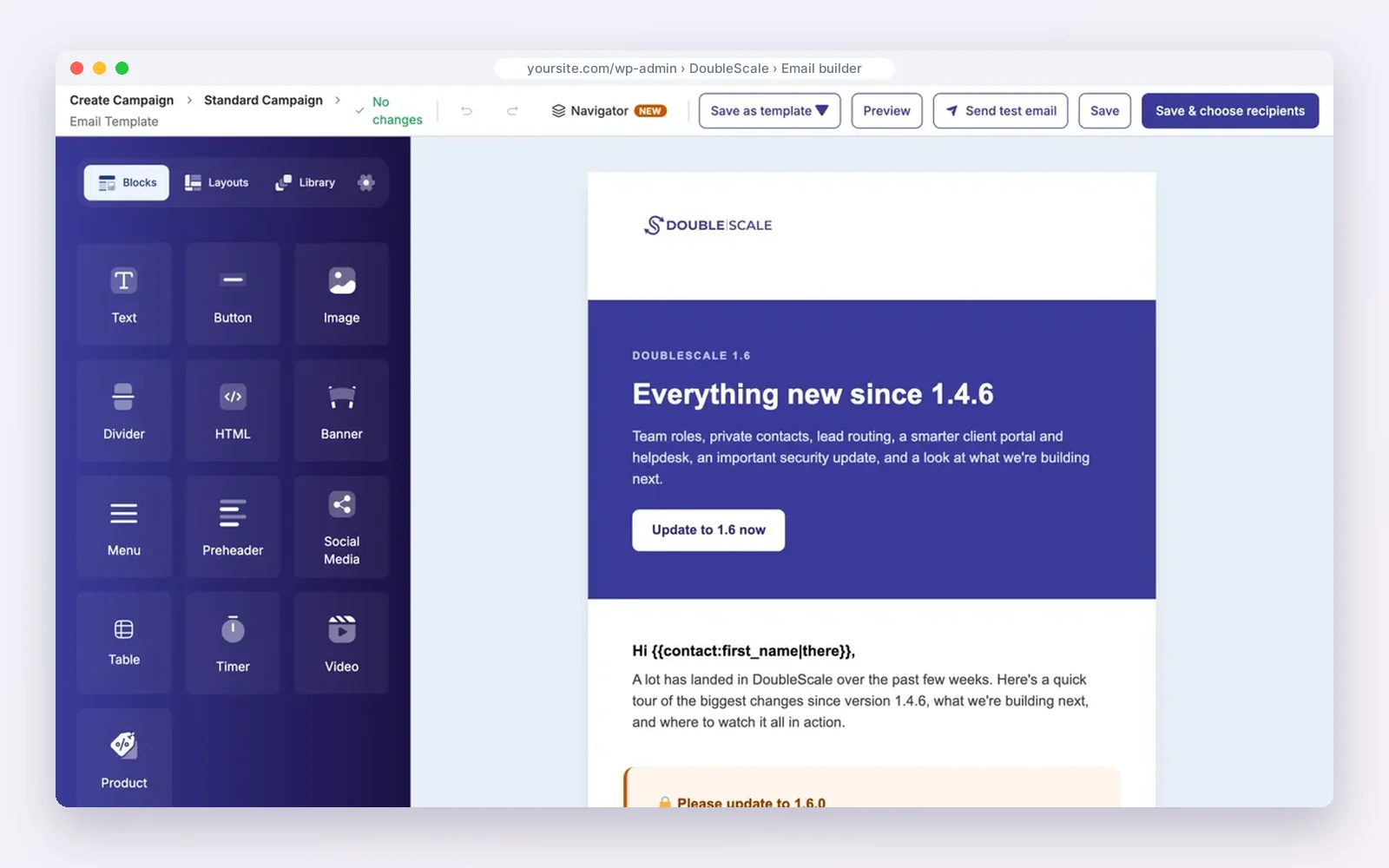
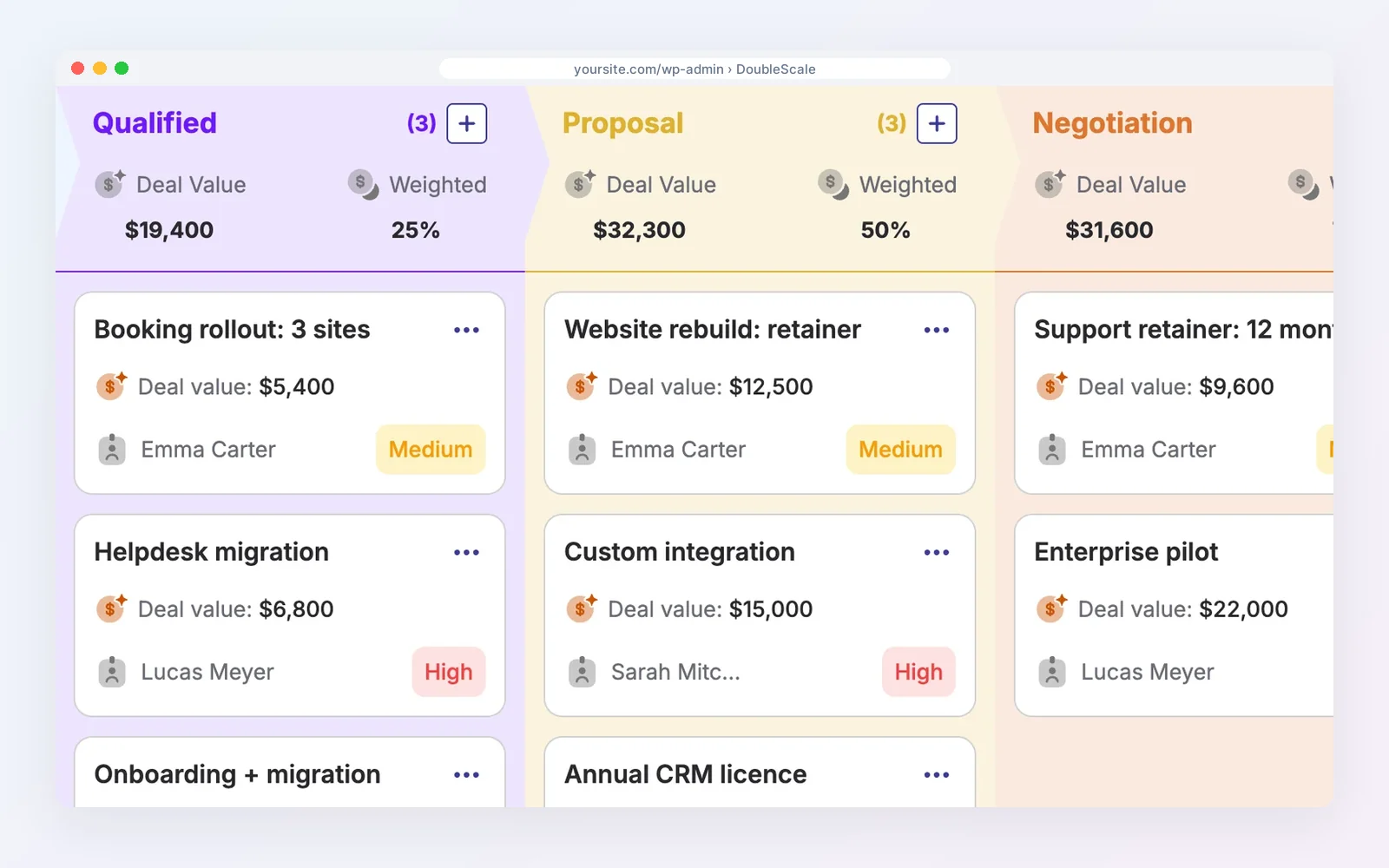
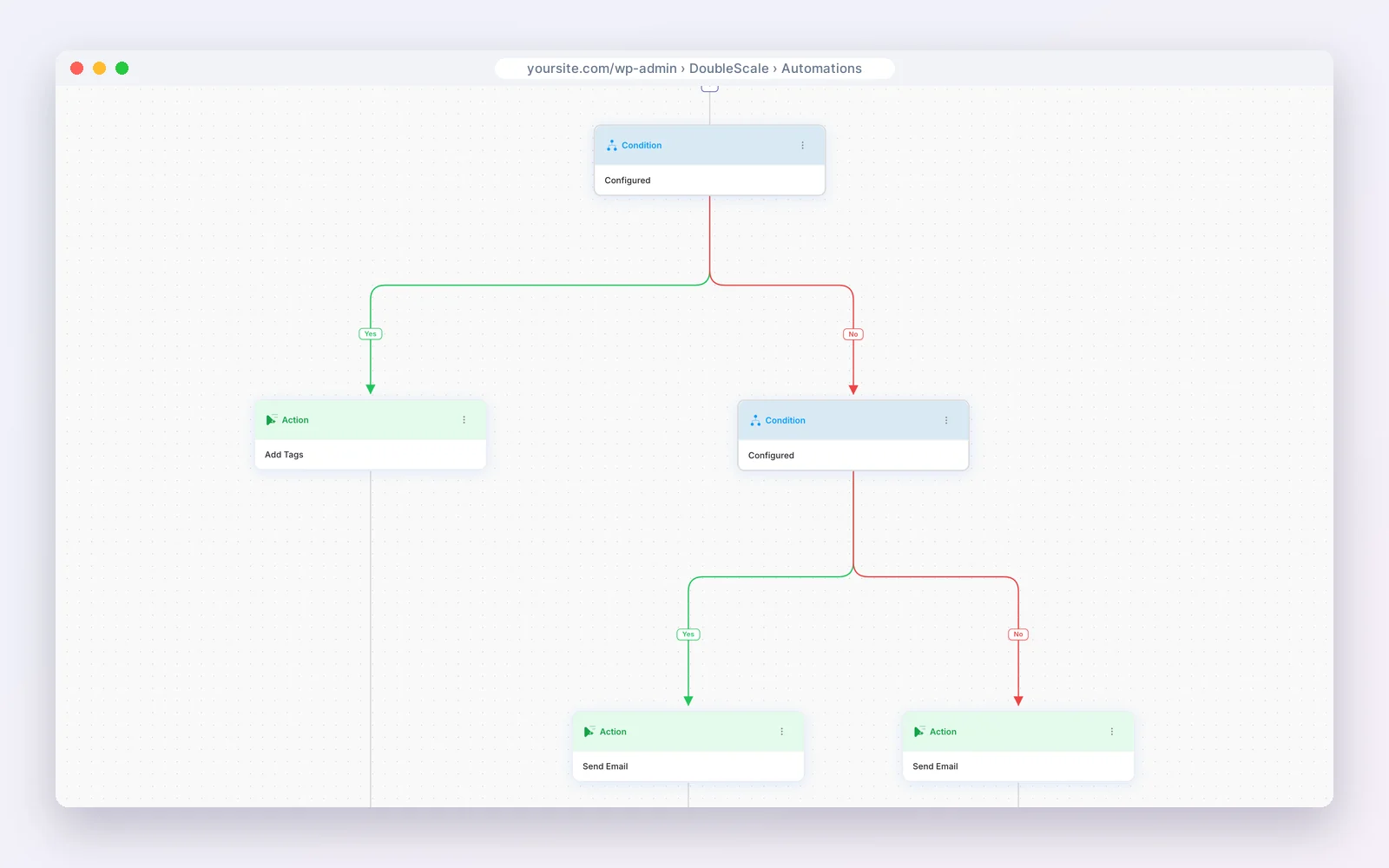
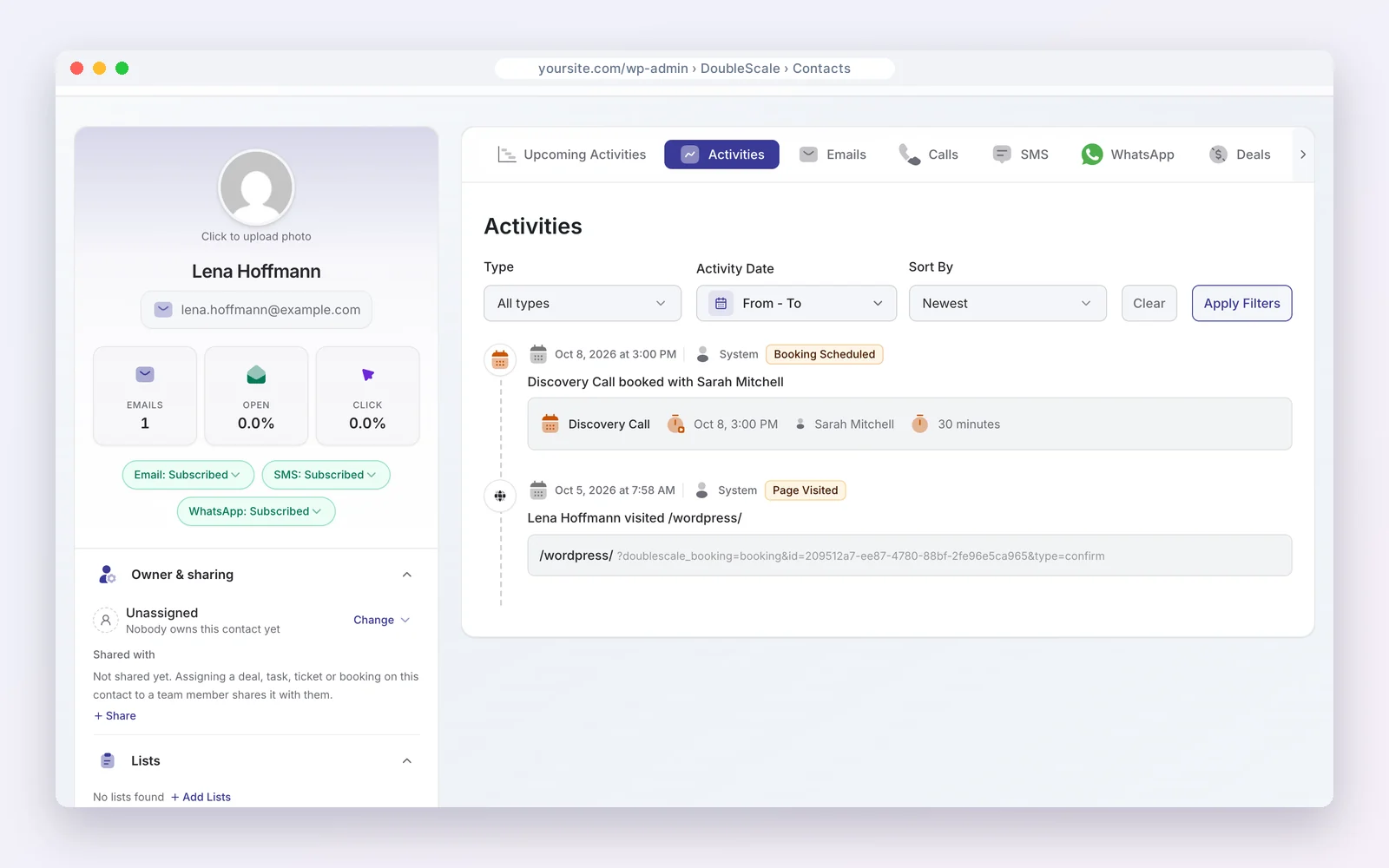
If your website runs on WordPress, DoubleScale gives your whole team a CRM with pipelines, email, booking, invoices and a helpdesk for one flat price per site.
The free plugin covers contacts, email campaigns through your own provider, visual automations, booking pages, proposals, invoices and a helpdesk. Paid plans (from $99 a year per site, any number of users) add deal pipelines with forecasts, all 32 automation triggers, email sequences, lead scoring, contracts, SMS and WhatsApp.
Modular by design. Turn on only the modules you need from one Control Modules panel; everything else stays out of your way.
- Email campaigns
- Automations
- Sales pipelines
- Proposals & invoices
- Contracts
- Booking
- Helpdesk
- Forms
- Projects
- Tasks
Free on WordPress.org · Unlimited contacts · Pro from $99/yr per site
DoubleScale is the better pick if…
- You sell from a WordPress site and want no per-seat pricing.
- You want quotes, invoices and support on the same record as the deal.
- You want your customer data on your own server.
Stick with the big platforms if…
- You need an enterprise platform with a large app marketplace.
- Your business does not run on WordPress.
- You need built-in calling or AI forecasting.
See also DoubleScale pipelines and HubSpot vs Salesforce.
Disclosure: we make DoubleScale. The screens above are real, and every price for the other tools comes from their own pricing pages.
So, which should you choose?
| Your situation | Choose |
|---|---|
| Small or mid-sized sales team | Pipedrive |
| Complex processes and custom objects | Salesforce |
| Fast setup, low admin | Pipedrive |
| Enterprise reporting and governance | Salesforce |
| Business on WordPress, flat price | DoubleScale |
How we compared: every price was read on the vendor’s own pricing page on October 20, 2026 (USD). Prices change often, so check the vendor’s page before you buy.
Questions people ask
Is Pipedrive easier than Salesforce?
Yes. Pipedrive is built around a simple visual pipeline; Salesforce is more powerful but needs more configuration.
Which is cheaper, Pipedrive or Salesforce?
Pipedrive: five seats on Growth cost $2,340 a year, against $6,000 on Salesforce Pro Suite.
When should a team move from Pipedrive to Salesforce?
When you need custom objects, complex approvals, territories or enterprise reporting that Pipedrive cannot model.
Does either have a free plan?
Salesforce lists a Free Suite for two users; Pipedrive has a 14-day trial.
More head-to-head comparisons
- ActiveCampaign vs HubSpot
- GoHighLevel vs HubSpot
- HubSpot vs Salesforce
- Pipedrive vs HubSpot
- Zoho CRM vs HubSpot
- Salesforce vs GoHighLevel
- GoHighLevel vs Pipedrive
- Zoho CRM vs Salesforce
- Pipedrive vs Zoho CRM
Deals, quotes, contracts and invoices inside WordPress.
Get our guides first on GoogleAdd DoubleScale as a preferred source and our articles show up more often in your Top Stories.

Mohamed Magdy, Founder & CEO, DoubleScale
Mohamed Magdy is the founder and CEO of DoubleScale, the all-in-one CRM for WordPress. He writes about CRM, email marketing and automation for WordPress businesses.
Practical CRM tips, once a month
Guides on growing with WordPress: lead capture, email marketing, automations and sales. No spam, unsubscribe anytime.