On this page
On average, 70% of WooCommerce shoppers who add products to their cart leave without completing the purchase. A well-structured abandoned cart recovery sequence can recover 15-30% of those carts, often within the first 24 hours.
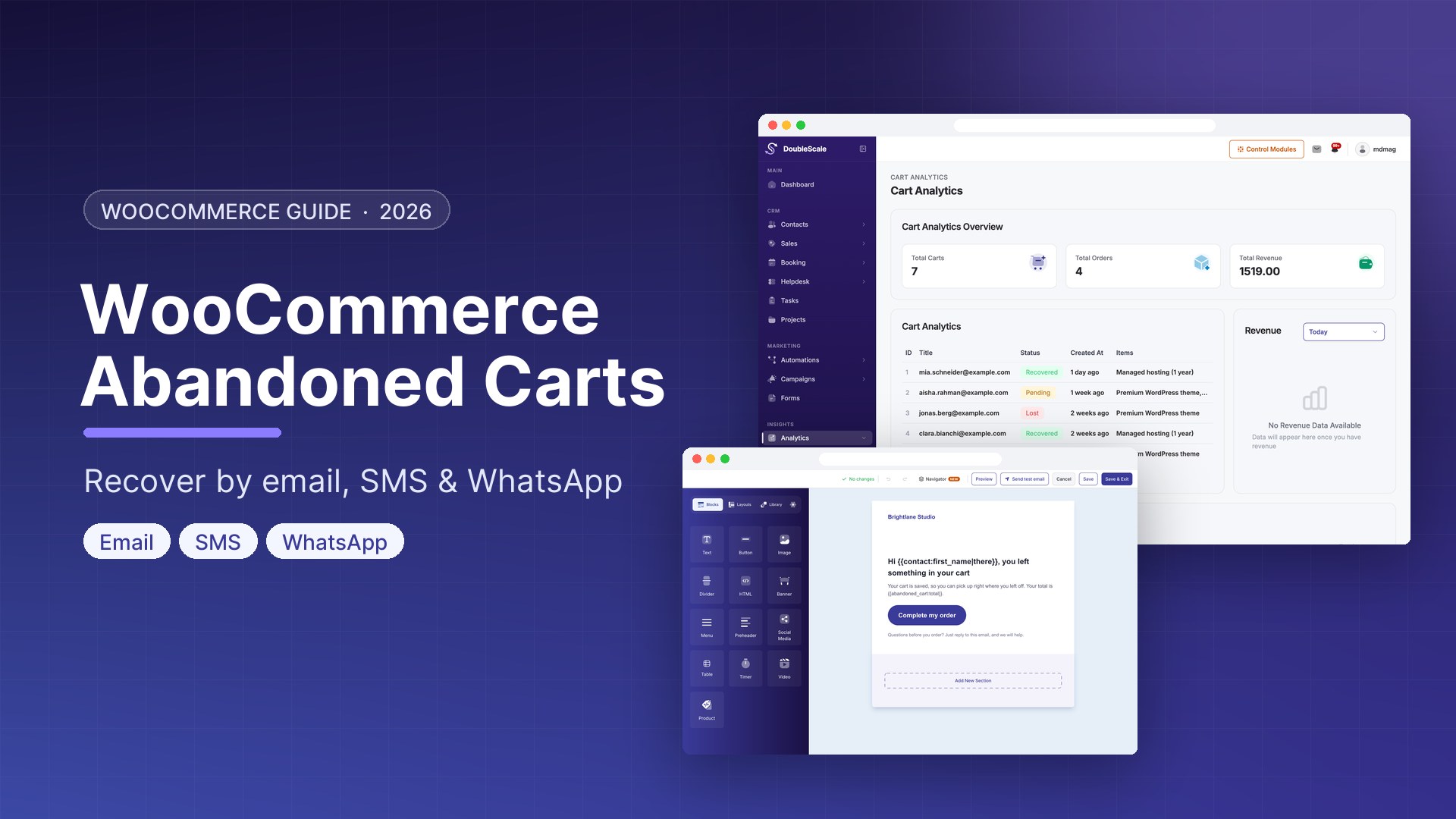
DoubleScale is the only WordPress plugin that handles abandoned cart recovery across email, SMS, and WhatsApp in a single automation, without connecting to any external service except your chosen SMTP and messaging providers.
How Abandoned Cart Detection Works
DoubleScale hooks into WooCommerce’s cart session system. When a logged-in customer or a guest who has provided their email adds items to their cart and then leaves, DoubleScale starts a countdown timer. After the configured delay (default 60 minutes, configurable to 15 minutes), the automation trigger fires with the full cart context: item names, images, quantities, prices, subtotal, and a direct checkout URL.
The Optimal 3-Touch Recovery Sequence
Touch 1 — Email (1 hour after abandonment)
Goal: Gentle reminder, no pressure. Show cart items with images, direct checkout button, customer service contact. Do NOT include a discount in the first touch — many shoppers abandoned due to distraction, not price.
Subject line ideas: “You left something behind, {{contact.first_name}}” or “Still thinking about it? Your cart is waiting.”
Touch 2 — WhatsApp (6 hours after abandonment)
Goal: High-visibility follow-up on a different channel. Keep it to 2-3 sentences. Example: “Hi {{contact.first_name}}, you left {{cart.first_item_name}} in your cart. Your cart is still saved: {{cart.checkout_url}}”
WhatsApp recovery rates (15-25%) far exceed email (3-8%) for the same abandoned cart because messages appear as personal notifications.
Touch 3 — SMS with Discount (24 hours after abandonment)
Goal: Create urgency and overcome price objections. 160 characters max. Example: “{{contact.first_name}}, use COMEBACK10 for 10% off — expires midnight: {{cart.checkout_url}}”
Only send a discount in the final touch, and only to contacts who did not convert after the first two. This protects your margins while still recovering price-sensitive shoppers.
Building the Automation in DoubleScale
- Go to DoubleScale → Automations → New Automation
- Name: “Abandoned Cart Recovery”
- Trigger: WooCommerce → Abandoned Cart (60 min delay)
- Action: Send Email with cart recovery template using {{cart.items}} and {{cart.checkout_url}}
- Wait: 5 hours
- Condition: Has Completed Purchase? → Yes: End → No: Continue
- Action: Send WhatsApp with abandoned cart template
- Wait: 18 hours
- Condition: Has Completed Purchase? → Yes: End → No: Continue
- Action: Send SMS with discount code
- Action: Apply Tag “Cart Recovery Attempted”
- Click Activate
Cart Recovery Merge Tags
| Merge Tag | Output |
|---|---|
| {{cart.total}} | Total value of abandoned cart |
| {{cart.first_item_name}} | Name of first item |
| {{cart.checkout_url}} | Direct link to pre-populated checkout |
| {{cart.items}} | Full HTML table of cart contents (email only) |
| {{contact.first_name}} | Customer first name |
Common Mistakes to Avoid
- Sending too many messages too fast — space touches at least 4-6 hours apart
- Offering discounts in the first message
- Not checking for purchase before the next touch — always add a “Has Purchased?” condition
- Using identical messages on all channels — tailor tone and length per channel
- Ignoring opt-in compliance for WhatsApp and SMS
Get our guides first on GoogleAdd DoubleScale as a preferred source and our articles show up more often in your Top Stories.

Mohamed Magdy, Founder & CEO, DoubleScale
Mohamed Magdy is the founder and CEO of DoubleScale, the all-in-one CRM for WordPress. He writes about CRM, email marketing and automation for WordPress businesses.
Practical CRM tips, once a month
Guides on growing with WordPress: lead capture, email marketing, automations and sales. No spam, unsubscribe anytime.