


























No webhook to set up
DoubleScale adds the webhook to your Jotform form for you, and removes it when nothing uses it any more.
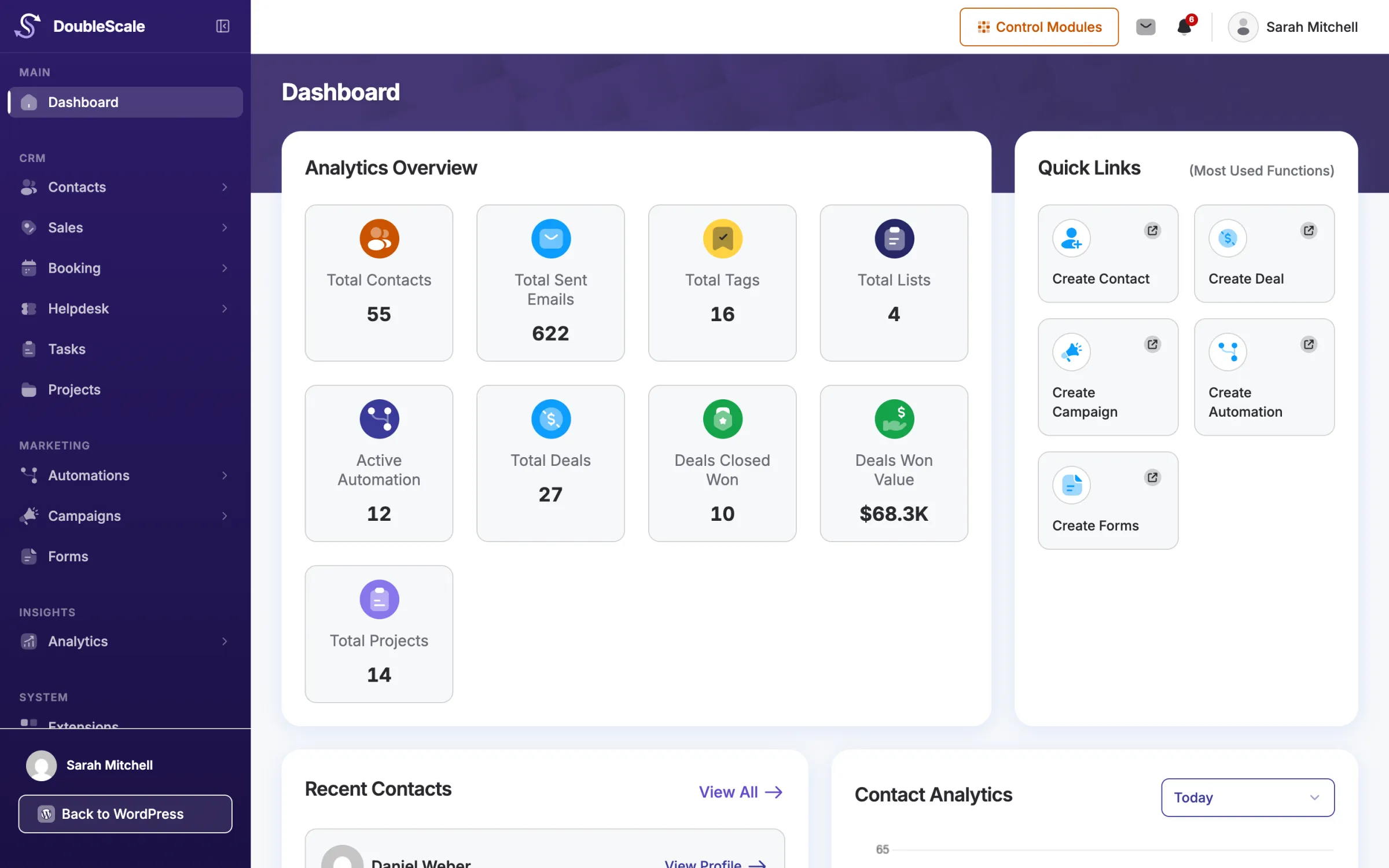
Connect Jotform to DoubleScale with your API key: each submission creates or updates a contact in your WordPress CRM and starts the follow-up automatically.
 Jotform form submittedContact form · Homepage
Illustration. Your forms, fields and workflows appear here.
Everything is set in DoubleScale; your forms keep working as they do today.
Add your Jotform API key under DoubleScale › Integrations, then choose the Jotform form in Forms › Create.
Map each form field to a DoubleScale contact field, choose lists and tags, and decide whether existing contacts are updated.
Add the Jotform trigger in Automations to email, tag or assign each new lead.
One connection per form, with its own mapping, lists and tags.
DoubleScale adds the webhook to your Jotform form for you, and removes it when nothing uses it any more.
Map the fields once; each submission creates the contact, or updates it when you allow that.
Add the contact to lists and tags as they submit, so the right campaigns reach them.
Send the confirmation email before new contacts join your lists.
Start a workflow when a chosen Jotform form is submitted.
Branch a workflow on what the visitor chose or typed in the form.
How DoubleScale works with Jotform.
The Jotform integration is included in every paid DoubleScale plan. Contact Form 7, WPForms, Fluent Forms and Quill Forms also work on the free plan.
With your Jotform API key, saved under DoubleScale › Integrations. When you connect a form, DoubleScale adds a webhook to it, so submissions arrive the moment they are made.
Only when you turn on "Update existing contact" for that form. Otherwise a submission from an email you already have leaves the contact as it is.
Yes. Each form field is a merge tag in the workflows the Jotform trigger starts, so you can put any answer into an email, SMS or WhatsApp message.
Yes. Several workflows can use the same form, and conditions on the answers decide which steps each submission takes.
Start with the free plugin and add Pro modules when you need them. Unlimited contacts on every plan, and your data stays on your own server.