On this page
A client should not need four logins to see an invoice, a booking, a ticket, and a project. That is the job of a WordPress client portal: one authenticated page on your site, scoped to the CRM contact, not a SaaS “customer hub” with another password.
DoubleScale ships the portal as a core module — the shortcode Please login or create an account to access your portal Forgot your password? Reset passwordDoubleScale
What the portal is
Drop the shortcode on a WordPress page (a page titled Client Portal at /client-portal/ is created for you if none exists). Logged-out visitors see a login gate. Logged-in customers whose email matches a CRM contact load the portal app. The UI mounts in a Shadow DOM so your theme cannot restyle buttons, spacing, or type.
Staff who are agents but not contacts see a redirect notice rather than a fake customer view. There is no guest-hash mode on this shortcode — anonymous ticket links belong to Please login or create an account to access the Customer Support Portal Forgot your password? Reset passwordDoubleScale Support
What customers can see
Each module registers a section only when it is active:
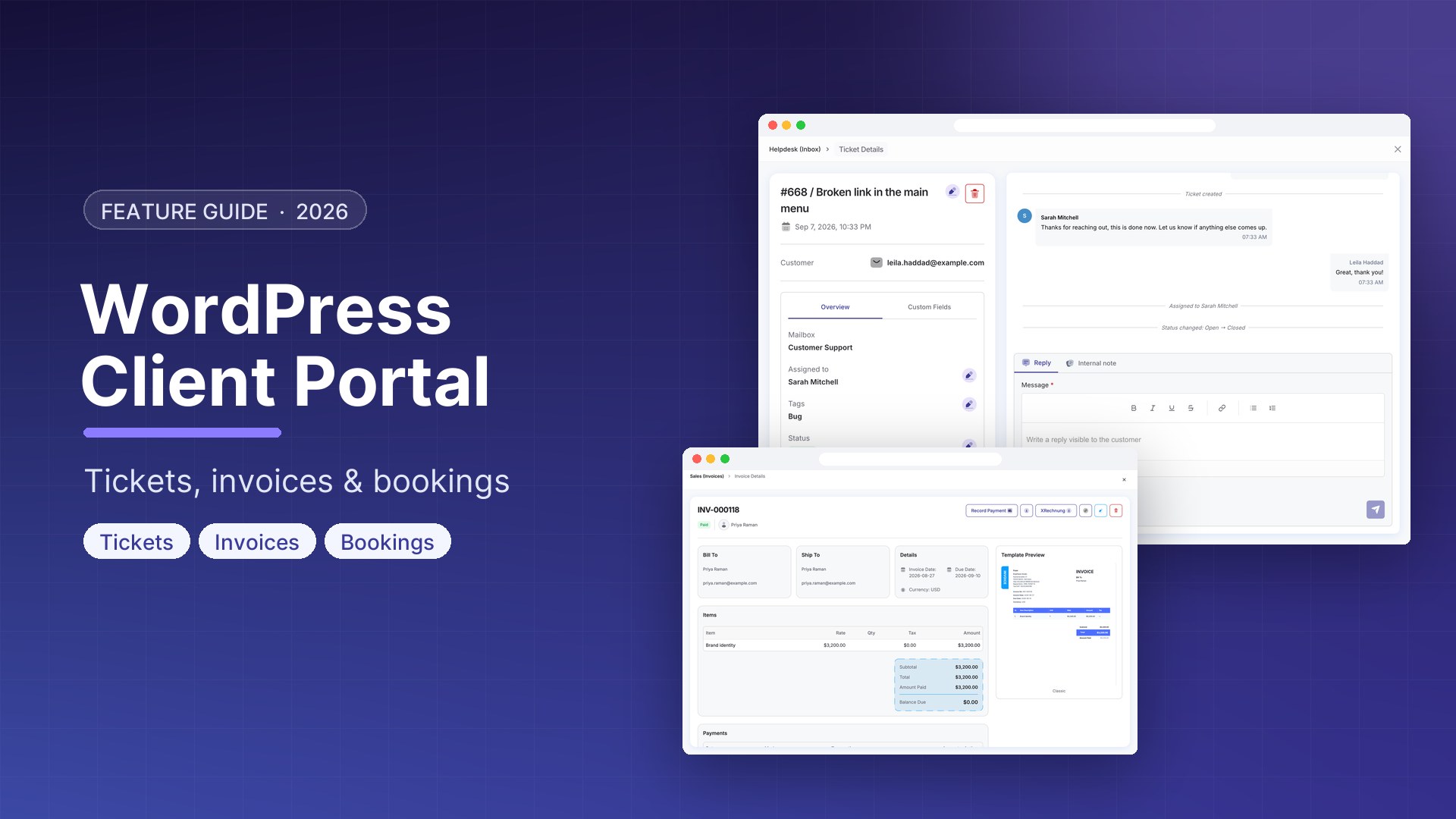
- Support — open tickets and the thread (free Helpdesk). Same tickets an agent sees in the helpdesk, minus internal notes. Setup: WordPress helpdesk.
- Bookings — upcoming appointments (free Booking). Booking detail URLs can point at the portal instead of wp-admin when a portal page exists.
- Documents — invoices and proposals the customer is allowed to see. Pro adds contracts and credit notes to the same list (drafts stay hidden; a contract can be marked hide-from-customer).
- Projects — active projects for that contact (Pro).
The dashboard aggregates those sections. The timeline is a whitelist of customer-safe activity — not the full staff CRM feed. The portal calendar can show bookings, contract end dates, and (with Pro deals) expected close dates with title and open/won status only — never pipeline stage, value, or owner.
What it is not
- Not a freelance marketplace, not wp-admin, not a community membership plugin.
- Not the guest support portal. Hash links for tickets are a different shortcode so someone without a WordPress login can still reopen a thread.
- Not a place where clients see your internal task Kanban. Tasks stay staff-only. Clients see projects, tickets, bookings, and documents.
Free vs Pro, without the brochure
| Surface | Free plugin | Pro |
|---|---|---|
| Portal shell, login, dashboard, timeline | Yes | Yes |
| Tickets + bookings + invoices/proposals | Yes (when those modules are on) | Yes |
| Projects in the portal | No | Yes |
| Contracts + credit notes in Documents | No | Yes |
| Deal close dates on the calendar | No | Title + status only |
How to put it on the site
- Keep the Client Portal module on (it is not toggleable — the shell is always available).
- Use the auto-created page or paste
DoubleScale
Please login or create an account to access your portal
Forgot your password? Reset password
- Make sure customers can log in as WordPress users whose email matches the CRM contact. The portal is login-only.
- Enable Helpdesk, Booking, and Sales documents for the sections you want. Empty sections simply do not appear.
- On Pro, turn on Projects and Contracts if clients should see delivery and agreements in the same login.
If you already send invoice links by email, the portal does not replace those public document URLs. It is the logged-in home for people who come back.
Client portal vs support portal vs wp-admin
Give customers the client portal. Give guests a ticket hash via the support portal. Give staff DoubleScale. Three audiences, three surfaces — that is why the shortcodes are separate.
Download DoubleScale free · Launch a demo · See Pro pricing
Frequently asked questions
Is there a WordPress client portal plugin that includes invoices and tickets?
DoubleScale’s client portal is a logged-in page on your site. Tickets, bookings, and documents (invoices/proposals) register as sections. Pro adds projects, contracts, and credit notes. It is part of the CRM, not a standalone membership plugin.
Is the client portal free?
The portal shell and the free-module sections (tickets, bookings, invoices/proposals) are in the free plugin. Projects, contracts, credit notes, and deal calendar chips require DoubleScale Pro — because those modules are Pro.
Can a customer use the portal without a WordPress login?
No. The client portal is login-only. For tickets without an account, use the support portal shortcode and its guest hash link.
Will my theme break the portal design?
The portal app mounts in a Shadow DOM specifically so theme CSS cannot change colors, padding, or typography. The rest of the page (header/footer) still uses your theme.
Do clients see pipeline value or internal tasks?
No. Deal chips show title and open/won status, never value or stage. Tasks are staff-only. Internal ticket notes stay off the customer thread.

Mohamed Magdy, Founder & CEO, DoubleScale
Mohamed Magdy is the founder and CEO of DoubleScale, the all-in-one CRM for WordPress. He writes about CRM, email marketing and automation for WordPress businesses.
Practical CRM tips, once a month
Guides on growing with WordPress: lead capture, email marketing, automations and sales. No spam, unsubscribe anytime.