On this page
- Brevo vs Mailchimp at a glance
- Feature-by-feature checklist
- Brevo and Mailchimp in short: what we like and what we don't
- What each costs
- How the pricing models play out
- Editor, templates and ease of use
- Automation
- Channels and extra tools
- Deliverability and branding
- Reporting and support
- Who should choose which
- A third option: DoubleScale
- So, which should you choose?
- Questions people ask
- More head-to-head comparisons
Brevo (formerly Sendinblue) and Mailchimp both offer email marketing with automation, but their pricing works in opposite ways. Mailchimp charges by the number of contacts in your audience. Brevo charges by the number of emails you send, so you can keep a large list without paying for it until you email it.
That one difference often decides the choice. Prices were checked on October 20, 2026.
Editor’s note: On WordPress? We also cover DoubleScale, which sends unlimited campaigns through your own provider for a flat price. We include it as a third option because many readers comparing Brevo and Mailchimp run their business on WordPress. Every price for the two brands comes from their own pricing pages.
Pick Brevo if you have a large list you email occasionally, or want email, SMS, WhatsApp and a simple sales CRM in one account.
Pick Mailchimp if you want the most polished editor, templates and integrations, and your list is small to medium.
Brevo vs Mailchimp at a glance
| Brevo | Mailchimp | DoubleScale | |
|---|---|---|---|
| Priced by | Emails sent per month | Contacts in your audience | Site (unlimited contacts and sends) |
| Free plan | 300 emails/day | 250 contacts, 500 emails/mo | Free plugin |
| Paid from | Starter $9/mo (5,000 emails) | Essentials $13/mo (500 contacts) | $99/yr per site |
| Automation | Standard ($18/mo) and up | Standard ($20/mo) and up | Pro |
| Channels | Email, SMS, WhatsApp | Email, SMS add-on | Email, SMS, WhatsApp |
Vendor pricing pages, October 20, 2026.
Feature-by-feature checklist
| Feature | Brevo | Mailchimp |
|---|---|---|
| Free plan | 300 emails/day | 250 contacts, 500 emails/mo |
| Priced by | Emails sent | Contacts stored |
| Automation | Standard and up | Standard and up |
| A/B testing | ✓ | ✓ |
| Landing pages | ✓ | ✓ |
| SMS | ✓ | Add-on |
| ✓ | — | |
| Transactional email | ✓ | Add-on |
| Sales CRM | ✓ | — |
| AI writing help | ✓ | ✓ |
| Integrations | 150+ | 300+ |
Brevo and Mailchimp in short: what we like and what we don't
Brevo
Pros
- Unlimited contacts, pay for sends
- Email, SMS and WhatsApp in one account
- Transactional email included
- Free sales CRM
Cons
- Brevo branding on free and Starter
- Fewer templates
- Less polished reporting
Mailchimp
Pros
- Most polished editor and templates
- Huge integration library
- Strong reporting
- Familiar to most marketers
Cons
- Pay for every stored contact
- SMS limited to some countries
- Costs rise quickly with list size
What each costs
Brevo is free for 300 emails a day. Starter costs $9 a month for 5,000 emails, Standard $18 a month with marketing automation, and Professional from $499 a month for 150,000 emails; yearly billing saves 10%. Its Sales CRM has a free tier and Essentials at $27.92 a month.
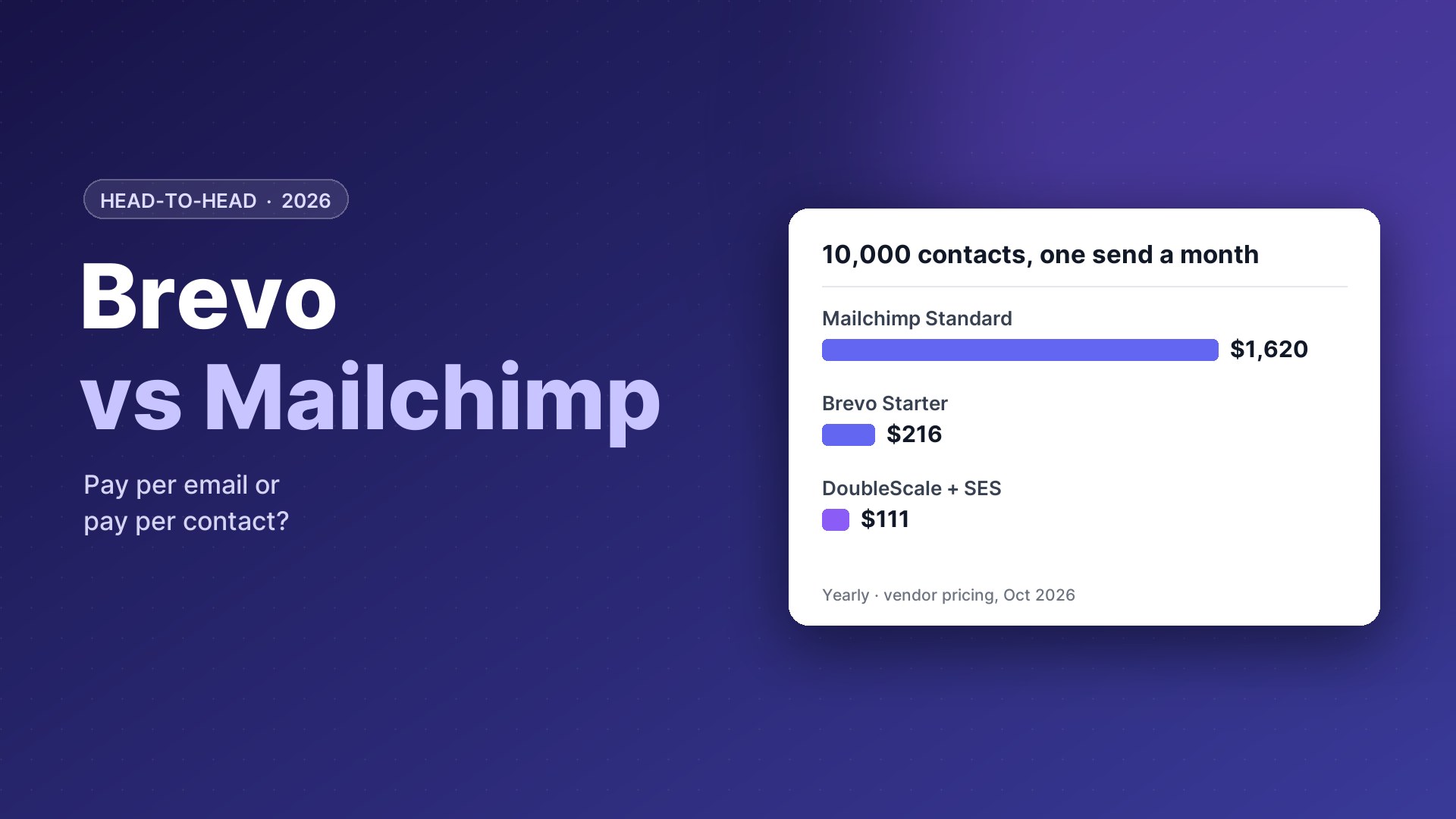
Mailchimp Essentials costs $13 a month at 500 contacts, $45 at 2,500 and $110 at 10,000; Standard $20, $60 and $135; Premium from $350.
Brevo is priced by emails, so the result depends on how often you send. Brevo figure is an estimate from its email-volume tiers.
Our take: Brevo has the edge for large lists.
How the pricing models play out
The pricing model deserves its own section, because it changes which tool is cheaper for you.
Brevo: pay for emails sent
You can store an unlimited number of contacts and pay for monthly email volume. A list of 50,000 that gets one newsletter a month costs the same as a list of 5,000 that gets ten. That makes Brevo attractive for large, infrequently emailed lists, event lists and seasonal businesses.
Mailchimp: pay for contacts stored
You pay for every contact in your audience, including unsubscribed contacts unless you archive them, and each plan includes a monthly send limit based on contact count. It is predictable for small, engaged lists, but costs rise quickly as the list grows.
Our take: Brevo has the edge for large lists.
Editor, templates and ease of use
Mailchimp’s editor, template library, AI writing help and audience dashboard are among the most polished available, and its integrations cover almost every platform. Brevo’s drag-and-drop editor is solid and simple, with a template gallery and AI copy help, but fewer designs and less refinement. Both are easy to learn; Mailchimp feels more finished.
Our take: Mailchimp has the edge.
Looking elsewhere?Leaving Mailchimp? See Mailchimp alternatives and Mailchimp vs MailerLite.
Automation
Both unlock automation from their mid plans. Mailchimp’s Customer Journey builder is visual, with pre-built journeys and branching. Brevo’s automation builder covers welcome series, abandoned cart, birthdays and custom events, and can mix email, SMS and WhatsApp steps. Mailchimp’s builder is more polished; Brevo’s covers more channels.
Our take: the two are evenly matched here, so this should not decide your choice.
Channels and extra tools
Brevo bundles more into one account: SMS and WhatsApp campaigns, transactional email through SMTP and API, live chat, a meeting scheduler and a sales CRM with pipelines. Mailchimp includes landing pages, a website builder, surveys and transactional email (through the Mandrill add-on), with SMS as an add-on in selected countries.
| Tool | Brevo | Mailchimp |
|---|---|---|
| SMS | ✓ | Add-on, limited countries |
| WhatsApp campaigns | ✓ | — |
| Transactional email | Included | Add-on |
| Live chat | ✓ | — |
| Sales CRM | Free and paid | — |
| Website builder | — | ✓ |
Our take: Brevo has the edge.
Deliverability and branding
Both have good deliverability reputations and support authentication (SPF, DKIM, DMARC) with your own domain. Brevo’s free and Starter plans show a Brevo logo in emails unless you pay to remove it; Mailchimp shows its branding on the free plan only. Dedicated IPs are available on Brevo’s higher plans and through Mailchimp’s transactional product.
Our take: Mailchimp has the edge on paid plans.
Reporting and support
Mailchimp offers detailed campaign reports, comparative reports and revenue tracking for stores. Brevo reports opens, clicks, heat maps and conversions, with more advanced statistics on higher plans. Brevo offers email support on all plans and phone support on higher ones; Mailchimp offers email and chat on paid plans and phone on Premium.
Our take: Mailchimp has the edge for reporting.
Who should choose which
Choose Brevo if
- You have a large list you email occasionally
- You want SMS or WhatsApp with email
- You also need transactional email
Choose Mailchimp if
- Your list is small and engaged
- You want the most polished templates
- You rely on many integrations
Runs your entire business
A third option: DoubleScale
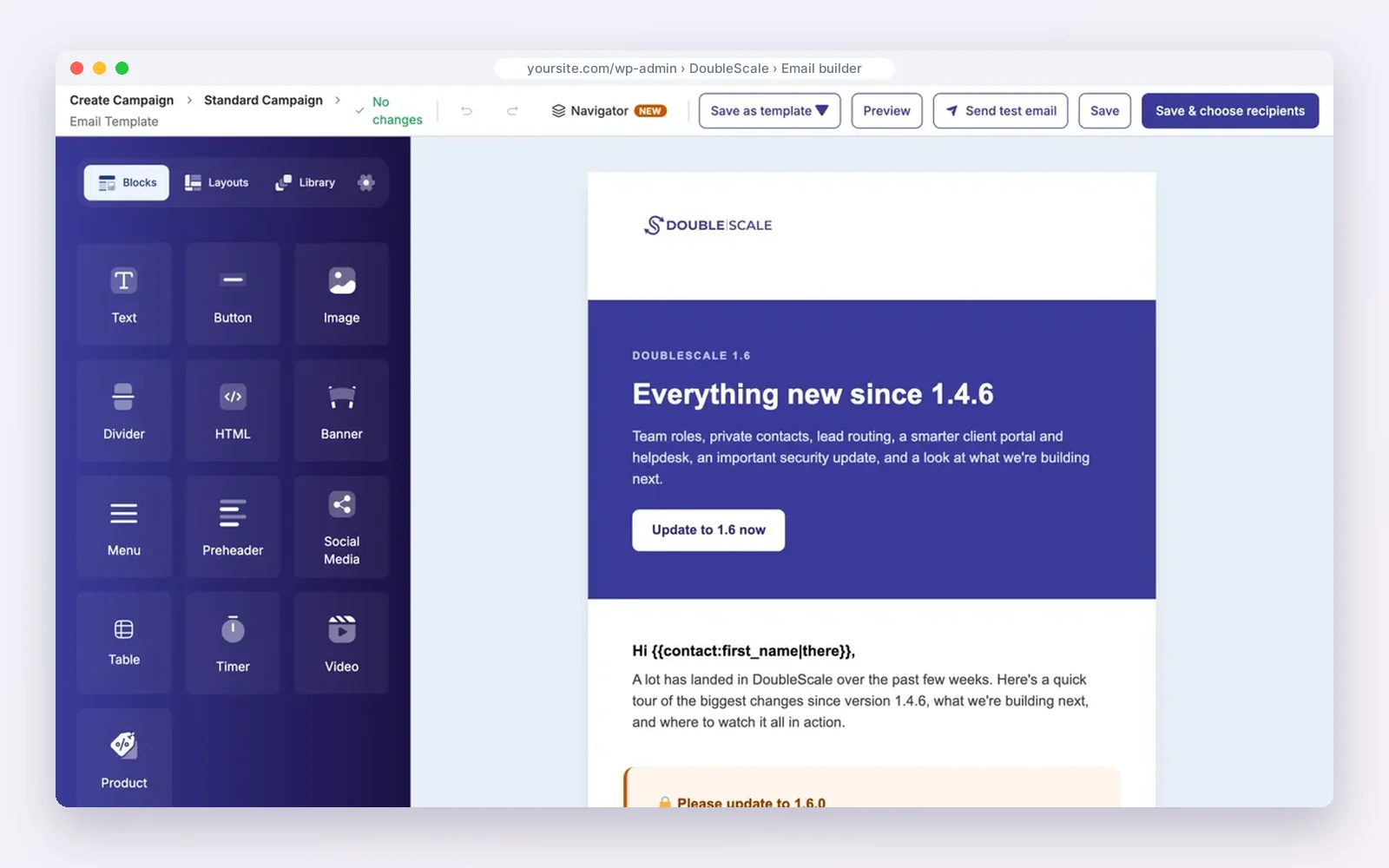
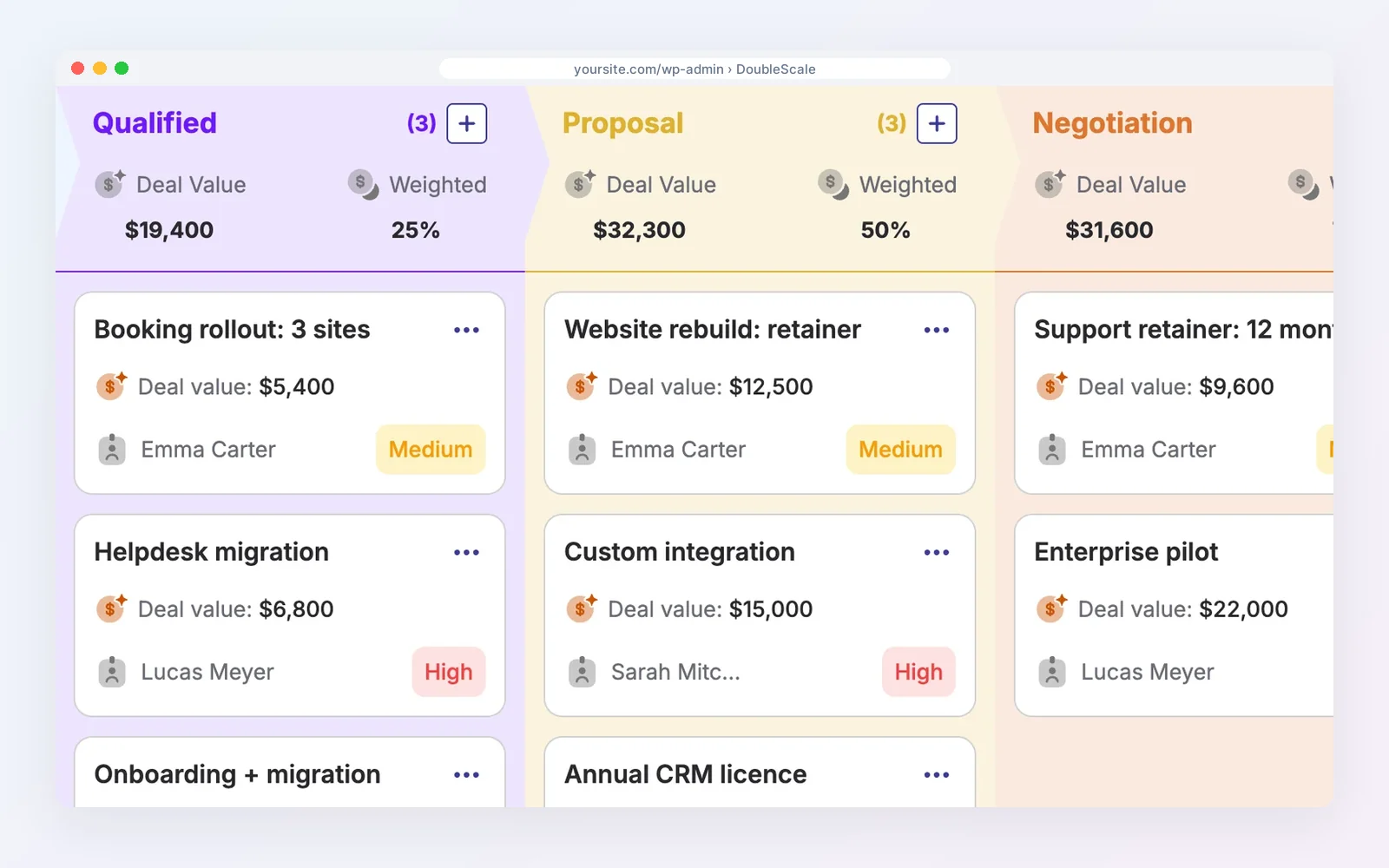
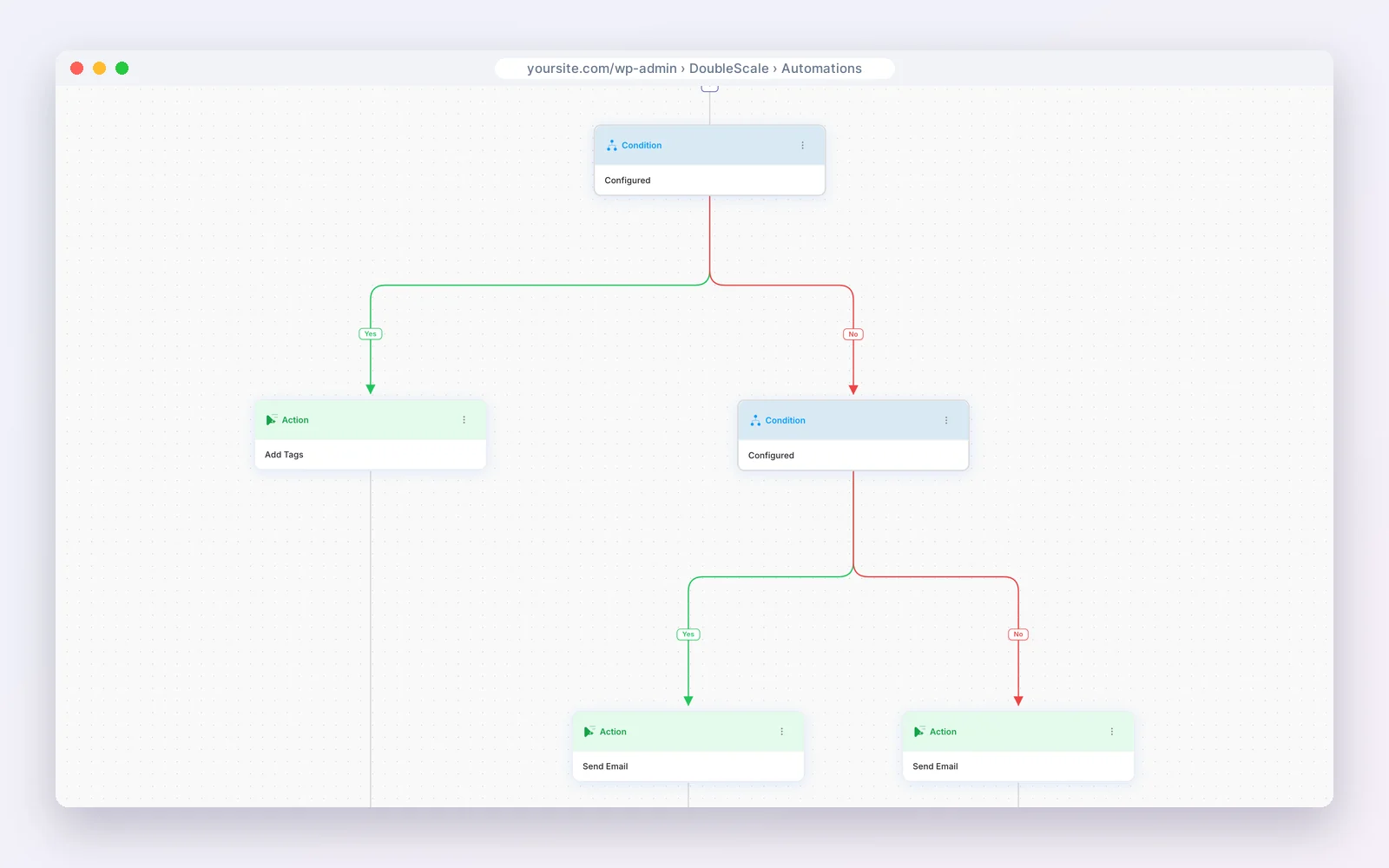
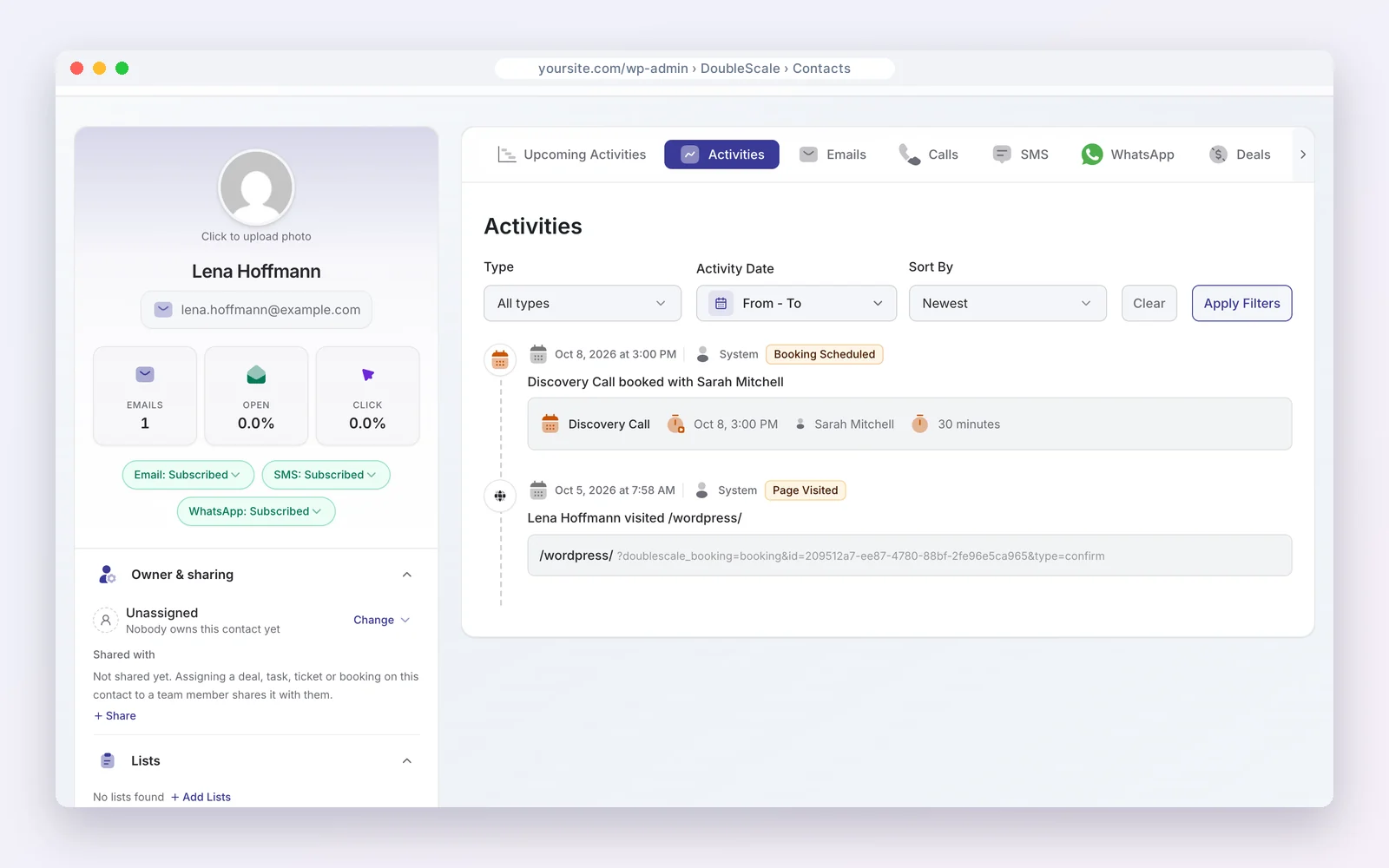
If your website or store runs on WordPress, DoubleScale sends unlimited email campaigns to unlimited contacts, with WooCommerce automations, SMS and WhatsApp, for one flat price per site.
You connect your own sending provider (Amazon SES costs about $0.10 per 1,000 emails). The free plugin includes the drag-and-drop builder, segments, tracking and visual automations; paid plans (from $99 a year per site) unlock all 32 automation triggers, abandoned cart recovery, email sequences, lead scoring, SMS and WhatsApp.
Modular by design. Turn on only the modules you need from one Control Modules panel; everything else stays out of your way.
- Email campaigns
- Automations
- Sales pipelines
- Proposals & invoices
- Contracts
- Booking
- Helpdesk
- Forms
- Projects
- Tasks
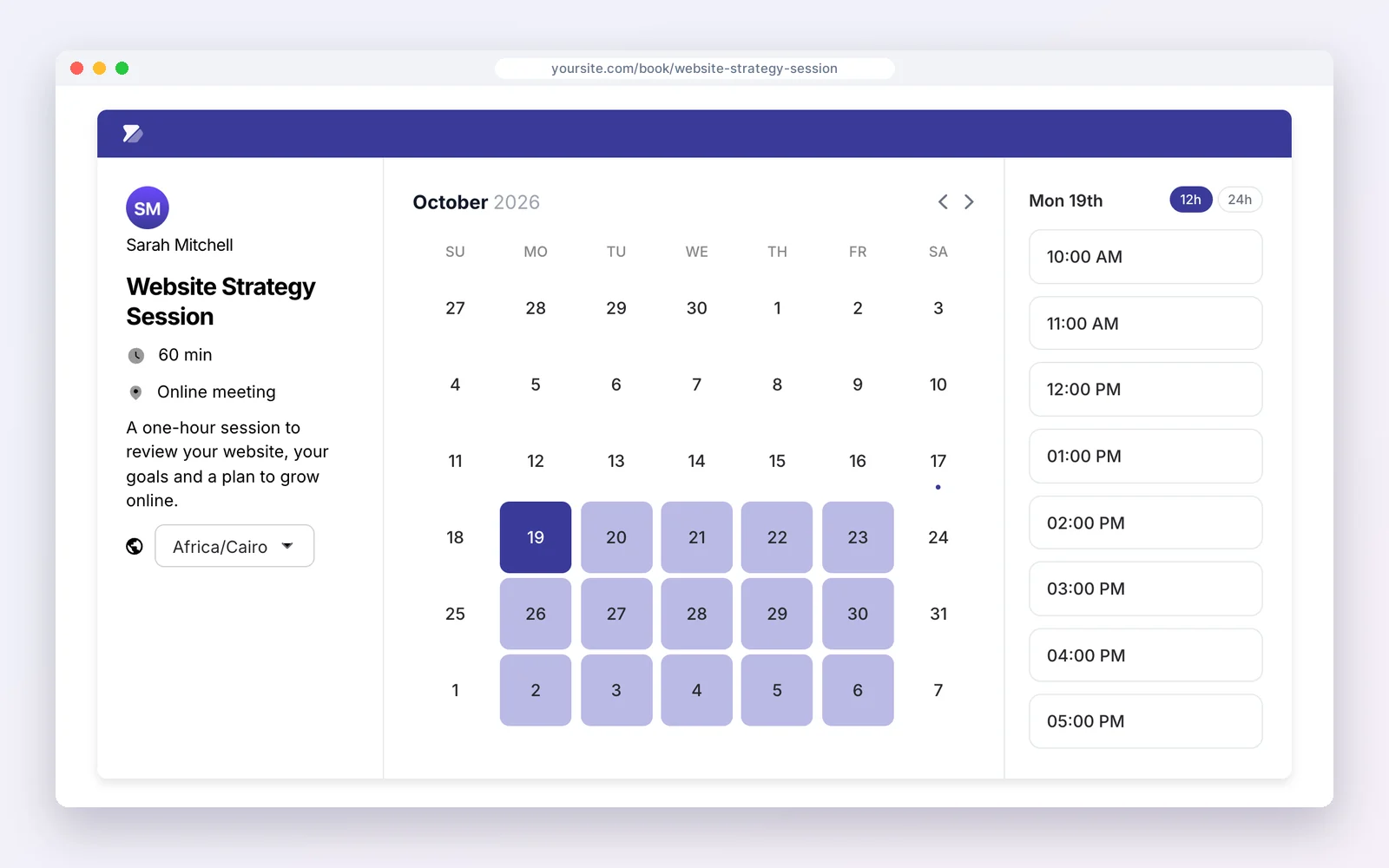
Free on WordPress.org · Unlimited contacts · Pro from $99/yr per site
DoubleScale is the better pick if…
- Your list is growing and per-contact pricing hurts.
- You want email, SMS and WhatsApp in one workflow.
- You want subscribers on the same record as orders and tickets.
Stick with the big platforms if…
- You do not want to set up a sending provider.
- You rely on A/B testing or predictive analytics.
- Your store does not run on WordPress.
See also DoubleScale email campaigns and DoubleScale vs Mailchimp.
Disclosure: we make DoubleScale. The screens above are real, and every price for the other tools comes from their own pricing pages.
So, which should you choose?
| Your situation | Choose |
|---|---|
| Large list, occasional sends | Brevo |
| Small list, polished editor | Mailchimp |
| Email, SMS and WhatsApp together | Brevo |
| Most integrations | Mailchimp |
| Business on WordPress, flat price | DoubleScale |
How we compared: every price was read on the vendor’s own pricing page on October 20, 2026 (USD). Brevo’s cost depends on email volume; the chart assumes one newsletter a month to 10,000 contacts. Prices change often, so check the vendor’s page before you buy.
Questions people ask
Is Brevo cheaper than Mailchimp?
For large lists that are emailed occasionally, usually yes, because Brevo charges by emails sent rather than contacts stored.
Does Brevo have a free plan?
Yes, up to 300 emails a day. Mailchimp’s free plan covers 250 contacts and 500 emails a month.
Can Brevo send WhatsApp messages?
Yes, Brevo offers SMS and WhatsApp campaigns. Mailchimp offers SMS as an add-on in some countries.
Which has better automation?
Both unlock automation on their mid plans; Mailchimp’s journeys are more polished, Brevo’s cover more channels.
More head-to-head comparisons
- ActiveCampaign vs Mailchimp
- Mailchimp vs MailerLite
- Klaviyo vs Mailchimp
- Klaviyo vs Omnisend
- Omnisend vs Mailchimp
- ActiveCampaign vs Klaviyo
- ActiveCampaign vs MailerLite
No contact or send fees; you choose the sending provider.
Get our guides first on GoogleAdd DoubleScale as a preferred source and our articles show up more often in your Top Stories.

Mohamed Magdy, Founder & CEO, DoubleScale
Mohamed Magdy is the founder and CEO of DoubleScale, the all-in-one CRM for WordPress. He writes about CRM, email marketing and automation for WordPress businesses.
Practical CRM tips, once a month
Guides on growing with WordPress: lead capture, email marketing, automations and sales. No spam, unsubscribe anytime.