















On this page
- What a CRM with email marketing actually is
- CRMs with email marketing compared
- 1. DoubleScale: best CRM with email marketing on WordPress
- 2. HubSpot: best hosted CRM with email on a free plan
- 3. ActiveCampaign: best email automation with a CRM
- 4. Brevo: best for large lists on a budget
- 5. Zoho CRM with Zoho Campaigns: most generous free pair
- 6. EngageBay: best all-in-one for a small team
- 7. Pipedrive: best sales CRM with an email add-on
- 8. Keap: best for done-for-you small business automation
- 9. FluentCRM: WordPress email plugin with a light CRM
- CRM-first or email-first: which do you need?
- Five campaigns that only work when email lives in the CRM
- Deliverability basics
- What to check before you choose
- How to set up email marketing inside your CRM
- Mistakes to avoid
- Examples by business type
- Questions people ask
Most small businesses start with two tools: a CRM for sales and a separate email platform for newsletters. It works until the lists drift apart. Sales calls a lead who unsubscribed last week, marketing sends a discount to a customer with an open complaint, and nobody can say which campaign produced which deal.
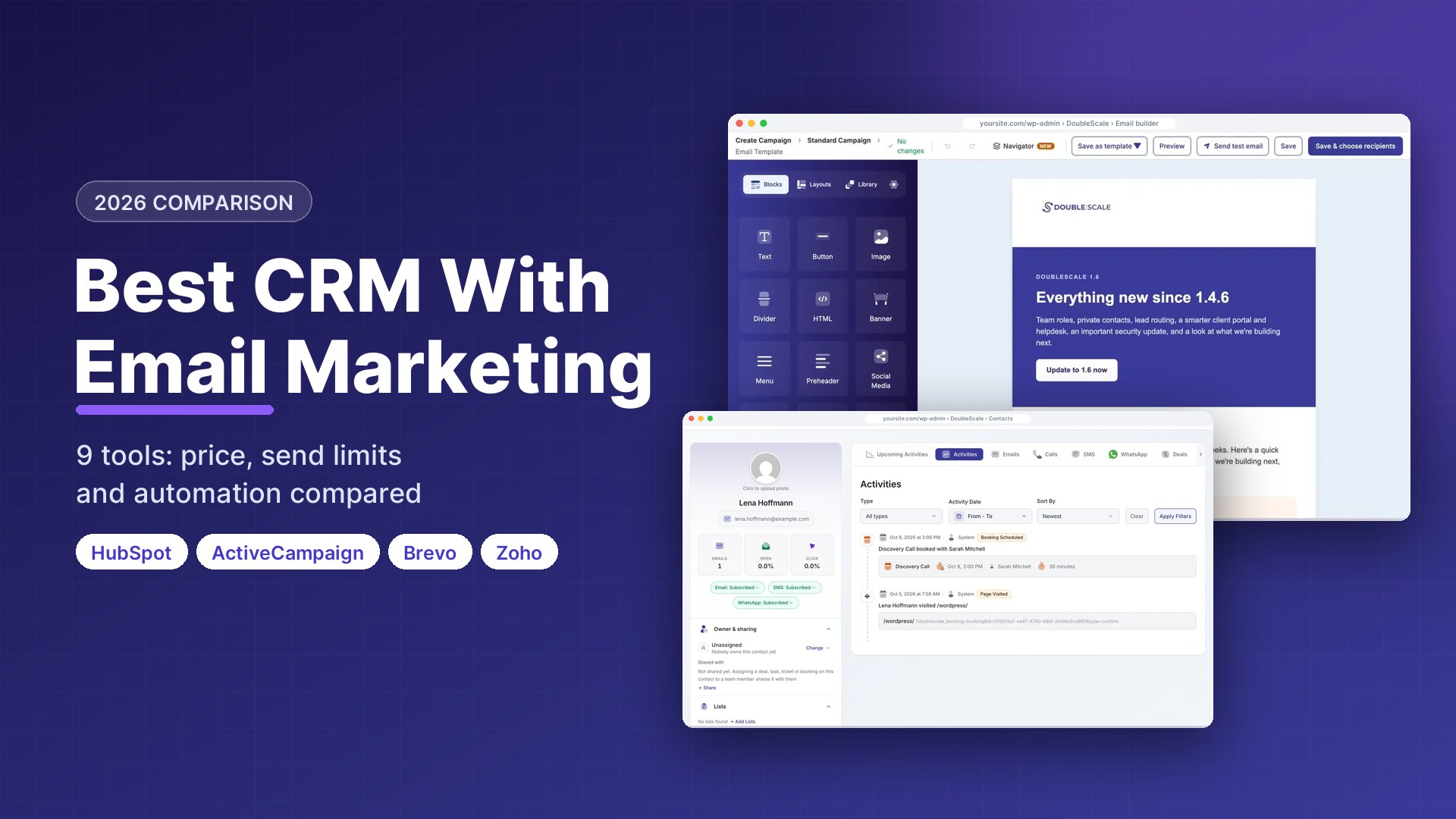
A CRM with email marketing solves that by keeping contacts, deals and campaigns on one record. We compared nine of them on what actually decides the choice: how much email you can send, how strong the CRM side is, what automation you get, and what you pay. Every price was checked on the vendor’s own pricing page on October 17, 2026.
Disclosure: DoubleScale is our product, and we list it first. Every other tool’s free-plan limits come from its own pricing page, and we say where another tool is the better fit.
Best all-in-one on WordPress: DoubleScale, with unlimited contacts and campaigns on the free plugin through your own sending provider.
Best hosted all-rounder: HubSpot, free for two users with 2,000 marketing emails a month.
Best email automation with a CRM attached: ActiveCampaign, from $15 a month billed yearly.
Best value on a big list: Brevo, which charges by emails sent rather than contacts stored.
What a CRM with email marketing actually is
It is a CRM that can design, send and track email campaigns itself, so every open, click and unsubscribe lands on the same contact record your sales team uses. That is different from a CRM that only syncs to Mailchimp: syncs copy fields on a schedule, break when fields change, and rarely bring campaign activity back into the deal.
| Built-in email | CRM + separate email tool | |
|---|---|---|
| Contact data | One record, always current | Two copies kept in sync |
| Campaign activity on the deal | Yes | Often missing or delayed |
| Unsubscribes respected by sales | Automatically | Only if the sync works |
| Email features | Usually lighter | Usually deeper |
| Cost | One subscription | Two subscriptions, often both per contact |
The trade-off is depth. A CRM that added email later usually has a simpler builder and fewer automation triggers than a dedicated email platform, while an email platform that added a CRM usually has a lighter pipeline. The tools below sit at different points on that line, and we say which side each leans to.
CRMs with email marketing compared
| Tool | Leans to | Free plan | Email on free | Paid from |
|---|---|---|---|---|
| DoubleScale | Both (WordPress) | Yes, unlimited contacts | Unlimited (your SMTP) | $99/yr per site |
| HubSpot | CRM | 2 users, up to 1,000 contacts | 2,000/mo, branded | Starter $20/seat/mo list |
| ActiveCampaign | No (trial) | – | $15/mo yearly (1,000 contacts) | |
| Brevo | Yes | 300/day, branded | $9/mo | |
| Zoho CRM + Campaigns | Both (two apps) | CRM 3 users; Campaigns 2,000 contacts | 6,000/mo | CRM $14/user/mo yearly |
| EngageBay | Both | 15 users, 250 contacts | 1,000, branded | About $13-15/user/mo |
| Pipedrive | CRM | No (14-day trial) | – | $14/seat + Campaigns from $13.33/mo |
| Keap | Both | No | – | $299/mo (billed monthly) |
| FluentCRM | Email (WordPress) | Yes, unlimited contacts | Unlimited (your SMTP) | $129/yr |
Vendor pricing pages, October 17, 2026. “Your SMTP” means you pay your sending provider, for example Amazon SES at about $0.10 per 1,000 emails.
1. DoubleScale: best CRM with email marketing on WordPress
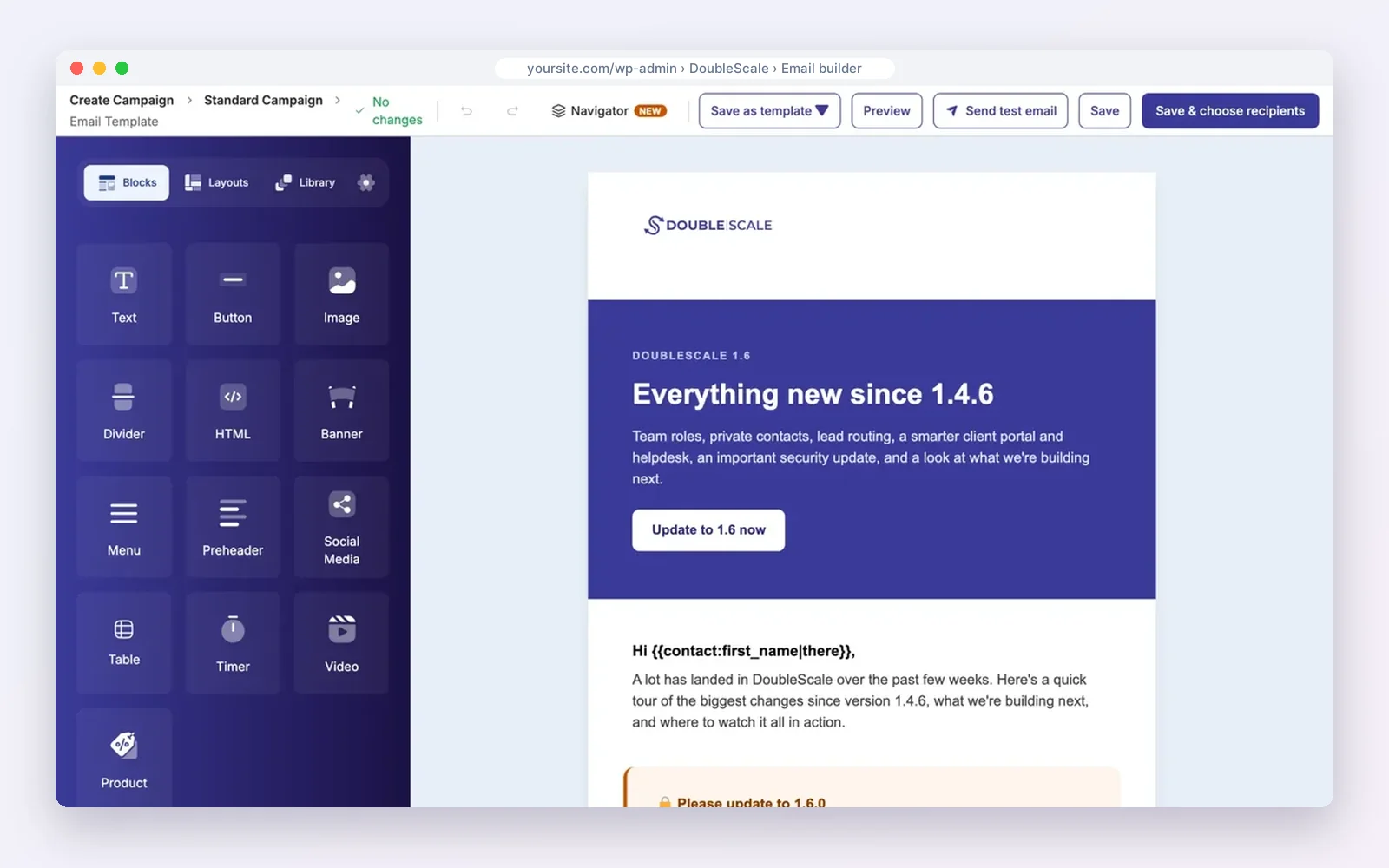
DoubleScale is a CRM plugin that runs inside WordPress with email marketing built in. The free plugin sends unlimited campaigns to unlimited contacts through the provider you connect, with a drag-and-drop builder, segments and open and click tracking. Pro ($99 a year per site) adds sequences, automated campaigns, pipelines and lead scoring.
How teams use it: segment by anything the CRM knows, such as a booking or an open ticket, and see every campaign on the contact’s timeline next to their deals.
Watch out for: you set up a sending provider yourself, there is no A/B testing, and it needs WordPress.
Pros
- No contact or send limits
- Email, deals and support on one record
Cons
- Needs your own provider
- No A/B testing
- WordPress only
Best for: Businesses whose website runs on WordPress.
2. HubSpot: best hosted CRM with email on a free plan
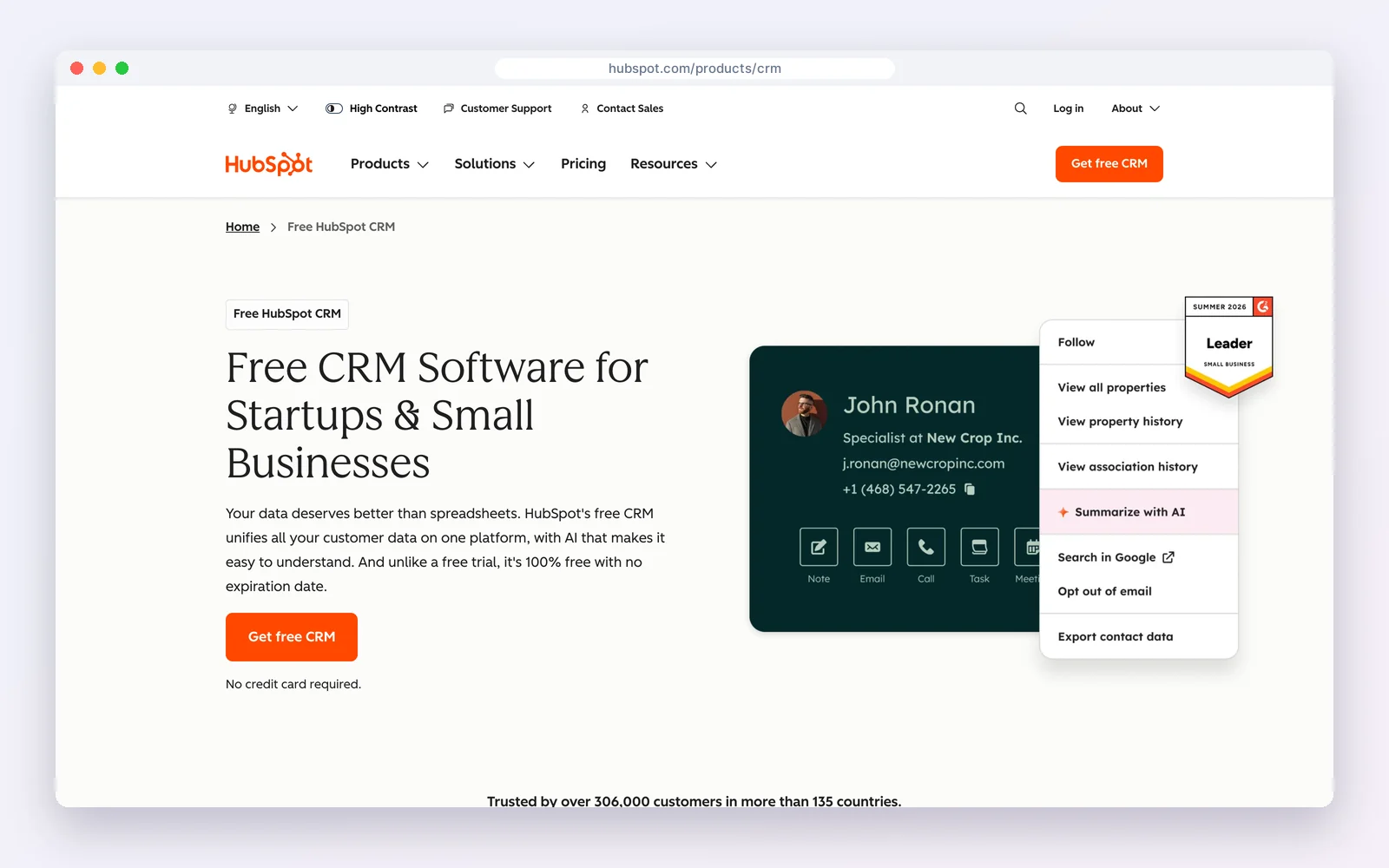
HubSpot‘s free tools combine a full CRM with forms, landing pages and email marketing: two users, up to 1,000 contacts and 2,000 marketing emails a month with HubSpot branding. The deal pipeline, email tracking and meeting links are all free.
How teams use it: run a lead-magnet campaign end to end and see which emails each deal opened before it closed.
Watch out for: automation and branding removal are paid, and Marketing Hub Professional is a big step up from Starter’s $20 per seat list price.
Standout feature: every email open and click shows on the contact and the deal in the same timeline, and the free forms and landing pages feed new leads straight into lists.
Pros
- Strong CRM on the free plan
- Polished and easy
Cons
- Branding on free
- Automation is paid
- Costs climb at Professional
Best for: Small teams that want a polished hosted suite.
3. ActiveCampaign: best email automation with a CRM
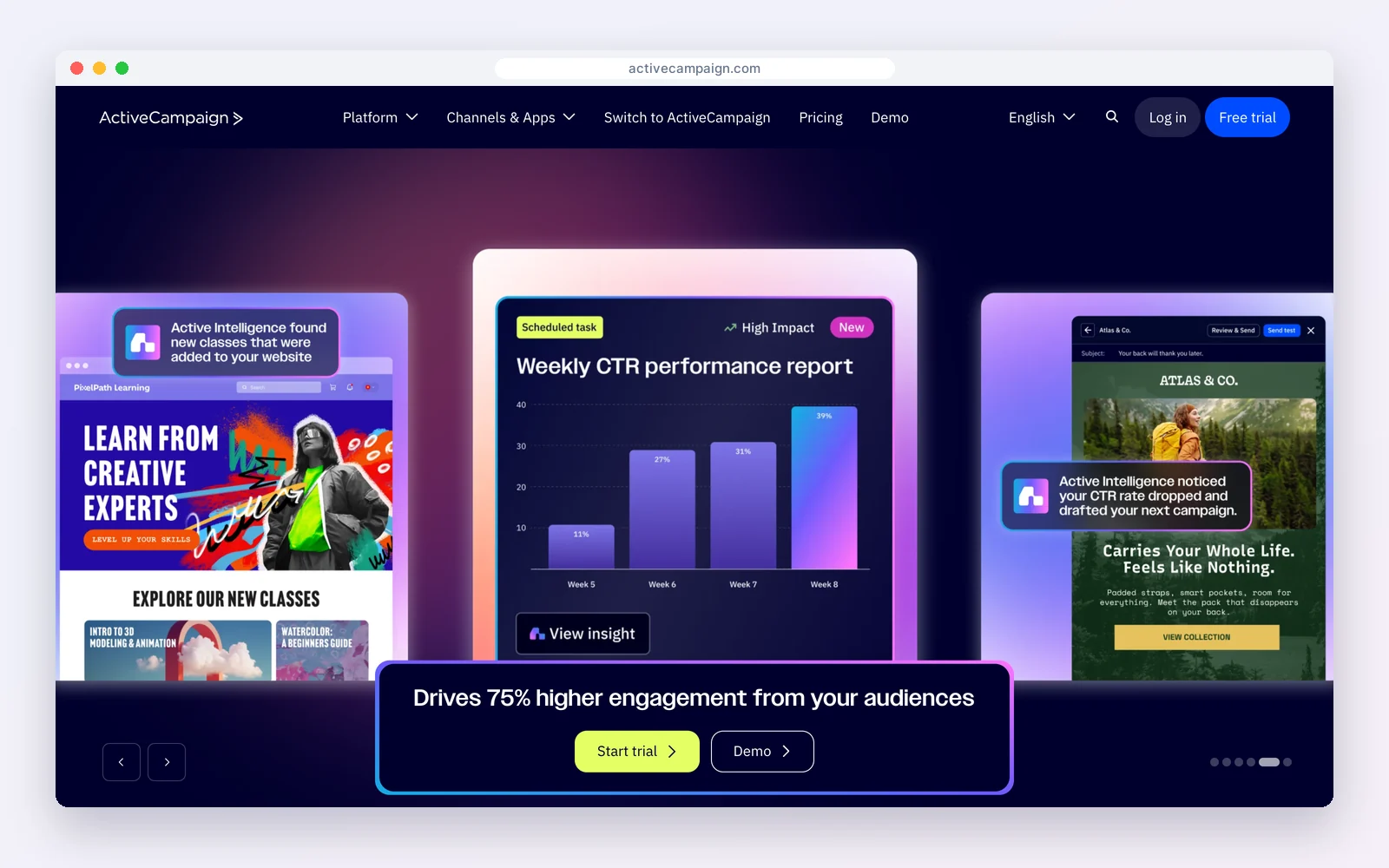
ActiveCampaign is an email and marketing automation platform with a sales CRM attached. Pricing is by contacts: at 1,000 contacts, Starter is $15 a month billed yearly, Plus $49, Pro $79 and Enterprise $145. Its automation builder is one of the deepest here.
How teams use it: build multi-step journeys that branch on opens, clicks, site visits and deal stages, then hand hot leads to sales.
Watch out for: price rises with every contact, and the CRM side is lighter than a sales-first tool.
Standout feature: the visual automation builder, with branches on opens, clicks, site visits, tags and deal stages, and predictive sending on higher plans.
Pros
- Excellent automation
- Strong segmentation
Cons
- No free plan
- Cost grows with the list
Best for: Marketing-led teams that live in automation.
4. Brevo: best for large lists on a budget
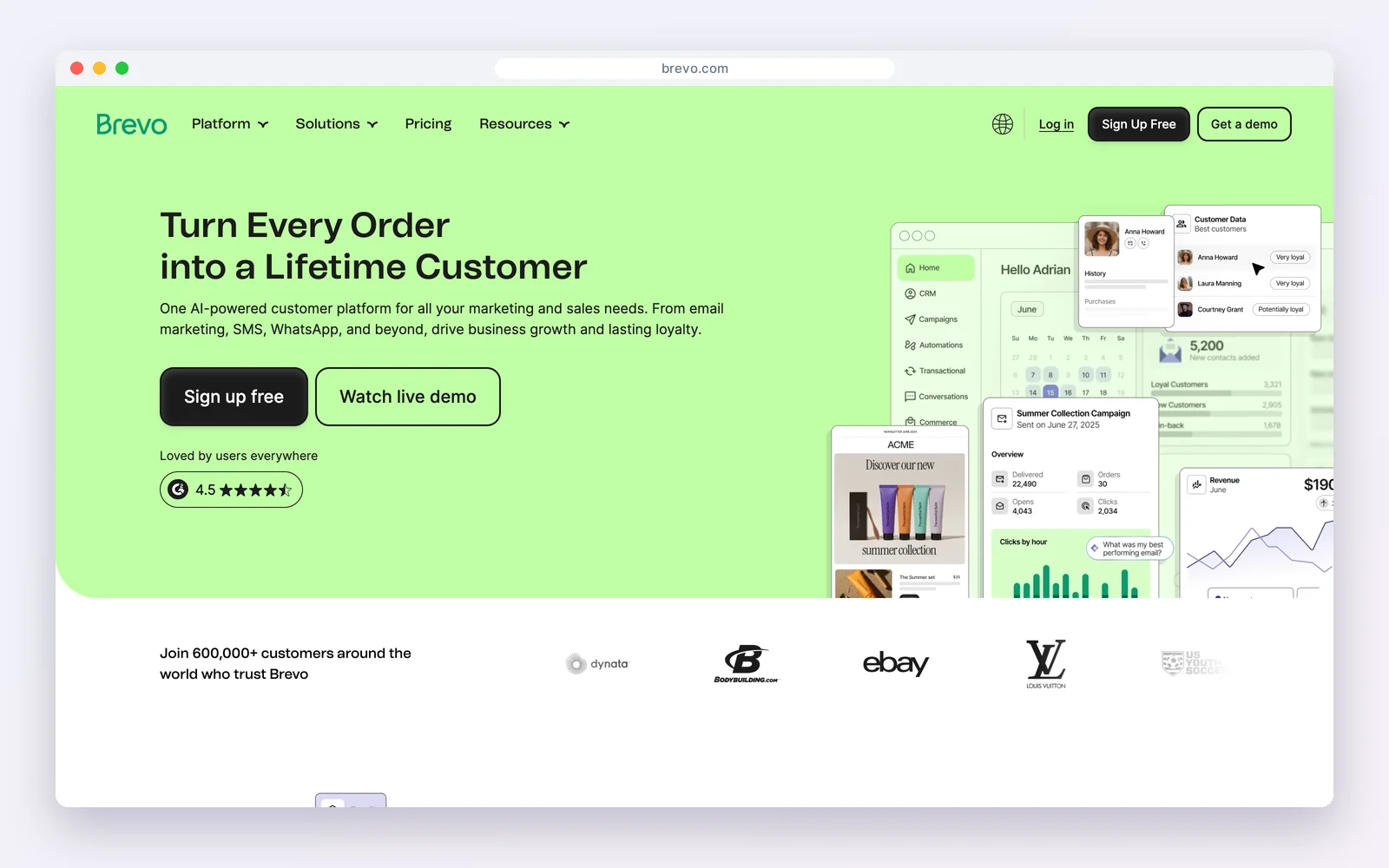
Brevo is an email, SMS and WhatsApp platform with contacts and a sales pipeline in the same account. The free plan sends 300 emails a day with Brevo branding, and paid plans start at $9 a month, priced by emails sent rather than contacts stored.
How teams use it: keep a large list without paying per contact, and send transactional email from the same account.
Watch out for: the daily limit makes big free sends slow, and automation and branding removal need a paid plan.
Standout feature: pricing by emails sent instead of contacts stored, so a large but quiet list costs far less than on contact-based tools.
Pros
- No per-contact pricing
- Email, SMS and WhatsApp
Cons
- Daily cap on free
- Light CRM
Best for: Businesses with large lists and modest send volumes.
5. Zoho CRM with Zoho Campaigns: most generous free pair
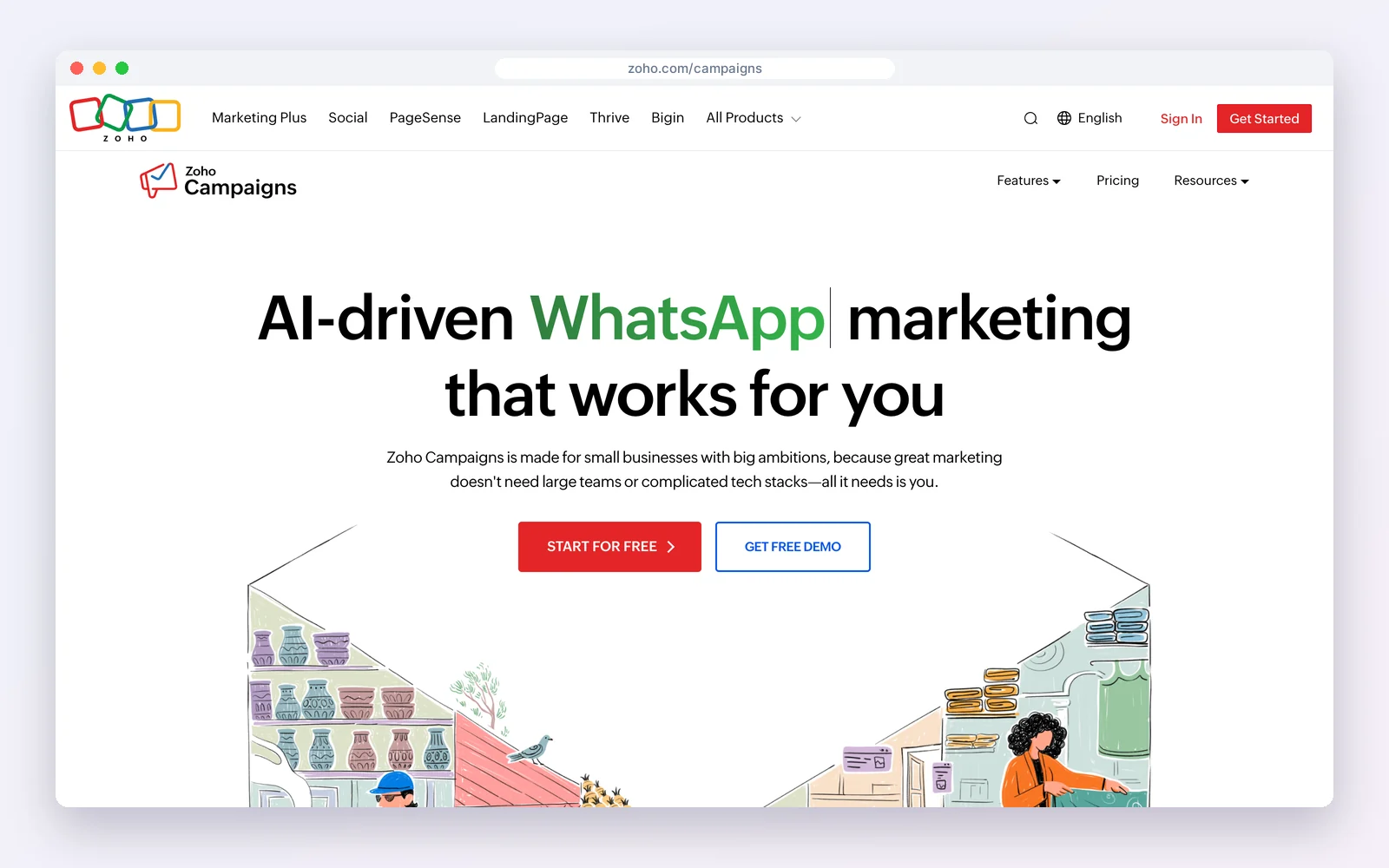
Zoho splits the job across two apps that connect: Zoho CRM is free for three users, and Zoho Campaigns is free for 2,000 contacts and 6,000 emails a month. Paid Zoho CRM starts at $14 per user a month billed yearly.
How teams use it: capture leads in the CRM, sync them to Campaigns lists, and see campaign activity on the CRM record.
Watch out for: two apps to set up and keep in sync, and a busier interface than HubSpot.
Standout feature: one of the most generous free email allowances of any CRM vendor, plus the option to grow into Zoho’s wider suite.
Pros
- Generous free limits
- One vendor
Cons
- Two apps
- Steeper learning curve
Best for: Teams that want a free CRM and email pair from one vendor.
6. EngageBay: best all-in-one for a small team
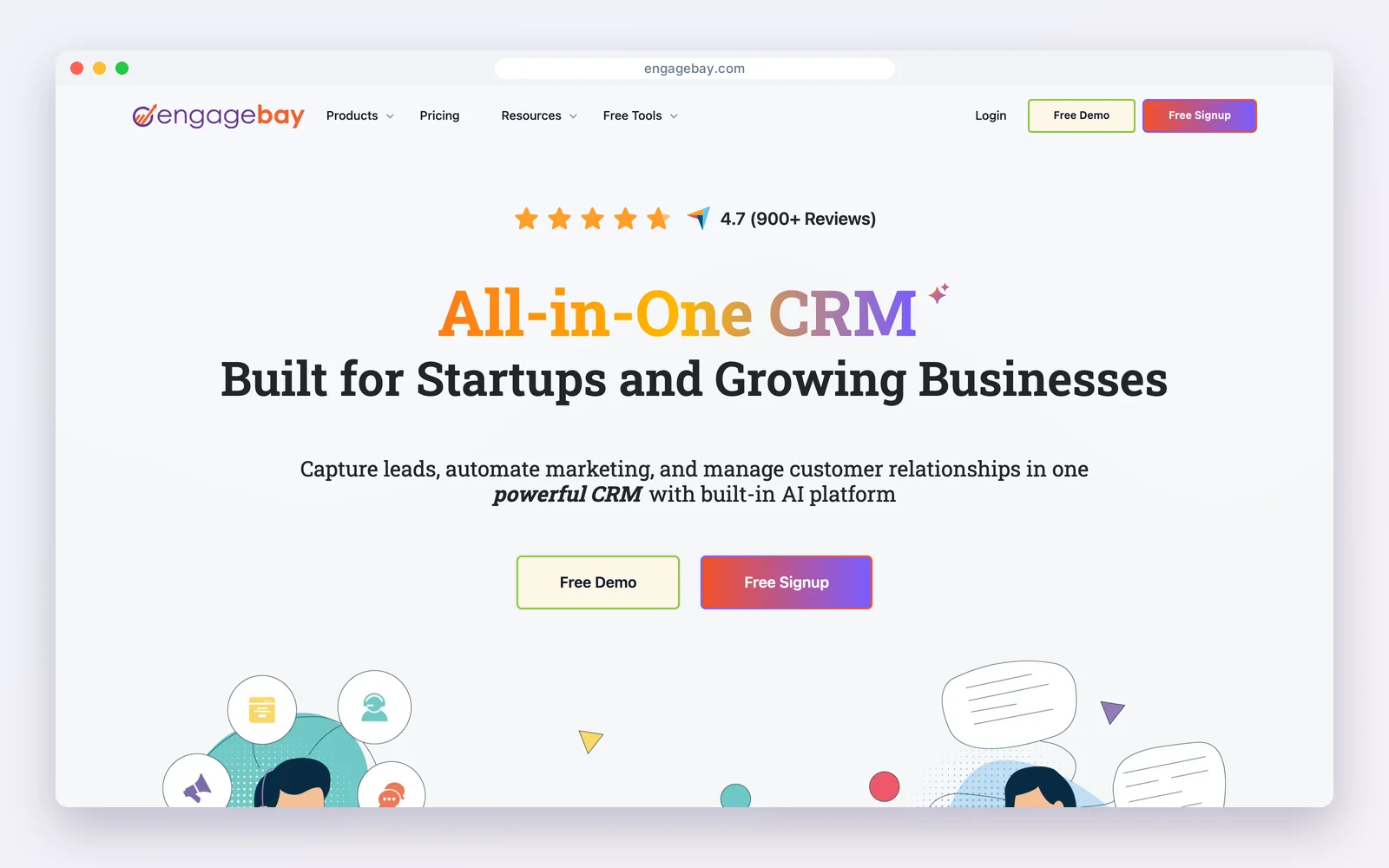
EngageBay bundles CRM, email marketing, landing pages and a helpdesk. Its free plan allows 15 users but only 250 contacts and 1,000 branded emails; paid plans start around $13 to $15 per user a month.
How teams use it: put marketing, sales and support for a small team in one account before committing money.
Watch out for: the 250-contact cap fills quickly.
Standout feature: marketing, sales and helpdesk tools in one free account for up to 15 users, which is rare at this price.
Pros
- Many tools in one
- Many free seats
Cons
- Tiny contact cap
- Branding on free
Best for: Small teams trying an all-in-one suite.
7. Pipedrive: best sales CRM with an email add-on
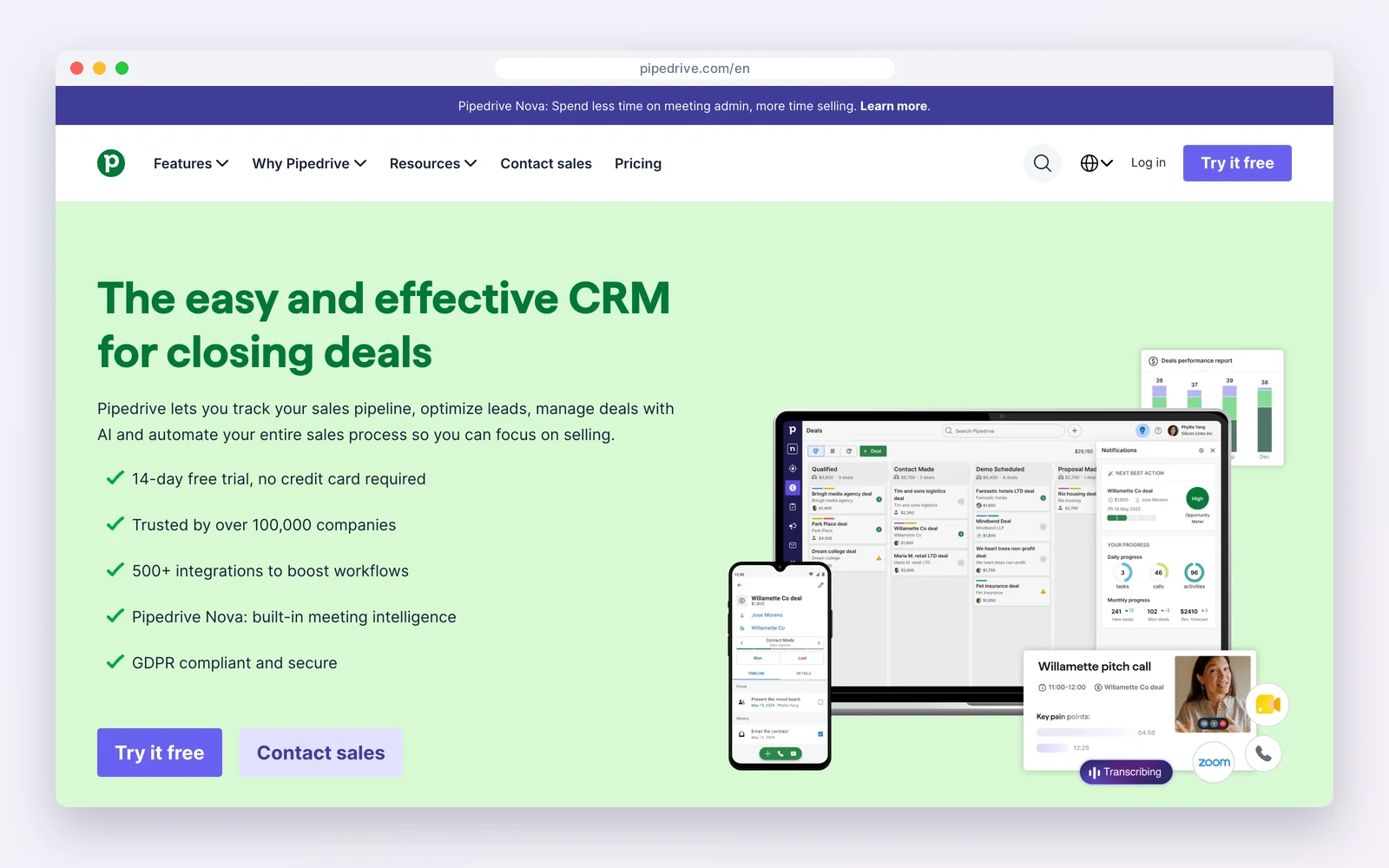
Pipedrive is a sales-first CRM from $14 per seat a month billed yearly, with no free plan. Email marketing comes from the Campaigns add-on, from $13.33 a month, so newsletters use the same contacts as your pipeline.
How teams use it: keep a clean pipeline as the main tool and send occasional campaigns to segments of it.
Watch out for: you pay per seat plus the add-on, and campaign automation is basic next to an email-first tool.
Standout feature: a pipeline view that sales teams adopt quickly, with campaign results visible on the same contacts.
Pros
- Excellent pipeline
- Email on the same contacts
Cons
- No free plan
- Add-on cost
Best for: Sales teams that send occasional campaigns.
8. Keap: best for done-for-you small business automation
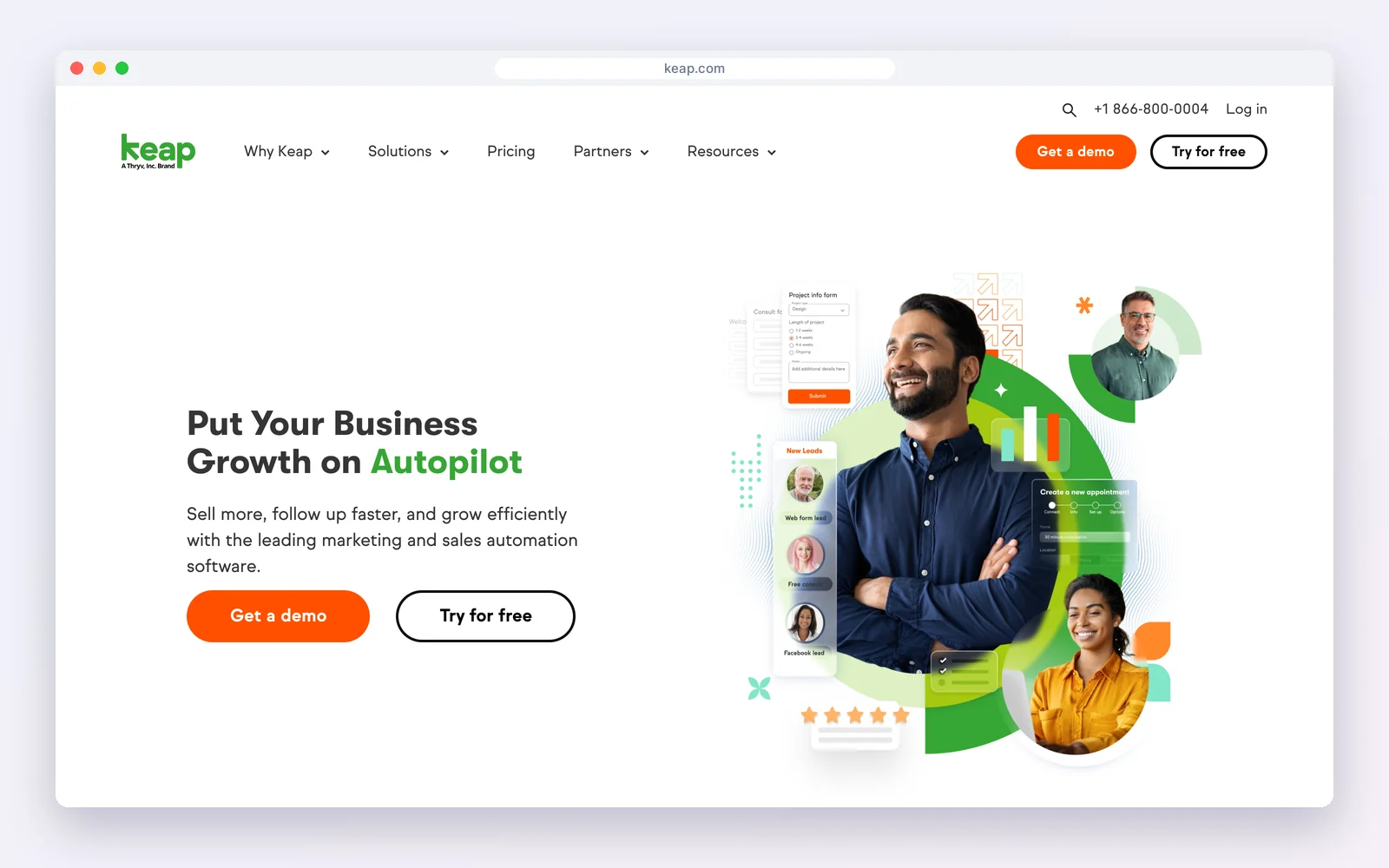
Keap combines CRM, email and SMS marketing, appointments, invoices and payments in one platform, starting at $299 a month billed monthly, with SMS bundles from $24 a month.
How teams use it: run complete lead-to-payment automations for a service business from proven templates.
Watch out for: it is one of the most expensive options here, with no free plan.
Standout feature: a library of ready-made automations for lead capture, follow-up, appointments and payments.
Pros
- Broad automation
- Payments built in
Cons
- High starting price
- More than small teams need
Best for: Established service businesses ready to automate heavily.
9. FluentCRM: WordPress email plugin with a light CRM
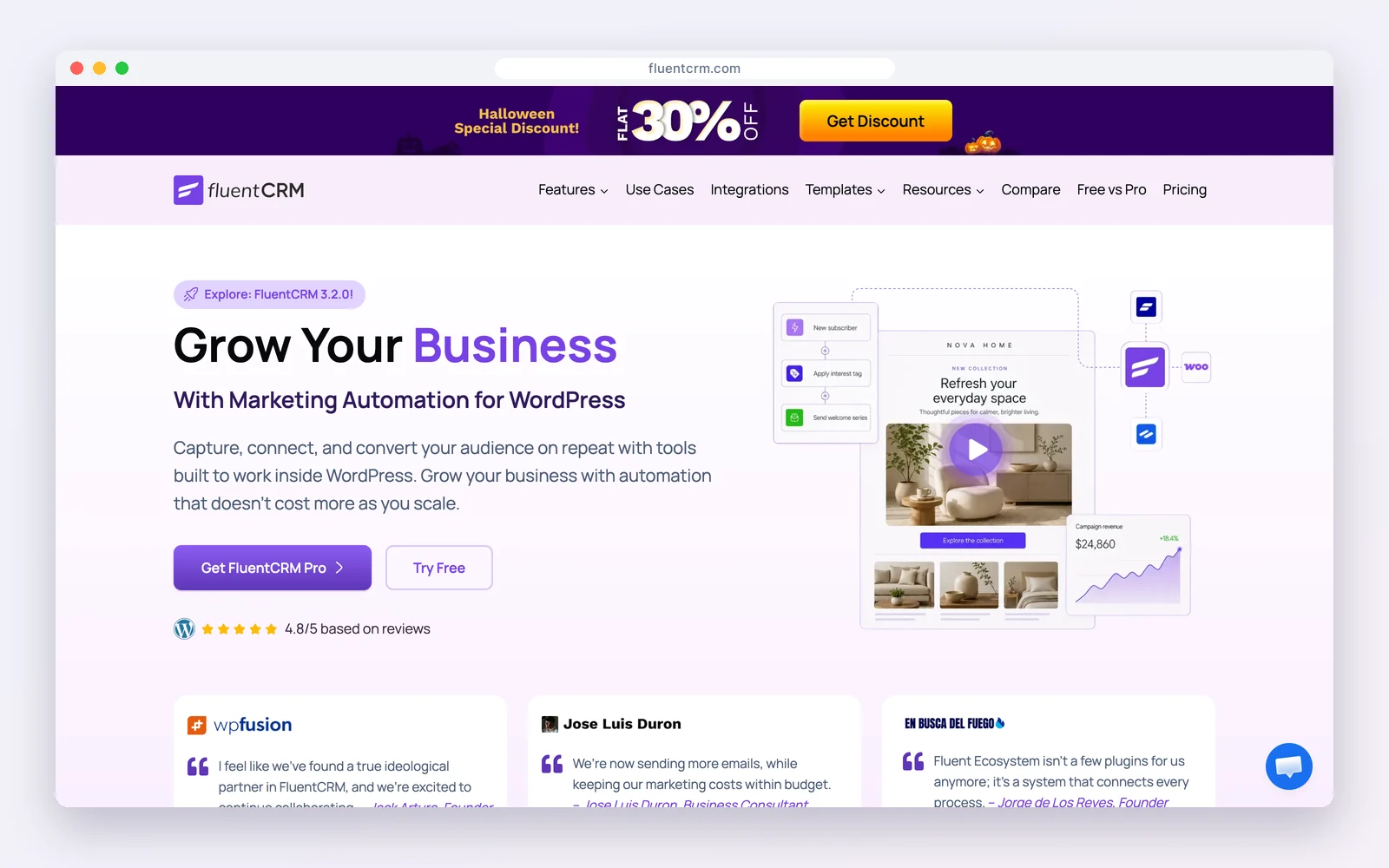
FluentCRM is a WordPress email marketing plugin with contact management, free for unlimited contacts and campaigns through your own SMTP. Pro ($129 a year) adds sequences and automation.
How teams use it: run newsletters and automations from the WordPress dashboard.
Watch out for: deals, bookings and support are separate products, so it is email first.
Standout feature: no limits on contacts or campaigns in the free WordPress plugin.
Pros
- No send limits
- Large community
Cons
- Sales tools are separate
- Needs your own provider
Best for: WordPress sites where email is the main job.
CRM-first or email-first: which do you need?
The nine tools split into two camps, and picking the right camp matters more than picking the right brand.
| If this sounds like you | Lean towards | Examples |
|---|---|---|
| You close deals with calls, demos and proposals, and email supports that | CRM-first | HubSpot, Pipedrive |
| Most revenue comes from campaigns and automated journeys | Email-first | ActiveCampaign, Brevo |
| Sales, email, bookings and support all touch the same customers | All-in-one | DoubleScale, EngageBay, Keap |
| You want the cheapest serious setup and do not mind two apps | Paired apps | Zoho CRM with Zoho Campaigns |
Five campaigns that only work when email lives in the CRM
These are the campaigns that justify a CRM with email marketing. Each one needs data an email-only tool does not have.
1. Stalled-deal nudges
Trigger a short, personal-looking email when a deal has sat in the same stage for 14 days. Because the CRM knows the stage and the owner, the email can come from the rep and mention the proposal they sent.
2. Post-purchase onboarding by product
When a deal is marked won, enrol the customer in an onboarding series for the product they bought, not a generic welcome. The deal record tells the email tool which series to send.
3. Quiet re-engagement that respects support
Before sending a win-back offer, exclude anyone with an open support ticket. Nothing loses a customer faster than a discount email in the middle of a complaint.
4. Event and booking follow-ups
After a call or appointment is booked, send a reminder and a preparation email; after it happens, send the recap and the next step. The booking record drives both.
5. Lead scoring hand-offs
Add points for opens, clicks and visits to the pricing page, and alert the owner when a lead crosses a threshold. Sales calls warm leads at the right moment instead of working a cold list.
Deliverability basics
A CRM can only help if the email reaches the inbox. Authenticate your domain with SPF, DKIM and DMARC, warm up a new sending domain with small, engaged segments, remove hard bounces automatically, and keep a single unsubscribe list shared by sales and marketing. Tools that send through your own provider, such as DoubleScale and FluentCRM, put you in control of the sending reputation; hosted tools manage it for you but share infrastructure with other senders.
What to check before you choose
- Send limits versus contact limits. Per-contact pricing hurts big lists; per-send pricing hurts frequent senders. Multiply contacts by campaigns a month.
- Does campaign activity reach the deal? Open the contact in a trial and check that opens and clicks show next to deals.
- Automation triggers. List the three journeys you need (welcome, nurture, re-engagement) and confirm each trigger exists on the plan you will buy.
- Branding and deliverability. Free plans usually add the vendor’s logo; check SPF, DKIM and dedicated-sending options.
- Seats. CRM seats are often priced separately from email volume.
How to set up email marketing inside your CRM
- Import contacts with their consent status, and tag where each one came from.
- Authenticate your sending domain (SPF, DKIM and DMARC) before the first campaign.
- Build three segments you will actually use, for example new leads, customers and lapsed customers.
- Create a welcome email that sends automatically when a contact joins.
- Check a test contact’s record after each send to confirm opens and clicks are logged.
Mistakes to avoid
- Sending to contacts without recorded consent.
- Letting sales and marketing keep separate unsubscribe lists.
- Choosing on the entry price instead of the cost at your list size in a year.
Looking elsewhere?Comparing email tools on their own? See WordPress email marketing plugins and Mailchimp alternatives.
Examples by business type
- Ecommerce store: Segment by purchase history and send post-purchase and win-back emails from the CRM.
- B2B service firm: Nurture leads with a monthly newsletter and alert the account owner when a lead clicks pricing.
- Coach or consultant: Send a welcome series after a free call is booked, then a reminder before the paid session.
How we compared: every price was read on the vendor’s own pricing page on October 17, 2026 (USD). Prices change often, so check the vendor’s page before you buy.
Questions people ask
What is a CRM with email marketing?
A CRM that can design, send and track email campaigns itself, so opens, clicks and unsubscribes land on the same contact record your sales team uses.
Which CRM has the best built-in email marketing?
For automation depth, ActiveCampaign. For a free hosted all-rounder, HubSpot. On WordPress, DoubleScale sends unlimited campaigns from the CRM through your own provider.
Is there a free CRM with email marketing?
Yes. HubSpot (2,000 emails a month), Zoho CRM with Zoho Campaigns (6,000 a month), Brevo (300 a day), EngageBay (1,000) and DoubleScale on WordPress (unlimited through your own provider).
Is a CRM with email better than a CRM plus Mailchimp?
If sales and marketing share contacts, usually yes: one record means unsubscribes and campaign activity are visible to sales without a sync.
Unlimited campaigns on the same contact record as your deals, bookings and tickets.
Get our guides first on GoogleAdd DoubleScale as a preferred source and our articles show up more often in your Top Stories.

DoubleScale Team, Editorial team
The DoubleScale team builds the all-in-one CRM for WordPress. We test the tools we write about and check every price and feature on the vendor's own pages before we publish.
Practical CRM tips, once a month
Guides on growing with WordPress: lead capture, email marketing, automations and sales. No spam, unsubscribe anytime.