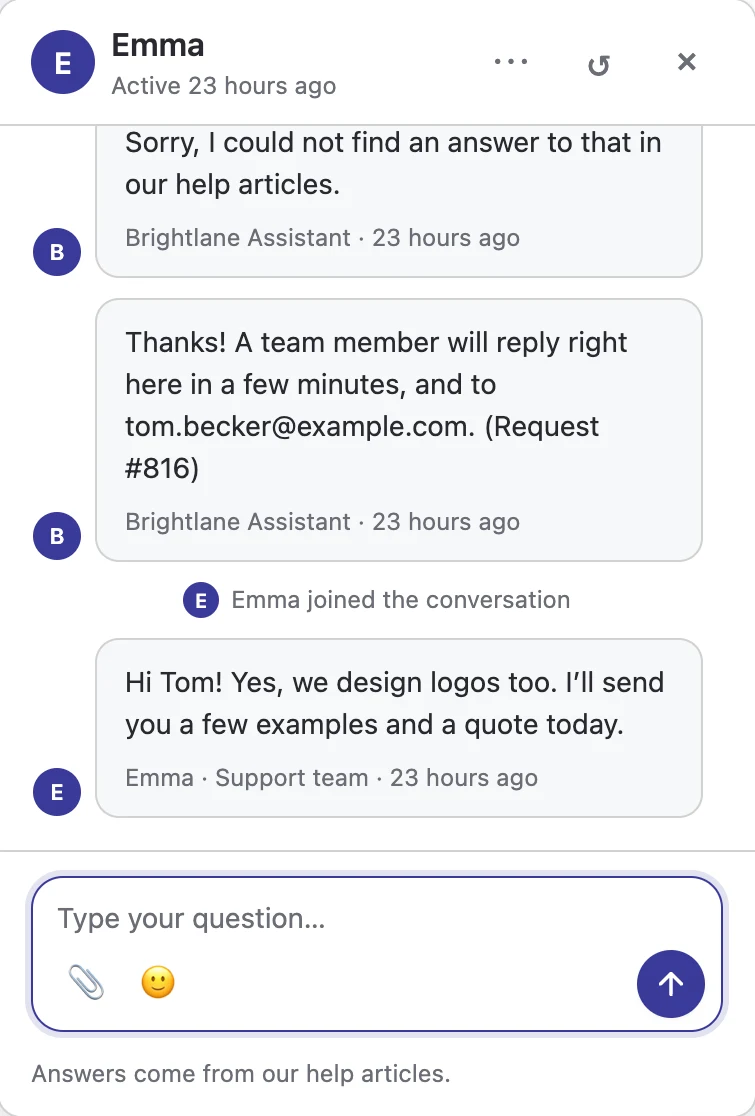
















Tickets from the help center
Let anyone open a ticket with their email (with optional email confirmation), or only signed-in customers. Built-in spam protection.
Write help articles once and publish them on your own site, in your client portal, or only for your team. Customers search as they type, read clear step-by-step guides, and stop opening the same tickets again and again.
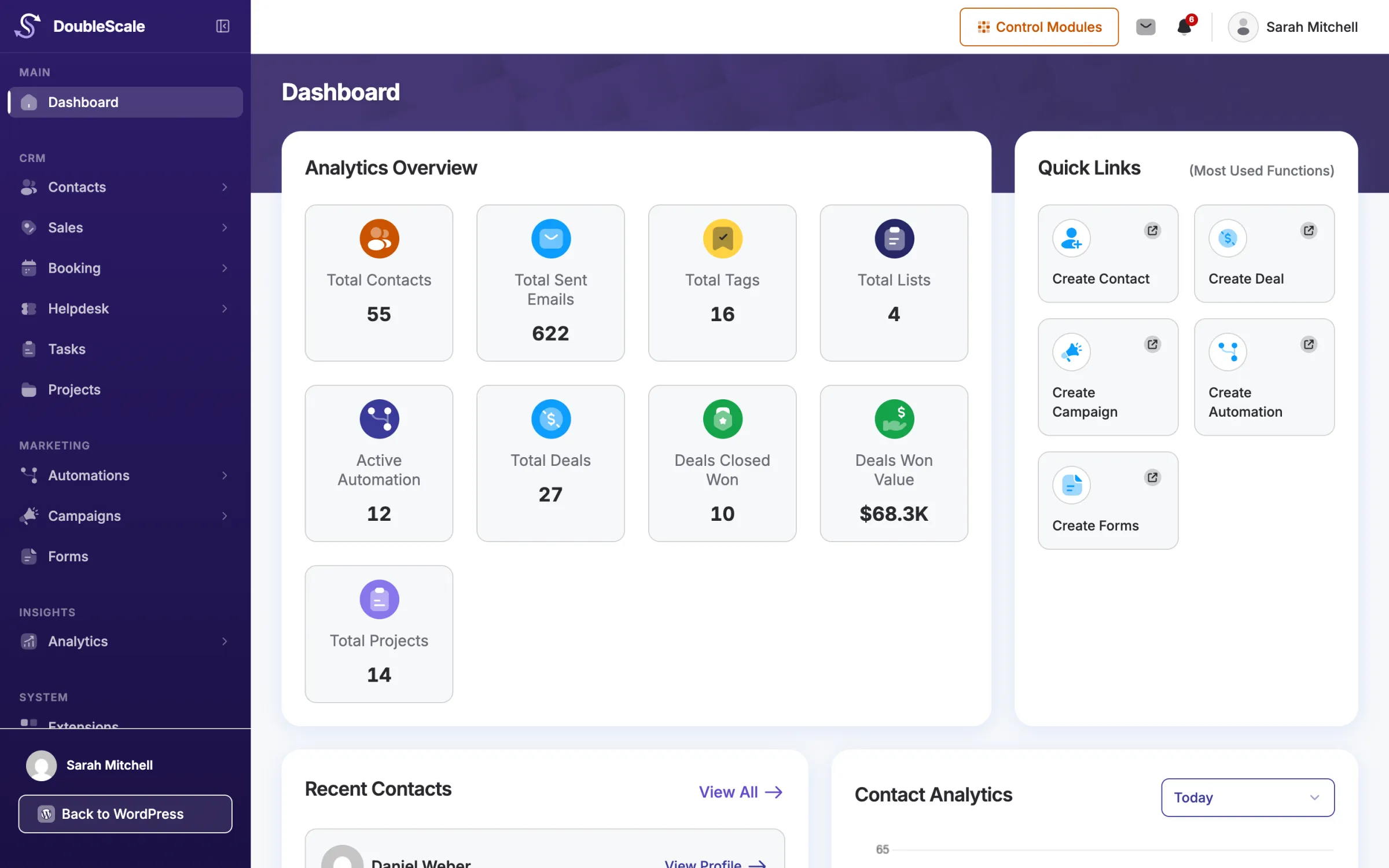
Your articles live in DoubleScale, next to your tickets and clients, so the help you write is where your team already works.
Write with blocks: headings, steps, images and callouts. Drafts save themselves.
Choose who can read each article: everyone, signed-in clients in their portal, or only your team.
See which articles are read and found helpful, and write the ones customers still ask about.
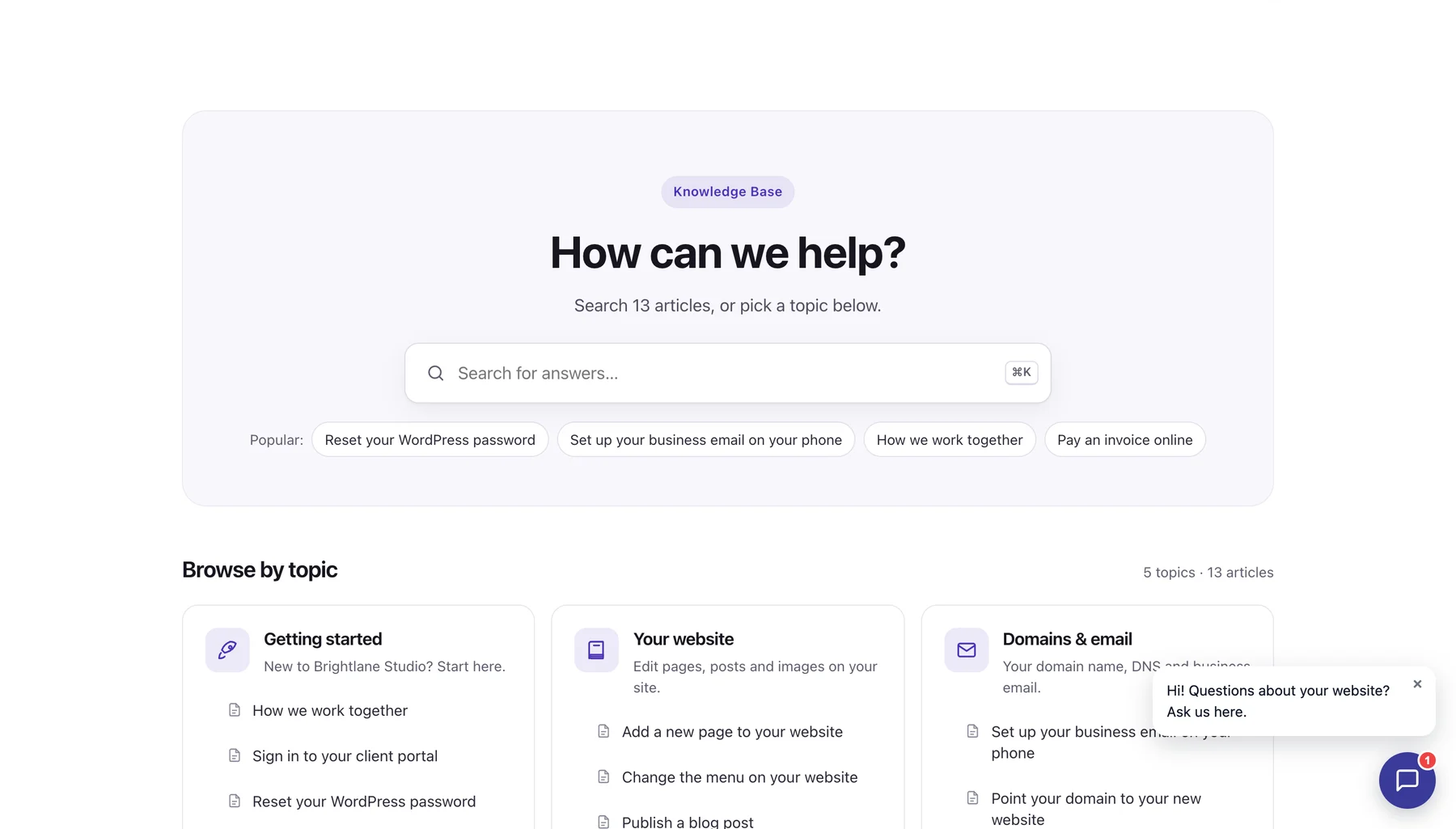
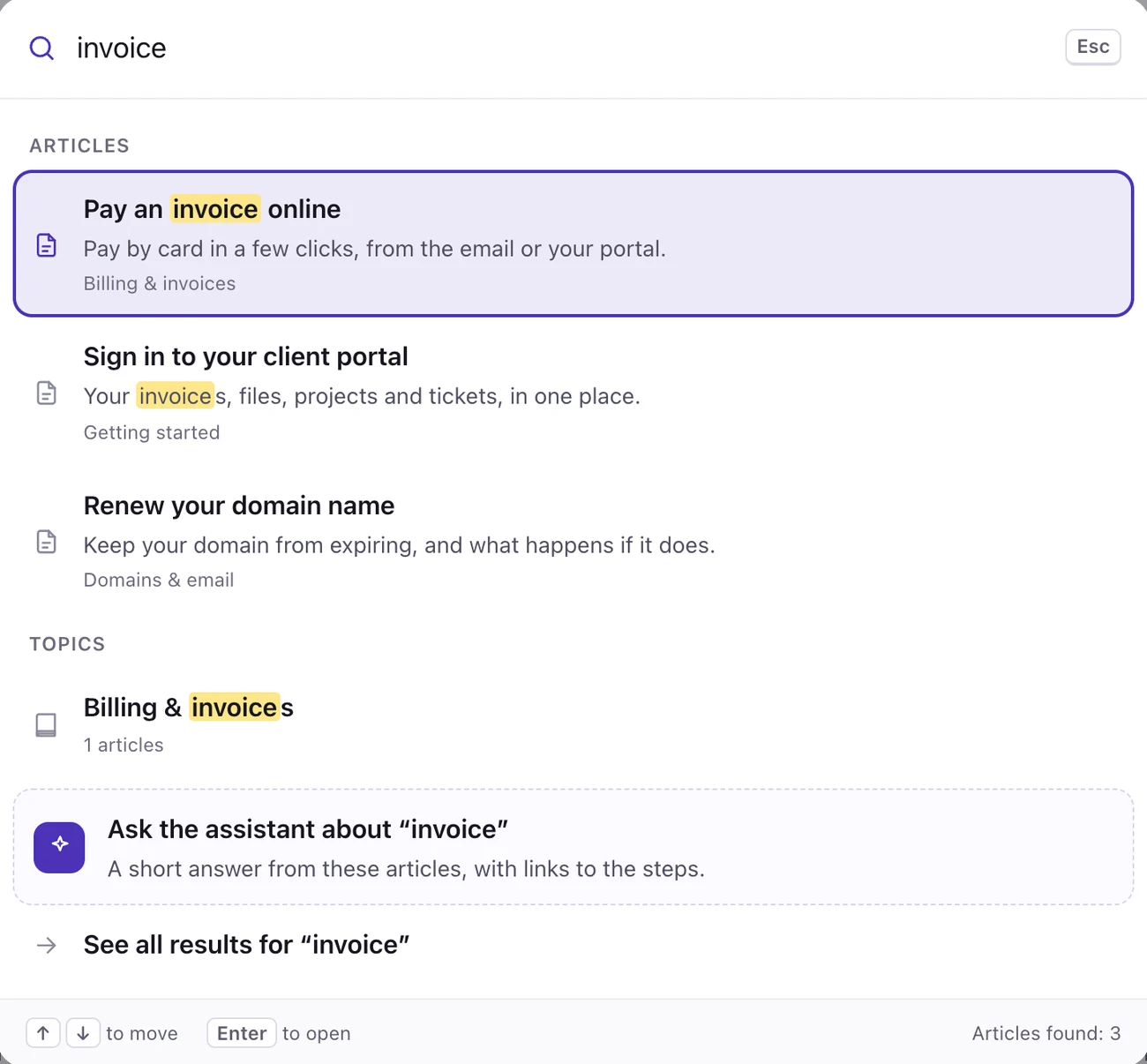
A help center page on your own site, in your brand colour. Customers search as they type, or press Ctrl K (⌘ K on a Mac) from anywhere on the page.
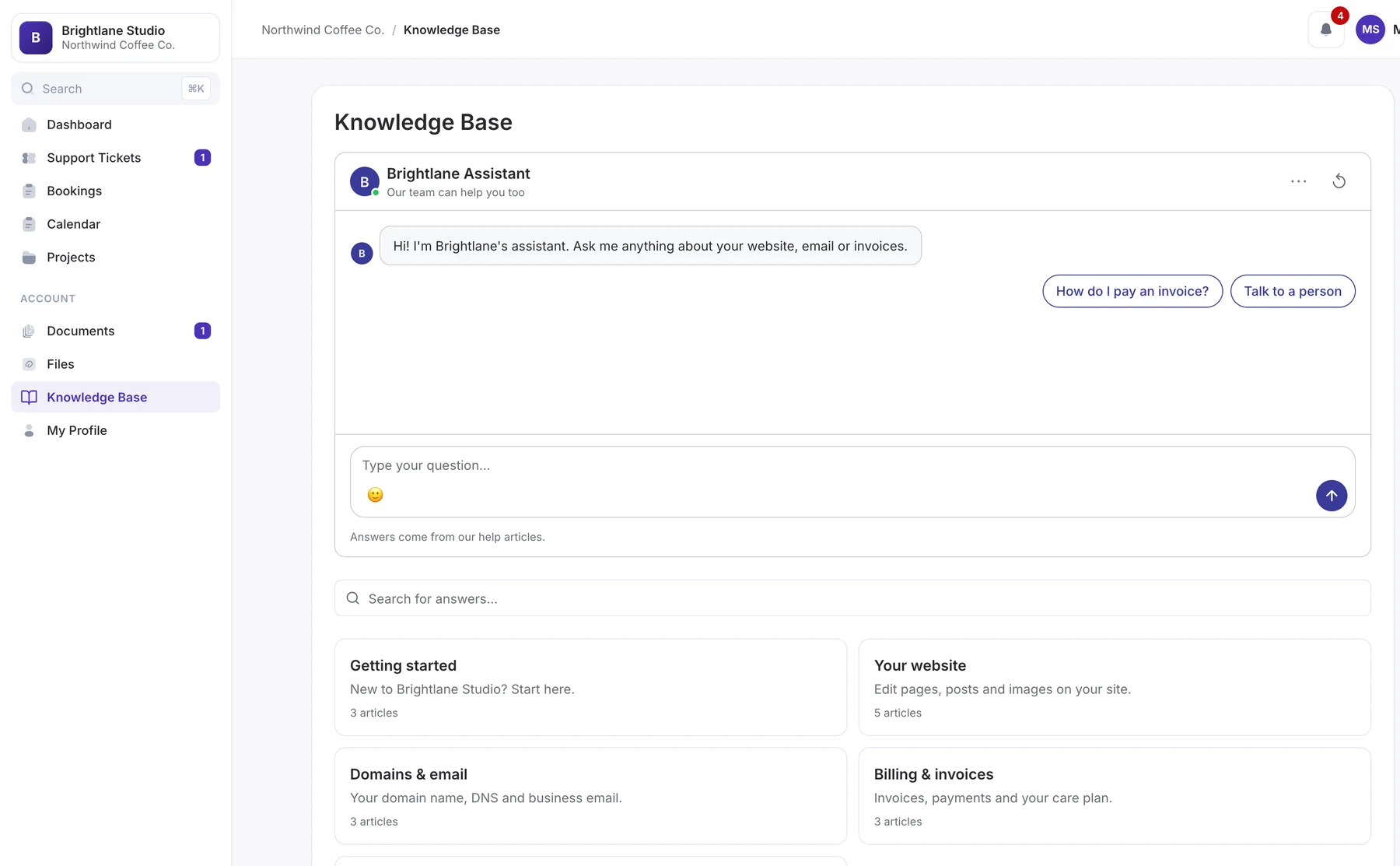
The editor you know from WordPress, with the settings that matter beside it: status, category, a short summary, and who can read the article.
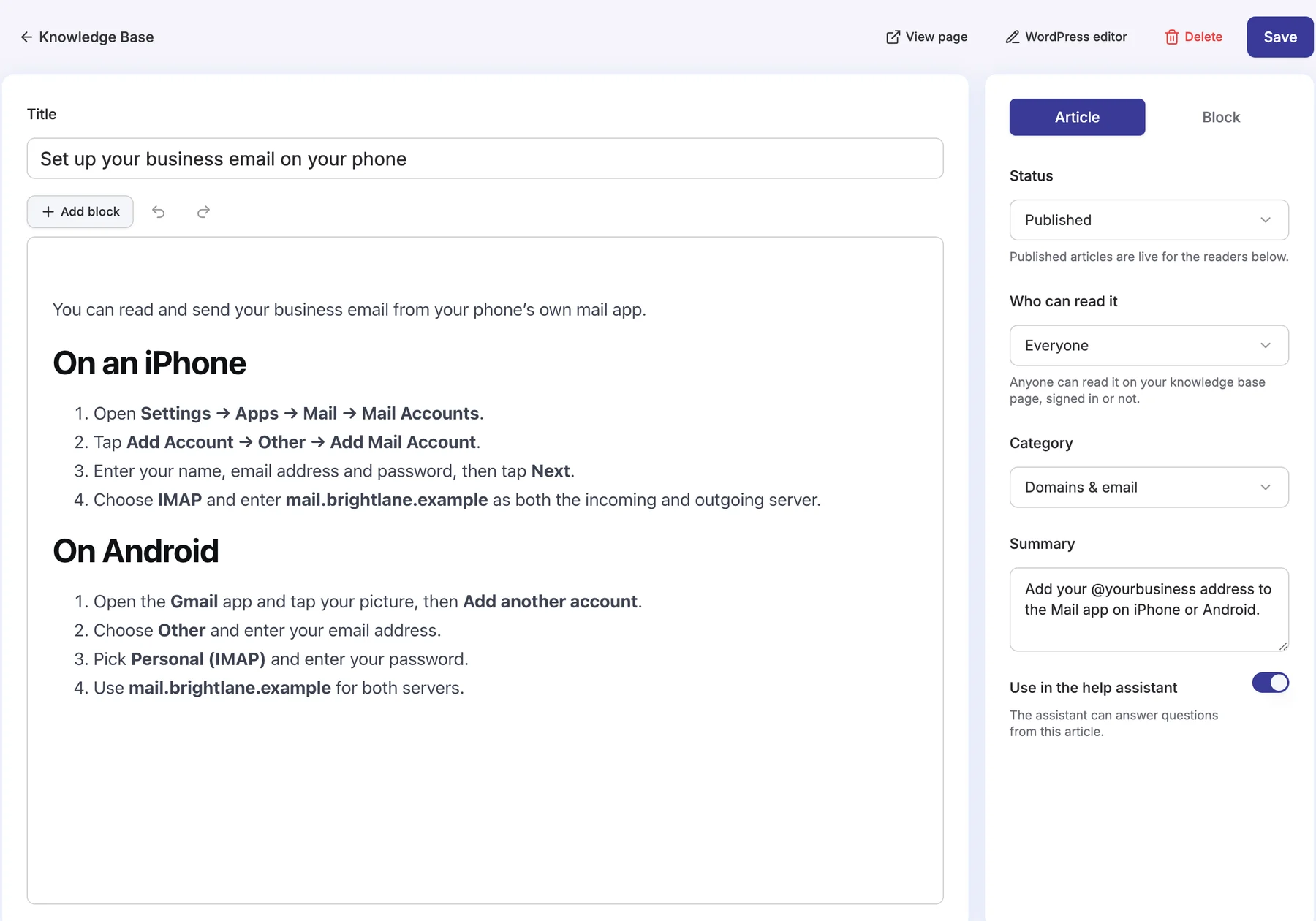
Every article gets a clean, readable page with the topics beside it, so readers always know where they are and what to read next.
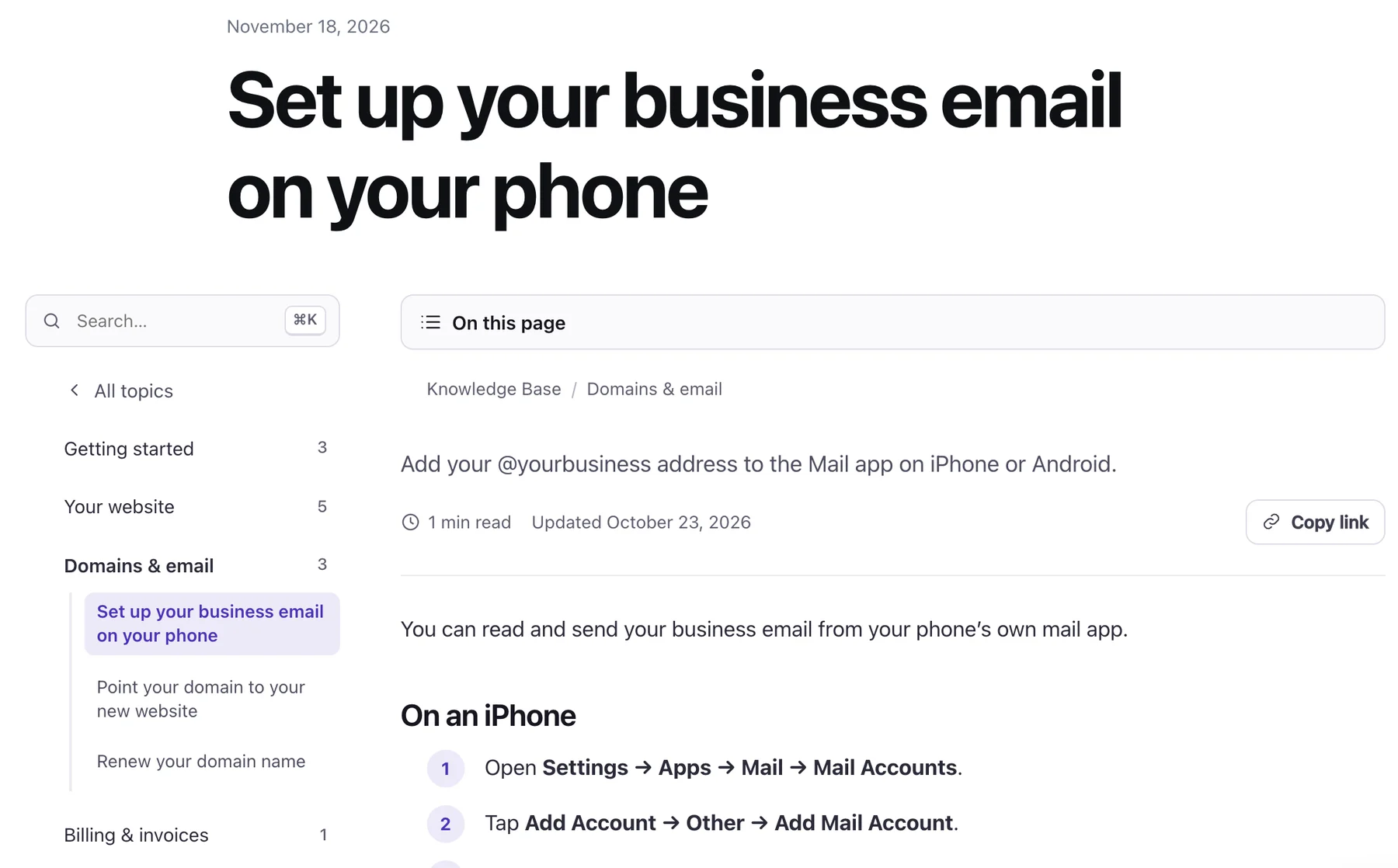
The Articles screen shows the whole knowledge base at a glance: every article, how often it is read, and how many readers found it helpful.
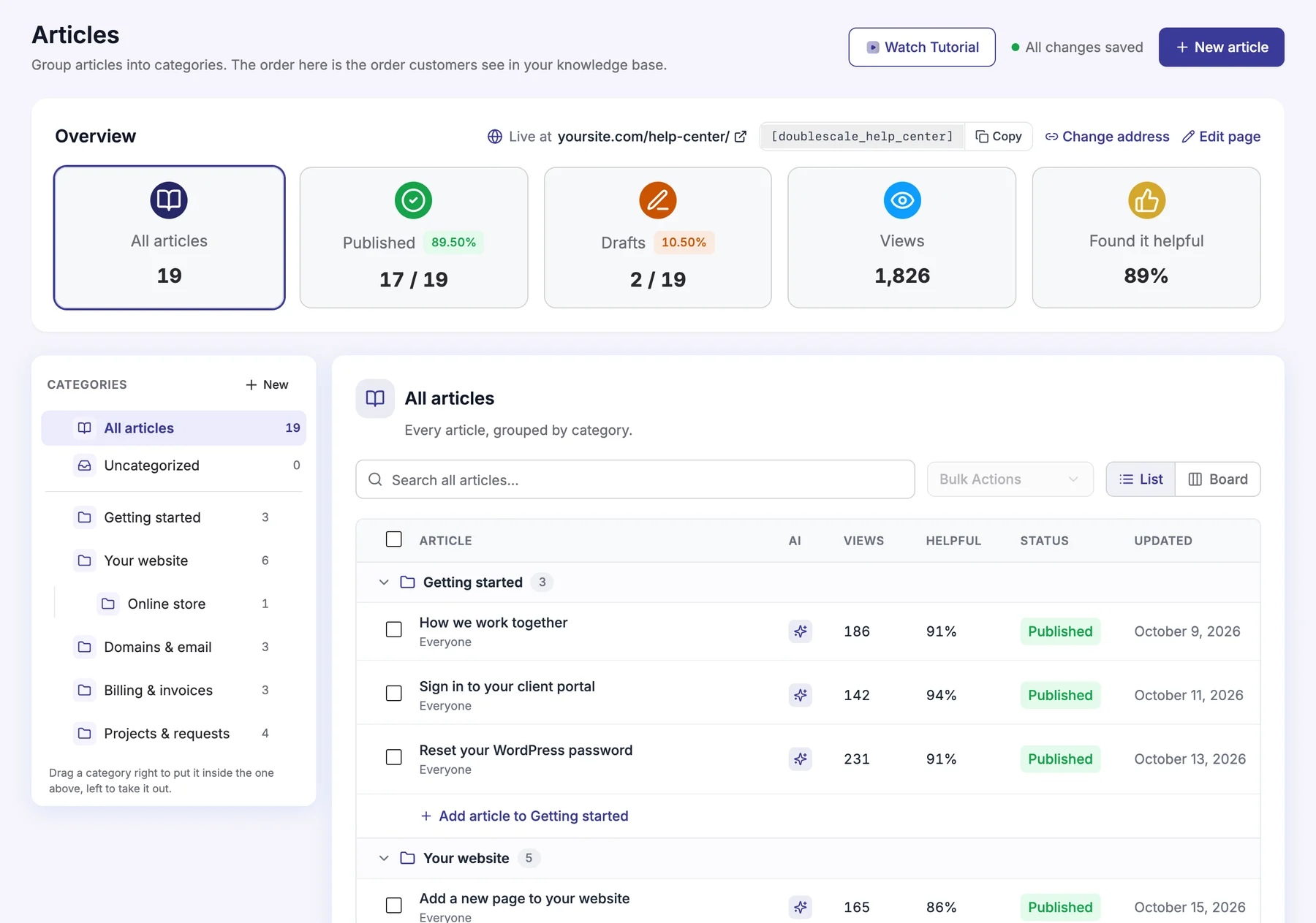
The client portal gets its own Knowledge Base section, with the public articles plus the ones you wrote only for clients, next to their tickets, invoices and projects.
Let anyone open a ticket with their email (with optional email confirmation), or only signed-in customers. Built-in spam protection.
Bring your existing BetterDocs articles and categories across, then keep writing in DoubleScale.
Per article and in total, so you know which guides earn their place.
Knowledge Base Managers and Agents, plus Helpdesk and CRM Managers, each with the right access.
Private guides for paying clients, shown only inside their portal.
Articles are WordPress pages on your own server, readable by search engines.
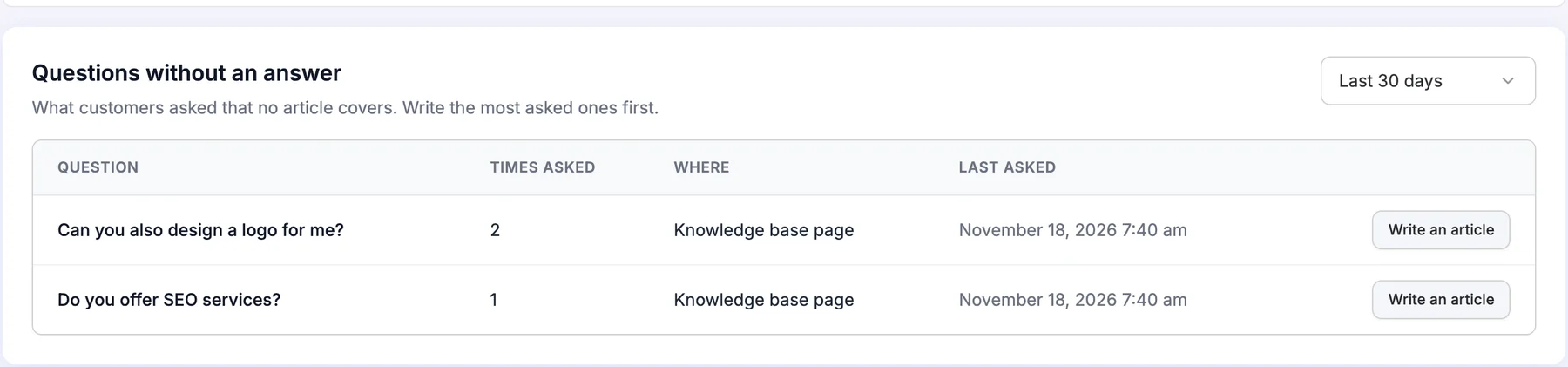
Questions without an answer: see what customers asked the assistant that no article covers, grouped and counted, and write those articles first.
How the DoubleScale knowledge base works.
Yes. Writing and publishing articles, the public help center, client-only articles in the portal, and views and helpful votes are all in the free DoubleScale plugin. The AI assistant and live chat that answer from your articles come with DoubleScale Pro.
On your help center page (choose its address, or use the shortcode on any page), and in the Knowledge Base section of the client portal. Team-only articles are visible only in your WordPress admin.
Yes. Set Who can read it to Client portal only, and the article shows only to clients signed in to their portal.
Yes. Import your BetterDocs articles and categories into DoubleScale; you choose whether docs that already exist are skipped or copied.
Yes. Let anyone open one with their email address (optionally after confirming it by email), or only signed-in customers. Tickets land in your helpdesk inbox like any other.
Start with the free plugin and add Pro modules when you need them. Unlimited contacts on every plan, and your data stays on your own server.