
























On this page
- How WhatsApp Business pricing actually works
- WhatsApp CRM options at a glance
- 1. DoubleScale: best WhatsApp CRM for WordPress and WooCommerce
- 2. WhatsApp Business app: the truly free starting point
- 3. HubSpot: best if you are already on HubSpot
- 4. respond.io: best omnichannel team inbox
- 5. Kommo: best for selling in chat
- 6. Zoko: best for online stores
- 7. Interakt: budget WhatsApp CRM
- How to choose
- Questions people ask
If you sell or support customers on WhatsApp, the chats quickly outgrow a phone. Messages get lost, nobody knows who replied, and there is no record of what each customer bought or asked. A CRM fixes that. But “free CRM for WhatsApp Business” needs a straight answer first: the free WhatsApp Business app is free, while connecting WhatsApp to a CRM almost always goes through Meta’s WhatsApp Business Platform, where some messages cost money.
Here is how the costs really work, and seven options from free to paid. Prices were checked on each provider’s site on October 17, 2026.
Disclosure: DoubleScale is our product, and we list it first. Every other tool’s free-plan limits come from its own pricing page, and we say where another tool is the better fit.
Truly free: the WhatsApp Business app (labels, quick replies, catalog, away messages) plus a free CRM where you log customers by hand.
Lowest-cost real integration: a CRM that connects to the official WhatsApp Cloud API with your own Meta account, so you pay Meta directly and no reseller markup. DoubleScale does this for $99 a year per site.
Team inbox for high volume: respond.io, Kommo or Zoko, which charge monthly subscriptions on top of Meta’s message fees.
How WhatsApp Business pricing actually works
Since July 1, 2025, Meta charges the WhatsApp Business Platform per message, not per conversation. Template messages (marketing, utility and authentication) are charged when delivered, at rates that depend on the category and the recipient’s country.
- Free: all non-template messages you send inside the 24-hour customer service window that opens when a customer messages you.
- Free: utility templates delivered inside an open customer service window.
- Free for 72 hours: all messages, including templates, when the customer arrives through a free entry point such as a click-to-WhatsApp ad.
- Paid: marketing, utility and authentication templates outside those windows.
CRM and inbox tools then add their own subscription on top. Some, like DoubleScale and Zoko, let you pay Meta directly at its published rates.
WhatsApp CRM options at a glance
| Option | What you pay | Connects through | Best for |
|---|---|---|---|
| DoubleScale | $99/yr per site + Meta message fees | Official WhatsApp Cloud API, your own Meta account | WordPress and WooCommerce businesses |
| WhatsApp Business app | Free | One phone, manual | Very small businesses |
| HubSpot | Marketing or Service Hub Professional+ | Official API | Teams already on HubSpot |
| respond.io | From $79/mo billed yearly + Meta fees | Official API | Multi-channel support teams |
| Kommo | From $25/user/mo, 6-month minimum | Official API | Sales teams selling in chat |
| Zoko | From $49.99/mo + Meta fees | Official API | Shopify-style stores |
| Interakt | From $55/mo | Official API | Small ecommerce in India and beyond |
Providers’ pricing pages, October 17, 2026. WATI did not show its prices to us, so it is not listed.
1. DoubleScale: best WhatsApp CRM for WordPress and WooCommerce
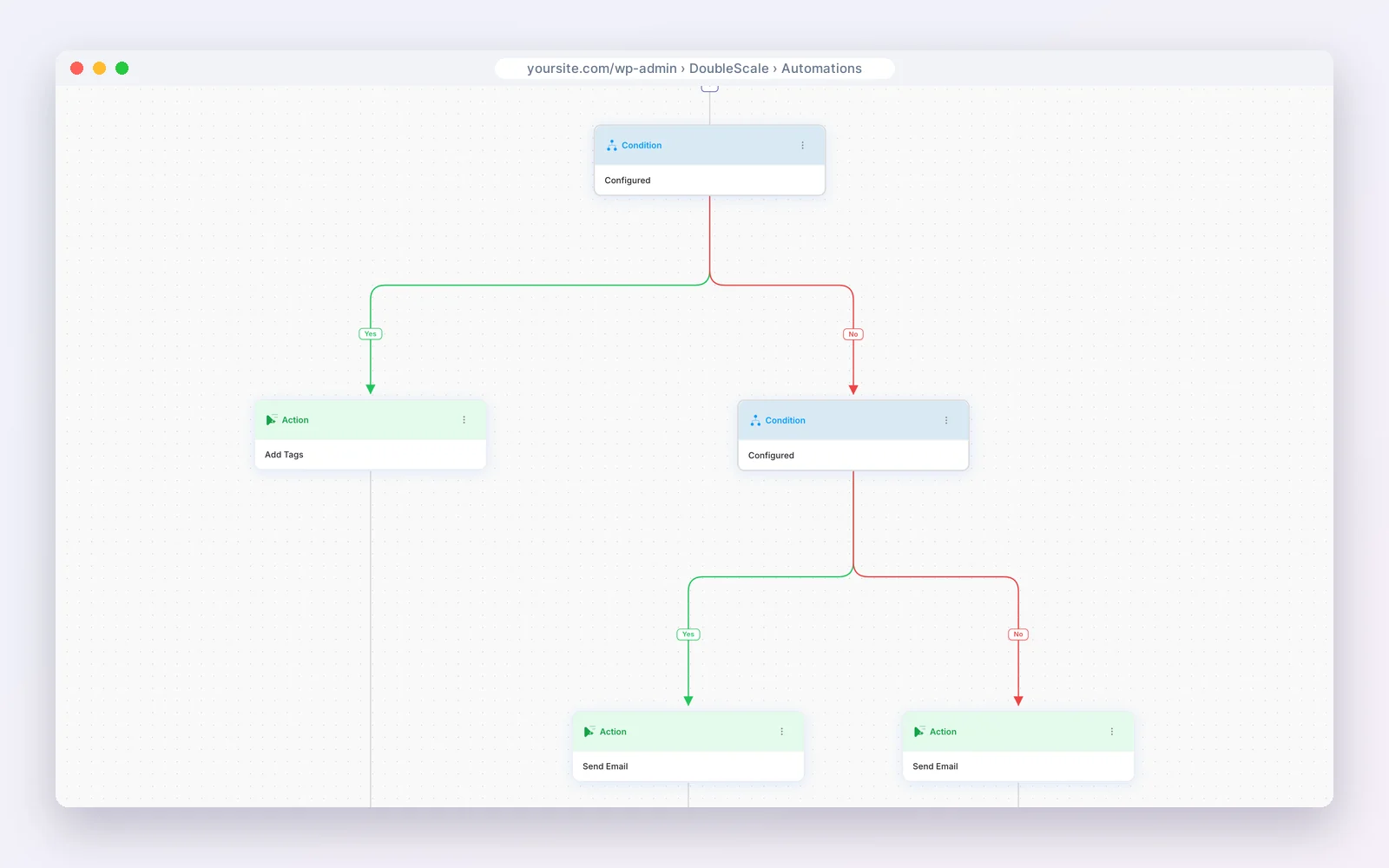
DoubleScale connects WhatsApp to a WordPress CRM through the official WhatsApp Cloud API with your own Meta account, so message fees go straight to Meta. Pro ($99 a year per site) sends approved WhatsApp and SMS templates from automations, such as order updates and booking reminders, and logs every message on the customer’s timeline.
How businesses use it: the same automation that sends an order email can send the WhatsApp message too.
Watch out for: WhatsApp is in Pro, there is no shared inbox for many agents, and it needs WordPress.
Pros
- No reseller markup
- WhatsApp, SMS and email in one workflow
Cons
- Not free
- No multi-agent team inbox
- WordPress only
Best for: WordPress and WooCommerce businesses sending automated WhatsApp messages.
2. WhatsApp Business app: the truly free starting point
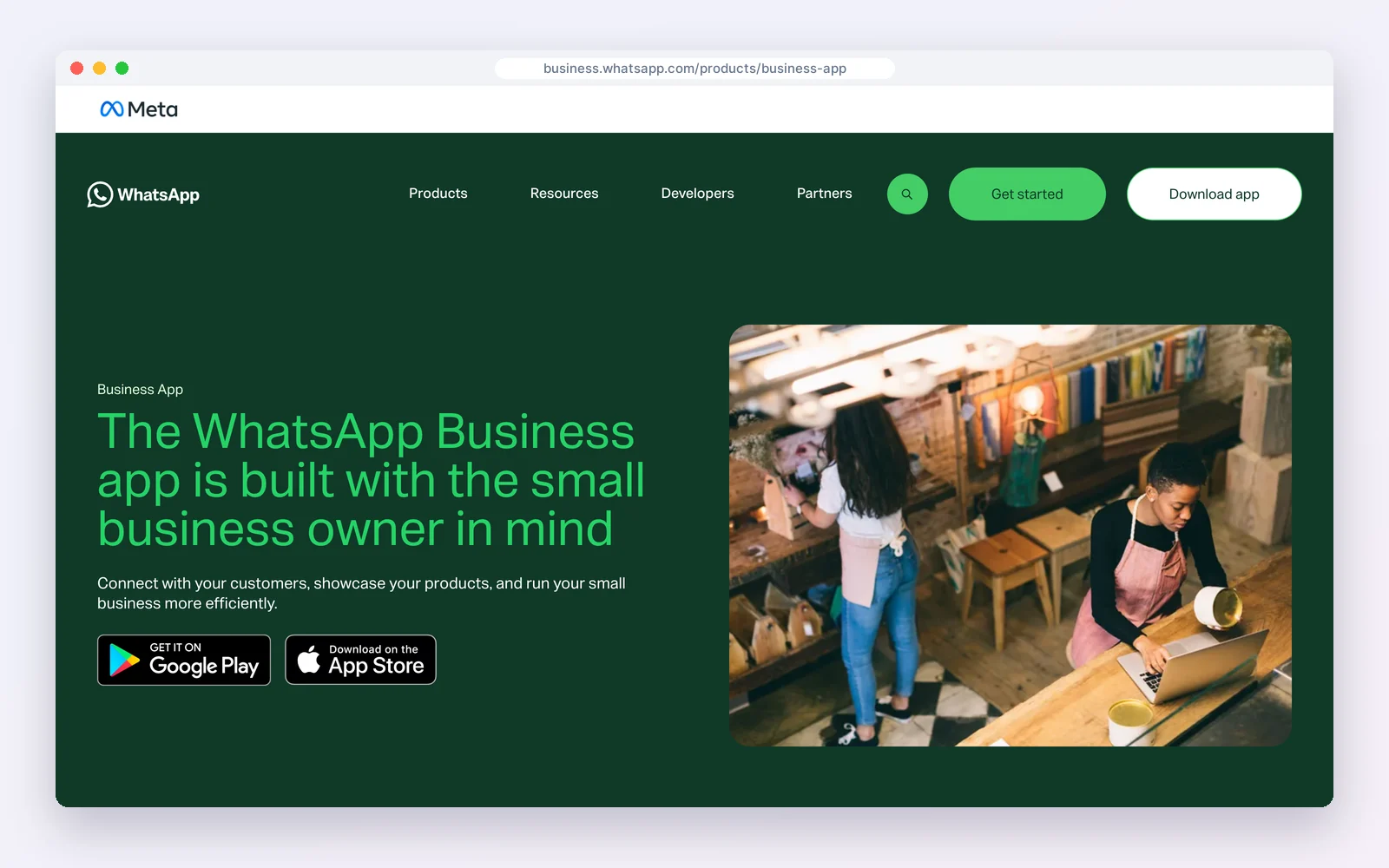
The WhatsApp Business app gives a small business labels to organise chats, quick replies, a product catalog, greeting and away messages and a business profile. It runs on one phone and has no CRM: no shared inbox, no customer records beyond the chat. Pair it with a free CRM and log important customers by hand.
How businesses use it: label chats as new, paid or follow-up, answer common questions with quick replies, greet new customers automatically and share products from the catalog.
Watch out for: it runs on one phone, with no shared inbox, no customer history outside the chat and no automation from your website or store. Once more than one person answers chats, you will want a platform.
Pros
- Free and familiar
- Catalog and quick replies
Cons
- No CRM or team inbox
- Cannot connect to automations
Best for: Very small businesses handling chats themselves.
3. HubSpot: best if you are already on HubSpot
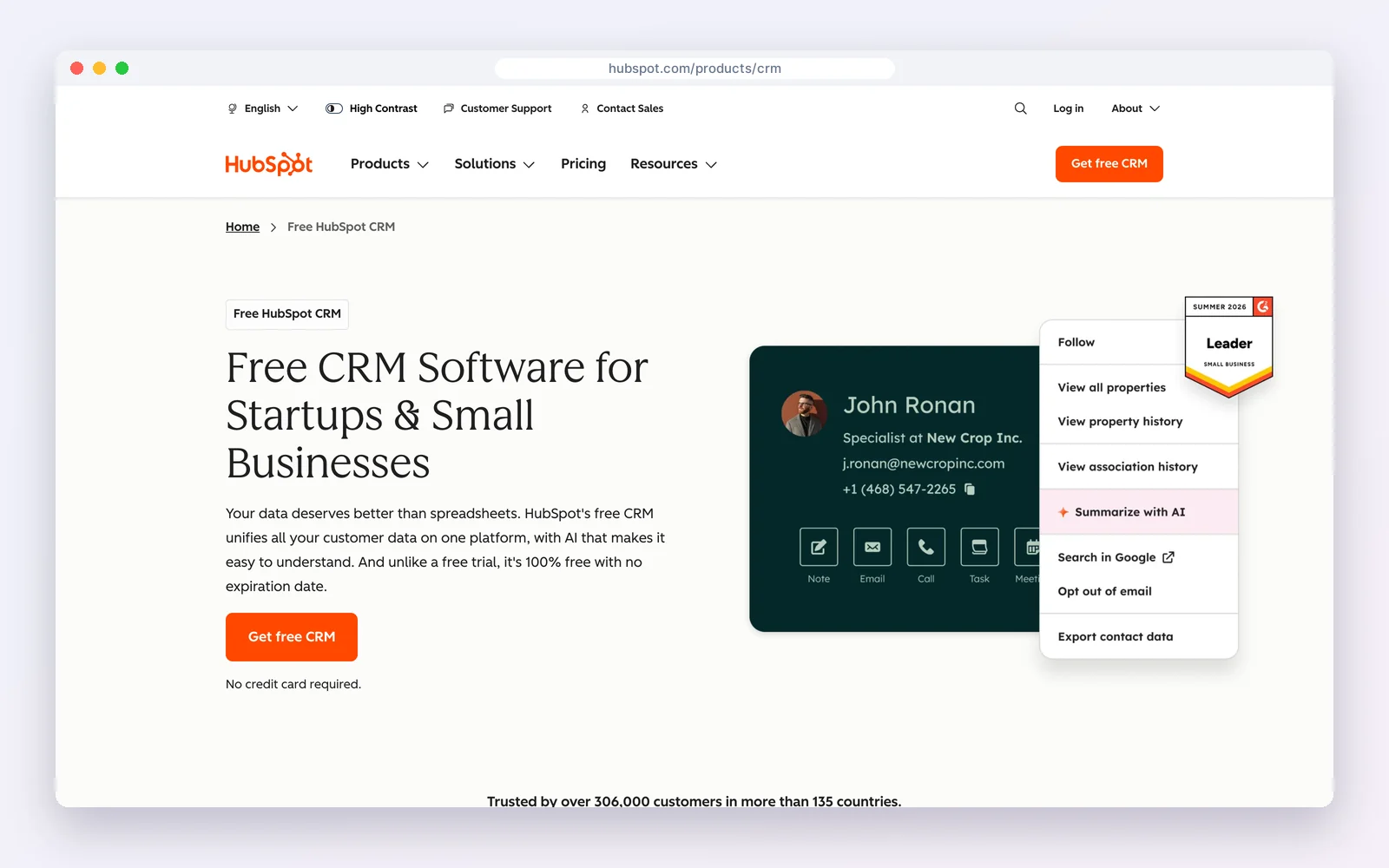
HubSpot‘s free CRM is free for two users, but connecting WhatsApp to its conversations inbox requires Marketing Hub or Service Hub Professional or Enterprise. A limit of 1,000 template messages a month is shared across connected WhatsApp accounts.
How businesses use it: WhatsApp conversations appear in HubSpot’s inbox beside the contact’s emails, deals and tickets, so agents answer with full context.
Watch out for: you need Marketing Hub or Service Hub Professional or Enterprise, and the 1,000 template messages a month are shared across connected accounts. It only makes sense if you already pay for those tiers.
Pros
- Full CRM context in the inbox
Cons
- Expensive tiers required
- Free plan has no WhatsApp
Best for: Companies already paying for HubSpot Professional.
4. respond.io: best omnichannel team inbox
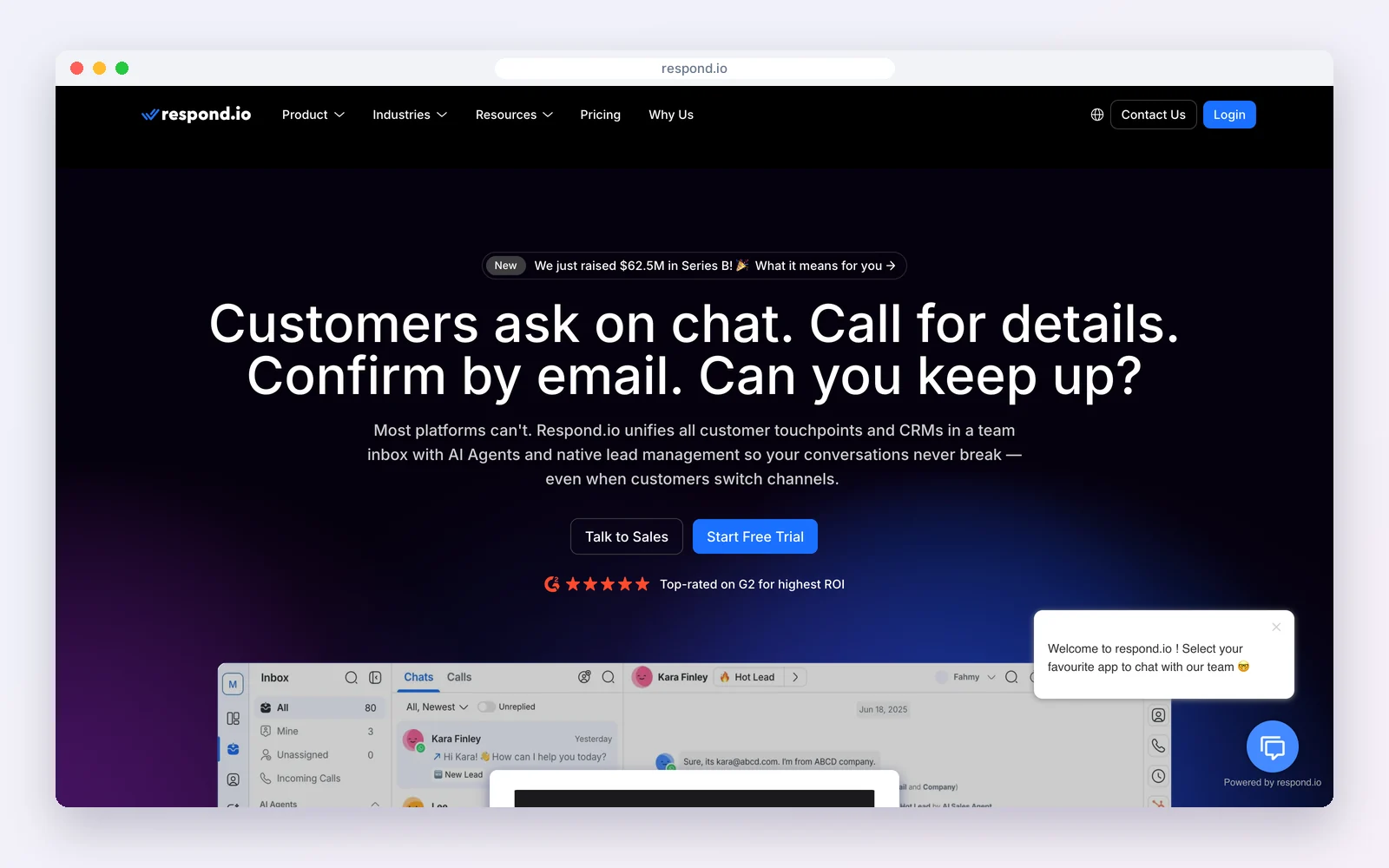
respond.io is a customer conversation platform for WhatsApp and other channels, priced by monthly active contacts: $79, $159 and $279 a month billed yearly. WhatsApp fees from Meta are not included. There is a 7-day free trial.
How businesses use it: a team of agents shares one inbox for WhatsApp, Instagram, Messenger and other channels, with assignment rules, workflows and reporting.
Watch out for: pricing is by monthly active contacts, and Meta’s message fees come on top. There is a 7-day trial but no free plan.
Pros
- Excellent team inbox
- Many channels
Cons
- No free plan
- Priced by active contacts
Best for: Support and sales teams handling high chat volume.
5. Kommo: best for selling in chat
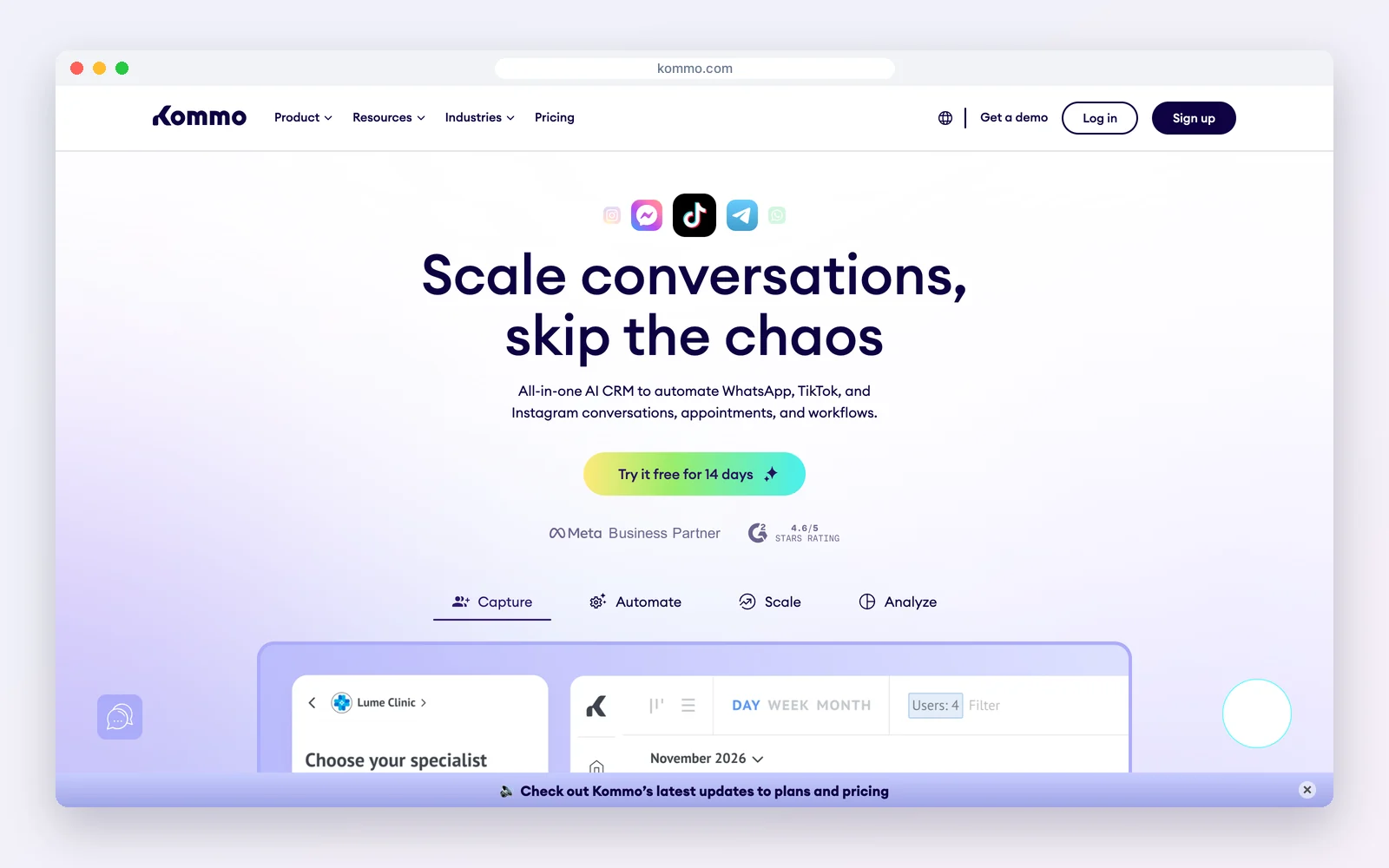
Kommo is a sales CRM built around messengers, with the official WhatsApp API on every plan. It costs $25, $35 or $45 per user a month, with a minimum subscription of six months and a 14-day free trial.
How businesses use it: every WhatsApp chat becomes a lead in a sales pipeline, with bots that qualify buyers before a rep steps in.
Watch out for: per-user pricing and a six-month minimum subscription, so a small team commits to at least $150 per user up front.
Pros
- Pipeline built around chats
- WhatsApp on every plan
Cons
- No monthly billing
- Per-user pricing
Best for: Small sales teams that close deals over WhatsApp.
6. Zoko: best for online stores
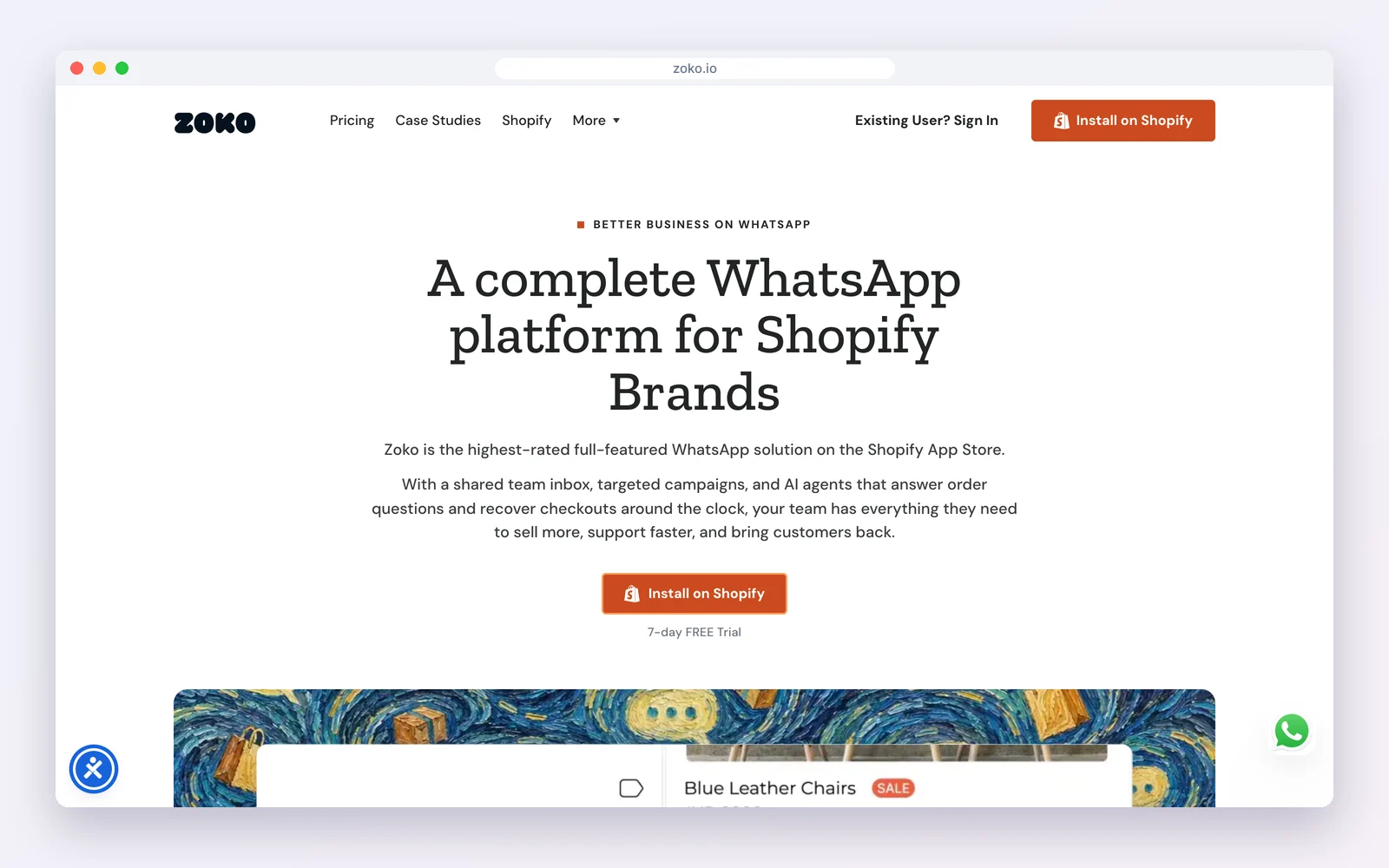
Zoko is a WhatsApp commerce platform. Plans run from $49.99 to $499.99 a month, you pay WhatsApp fees directly to Meta at its rates, and higher plans remove Zoko’s small per-conversation markup. 7-day free trial.
How businesses use it: stores share products, take orders, send shipping updates and run broadcast campaigns on WhatsApp.
Watch out for: a monthly subscription on top of Meta’s fees, and a focus on commerce rather than services or support teams.
Pros
- Commerce features
- Transparent markup
Cons
- Monthly subscription
- Store-focused
Best for: Online stores selling and supporting on WhatsApp.
7. Interakt: budget WhatsApp CRM
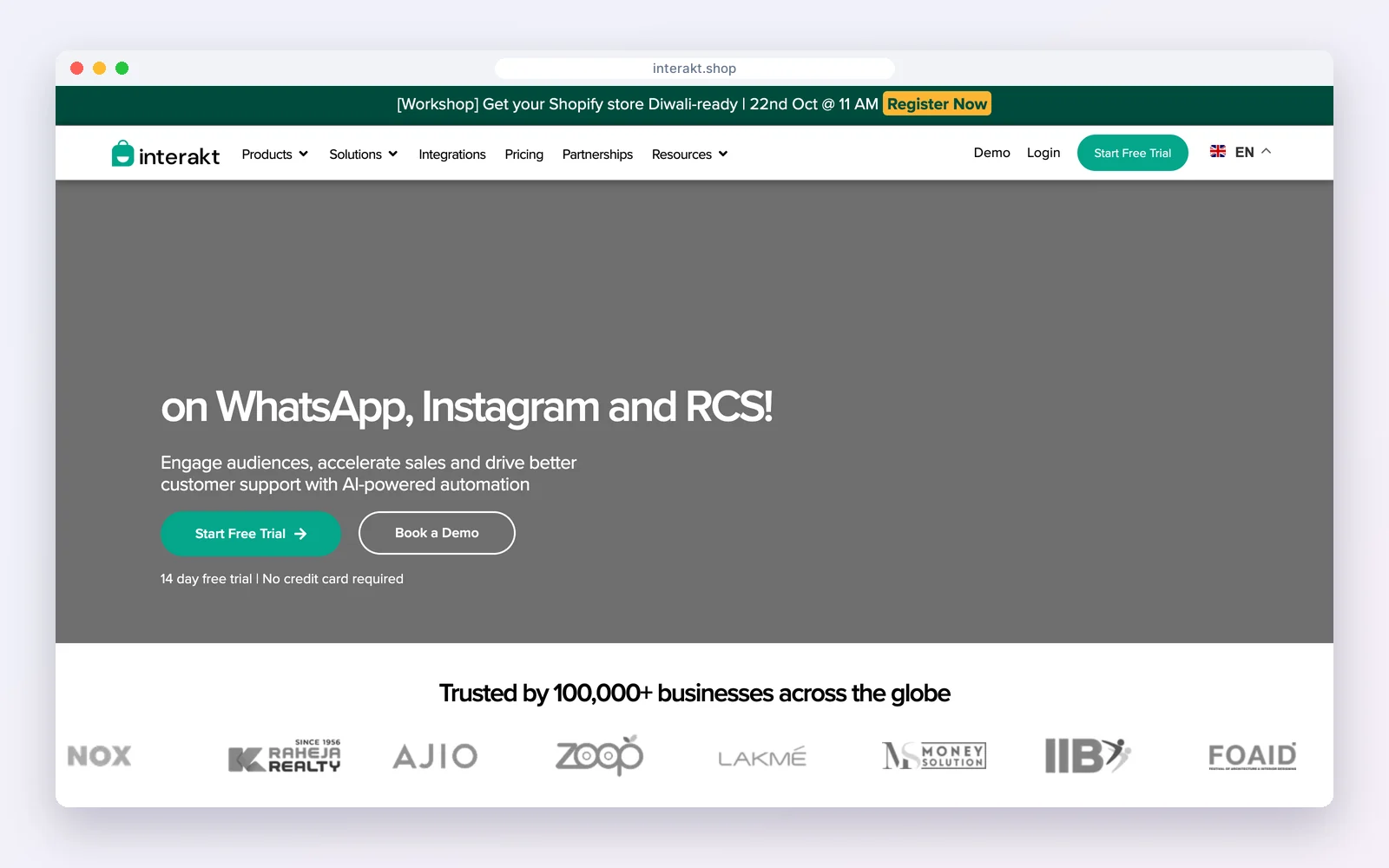
Interakt offers WhatsApp plans at $55 (Growth) and $69 (Advanced) a month plus taxes, with template message costs on top depending on your region.
How businesses use it: small stores send broadcasts, order notifications and replies from one simple inbox with a WhatsApp catalog.
Watch out for: template costs vary by region and come on top of the plan, so check your country’s rates before you budget.
Pros
- Affordable entry
Cons
- Pricing varies by region
Best for: Small businesses wanting a simple WhatsApp CRM.
How to choose
| Your situation | Choose |
|---|---|
| A few chats a day, no budget | WhatsApp Business app |
| WordPress or WooCommerce business, automated messages | DoubleScale |
| Many agents on one shared inbox | respond.io or Kommo |
| Already on HubSpot Professional | HubSpot |
| Online store selling in chat | Zoko |
How we compared: every price was read on the vendor’s own pricing page on October 17, 2026 (USD). Meta’s pricing model is from its developer documentation. Prices change often, so check the vendor’s page before you buy.
Questions people ask
Is there a completely free CRM for WhatsApp Business?
Not one that connects to the WhatsApp Business Platform; those all have subscriptions or message fees. The WhatsApp Business app is free, and service replies inside the 24-hour window are free on the platform.
How much does WhatsApp Business API cost?
Since July 2025 Meta charges per template message, by category and country. Replies inside the 24-hour customer service window are free.
Can I connect WhatsApp to a WordPress CRM?
Yes. DoubleScale Pro connects to the official WhatsApp Cloud API with your own Meta account and sends WhatsApp messages from automations.
Does HubSpot free include WhatsApp?
No. WhatsApp in HubSpot’s inbox needs Marketing Hub or Service Hub Professional or Enterprise.
Send WhatsApp from automations with your own Meta account, with every message on the customer’s timeline.
Get our guides first on GoogleAdd DoubleScale as a preferred source and our articles show up more often in your Top Stories.

DoubleScale Team, Editorial team
The DoubleScale team builds the all-in-one CRM for WordPress. We test the tools we write about and check every price and feature on the vendor's own pages before we publish.
Practical CRM tips, once a month
Guides on growing with WordPress: lead capture, email marketing, automations and sales. No spam, unsubscribe anytime.