















On this page
- How does Intercom Fin pricing work?
- What does an AI support agent cost at 200, 1,000 and 5,000 resolutions a month?
- How we chose these alternatives
- 1. DoubleScale: best Fin alternative for WordPress sites
- 2. Zendesk AI agents: closest like-for-like suite
- 3. Tidio Lyro: best low-cost hosted chat with AI
- 4. Help Scout Envoy: cheaper per resolution for email-first teams
- 5. Crisp: best hosted inbox with AI credits
- 6. Chatbase: best standalone hosted AI agent
- 7. AI Engine: AI only, no helpdesk
- What do you give up by leaving Intercom Fin?
- What happens when the AI agent can’t answer?
- Where do your support conversations live?
- Which Fin alternative should you choose?
- Frequently asked questions
- Related guides
- Sources
The best Intercom Fin alternative depends on why you are leaving. If it’s the bill, the real alternative is a different pricing model: a flat licence plus your own AI key, where 1,000 resolved conversations cost a few dollars in AI usage instead of $990 in outcome fees. If it’s Intercom itself, you want an AI agent that sits inside the helpdesk you already use.
For WordPress sites we rank DoubleScale first: its AI assistant answers from your knowledge base, hands over to live chat and becomes a helpdesk ticket, and you pay your AI provider directly, with no per-resolution or per-seat fee. Zendesk AI agents and Help Scout are the closest per-resolution peers, Tidio Lyro and Crisp are cheaper hosted options, Chatbase is a standalone hosted agent, and AI Engine is AI only, with no helpdesk.
DoubleScale: best Fin alternative for WordPress, flat licence, your own AI key, handoff to live chat and tickets in one plugin.
Zendesk AI agents: closest like-for-like if you want a full hosted suite, from $1.50 per resolution.
Help Scout Envoy: cheaper per resolution ($0.75) for email-first teams.
Tidio Lyro / Crisp: lower-cost hosted chat with AI for small teams.
Chatbase / AI Engine: standalone AI agents; you bring or build the helpdesk.
Looking to replace the whole Intercom platform (messenger, inbox, product tours) rather than just the AI agent? Quill Forms covers that in self-hosted Intercom alternatives. This guide stays focused on Fin and AI support agents.
How does Intercom Fin pricing work?
Fin costs $0.99 per outcome, on top of Intercom seats. Seats are $29 for Essential ($19 with Intercom’s new-customer discount), $85 for Advanced and $132 for Expert, per seat per month; the pricing page doesn’t say which billing period those figures are. Used with another helpdesk such as Salesforce, Fin is $0.99 per outcome with no seat costs and a minimum monthly commitment, for example 50 outcomes.
Intercom counts an outcome when a customer confirms the issue is resolved, when they don’t ask for more help after Fin responds, or when Fin completes a workflow (a Procedure). Each conversation is charged once, even if Fin answers several questions in it. Intercom reports that Fin averages a 76% resolution rate across 12,000+ customers, which is Intercom’s own claim.
That model is fair: you pay when it works. The catch is that the bill rises with success and with traffic, so the better Fin gets and the more you grow, the more you pay, and the number is hard to forecast a quarter ahead.
What does an AI support agent cost at 200, 1,000 and 5,000 resolutions a month?
Per-resolution pricing grows in a straight line; a flat licence with your own AI key grows only with token usage, which is small. Here is a worked comparison. Every assumption is stated so you can redo it with your numbers.
- Team: 3 agents on the cheapest plan that includes the AI agent, at list price (Intercom Essential $29, Zendesk Suite Team $55 billed annually, Help Scout Standard $25).
- Resolution rate: the AI resolves half of the conversations it handles, so 200 resolutions means 400 AI conversations. Bring-your-own-key tools pay for every conversation, resolved or not.
- Tokens: about 12,000 input and 900 output tokens per conversation (instructions, retrieved article text and history, resent each turn). An assumption, not a measurement.
- AI prices: Anthropic’s published API pricing, Claude Haiku 5.5 at $0.10 / $0.50 and Claude Sonnet 5.5 at $2 / $10 per million input / output tokens.
- Zendesk: 5 resolutions per agent per month included (15 total), the rest at $1.50 committed ($2.00 pay as you go).
| Setup (per month) | 200 resolutions | 1,000 resolutions | 5,000 resolutions |
|---|---|---|---|
| Intercom Fin + 3 Essential seats | $285 | $1,077 | $5,037 |
| Fin on another helpdesk (no seats) | $198 + your helpdesk | $990 + your helpdesk | $4,950 + your helpdesk |
| Zendesk Suite Team (3) + AI agents | About $443 | About $1,643 | About $7,643 |
| Help Scout Standard (3) + Envoy | $225 | $825 | $3,825 |
| DoubleScale Pro + Claude Haiku 5.5 | About $11 | About $14 | About $27 |
| DoubleScale Pro + Claude Sonnet 5.5 | About $24 | About $76 | About $340 |
Regular prices checked 19 November 2026. DoubleScale Pro Basic is $124/yr (about $10.33/mo; $99/yr during Black Friday) with no per-agent fee, so the 3 agents cost nothing extra. Tidio, Crisp and Chatbase are left out because their larger AI tiers are priced in credits or calculators we couldn’t pin to these volumes.
Three honest caveats. First, a well-tuned Fin may resolve more conversations than an assistant you configure yourself, and that difference is worth money. Second, token use varies a lot with how much article text each tool sends; check your provider’s dashboard after a week. Third, the bring-your-own-key numbers exclude your time setting it up. Even so, the gap at 1,000 resolutions is large enough that most small teams will feel it.
How we chose these alternatives
We picked AI support agents that a WordPress site can realistically switch to: two per-resolution helpdesk suites (Zendesk, Help Scout), two hosted chat tools with AI (Tidio, Crisp), one standalone hosted agent (Chatbase), one WordPress AI plugin (AI Engine) and DoubleScale. We checked every price, feature list and security record on the vendor sites and WordPress.org on 19 November 2026. We did not run a side-by-side accuracy test, and vendor resolution rates are labelled as vendor claims.
Criteria: pricing model and cost at volume, handoff to a person, grounding in your own docs, where conversations are stored, and what a WordPress team has to run or maintain.
1. DoubleScale: best Fin alternative for WordPress sites
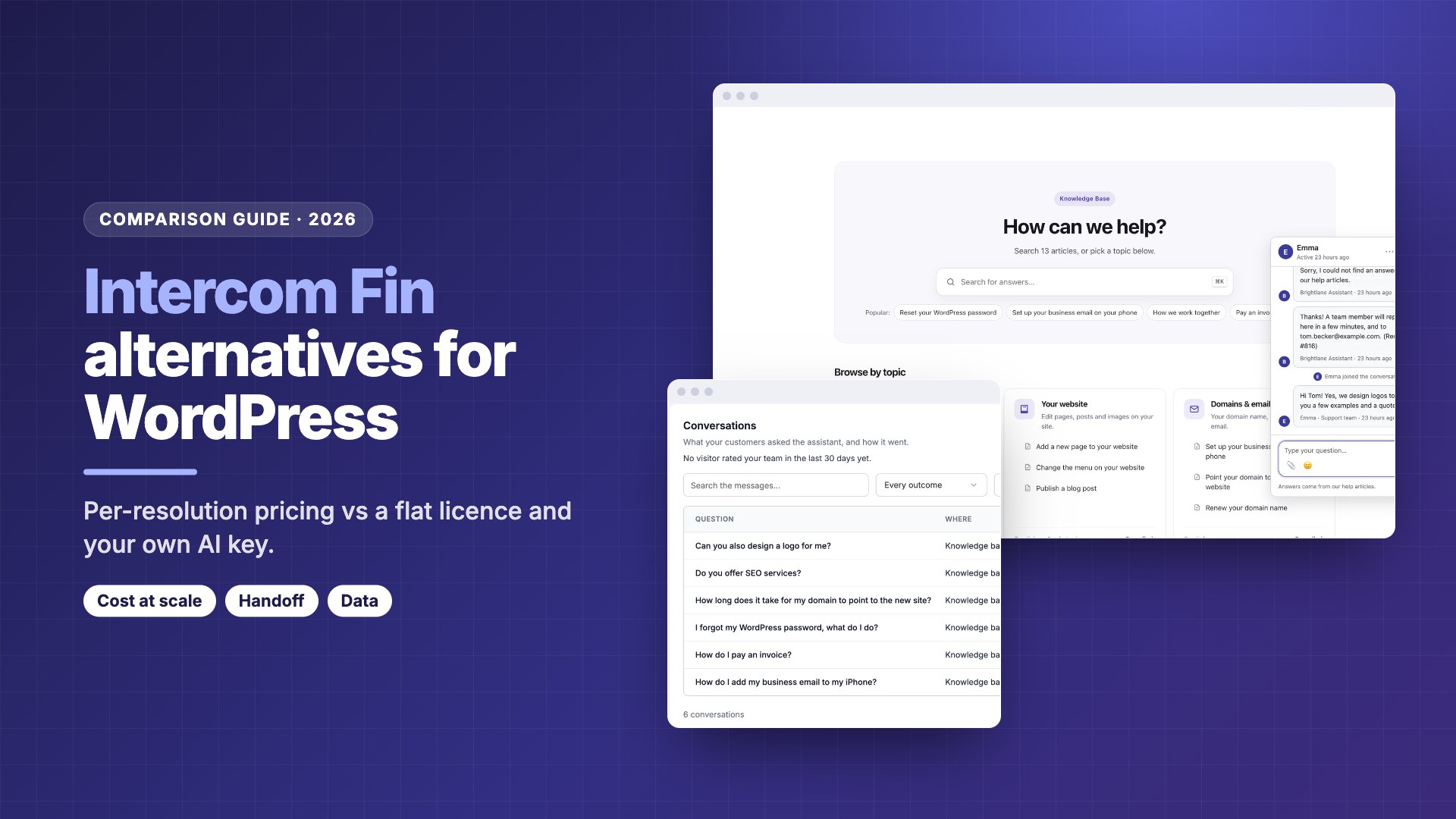
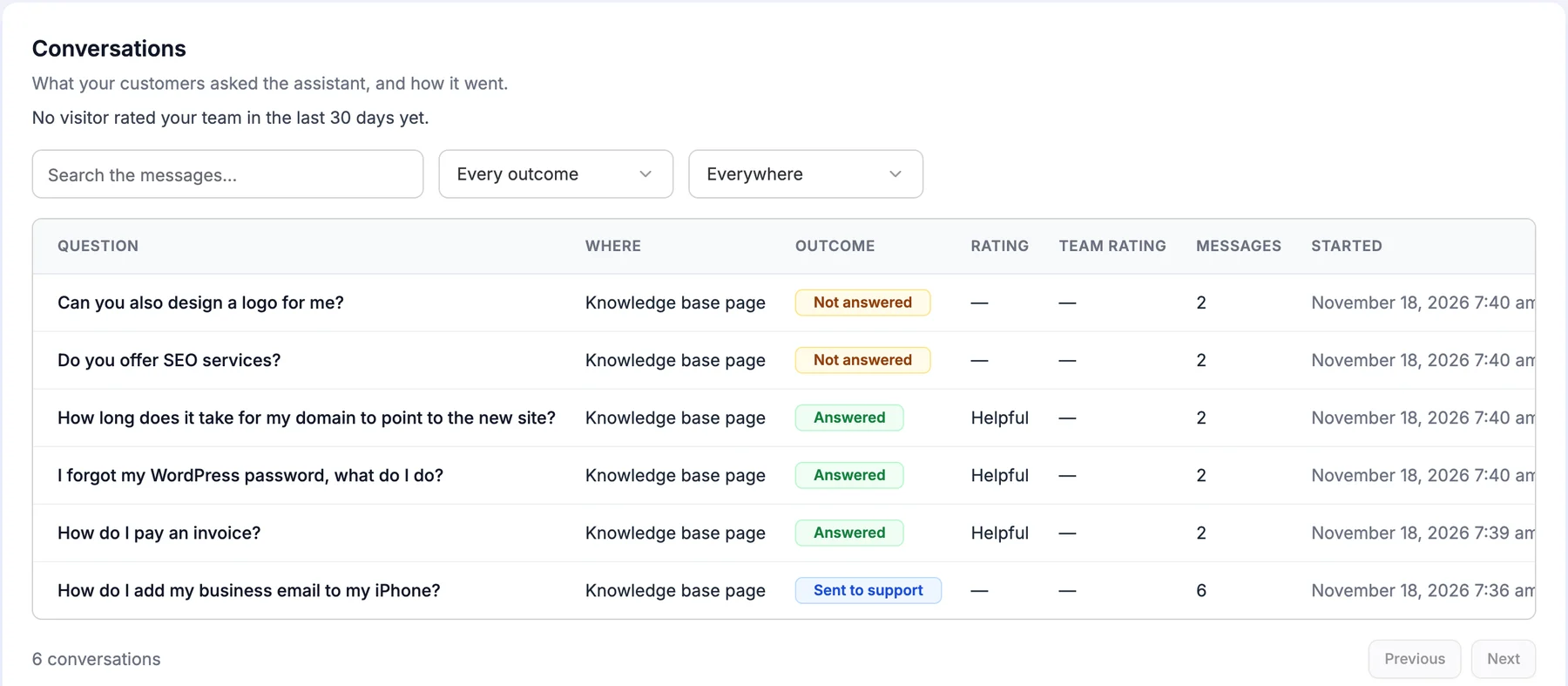
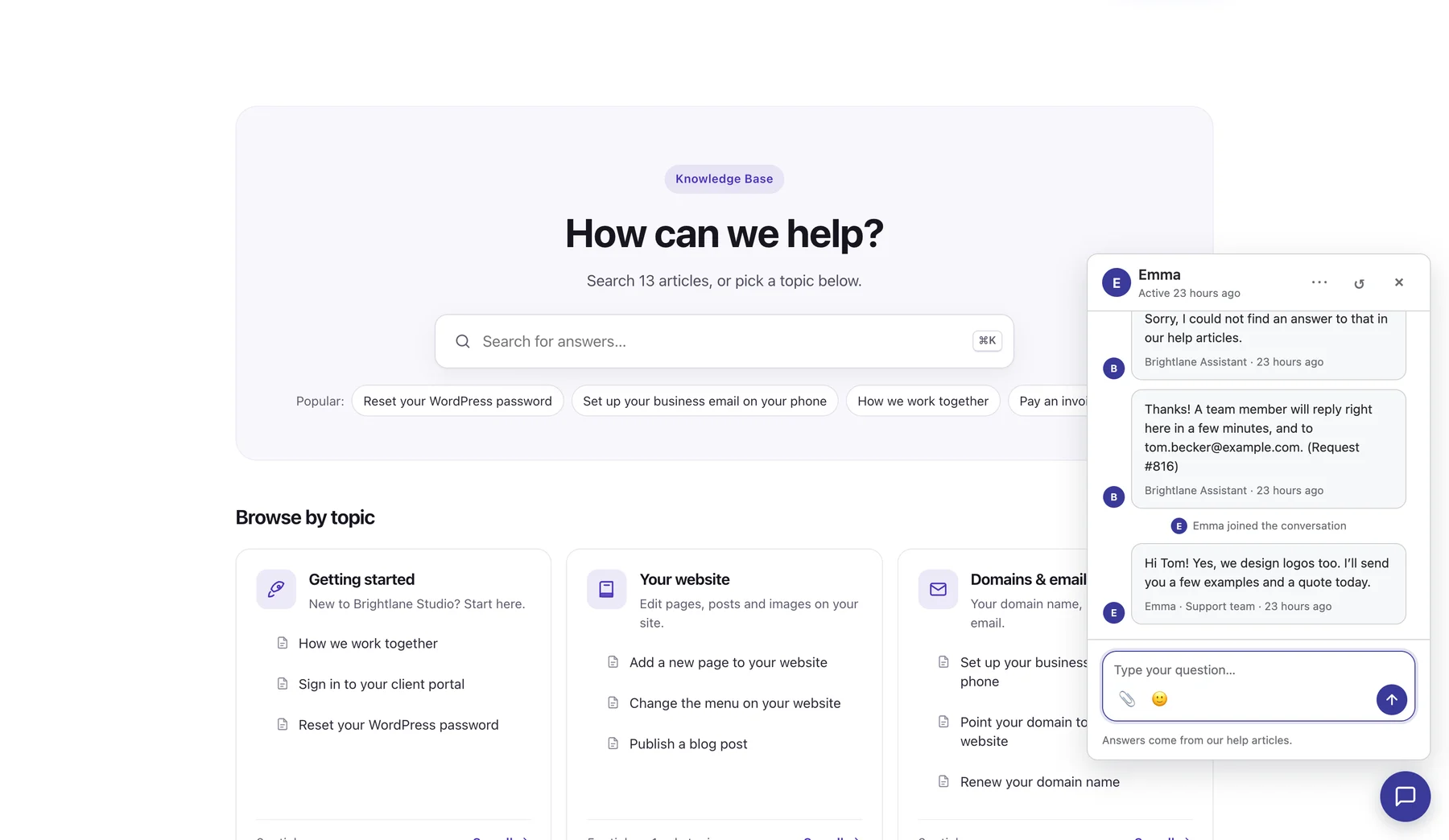
DoubleScale is an all-in-one WordPress CRM with a helpdesk and a free knowledge base. Pro adds an AI assistant and live chat on every plan: the assistant answers from your published articles and chosen pages with numbered source links, and says so when it doesn’t know.
Versus Fin
There is no per-resolution or per-seat charge: bring an OpenAI, Anthropic, Gemini or compatible key and your provider bills you. When the assistant can’t help, the chat goes to your team and becomes a helpdesk ticket on the contact; if the visitor left, your reply is emailed after 5 minutes.
Control
Set tone, the no-answer reply, ready answers and limits, test in the Try it panel, and review “Questions without an answer”, grouped and counted, to see which article to write next.
- ✓Flat cost that doesn’t rise with resolutions
- ✓AI, live chat, tickets and CRM in one plugin
- ✓Conversations stay in WordPress
- ✓No per-agent seats
- ✕Young plugin (90+ installs), far less proven than Fin
- ✕You manage the AI key, model and costs
- ✕No native mobile SDK or WhatsApp in the widget
- ✕One patched advisory (8.8, Oct 2026), fixed in 1.6.0
Best for: WordPress businesses that want Fin-style answers and handoff with a predictable bill.
2. Zendesk AI agents: closest like-for-like suite
Zendesk AI agents are included in every Zendesk Suite and Support plan, with outcome-based pricing on top. Zendesk is a full hosted helpdesk, so the AI agent sits inside ticketing, messaging and reporting you would otherwise build yourself.
Versus Fin
Automated resolutions cost $1.50 committed or $2.00 pay as you go, with 5 included per agent per month on Team plans and 10 on Suite Professional. Seats run $55 (Suite Team) and $115 (Suite Professional) per agent billed annually, or $69 and $149 monthly; Copilot for agents is $50 per agent.
Fit
Zendesk shares customer results of 50% to 80% automation (vendor claim). We found no official WordPress plugin; you add the messaging widget with a script. It is built for larger teams, and the per-agent plus per-resolution model is the most expensive in our table.
- ✓Mature, complete helpdesk suite
- ✓Handoff with full context
- ✓Some resolutions included per agent
- ✓14-day trial
- ✕Highest cost at volume in our example
- ✕Per-agent and per-resolution fees
- ✕No official WordPress plugin found
- ✕Heavy for a small site
Best for: larger support teams that want a full hosted suite and can budget per agent and per resolution.
3. Tidio Lyro: best low-cost hosted chat with AI
Tidio Lyro is the AI agent inside Tidio’s live chat. The Tidio WordPress plugin has 70,000+ installs and a 4.8 rating from 395 reviews. Lyro scrapes your support content and answers only from what you provide; Tidio says it runs on Claude (Anthropic) and its own models.
Versus Fin
Lyro is priced per AI conversation, starting at $32.50 a month billed annually ($39 monthly) for 50, scaling with volume up to 1,000 before custom plans. Tidio plans start at $24.17 a month billed annually. Tidio says customers average a 75% Lyro resolution rate (vendor claim).
Fit
When the answer isn’t in your content, Lyro forwards the chat to a human, and your team can step in live; Lyro Connect can open a ticket in another support tool. Prices for the larger Lyro tiers aren’t shown as text, so get a quote at your volume.
- ✓Easy WordPress setup
- ✓Real human handoff
- ✓Free plan includes 50 Lyro conversations once
- ✓No 2024 to 2026 WPScan entries
- ✕Cost scales per AI conversation
- ✕Larger tiers not priced in text
- ✕Chats live in Tidio’s cloud
- ✕SOC 2 and HIPAA only on Enterprise
Best for: small stores and sites that want hosted chat with AI at a lower entry price than Fin.
4. Help Scout Envoy: cheaper per resolution for email-first teams
Help Scout Envoy is the AI agent add-on for Help Scout, a hosted shared inbox. Help Scout says Envoy’s built-in agent, Scout, answers customers from your knowledge base content and custom sources, and you decide when to involve your team.
Versus Fin
Envoy is $0.75 per resolution, a quarter less than Fin, and a conversation doesn’t count as a resolution if the customer asks for more help or escalates. New accounts get three months of free, unlimited Envoy resolutions. Seats are $25 (Standard), $45 (Plus) and $75 (Pro) per user a month; the page doesn’t say which billing period is shown.
Fit
Help Scout is email-first: chats and AI conversations become inbox conversations your team already works. Its WordPress plugin is small (300 installs), so you would mostly embed Beacon with a script.
- ✓Lowest per-resolution price here
- ✓Escalations aren’t billed as resolutions
- ✓Docs, inbox and AI in one product
- ✓Three-month free Envoy trial
- ✕Still per user plus per resolution
- ✕Envoy plan mapping unclear on the pricing page
- ✕Tiny WordPress plugin
- ✕Data outside WordPress
Best for: email-first teams that like outcome pricing but want it cheaper than Fin.
5. Crisp: best hosted inbox with AI credits
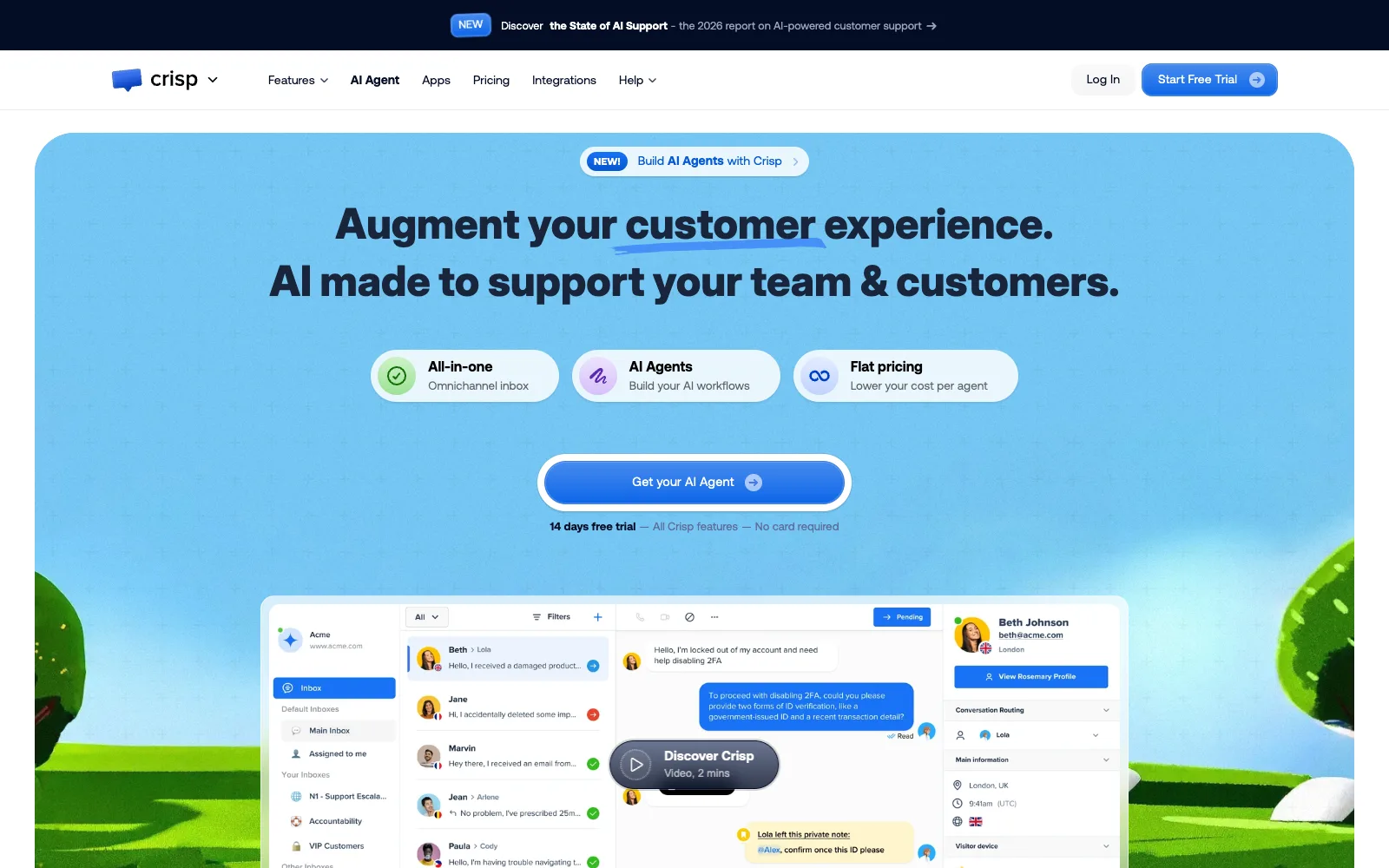
Crisp is a multichannel inbox priced per workspace, not per seat, with AI paid through credits included in each paid plan. Its WordPress plugin has 10,000+ installs and a 4.6 rating, and Crisp says it is EU-hosted.
Versus Fin
Mini is $45 a month with $5 of AI credits (about 90 automated conversations, per Crisp), Essentials $95 with $25 (about 450), and Plus $295 with $75 (about 1,350). Top-up credit prices aren’t listed, so cost beyond the included credits is unclear. The free plan has no AI.
Fit
The AI trains on answer snippets, your knowledge base (reindexed after each article update), a website crawl, past conversations and imported files. MagicReply has a confidence setting, and the AI hands over to your team with full context.
- ✓Per-workspace, not per-seat pricing
- ✓EU hosting
- ✓Trains on past conversations
- ✓AI handoff with context
- ✕Included AI credits run out at modest volume
- ✕Top-up prices not published
- ✕No AI on the free plan
- ✕One 2024 plugin XSS (6.4), fixed in 0.45
Best for: small EU-focused teams that want a shared inbox with AI included up to a few hundred conversations.
6. Chatbase: best standalone hosted AI agent
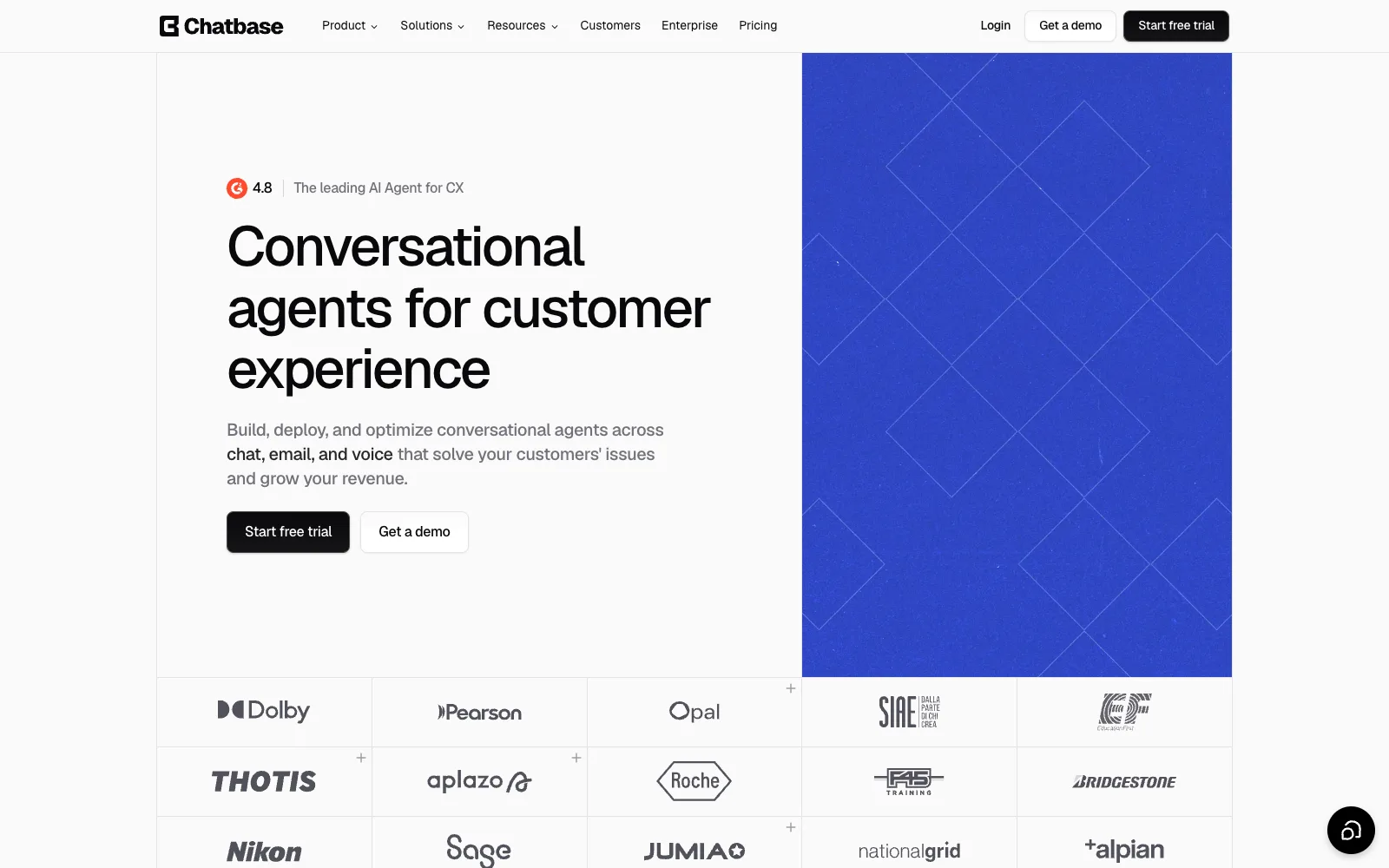
Chatbase is a hosted AI agent you train on your own data sources and embed on WordPress with a small plugin. It doesn’t replace a helpdesk; it hands conversations to one.
Versus Fin
Basic is $120 a month billed yearly with 4,000 message credits and one agent; Business is $400 with 15,000 credits. Extra credits cost $40 per 1,000, extra agents $25 a month, and removing branding $99 a month. Pricing is per message credit, not per resolution.
Fit
It hands conversations to your helpdesk, such as Zendesk, with full context, and the widget shows the sources it checked. Chatbase states SOC 2 Type II and GDPR compliance and says data isn’t used to train models. Its WordPress plugin is only an embed and is untested with the last three major WordPress releases.
- ✓Pay per message, not per resolution
- ✓Handoff into existing helpdesks
- ✓Vendor-stated SOC 2 Type II
- ✓Model choice without managing keys
- ✕$120 a month before you start
- ✕No free plan on the pricing page
- ✕Stale WordPress plugin (3.4 rating)
- ✕Needs a separate helpdesk
Best for: teams that keep their current helpdesk and want a polished AI front line priced by messages.
7. AI Engine: AI only, no helpdesk
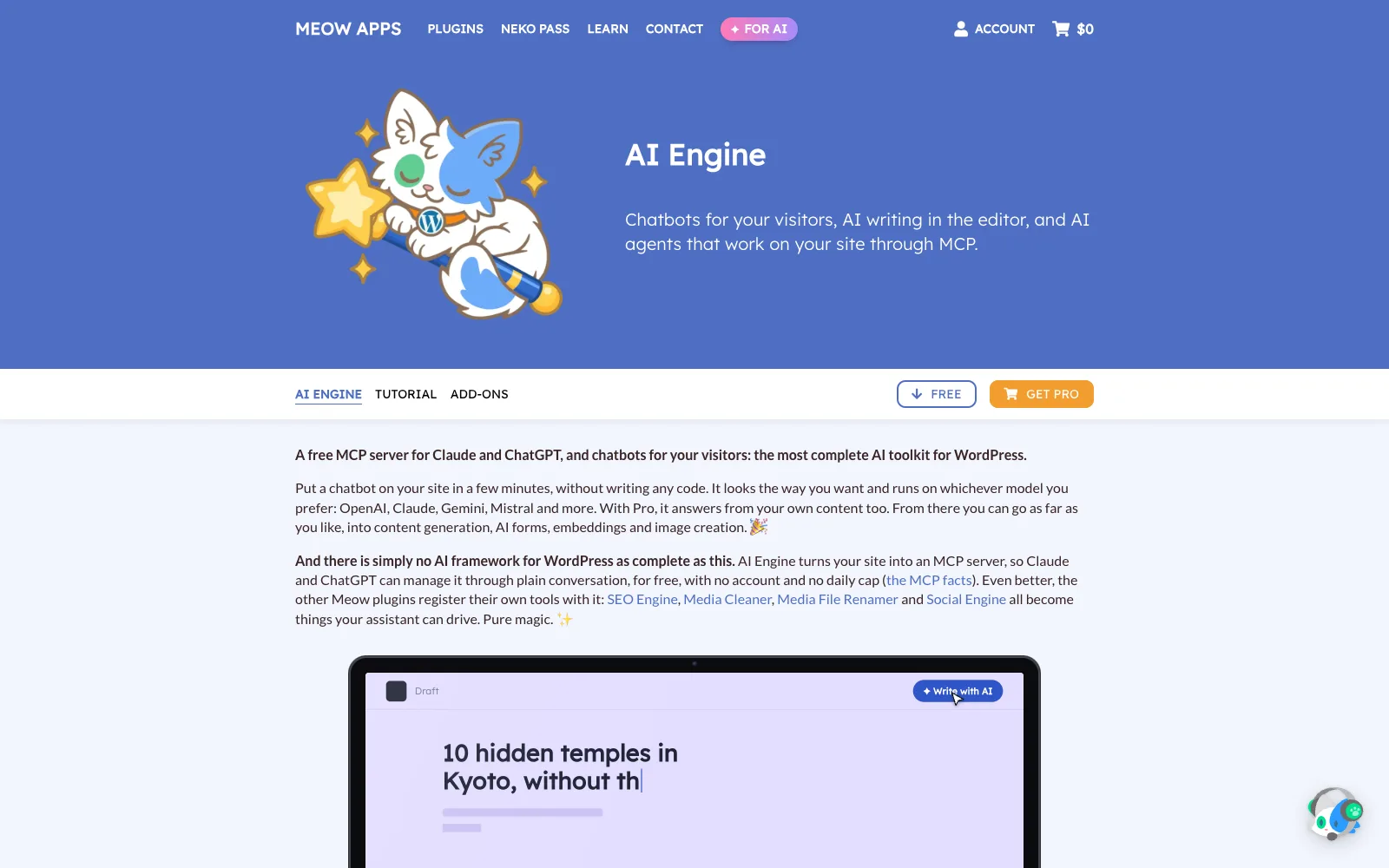
AI Engine by Meow Apps is a WordPress AI toolkit with 90,000 active installs and a 4.9 rating from 879 reviews. Its chatbots can answer from your posts and PDFs, but it has no inbox, tickets or human handoff, so it is an AI layer, not a Fin replacement on its own.
Versus Fin
Costs are a licence (Pro $59 a year for 1 site, $79 for 5, $149 for 20; lifetime from $299) plus your provider’s token prices, so it scales like DoubleScale’s AI. Embeddings and vector databases are Pro. Meow Apps notes you can’t fully block the model’s built-in knowledge, only steer it.
Fit
It supports OpenAI, Anthropic, Google, xAI, Mistral, OpenRouter, Azure and local OpenAI-compatible models. WPScan lists 46 entries from 2024 to 2026, including an unauthenticated privilege escalation (9.8) fixed in 3.1.4; all are fixed in 3.9.4.
- ✓Cheapest licence for AI answers
- ✓Widest provider choice
- ✓Data on your server
- ✓Active development
- ✕No helpdesk or handoff
- ✕Heavy patch history
- ✕Needs PHP 8.1+
- ✕You build the support workflow
Best for: developers who want AI answers on WordPress and will connect their own helpdesk and handoff.
What do you give up by leaving Intercom Fin?
You give up a mature, heavily tuned agent and an integrated platform, and it is worth being clear-eyed about that before you switch.
- Track record. Fin runs at 12,000+ customers by Intercom’s count. Most alternatives here, DoubleScale included, have far less history.
- Procedures and workflows. Fin can complete multi-step Procedures, not only answer questions. Simpler assistants answer from articles and hand over.
- Languages. Intercom says Fin “speaks dozens of languages”. Check any alternative with your real customer languages.
- Pay-for-success. With outcome pricing, an unresolved conversation costs nothing. With your own key, you pay tokens for every conversation, resolved or not.
- Less to manage. No API keys, model choices or usage limits to watch. With a bring-your-own-key tool, those are yours.
What you gain is cost control, choice of model, and, with a WordPress-based option, conversations stored in your own database next to your customers’ records.
What happens when the AI agent can’t answer?
Every tool here except AI Engine hands the conversation to people; they differ in where it lands and whether the customer has to repeat themselves.
| Tool | Hands over to | Lands as | Billed as a resolution? |
|---|---|---|---|
| DoubleScale | Your team in the same chat | Helpdesk ticket on the contact | No resolution fees |
| Intercom Fin | Your team with context | Intercom or connected helpdesk | Procedures that complete count, including handoffs |
| Zendesk AI agents | Agents with full context | Zendesk ticket | Only automated resolutions |
| Help Scout Envoy | Your team, when you set it to | Inbox conversation | No, escalations don’t count |
| Tidio Lyro | Human agent | Tidio inbox; ticket via Lyro Connect | Per Lyro conversation either way |
| Crisp | Your team with context | Crisp inbox | Credits used either way |
| Chatbase | Your helpdesk | Ticket in Zendesk or similar | Credits used either way |
| AI Engine | No built-in route | Nowhere, unless you build it | Tokens either way |
Where do your support conversations live?
With Fin and the hosted alternatives, conversations live in the vendor’s cloud. With DoubleScale and AI Engine they stay on your WordPress server, and only the question text goes to the AI provider you chose.
| Tool | Conversations stored in | Notes from the vendor |
|---|---|---|
| DoubleScale | Your WordPress database, as tickets | Question text goes to your AI provider only when the assistant answers |
| Intercom Fin | Intercom’s cloud | Hosting region not stated on the pages we read |
| Zendesk AI agents | Zendesk’s cloud | Not covered on the pricing page |
| Help Scout Envoy | Help Scout’s cloud | Not covered on the pricing page |
| Tidio Lyro | Tidio’s cloud | SOC 2 and HIPAA on Enterprise |
| Crisp | Crisp’s cloud | EU-hosted, built in France |
| Chatbase | Chatbase’s cloud | SOC 2 Type II, GDPR, not used to train models |
| AI Engine | Your server | Free version sends nothing to Meow Apps |
Which Fin alternative should you choose?
- Choose DoubleScale if you run on WordPress and want AI answers, live chat and tickets with a flat bill and your own key, and you accept a young product and managing the AI yourself.
- Choose Zendesk AI agents if you want a full hosted suite and per-agent plus per-resolution pricing fits your budget.
- Choose Help Scout Envoy if you like outcome pricing and an email-first inbox, at $0.75 per resolution.
- Choose Tidio Lyro or Crisp for hosted chat with AI at small-team prices.
- Choose Chatbase to keep your helpdesk and add a hosted AI front line.
- Choose AI Engine only if you will build the handoff and inbox yourself.
- Stay on Fin if it resolves enough to justify the fee and you rely on Procedures or many languages.
For the wider picture, see our guides to AI chatbots for WordPress customer support, WordPress live chat plugins and Zendesk alternatives for WordPress.
DoubleScale Pro adds an AI assistant that cites your articles and hands over to live chat and tickets. Your own AI key, no per-agent seats, no resolution fees.
Frequently asked questions
What is the best alternative to Intercom Fin?
For WordPress sites, DoubleScale, which answers from your knowledge base, hands over to live chat and tickets, and charges a flat licence with your own AI key. If you want a full hosted suite, Zendesk AI agents are the closest match. Help Scout Envoy is a cheaper per-resolution option, and Tidio Lyro and Crisp suit small teams.
How much does Intercom Fin cost?
Fin is $0.99 per outcome. In Intercom you also pay for seats: $29 Essential ($19 with the new-customer discount), $85 Advanced or $132 Expert per seat a month. With another helpdesk, Fin is $0.99 per outcome with no seat cost and a minimum monthly commitment, such as 50 outcomes. An outcome is charged once per conversation.
Is there a cheaper alternative to Intercom Fin?
Yes. Help Scout Envoy costs $0.75 per resolution. Tools that use your own AI key, such as DoubleScale and AI Engine, charge a flat licence and your provider’s token prices instead, which on our stated assumptions comes to about $14 to $76 a month at 1,000 resolutions for DoubleScale, against about $1,077 for Fin with three seats.
What counts as a resolution or outcome in Fin?
Intercom counts an outcome when a customer confirms the issue is resolved, when they don’t ask for more help after Fin responds, or when Fin completes a workflow (a Procedure), including handoffs. Each conversation is charged once, however many questions Fin answers in it. Check the definition against your own traffic before estimating costs.
Can I use an AI support agent on WordPress without Intercom?
Yes. DoubleScale runs the AI assistant, live chat and helpdesk inside WordPress. AI Engine adds AI chatbots without a helpdesk. Tidio and Crisp have WordPress plugins for their hosted chat with AI, and Chatbase, Zendesk and Help Scout are embedded with a script or small plugin. Pick based on where you want conversations to live.
Is Intercom Fin’s 76% resolution rate realistic?
It is Intercom’s reported average across 12,000+ customers, and Intercom says many see over 85%. It is a vendor figure, and resolution rates depend heavily on how complete your help content is and what kinds of questions you get. Measure your own rate during a trial rather than budgeting on any vendor’s average.
Do I need my own API key for a Fin alternative?
Only for some. DoubleScale and AI Engine use a key you create with OpenAI, Anthropic, Google Gemini or a compatible provider, who bills you directly. Zendesk, Help Scout, Tidio, Crisp and Chatbase include the AI in their own pricing, charged per resolution, per AI conversation or through credits.
Related guides
- AI chatbots for WordPress customer support
- WordPress live chat plugins that turn chats into tickets
- Self-hosted Intercom alternatives (Quill Forms)
- How to build a help center in WordPress
Sources
Checked on 19 November 2026: Intercom pricing and fin.ai; Zendesk pricing; Help Scout pricing; Tidio pricing and Lyro; Crisp pricing and Crisp AI; Chatbase pricing; AI Engine Pro; Anthropic API pricing; WordPress.org plugin API; WPScan; DoubleScale details from doublescale.io/features/live-chat and doublescale.io/pricing.
Get our guides first on GoogleAdd DoubleScale as a preferred source and our articles show up more often in your Top Stories.

DoubleScale Team, Editorial team
The DoubleScale team builds the all-in-one CRM for WordPress. We test the tools we write about and check every price and feature on the vendor's own pages before we publish.
Practical CRM tips, once a month
Guides on growing with WordPress: lead capture, email marketing, automations and sales. No spam, unsubscribe anytime.