



























On this page
- What should a business site track in Google Analytics?
- Google Analytics plugins compared
- How we chose these plugins
- 1. Site Kit by Google: best free plugin for tracking leads
- 2. GTM4WP: best free plugin for Google Tag Manager users
- 3. MonsterInsights: best reports inside WordPress
- 4. GTM Kit: best WooCommerce data for Tag Manager
- 5. PixelYourSite: best when GA4 and Meta must agree
- 6. Conversios: best for WooCommerce ad conversions
- 7. GA Google Analytics: lightest way to add GA4
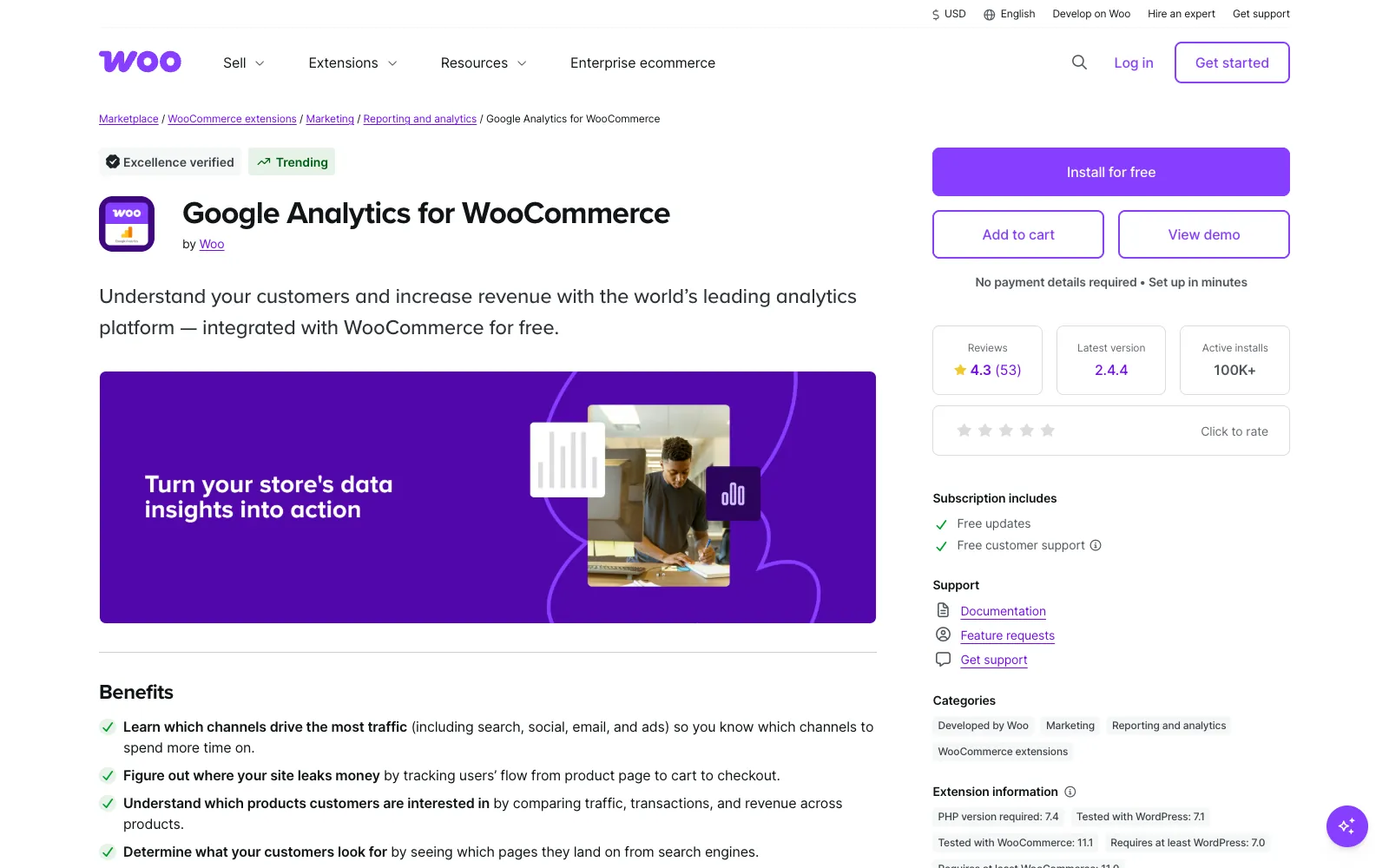
- 8. Google Analytics for WooCommerce: official, free and basic
- Also considered
- How to track leads in GA4 in 30 minutes
- Where Google Analytics stops and your CRM starts
- Consent Mode v2: what EU visitors change
- Privacy-first alternatives to Google Analytics
- Which Google Analytics plugin should you choose?
- Frequently asked questions
A Google Analytics plugin that only counts page views answers the wrong question. For a business site, the useful numbers are the ones further down the page: how many people filled in the quote form, booked the demo or bought, and which channel sent them. Every plugin on this list can install GA4. What separates them is how much of that lead and revenue data reaches Analytics without you writing JavaScript.
We tested the setup flow of each plugin, checked every price on the vendor’s own pricing page and pulled installs and ratings from the WordPress.org API on 24 November 2026.
Site Kit by Google: best free plugin; tracks leads from Contact Form 7, WPForms and Ninja Forms and WooCommerce purchases with no code.
GTM4WP: best free option if you use Google Tag Manager; form and ecommerce events in the data layer.
MonsterInsights: best reports inside WordPress; form and ecommerce tracking start at Pro.
GTM Kit: best WooCommerce data for Tag Manager users, with Consent Mode v2 on the free version.
PixelYourSite / Conversios: best when GA4 has to agree with Google Ads and Meta.
GA Google Analytics: lightest way to add the tag and nothing else.
What should a business site track in Google Analytics?
A business site should track the actions that turn a visitor into a lead or a customer, and mark the most important ones as key events. GA4 records page views, scrolls and outbound clicks on its own through enhanced measurement. Everything that makes you money needs a little help:
- Lead forms. Contact, quote and demo requests. GA4 cannot tell a successful submission from a failed one unless a plugin sends the event after the form confirms.
- Bookings and calls. A booked meeting or a click on a phone number, usually through a thank-you page or a tag.
- Purchases. WooCommerce orders with value, tax, coupon and products, so GA4 can report revenue by channel.
- Campaign source. UTM tags on every link you control: newsletters, social posts and ads. Without them, email traffic often shows up as direct.
Then mark three to five of these as key events. GA4 allows up to 30 per standard property, but a short list keeps your reports readable and your ad bidding focused.
Google Analytics plugins compared
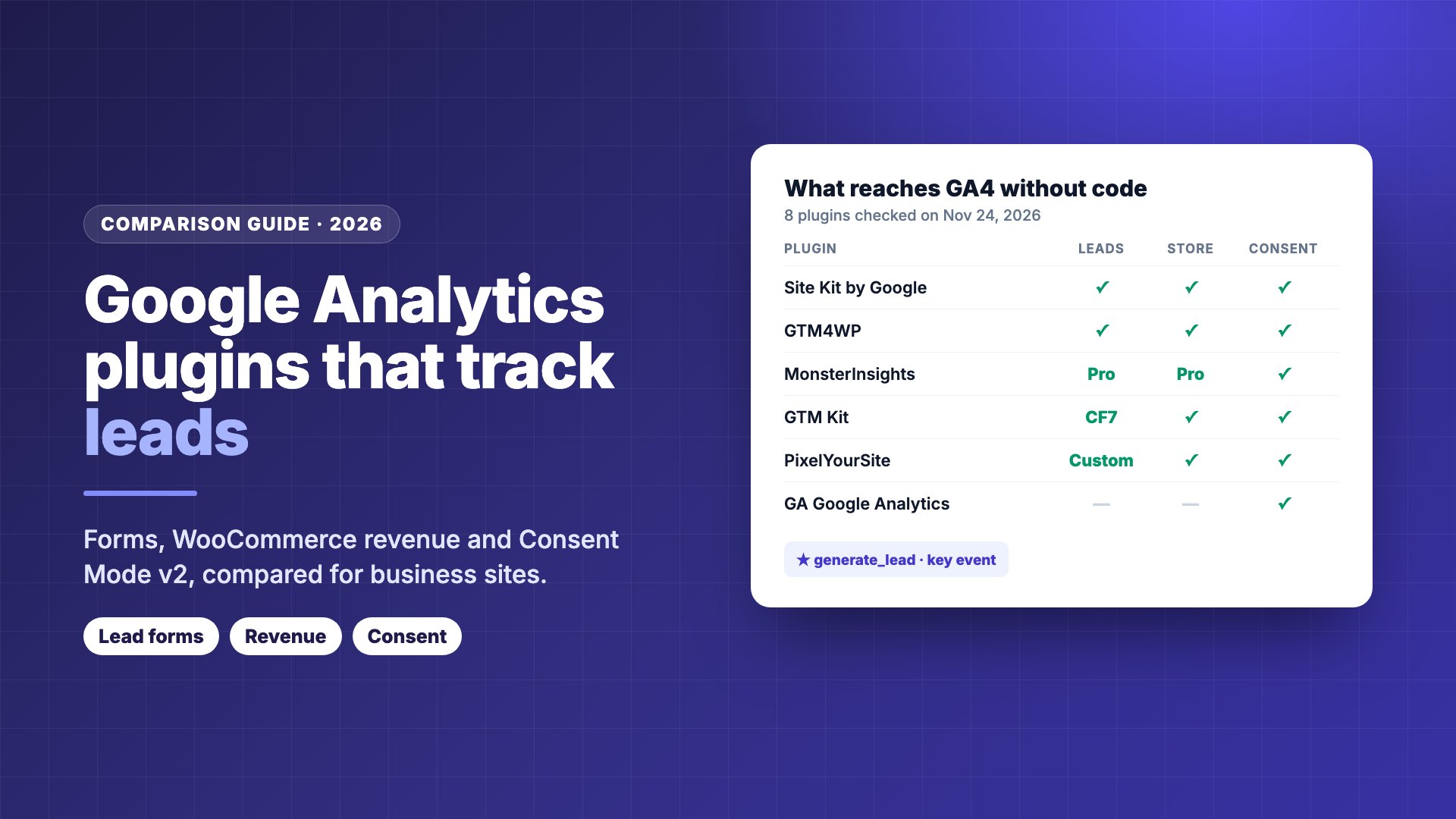
The table shows what each plugin can send to GA4 without custom code. “Paid” means the feature is in a paid plan; prices are regular prices for one site, and most vendors are running Black Friday discounts on the first year at the time of writing.
| Plugin | Lead forms | WooCommerce | Consent Mode | Paid from (1 site) |
|---|---|---|---|---|
| Site Kit by Google | Yes, 6 form and popup plugins | Yes | Yes, with a consent plugin | Free |
| GTM4WP | Yes, via Tag Manager | Yes, full GA4 ecommerce | Defaults built in | Free |
| MonsterInsights | Pro | Pro | EU Compliance feature | $199/yr (Plus) |
| GTM Kit | Contact Form 7 | Yes; advanced events Premium | v2, free | €85/yr |
| PixelYourSite | Custom events | Yes | v2 | $199/yr |
| Conversios | No | Yes, 15+ events | v2, free | $198/yr |
| GA Google Analytics | No | No | Consent signals | $20/yr or $40 lifetime |
| Google Analytics for WooCommerce | No | Yes, basic | WP Consent API | Free |
Checked on vendor sites and WordPress.org, 24 November 2026. “Lead forms” means submissions sent to GA4 as events without custom code.
How we chose these plugins
We started with every plugin that ranks for “Google Analytics WordPress plugin” and kept the ones that are maintained, tested with the current WordPress release and still updated in the last three months. We then scored them on four things a business owner actually notices: which leads and sales reach GA4 without code, how they handle consent for EU visitors, how much they slow the page, and what one site really costs after the first-year discount ends.
We left out plugins that only show reports and don’t help with tracking, and we did not test every paid tier hands-on. Where a vendor page doesn’t state something, we say so.
1. Site Kit by Google: best free plugin for tracking leads
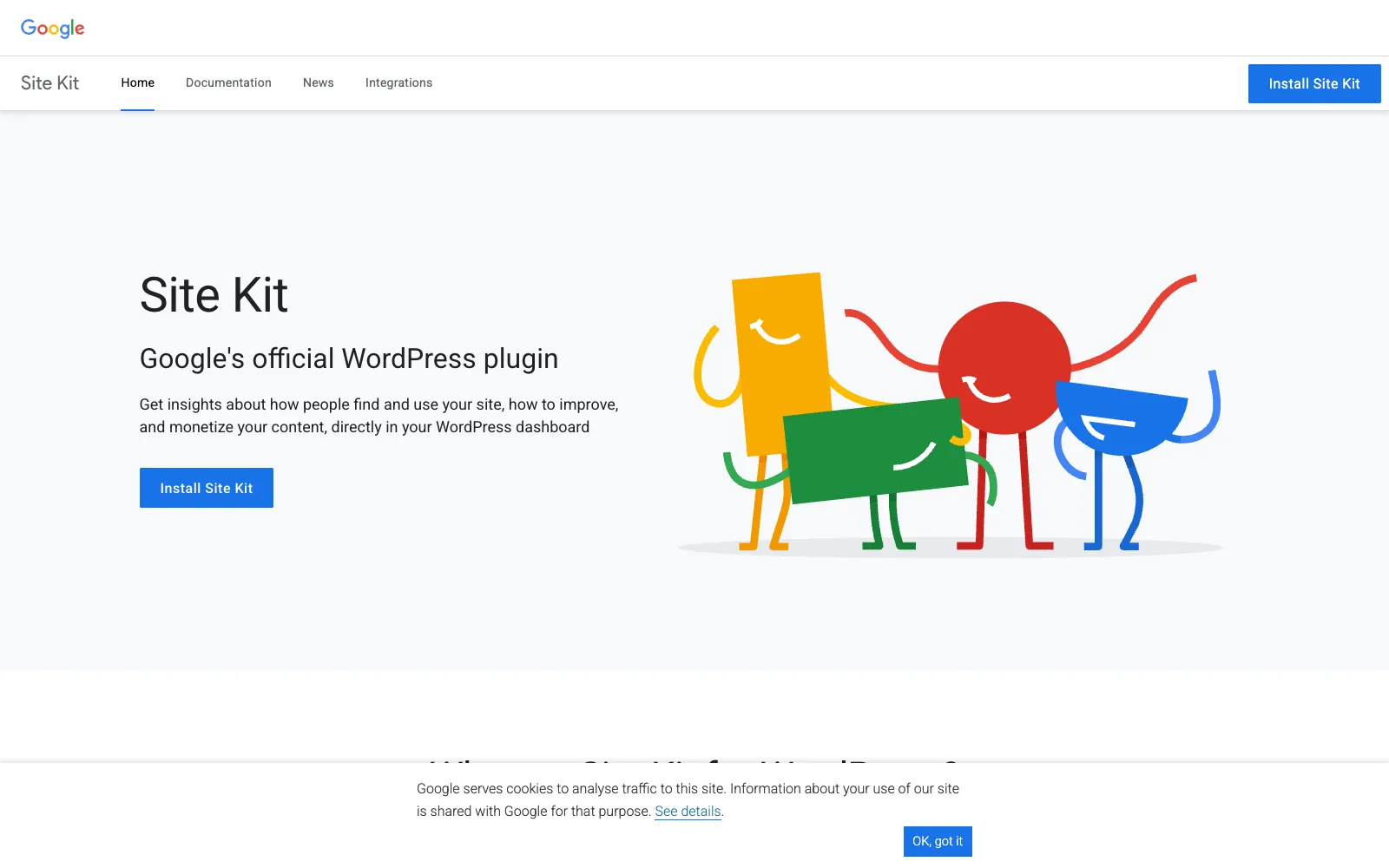
Site Kit is Google’s own WordPress plugin and the most installed analytics plugin on WordPress.org. It places the Google tag, connects Analytics, Search Console, Google Ads, Tag Manager, AdSense and PageSpeed Insights, and shows the basics in your dashboard. It is free and open source, with no paid tier.
What it tracks for you
Turn on plugin conversion tracking in Site Kit’s Analytics or Ads settings and it detects supported plugins and records their actions in GA4 and Google Ads: Contact Form 7, WPForms, Ninja Forms, Mailchimp, OptinMonster and Popup Maker for leads, and WooCommerce and Easy Digital Downloads for sales. For a small business on one of those form plugins, that is lead tracking for free, set up in a few clicks.
Where it stops
The reports in WordPress are deliberately light, so you will still open Google Analytics to dig in. Gravity Forms and many other form plugins are not supported yet, and consent mode needs a separate banner plugin that talks to the WP Consent API.
- ✓Free and official
- ✓Lead and purchase events without code
- ✓Search Console and Ads in the same plugin
- ✕Simple reports
- ✕Short list of supported form plugins
- ✕Consent banner sold separately
Best for: small business sites on a supported form plugin that want leads in GA4 without paying or writing code.
2. GTM4WP: best free plugin for Google Tag Manager users
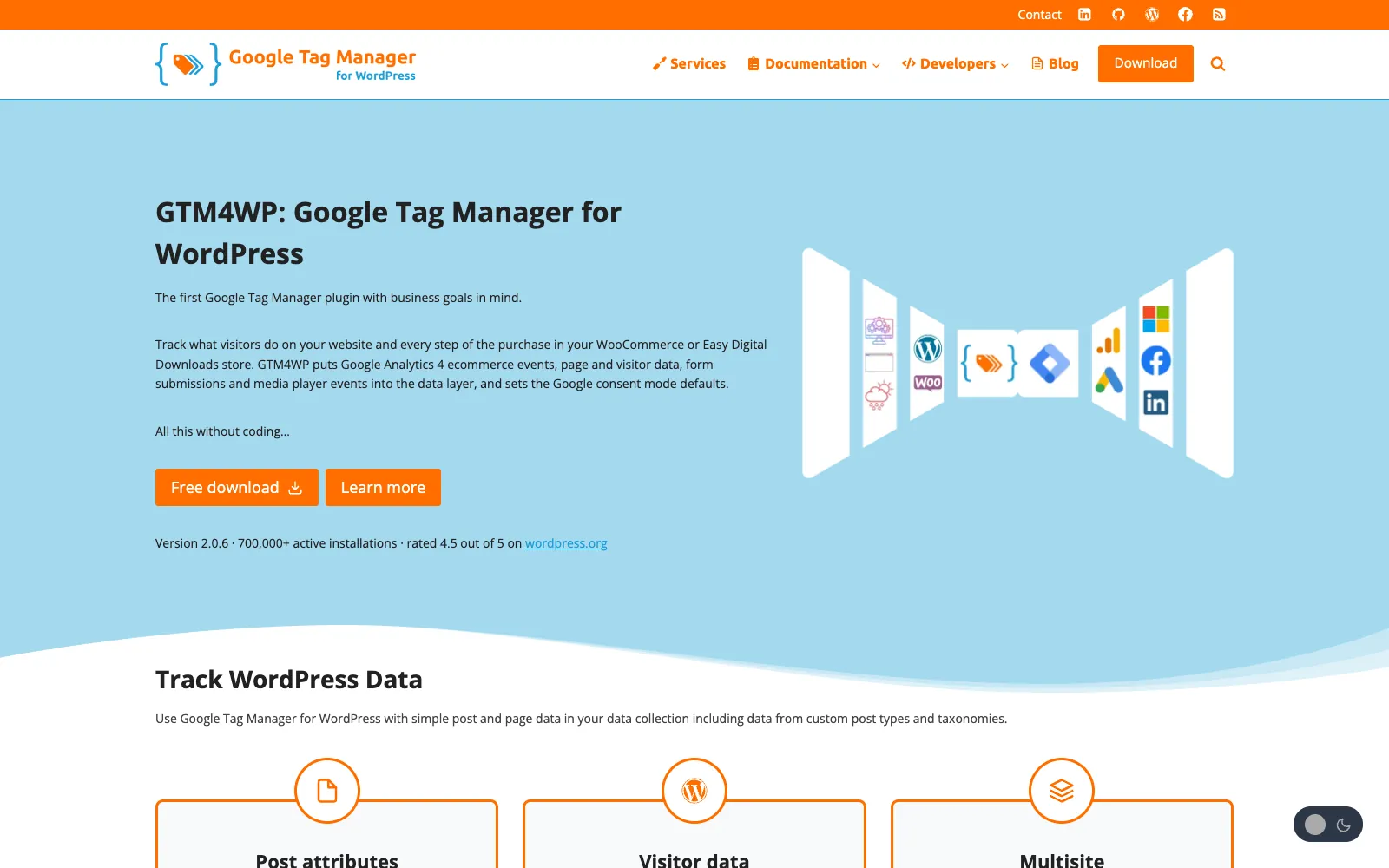
GTM4WP doesn’t talk to Analytics directly. It installs your Google Tag Manager container and fills the data layer with what happens on each page, and you decide in Tag Manager what to send to GA4, Google Ads or anywhere else. With 700,000+ installs it is the most used Tag Manager plugin, and every integration is in the free version.
Why lead-gen sites like it
Its optional form events push form_start, form_submit and generate_lead into the data layer, and it carries page details such as post type, category and author. That means you can report leads by the blog category that produced them, which no dashboard plugin does out of the box. WooCommerce stores get complete GA4 ecommerce events, including the Cart and Checkout blocks, and Google Ads conversion and remarketing tags.
What it asks of you
You need to be comfortable in Tag Manager: GA4 tags, triggers and variables are yours to build. Nothing shows inside WordPress, and the plugin needs PHP 8.0 or newer.
- ✓Free, with no paid tier
- ✓Most flexible data layer
- ✓Strong WooCommerce and Ads support
- ✕Tag Manager learning curve
- ✕No reports in WordPress
Best for: agencies, developers and growing teams that run several tags and want full control over what reaches GA4.
3. MonsterInsights: best reports inside WordPress
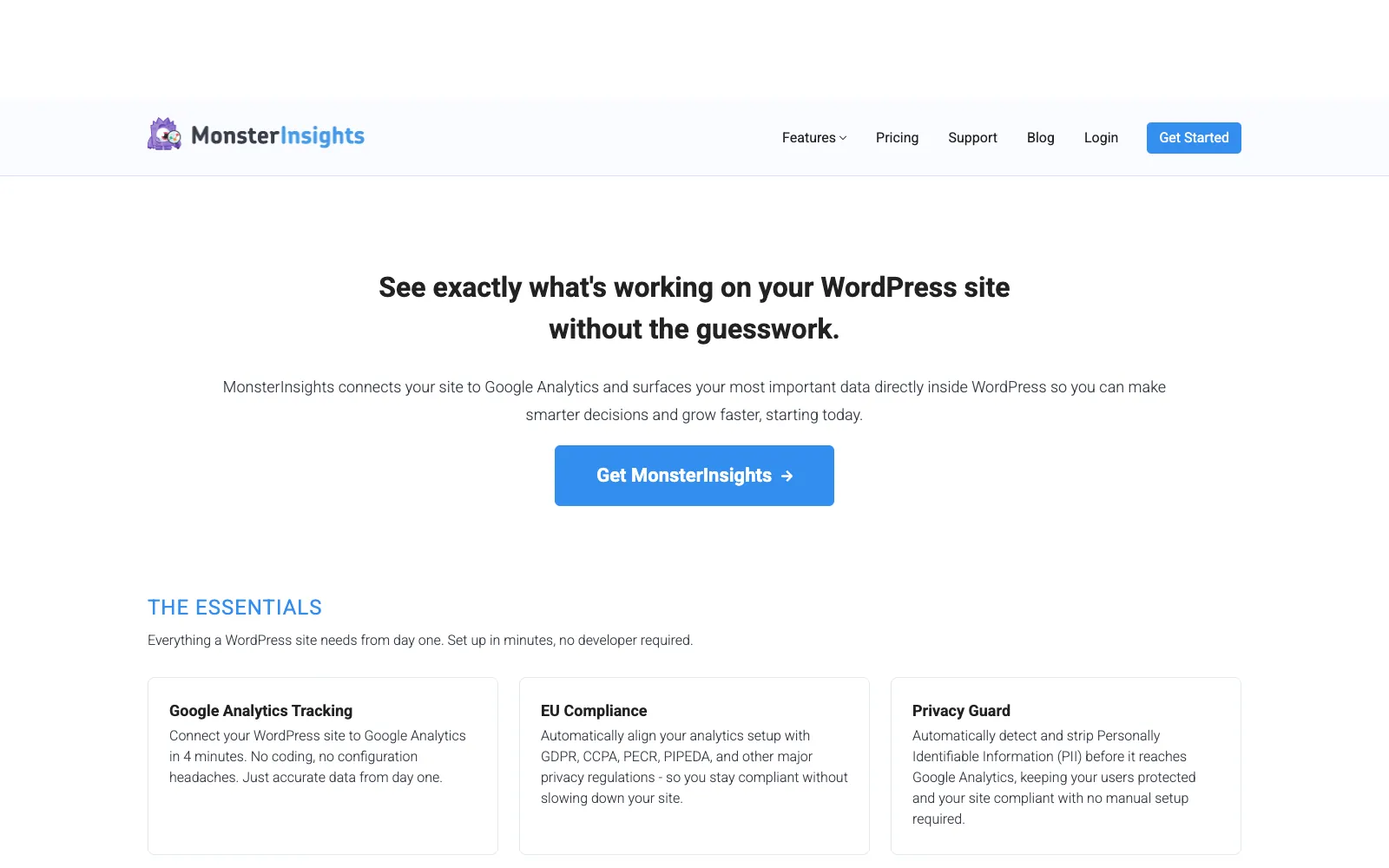
MonsterInsights connects GA4 through a guided wizard and turns Analytics into readable reports in your dashboard, so you can see top pages and sources without learning the GA4 interface. The free Lite version handles setup and a basic overview; most of what businesses buy it for is paid.
The plan that matters
Form conversion tracking, ecommerce reports, custom dimensions and ad tracking all start at Pro, which is $399 a year for five sites at the regular price. Plus ($199, one site) gives you the reports but not the lead and revenue tracking this article is about. During the current Black Friday sale Pro is $159.60 for the first year; renewals are at full price.
Before you buy
You are paying for convenience: the same events are free through Site Kit or GTM4WP if you can live with the GA4 interface. MonsterInsights has no lifetime licence.
- ✓Clear reports without leaving WordPress
- ✓Form and ecommerce reports on Pro
- ✓Large user base and documentation
- ✕Lead tracking needs the $399 Pro plan
- ✕First-year discounts renew at full price
Best for: owners who want to read leads and sales by source inside WordPress and are happy to pay for it.
4. GTM Kit: best WooCommerce data for Tag Manager
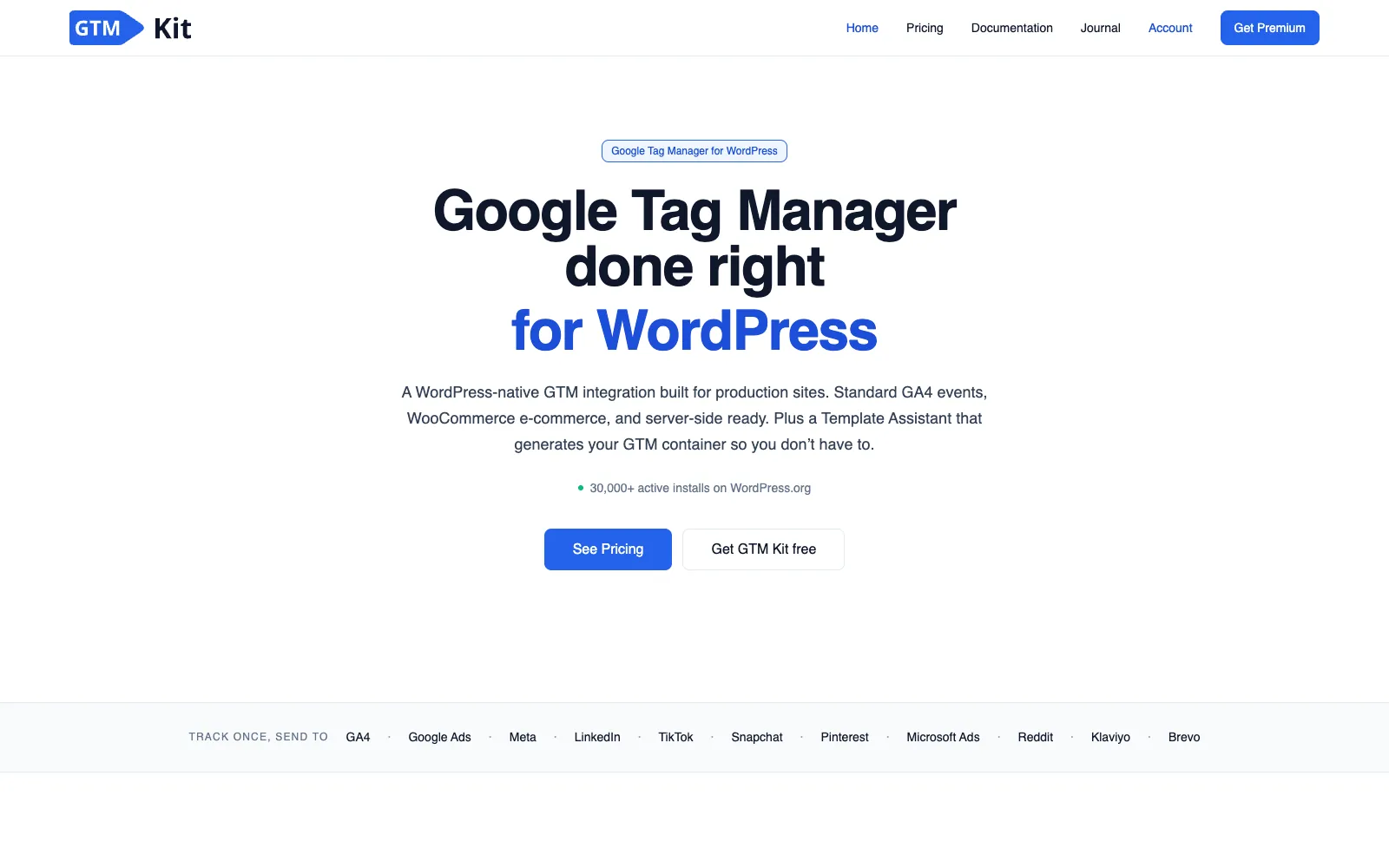
GTM Kit is a younger Tag Manager plugin built around WooCommerce and Easy Digital Downloads. It sends standard GA4 ecommerce events and Contact Form 7 submissions to the data layer, sets Consent Mode v2 defaults in the free version, and can import your settings from GTM4WP.
What Premium adds
Premium adds refund, order-paid and wishlist events, WooCommerce Subscriptions, server-side GA4 webhooks and templates for LinkedIn, TikTok and Pinterest. It costs €85 a year for one site and €125 for three. If Premium lapses, the plugin keeps working without updates.
Trade-offs
Like GTM4WP, it expects you to work in Tag Manager, though its Template Assistant generates a ready container for you. It has far fewer reviews than the big names.
- ✓Clean GA4 ecommerce events for free
- ✓Consent Mode v2 defaults included
- ✓Imports GTM4WP settings
- ✕Requires Tag Manager
- ✕Small review count so far
Best for: WooCommerce stores that want accurate revenue in GA4 and Google Ads through Tag Manager.
5. PixelYourSite: best when GA4 and Meta must agree
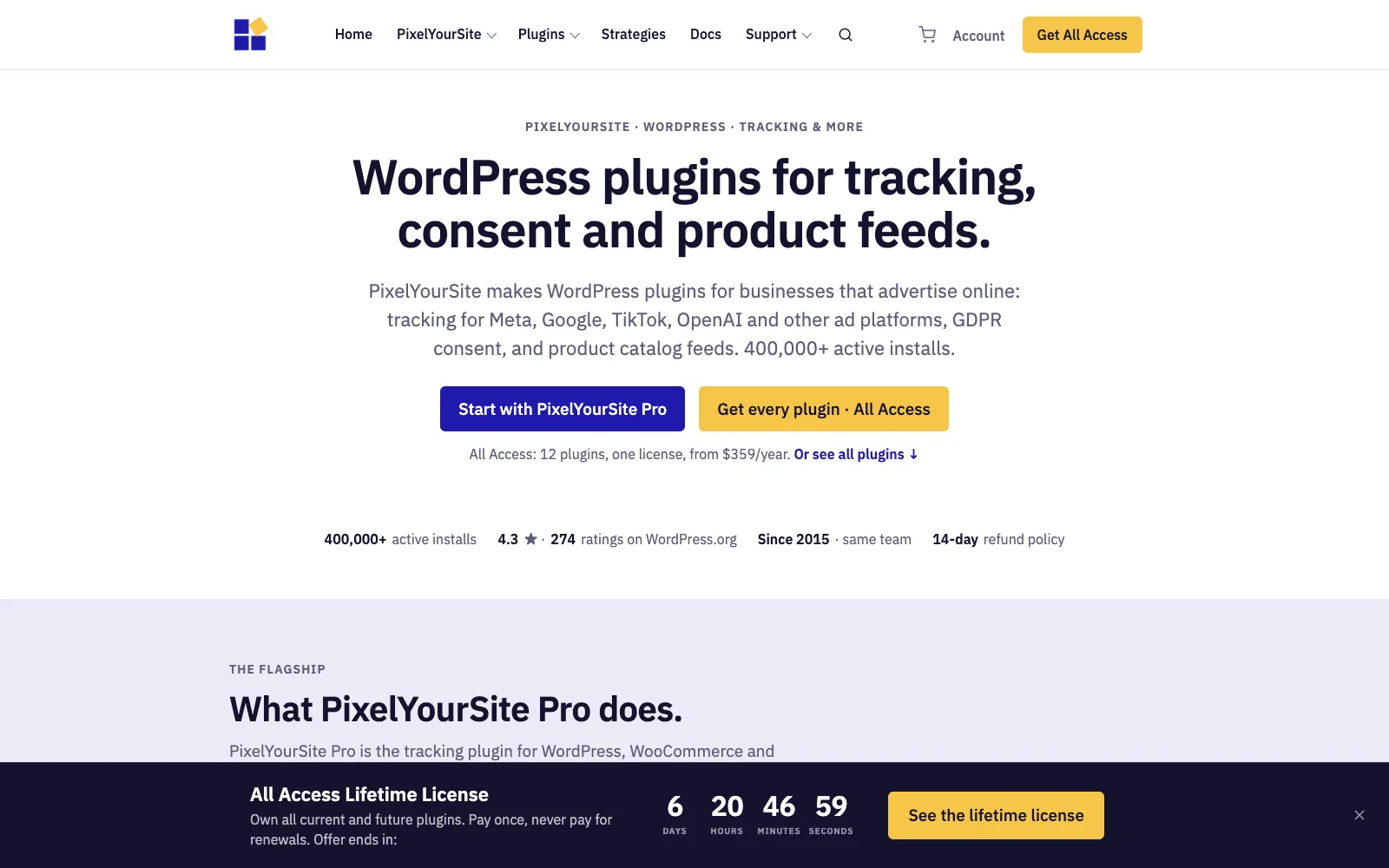
PixelYourSite installs GA4, Google Tag Manager, Google Ads and the Meta Pixel with the Conversions API from one place, and fires the same events to each. If you run paid social as well as search, it saves you maintaining four tracking setups that slowly drift apart.
Where it shines
Automatic WooCommerce and EDD events, Google Consent Mode settings, and support for popular consent plugins. Every paid tier includes GA4, Google Ads Enhanced Conversions, Tag Manager and Consent Mode v2. Pro is $199 a year for one site or $249 for up to ten.
What to weigh
It is built around advertising, so for a site that doesn’t run ads it is more than you need. Form leads need custom events rather than a one-click integration.
- ✓GA4, Google Ads and Meta from one plugin
- ✓Strong ecommerce events
- ✓Consent Mode v2 on every tier
- ✕Pricey for a single site
- ✕Ad-focused settings
Best for: businesses that spend on Meta and Google ads and want both to report the same leads and sales as GA4.
6. Conversios: best for WooCommerce ad conversions
Conversios is a WooCommerce tracking suite: 15+ GA4 ecommerce events, Google Ads conversion tracking and the Meta Pixel in the free plugin, plus product feeds and server-side tracking on paid plans.

Good to know
Basic and advanced Google Consent Mode v2 are in the free version, but there is no cookie banner of its own, so it relies on CookieYes, Cookiebot or similar. Its pricing page lists Pixel Pro at $198 a year for one site and was showing $79.20 during the Black Friday sale; the page doesn’t say whether that price renews.
- ✓Free Google Ads and Meta conversions
- ✓Consent Mode v2 on free
- ✓Product feed sync
- ✕WooCommerce only
- ✕Renewal terms not stated
Best for: stores running ads on several platforms that need GA4 and ad conversions to match.
7. GA Google Analytics: lightest way to add GA4
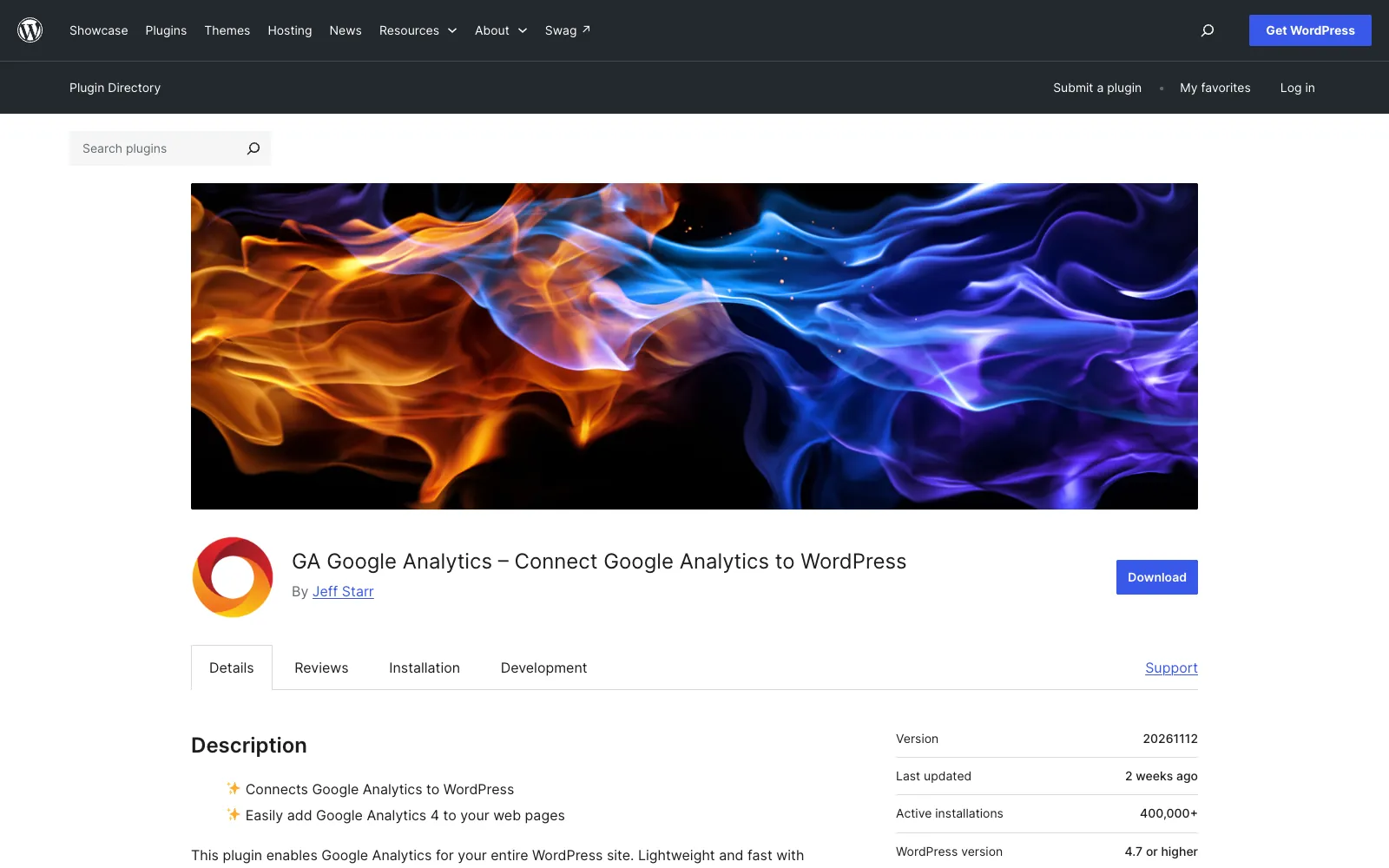
GA Google Analytics, by long-time WordPress developer Jeff Starr, adds the GA4 tag and nothing else: paste your Measurement ID, choose the header or footer, done. With a 4.9 rating from 159 reviews it is the best-rated plugin here.
The honest fit
It sends page views and GA4’s enhanced measurement, supports consent signals and IP anonymization, and Pro adds an opt-out box and multiple tracking codes. It does not send form or ecommerce events, so for lead tracking you would add Site Kit’s conversion tracking or a tag of your own.
- ✓Very light and fast
- ✓Cheap lifetime licence
- ✓No upsell screens
- ✕No lead or ecommerce events
- ✕No reports in WordPress
Best for: content sites and brochure sites that want GA4 installed and nothing more.
8. Google Analytics for WooCommerce: official, free and basic
Google Analytics for WooCommerce is the WooCommerce team’s own extension. It sends purchases, add-to-cart, product views, list impressions, product clicks and checkout starts to GA4, and it works with the WP Consent API.
Why it is last
It covers the purchase basics and little else, and its 2.8 rating reflects years of mixed experiences. Stores that need ad conversions, refunds or server-side events usually outgrow it and move to GTM Kit, Conversios or PixelYourSite.
- ✓Official and free
- ✓Covers the core store events
- ✕Low rating
- ✕No ad platforms or leads
Best for: small stores that want free, official purchase tracking in GA4.
Also considered
- ExactMetrics (200,000+ installs) mirrors MonsterInsights’ reports and pricing, with Pro at $399 a year for form and ecommerce tracking, but its 2.5 rating from 1,546 reviews is the lowest of any GA plugin we checked.
- Beehive Analytics (20,000+ installs) is strong for WordPress Multisite networks; Pro comes only with a WPMU DEV plan from $50 a year.
- Independent Analytics and Burst Statistics are not Google Analytics plugins: they keep stats in your own database without cookies. See the privacy section below.
How to track leads in GA4 in 30 minutes
Whichever plugin you choose, the setup that gives you lead numbers you can trust follows the same order:
- 1Install one plugin that places the Google tagPick Site Kit, GTM4WP or one of the others, and remove any tag pasted into your theme. Two tags means every number doubles.
- 2Turn on your form or store eventsSite Kit: Settings, Analytics, plugin conversion tracking. GTM4WP or GTM Kit: enable form or WooCommerce events, then publish a GA4 event tag in Tag Manager.
- 3Submit a test leadOpen GA4 DebugView or the Realtime report and fill in your own form. Check that one event arrives, once, only after the success message.
- 4Mark it as a key eventIn GA4 go to Admin, Data display, Events and click the star next to the lead event. Keep the list short.
- 5Tag every link you controlAdd utm_source, utm_medium and utm_campaign to newsletter, social and ad links, so GA4 credits the right channel instead of “direct”.
- 6Compare with your CRM after a weekGA4 lead count and the number of new contacts in your CRM should be close. A big gap usually means spam, a double tag or a missing consent signal.
quote_request. GA4 event names may contain only letters, numbers and underscores, must start with a letter and are case sensitive, so Quote_Request and quote_request count as two events.Where Google Analytics stops and your CRM starts
GA4 tells you that 14 quote requests came from LinkedIn last month. It will never tell you that one of them was a $12,000 project, because Google’s terms forbid sending names, email addresses or other personal information to Analytics. That second half of the story lives in your CRM.
The two work best side by side. Analytics answers “which channels and pages produce leads”, and the CRM answers “which leads became revenue”. To connect them, keep UTM tags consistent between the ad or email and the landing page, store the form submission in your CRM, and compare by campaign and date rather than trying to stitch individual people together.
If your CRM runs inside WordPress, as DoubleScale does, the form, the contact record and the follow-up sit on the same site as your GA tag, so there is no third-party sync to break. We cover what a CRM adds beyond Analytics in our guides to website tracking in a WordPress CRM and CRM analytics and reports.
Consent Mode v2: what EU visitors change
If any of your visitors are in the European Economic Area, plan consent before you pick a plugin. Google’s EU user consent policy requires two extra consent signals, ad_user_data and ad_personalization, and since March 2024 EEA users without affirmative consent are left out of audiences for linked Google ad products.
| Mode | What happens before consent | Trade-off |
|---|---|---|
| Basic | Google tags don’t load until the visitor answers the banner | Simple and strict; you lose data from people who decline |
| Advanced | Tags load with consent denied and send cookieless pings | GA4 can model some missing conversions; more to configure |
In this list, GTM Kit, GTM4WP, Conversios and PixelYourSite set Consent Mode defaults themselves; Site Kit and Google Analytics for WooCommerce rely on a banner plugin that supports the WP Consent API. None of them is a cookie banner, so you still need one.
Privacy-first alternatives to Google Analytics
If you mainly want to know which pages and campaigns bring visitors, and you would rather not run a consent banner for analytics at all, a self-hosted plugin may be enough. Both of these keep data in your WordPress database without cookies:
- Independent Analytics: 100,000+ installs, 4.8 rating; a clear dashboard with campaign and form tracking reports, and Pro from $49 a year.
- Burst Statistics: 200,000+ installs, 4.9 rating; a simple dashboard with goal tracking, and Pro from $49 a year.
The trade-off is integration: neither feeds Google Ads bidding or audiences, so businesses that advertise on Google usually keep GA4.
Which Google Analytics plugin should you choose?
| If you… | Choose |
|---|---|
| want leads and sales in GA4 for free, on a supported form plugin | Site Kit by Google |
| already use Google Tag Manager or have a developer | GTM4WP |
| want reports inside WordPress and will pay for them | MonsterInsights Pro |
| run a WooCommerce store through Tag Manager | GTM Kit |
| spend on Meta and Google ads | PixelYourSite or Conversios |
| only need the tag on the site | GA Google Analytics |
Google Analytics tells you where leads come from. DoubleScale keeps every form, contact, deal and follow-up in your WordPress site, free to start.
Frequently asked questions
What is the best Google Analytics plugin for WordPress?
For most business sites, Site Kit by Google: it is free, it is Google's own plugin, and its plugin conversion tracking records leads from Contact Form 7, WPForms and Ninja Forms and purchases from WooCommerce without any code. If you want readable reports inside WordPress and form conversion reports, MonsterInsights Pro is the most complete paid option. If you already use Google Tag Manager, GTM4WP is free and the most flexible.
Which Google Analytics plugin tracks form submissions?
Site Kit tracks submissions from Contact Form 7, WPForms, Ninja Forms, Mailchimp, OptinMonster and Popup Maker once plugin conversion tracking is on. GTM4WP can push form_start, form_submit and generate_lead events into the data layer, and GTM Kit does the same for Contact Form 7. MonsterInsights includes form conversion tracking from its Pro plan ($399 a year regular price).
Do I need a plugin to add Google Analytics to WordPress?
No. You can paste the Google tag into your theme or a header-and-footer plugin. A dedicated plugin is worth it when you want consent mode handled for you, events from your forms or store without writing code, or reports inside WordPress.
What is the best Google Analytics plugin for WooCommerce?
GTM Kit and GTM4WP send complete GA4 ecommerce events from WooCommerce for free if you are comfortable in Google Tag Manager. Without Tag Manager, Site Kit records purchases through plugin conversion tracking, and Conversios or PixelYourSite add Google Ads and Meta conversions on top of GA4.
Can I run two Google Analytics plugins at the same time?
Avoid it. Two plugins that both place the Google tag send every page view and event twice, which doubles sessions and halves your conversion rate. If you need two tools, for example Site Kit for reports and GTM Kit for ecommerce events, let only one of them place the tag.
Is it legal to use Google Analytics on a WordPress site in the EU?
You can use it with a consent banner. Google requires Consent Mode v2 signals for EEA visitors if you use its advertising features, and in basic mode no Google tags load until the visitor answers the banner. Pair your GA plugin with a consent plugin that supports the WP Consent API or Google Consent Mode, and check the setup with a lawyer for your country.
How many key events can I have in GA4?
A standard GA4 property allows up to 30 key events, which Google used to call conversions. Mark an event as a key event in Admin, Data display, Events by clicking the star next to it. Purchase is a key event by default.
Does Google Analytics show me which customer converted?
No. Google's terms forbid sending personal information such as names or email addresses to Analytics, so GA4 tells you which channel and campaign produced a lead, not who the lead is. The person belongs in your CRM. Keep UTM tags on your campaign links and capture the form in your CRM, and you can match the two by date, campaign and landing page.
Get our guides first on GoogleAdd DoubleScale as a preferred source and our articles show up more often in your Top Stories.

DoubleScale Team, Editorial team
The DoubleScale team builds the all-in-one CRM for WordPress. We test the tools we write about and check every price and feature on the vendor's own pages before we publish.
Practical CRM tips, once a month
Guides on growing with WordPress: lead capture, email marketing, automations and sales. No spam, unsubscribe anytime.