

























Contracts are formal agreements you send to contacts for electronic signature. Use contract types to reuse templates and merge tags for dynamic fields.
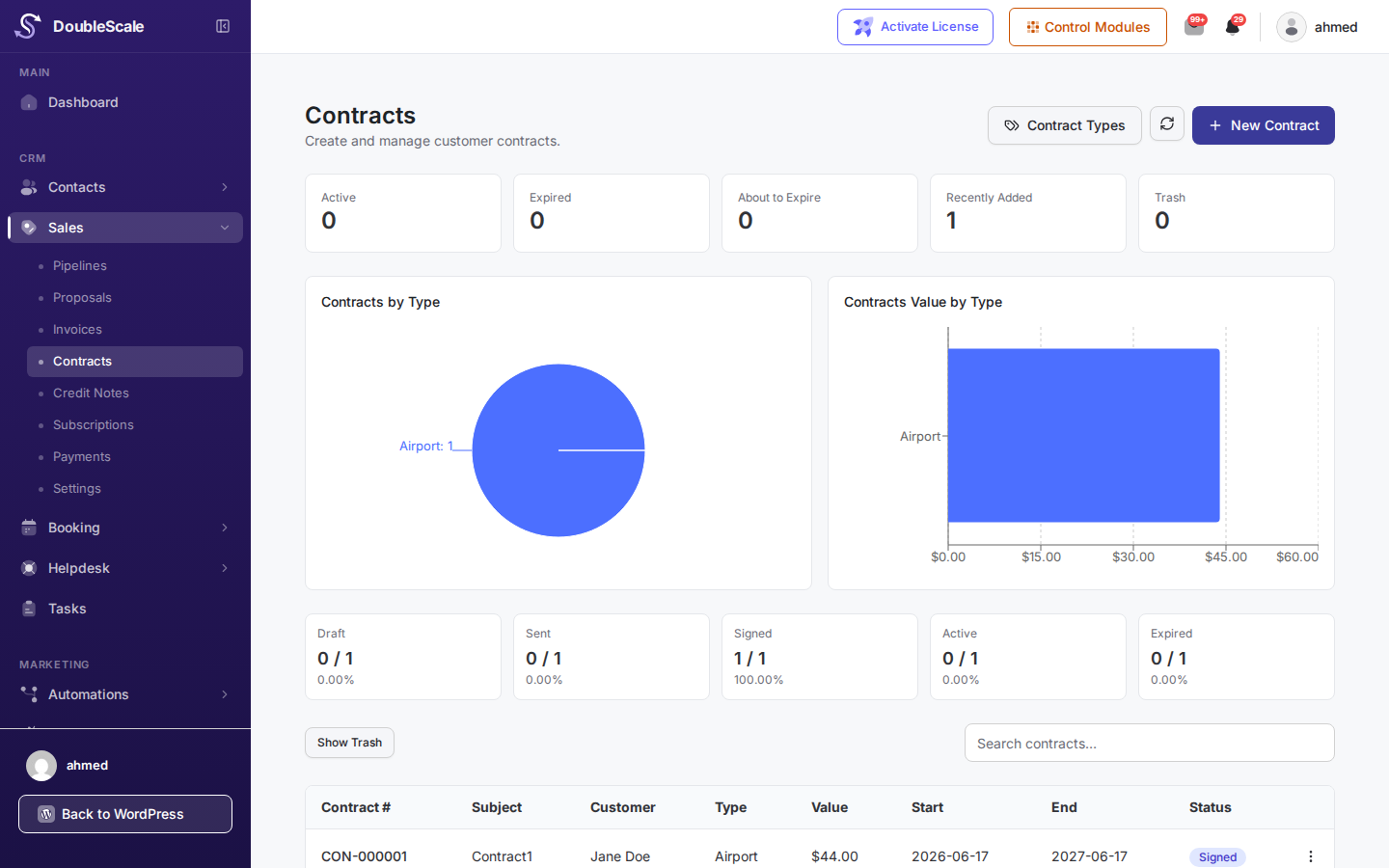
Contract types
Before creating contracts, define Contract Types under Sales -> Contract Types. Each type holds the template body, default terms, and optional attachments.
Create and send
- Go to Sales -> Contracts -> New Contract.
- Choose the contact and contract type.
- Review merged content and attachments.
- Send -> The customer receives a secure signing link.
Signing flow
On the public contract page the customer reads the agreement, signs it (typed or drawn signature depending on configuration), and submits it. Status updates to Signed, and a signed copy is stored on the record.
Automations
Triggers: Contract Sent and Contract Signed. Common uses include notifying account managers, creating tasks, or starting onboarding sequences.