


























Send a contract for e-signature using a contract type template. Available in DoubleScale Pro.
Prerequisite — Contract type
Create at least one Contract Type under Sales → Contract Types with template body, merge tags, and optional attachments.
Step 1 — New contract
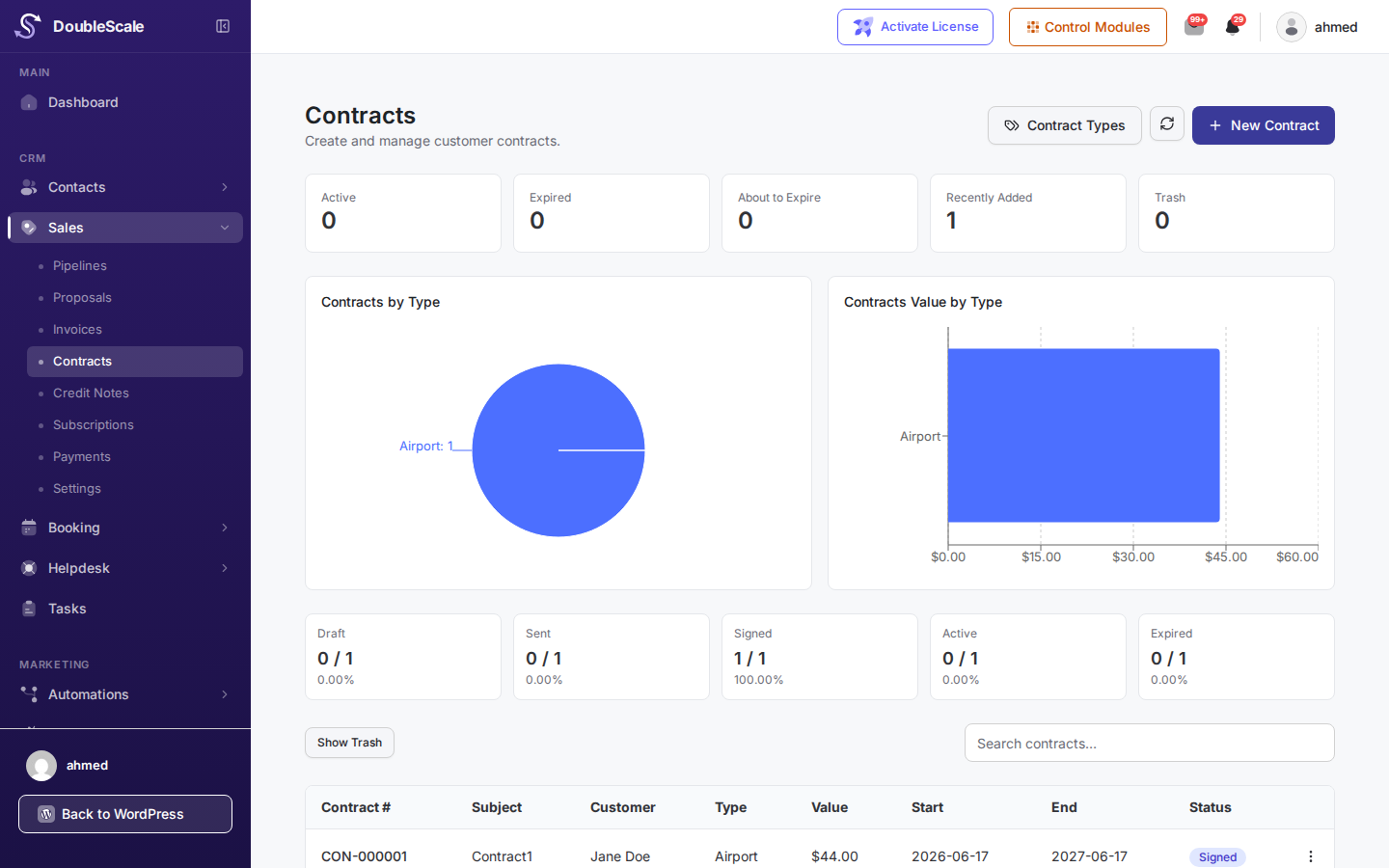
Go to Sales → Contracts → New Contract.
Step 2 — Contact & type
- Choose the contact who will sign.
- Select the contract type — content merges contact and document fields.
- Review the preview and attachments.
Step 3 — Send for signature
Click Send. The customer receives an email with a secure signing URL. When they sign, status updates to Signed and automations can fire.