


























Select multiple contacts using the checkboxes to perform bulk operations. The Bulk Actions dropdown appears when you select one or more contacts.
Available bulk actions:
- Add to List – Add selected contacts to one or more lists
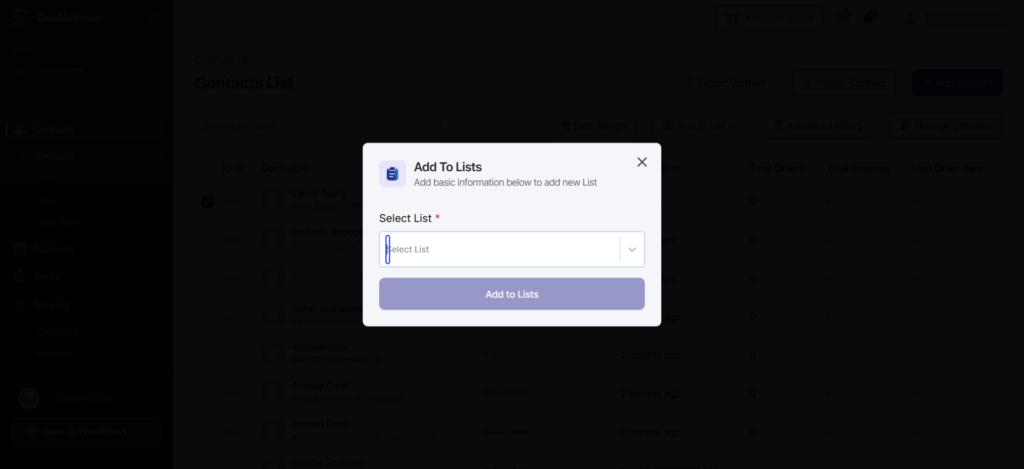
- Remove from List – Remove contacts from specified lists

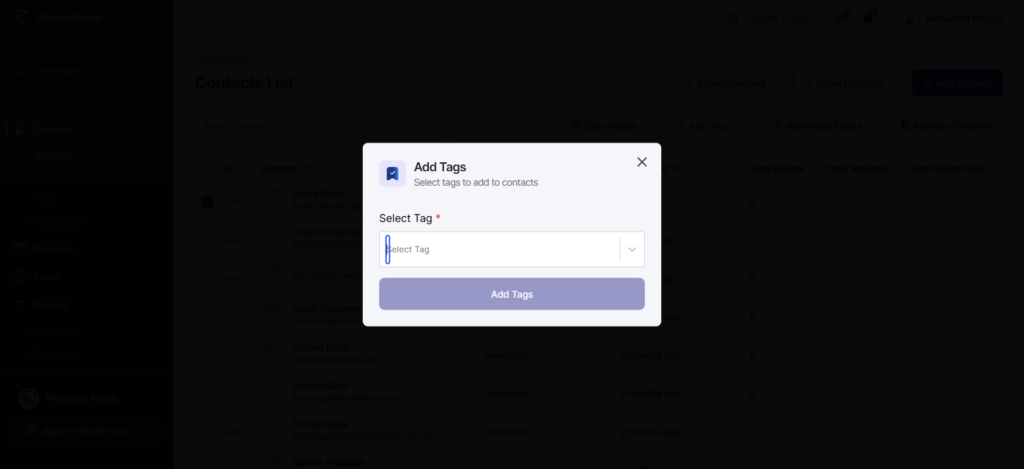
- Add Tags – Apply tags to multiple contacts at once
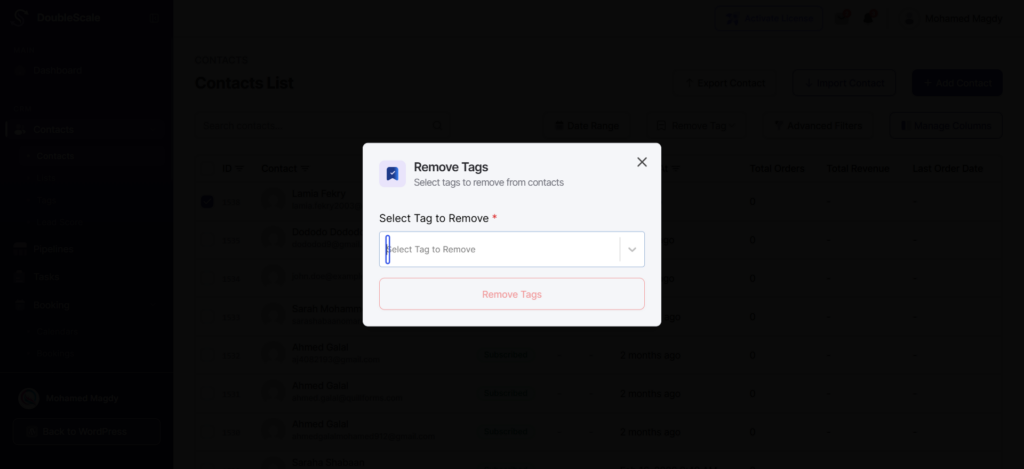
- Remove Tags – Remove tags from selected contacts
- Delete Contacts – Permanently remove contacts from your database
To perform bulk actions:
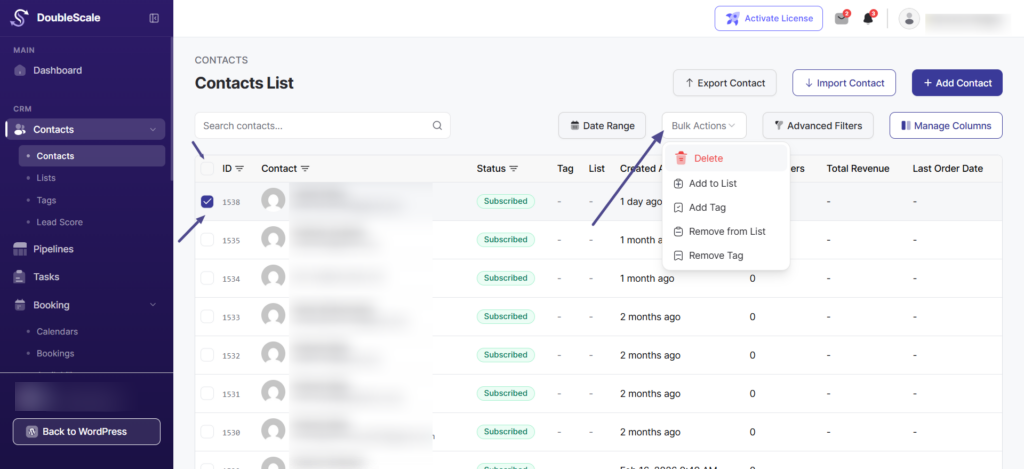
- Check the boxes next to the contacts you want to modify
- Select “All” checkbox in the header to select all visible contacts
- Choose the desired action from the “Bulk Actions” dropdown
- Click “Apply” or confirm your action