






















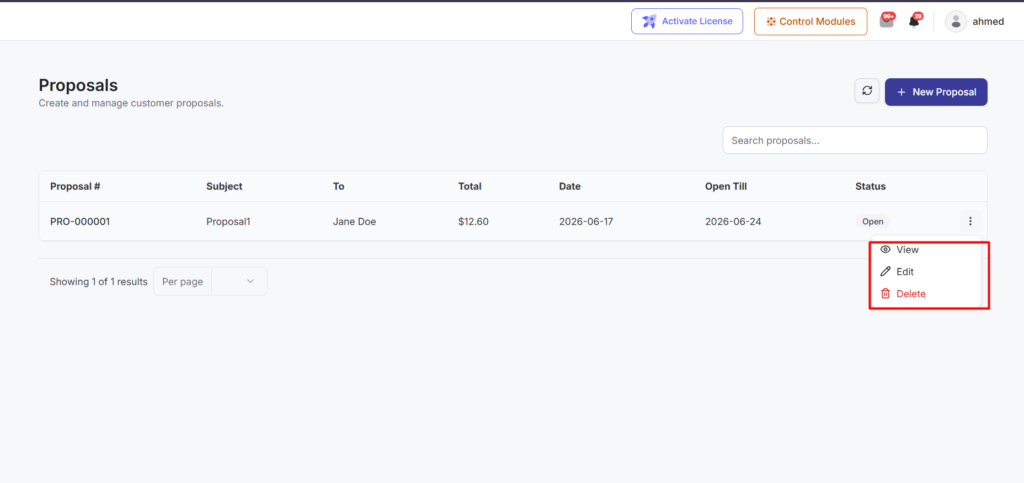
Proposals are branded quotes you send to contacts. Each proposal includes line items, taxes, totals, an expiry date (open till), and a secure public link the customer uses to review and accept or decline.
Create a proposal
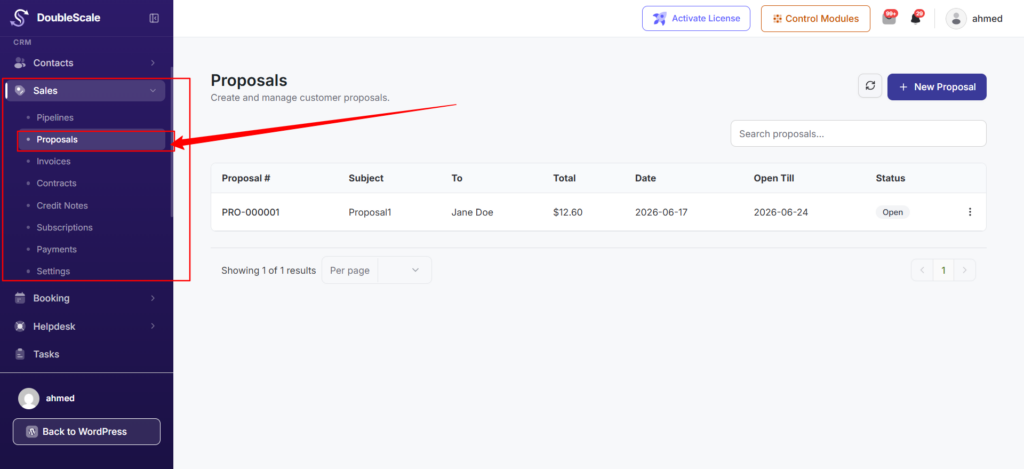
- Go to DoubleScale => Sales => Proposals.
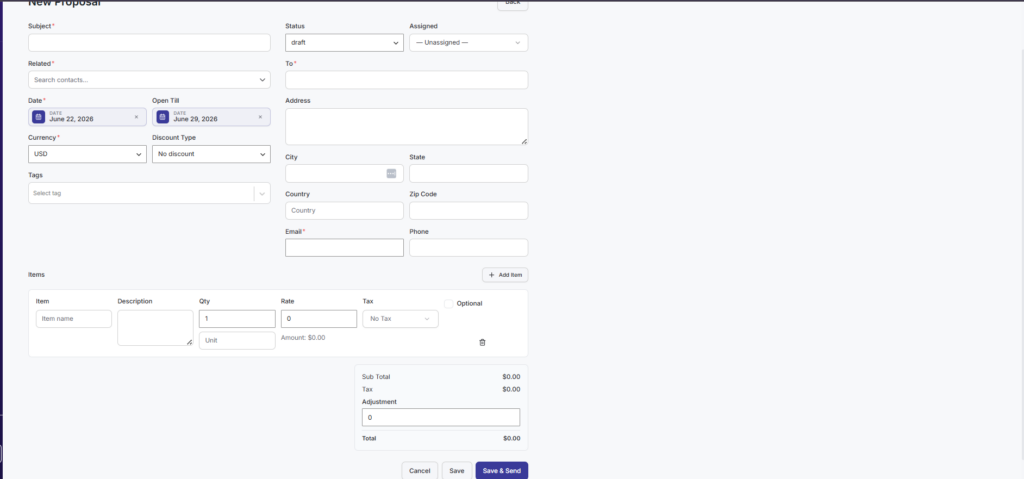
- Click New Proposal.
- Select the contact (and company fields if used).
- Add line items , description, quantity, unit price, and optional tax rate.
- Set the subject, open-till-date, and any notes.
- Save as draft or send immediately.
Send and track
When you send a proposal, DoubleScale emails the customer a link to the public proposal page. Status moves through Draft, Sent, Accepted, or Declined. Accepted and declined events appear on the contact activity timeline and can trigger automations.
Customer acceptance
On the public page the customer can accept or decline. If “Require signature when accepting proposals” is enabled under “Sales Settings,” they must sign before acceptance is recorded.
Convert to invoice
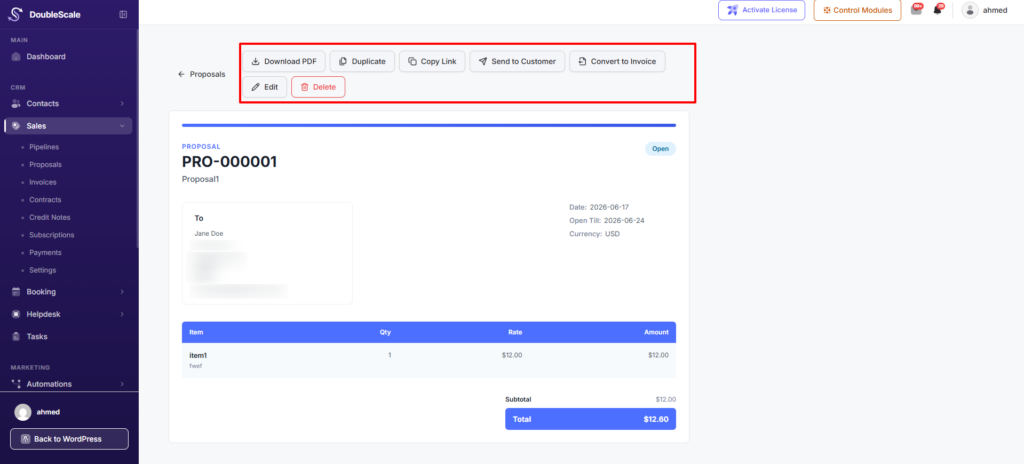
After a proposal is accepted, use Convert to Invoice to create an invoice with the same line items and contact. This is a one-click action from the proposal view (DoubleScale Pro required for invoices).
Automations
Available triggers include Proposal Sent, Proposal Accepted, Proposal Declined, and Proposal Converted to Invoice. Use these to notify your team, update tags, or start follow-up sequences.