



















DoubleScale Pro adds the paid features on top of the free plugin. You need the free DoubleScale plugin installed and active first: see Install DoubleScale (free).
1. Find your license key
Your license key is in the email you received after your purchase. You can also find it any time in your account:
- Log in at doublescale.io/my-account.
- Open Subscriptions. Your key is in the License Key column; click the copy button next to it.
2. Activate your license
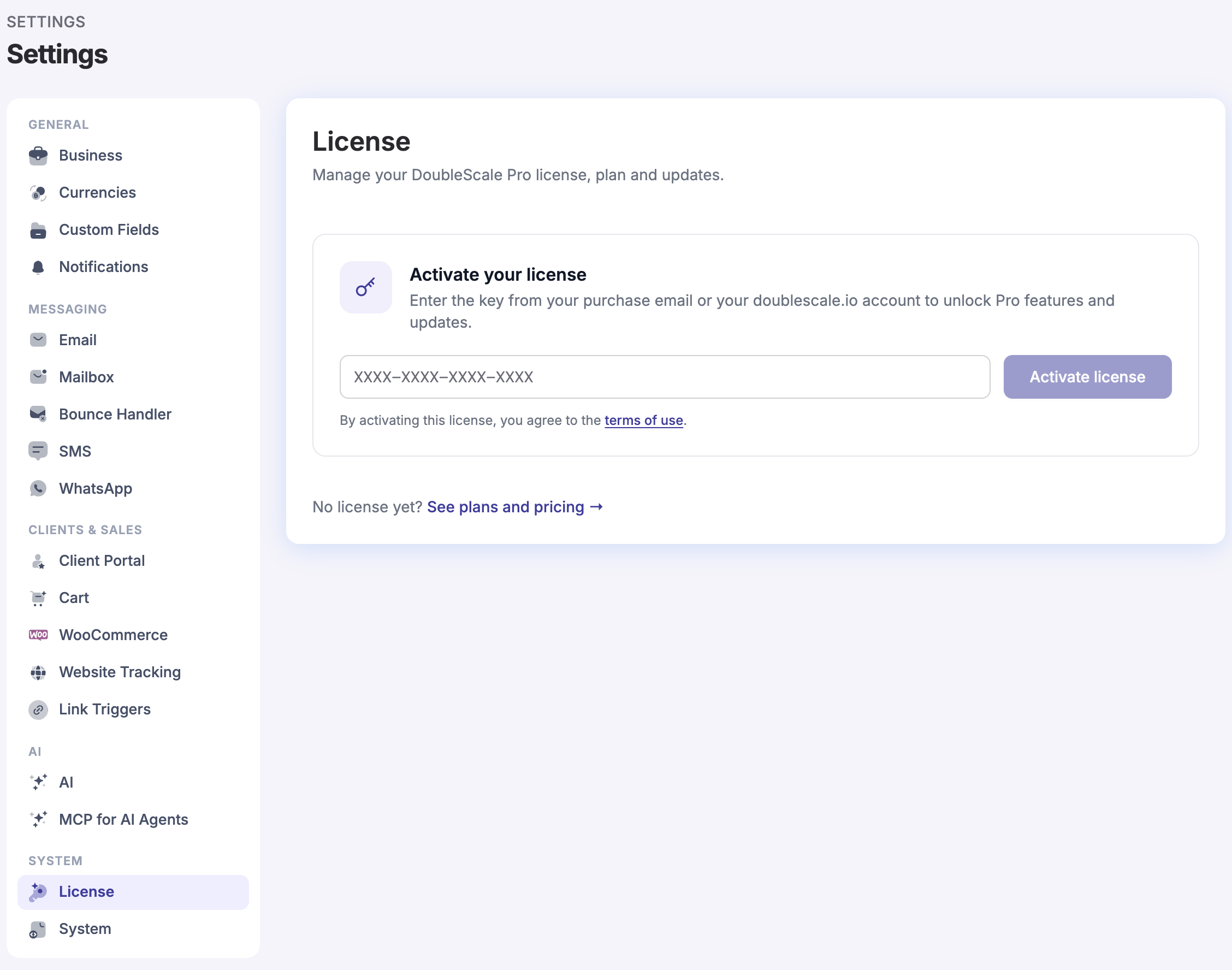
- In WordPress, go to DoubleScale → Settings and choose License (under System). You can also click Activate License at the top of any DoubleScale screen.
- Paste your key into the license key field.
- Click Activate license.
3. Install DoubleScale Pro in one click
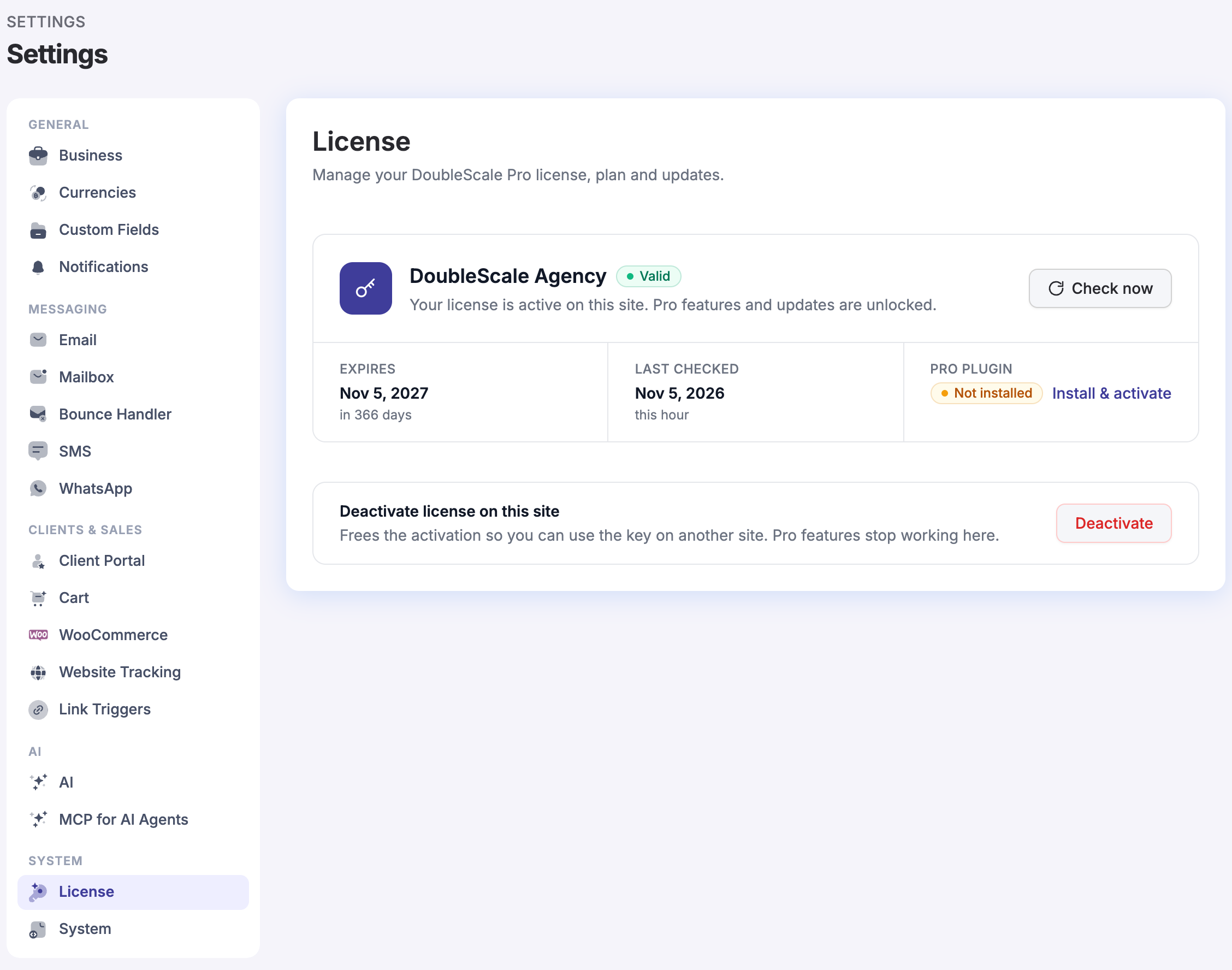
Once your license is active, the License page shows your plan, its status and when it expires. Under Pro plugin, click Install & activate. DoubleScale downloads Pro from doublescale.io and activates it for you.
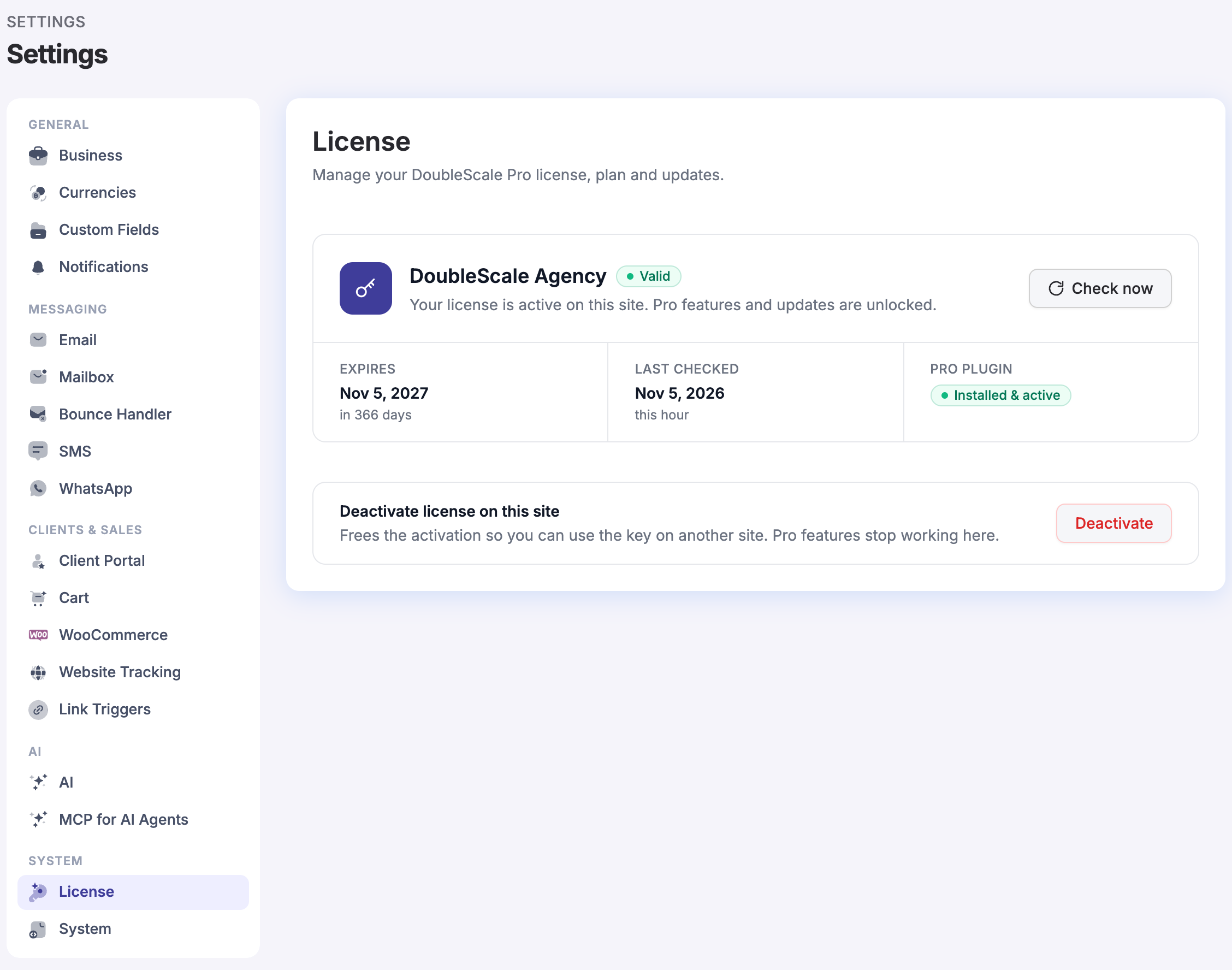
When it’s done, Pro plugin reads Installed & active and the Pro features are unlocked.
Or install DoubleScale Pro with a zip file
If the one-click install can’t reach doublescale.io (some hosts block outgoing downloads), upload Pro yourself:
- Log in at doublescale.io/my-account, open Downloads and download DoubleScale Pro.
- In WordPress, go to Plugins → Add New Plugin → Upload Plugin.
- Choose the zip file, click Install Now, then Activate Plugin.
- If you haven’t yet, activate your license in DoubleScale → Settings → License so Pro receives updates.
Add-ons
Add-ons included in your plan, such as Time Tracking, White Labeling and Zapier, are under Downloads in your account. Install each one with Plugins → Add New Plugin → Upload Plugin, the same way as the Pro zip.
Updates
With an active license, new versions of DoubleScale Pro appear in Dashboard → Updates like any other plugin. The free plugin updates from WordPress.org. Update both together so they stay in step.
Something not working?
- “This license is not valid”: check you copied the whole key, and that your license hasn’t expired. If the key is in use on another site, deactivate it there first (see License Management).
- Install & activate fails: your server may not be allowed to download files. Use the zip file steps above.
- No license yet? See plans and pricing.
Still stuck? Contact us and we’ll help.