



















DoubleScale is a free WordPress plugin from the WordPress.org plugin directory. Install it first: DoubleScale Pro and the add-ons work on top of it.
Before you start
- WordPress 5.8 or newer
- PHP 7.4 or newer
- A WordPress user who can install plugins (usually an Administrator)
Install from your WordPress dashboard
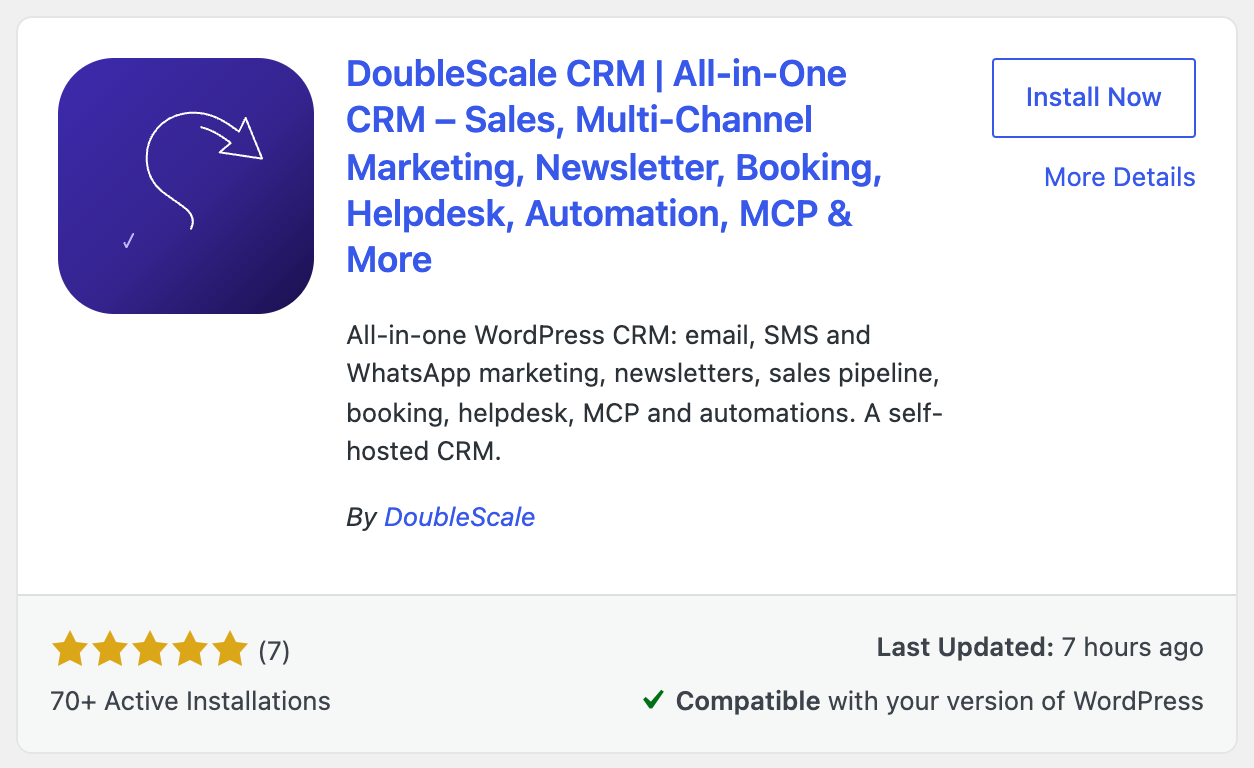
- In WordPress, go to Plugins → Add New Plugin.
- Type DoubleScale in the search box.
- Find DoubleScale CRM and click Install Now.
- When the button changes, click Activate.
Or install it with a zip file
Use this if your site can’t reach WordPress.org, or you’d rather upload the plugin yourself.
- Download the latest version from wordpress.org/plugins/doublescale.
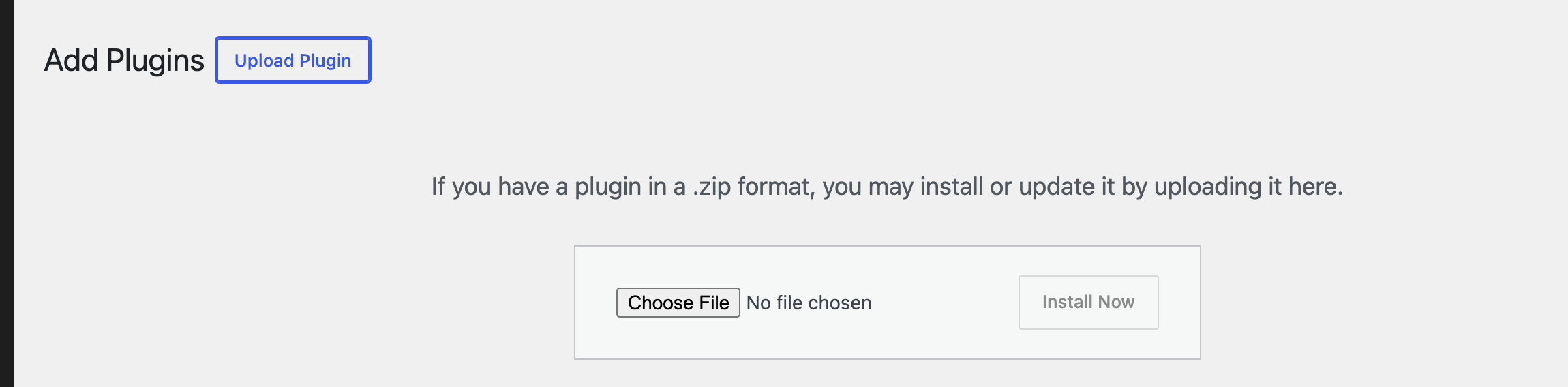
- In WordPress, go to Plugins → Add New Plugin and click Upload Plugin.
- Click Choose File, pick the zip file you downloaded, and click Install Now.
- Click Activate Plugin.
Check that it’s active
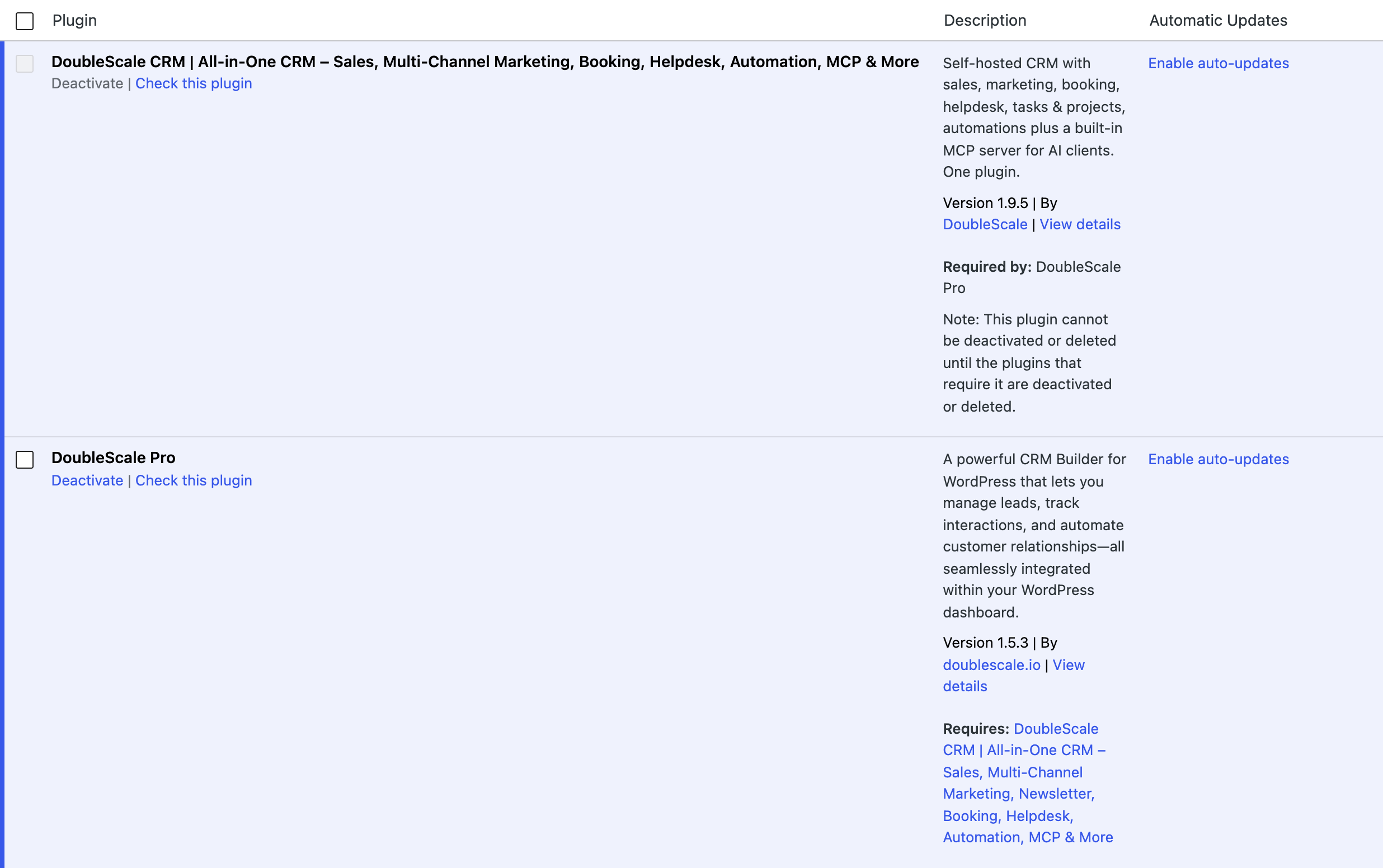
DoubleScale now appears in your Plugins list and in the WordPress admin menu. If you later add DoubleScale Pro, it shows next to it, and WordPress keeps DoubleScale active for as long as Pro needs it.
Set up your workspace
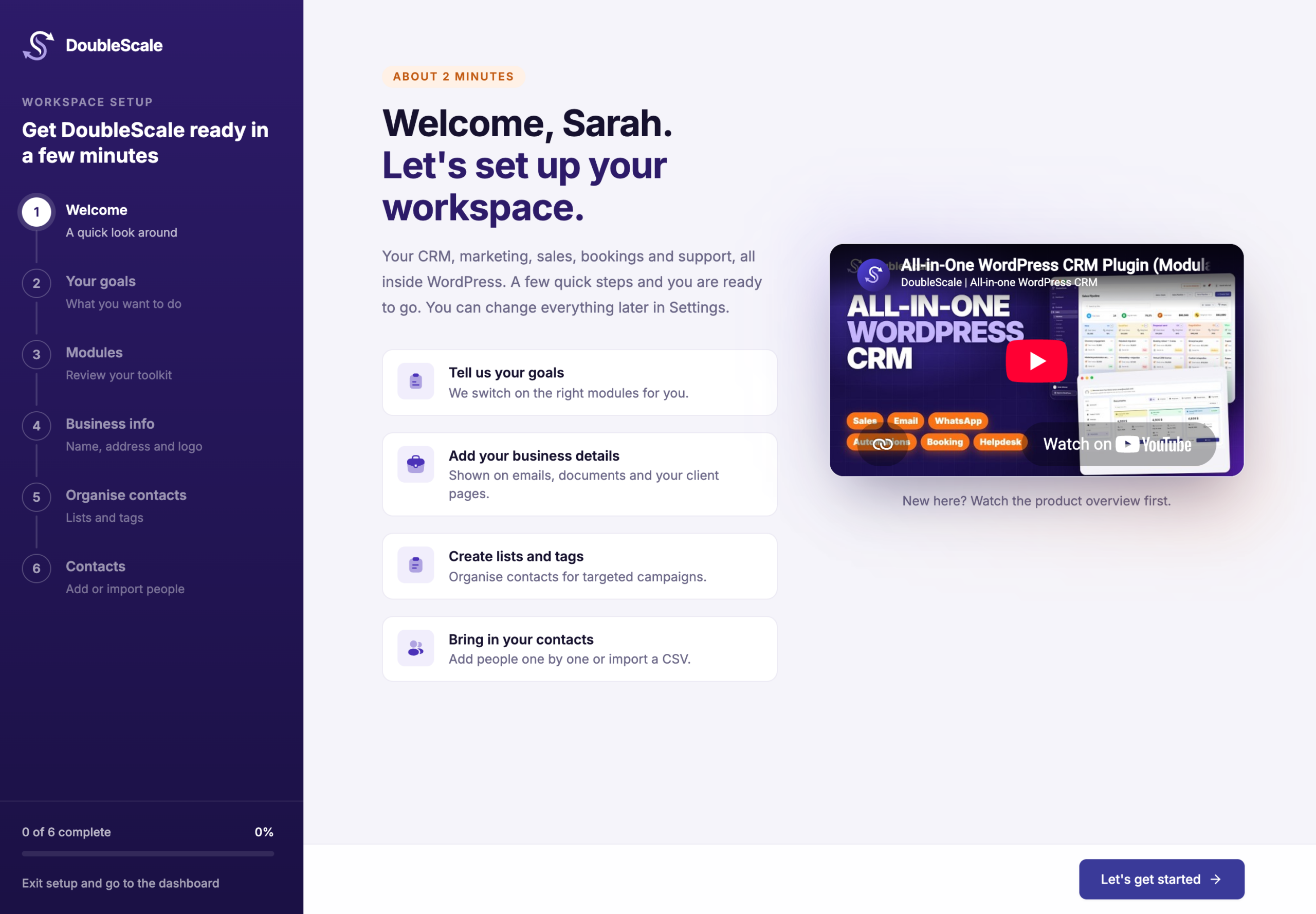
The first time you open DoubleScale, a short setup wizard helps you get ready. It takes about two minutes:
- Your goals: tell DoubleScale what you want to do, and it switches on the right modules for you.
- Modules: review your toolkit and switch modules on or off.
- Business info: your business name, address and logo, shown on emails, documents and your client pages.
- Organise contacts: create lists and tags for targeted campaigns.
- Contacts: add people one by one or import a CSV.
You can click Skip for now on any step, or Exit setup and go to the dashboard, and change everything later in DoubleScale → Settings.
What’s next
- Bought DoubleScale Pro? Install DoubleScale Pro and activate your license.
- Learn each module with the video tutorials.